



 Resources
 Feature overview

 browser
 2026-05-14 11:19
Nowadays, the device we spend the most time using every day is no longer the computer, but our smartphones. Mobile browser extensions are actually more likely to be overlooked than desktop extensions, and they are also more prone to security issues.
Especially in the past two years, more and more mobile browsers have started supporting extensions. For convenience, many users install ad blockers, translators, and autofill tools.
Next, let’s talk about the hidden risks of mobile browser extensions and how ordinary users can perform mobile browser extension detection.

1. Why Are Browser Extension Risks Harder to Prevent on Mobile?
Because mobile interfaces are smaller, prompts are fewer, and actions are faster, many people complete installation with just a couple of taps. Mobile devices also have several obvious issues:
1. Extension Permissions Are More Hidden
Many mobile browser extensions can directly access browsing history, Cookies, login sessions, and autofill information.
Desktop users can still inspect these permissions through developer tools or extension management pages, but many mobile browsers do not provide detailed permission displays at all.
2. Abnormal Behavior Is Easier to Ignore on Mobile
Problematic desktop browser extensions often cause lagging, pop-up ads, homepage hijacking, or abnormal CPU usage.
On mobile devices, however, extensions may silently upload data in the background, collect browsing behavior, record account login status, and build user profiles without users noticing anything unusual.
3. Weak Detection Capabilities on Mobile
On computers, users can install security software to scan browser extensions. Most mobile security apps, however, barely scan browser extensions at all.
Even more troublesome is that some extensions are not malicious themselves, but the remote scripts they call may later become compromised.
2. Common Risks of Mobile Browser Extensions
Account Information Leakage
Many people think extension risks are only about “pop-up ads,” but the real danger is privacy leakage.
Some extensions can access e-commerce accounts, social media login sessions, email Cookies, and autofill passwords.
In theory, this means they can obtain certain sensitive information, especially targeting cross-border e-commerce and independent site operators.
Browser Fingerprint Collection
• Nowadays, many extensions not only collect Cookies, but also perform browser fingerprint detection.
• Even without logging into an account, platforms may still identify you, and some extensions can further strengthen this fingerprint tracking capability.
This is why topics such as browser fingerprint detection, fingerprint uniqueness, and extension privacy risks are receiving more attention.
Injected Redirect Code
This is very common on mobile devices. Some extensions secretly modify webpages, hijack search results, replace affiliate links, or automatically redirect users to promotional pages.
This issue is especially common with third-party Android browser extensions.
3. How to Perform Mobile Browser Extension Detection?
Mobile devices can also be checked for extension risks. The following methods are practical and effective.
□ Check the Extension Source
Avoid randomly installing extensions from third-party forums, cracked versions, or unknown developers. “Enhanced editions” and “unlimited cracked plugins” usually carry very high risks.
It is best to choose official stores, GitHub open-source projects, and extensions with long-term update records.
□ Review Extension Permissions
Many users simply tap “Allow” during installation, but you should pay close attention to permissions involving browsing data access, webpage modification, and download management.
□ Access to All Website Data
If a simple translation extension requests permission to “read all browsing history,” that should immediately raise concerns.
□ Regular Browser Fingerprint Detection
Some extensions can significantly alter browser fingerprint characteristics, such as abnormal Canvas fingerprints, changed WebGL parameters, unusual font counts, or inconsistent UA information.
These changes may lead to account risk control, ad tracking, or stronger identity recognition, so regular browser fingerprint detection is recommended.
4. Why Are More People Using ToDetect?
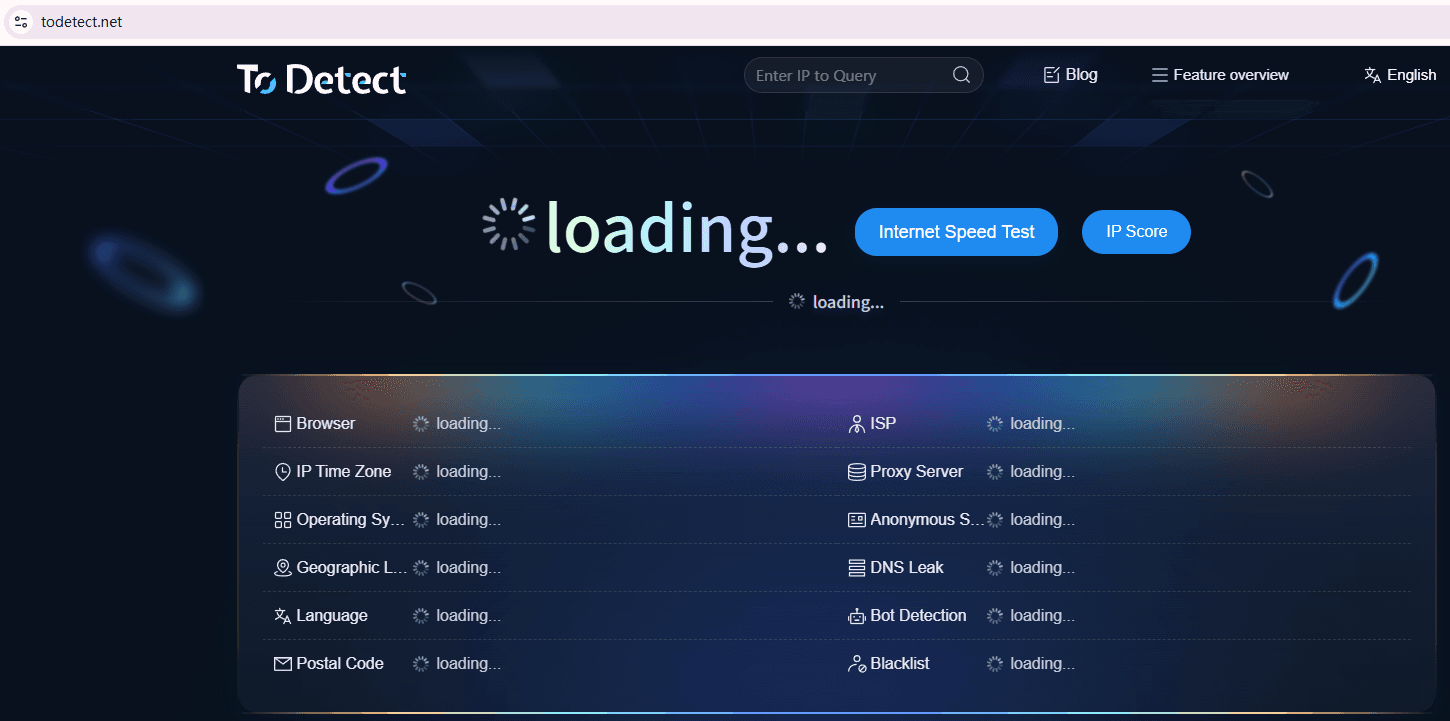
More and more people are now checking browser environment security, and one commonly used tool is ToDetect, which helps users analyze:
• Browser fingerprint detection
• Environment consistency checks
• Extension anomaly detection
• Fingerprint leakage risk analysis
Many users actually do not realize that some mobile browser extensions they installed have already changed their browser environment characteristics.
Especially for TikTok operations, Facebook advertising, Amazon stores, and multi-account management, browser environment risk control is a critical factor.
For many users, the biggest value lies in understanding exactly how much information their browser is exposing.
5. How to Improve Mobile Chrome Extension Security?
□ Don’t Install Too Many Extensions
Many people install over a dozen browser extensions on their phones, but the more extensions you install, the greater the risk becomes.
It is recommended to keep long-term extensions within 3–5 only.
□ Remove Unused Extensions Promptly
Many users never uninstall extensions after testing them.
However, some extensions continue running in the background, updating scripts, and collecting data even when unused, so regular cleanup is extremely important.
□ Avoid “All-in-One” Extensions
Extensions claiming to provide universal parsing, VIP cracking, automated purchasing, unlimited translation, or free proxy services generally carry much higher risks.
□ Regularly Check Browser Environment Security
If you frequently log into important accounts, it is recommended to regularly perform browser extension detection, browser fingerprint checks, and privacy leakage inspections.
Otherwise, you may only discover your environment has been compromised after account abnormalities, device risk control, or ad restrictions occur.
6. Common Questions About Browser Extension Detection
1. Can Mobile Browser Extensions Really Leak Privacy?
Yes. In many cases, users do not realize that extensions can read browsing records or account login states. Once malicious code exists, private data may be collected or uploaded.
2. How Can You Tell Whether a Mobile Chrome Extension Is Safe?
Focus on whether the extension comes from a trusted source, receives long-term updates, and requests excessive permissions. After installation, regular browser extension and fingerprint detection are also recommended.
3. What Is the Purpose of Browser Fingerprint Detection?
Browser fingerprint detection mainly checks whether your device environment exposes too much information. Platforms can identify users through fingerprints, which is why browser privacy security is becoming increasingly important.
4. Is ToDetect Suitable for Ordinary Users?
Yes. ToDetect is not only for technical professionals. Ordinary users can also use it to check browser fingerprints, extension anomalies, and environment exposure conditions.
Final Thoughts
The mobile browser ecosystem is becoming increasingly complex, and the risks of mobile browser extensions are often underestimated. So don’t focus only on desktop security—mobile environments deserve equal attention.
Especially for people involved in cross-border e-commerce, advertising, or multi-account operations, being more sensitive to environment security is extremely important.
By regularly performing browser extension detection and using tools like ToDetect to investigate environment risks, many privacy issues can actually be prevented in advance.
