



 Resources
 Feature overview

 Alani
Alani 2026-04-20 14:01
In the fields of cross-border e-commerce, social media operations, and affiliate marketing, many people encounter this question: Why can others manage multiple accounts on one machine stably, while their own accounts keep getting banned?
In recent years, platform risk control has become increasingly sophisticated, evolving from early IP identification to current browser fingerprinting detection, and then to behavior modeling. Preventing multi-account bans has become more complex and human-like.
Today, let's talk about how to avoid account bans when using a fingerprint browser for multiple accounts on one machine, and how to improve account survival rates. We'll focus on actionable tips you can implement right away.

1. First, understand: What exactly is the platform detecting?
Many people think that just changing an IP address will solve everything, but this approach is no longer sufficient. Today, the core risk control mechanism of platforms is "browser fingerprint detection." For example:
• Browser version, operating system
• Screen resolution, font list
• WebGL, Canvas fingerprint
• Timezone, language, geolocation
• Plugin information, hardware parameters
Combined, these pieces of information are as unique as a human fingerprint. If multiple accounts use the same or highly similar "browser fingerprint environments," even with different IPs, they are easily flagged as关联 accounts (related accounts).
2. What is the core function of a fingerprint browser?
Many people use fingerprint browsers just to "open windows," but their real value lies in creating isolated browser fingerprint environments.
A qualified fingerprint browser should:
• Provide an independent environment for each account (like a separate computer)
• Generate fingerprint parameters that are realistic and reasonable, not just random gibberish
• Simulate usage habits of different countries and devices
• Support deep binding with proxy IPs
Some tools on the market (such as ToDetect) are frequently mentioned precisely because they excel in "fingerprint consistency" and "environment isolation."
3. Key principles for preventing multi-account bans
1. Environment isolation must be "thorough," not superficial
A common mistake among beginners is thinking that opening multiple windows in one fingerprint browser is enough. That is far from sufficient. The correct approach:
• Create a separate fingerprint browser environment for each account
• Do not reuse the same set of fingerprint parameters
• Do not frequently clone environments (this leaves similar traces)
In a nutshell: Better to create more environments than to reuse them to save effort.
2. IP must match the fingerprint
For example, if you set up a US environment but your IP is from Southeast Asia, this "geographic inconsistency" easily triggers platform risk control. Recommendations:
• Use stable residential IPs or high-quality proxies
• Ensure IP region, timezone, and language are consistent
• Bind one account to one IP long-term, avoid frequent switching
In other words: Residential IP + fingerprint browser environment used together is currently a relatively safe combination.
3. Actions should mimic a "real person"
Platforms not only detect devices but also monitor behavioral patterns. Common ban-triggering actions include:
• Frequently adding friends or posting ads right after registration
• A large number of actions in a short time (obvious bot behavior)
• Identical action rhythms across accounts
Correct approach: First "warm up" new accounts (browse, like, stay on pages), simulate normal user routines (not online 24/7). Different accounts should have different action rhythms. Remember: You're not "using a tool"; you're "acting like a real user."
4. Do not "over-disguise" browser fingerprints
Some people go to extremes with fingerprint modifications, such as: niche operating systems + strange resolutions, uncommon browser combinations, unreasonable hardware parameters. The correct mindset is: Realistic > Random > Strange.
It is recommended to prioritize:
• Mainstream operating systems (Windows / Mac)
• Common browser versions (Chrome mainly)
• Normal resolution combinations
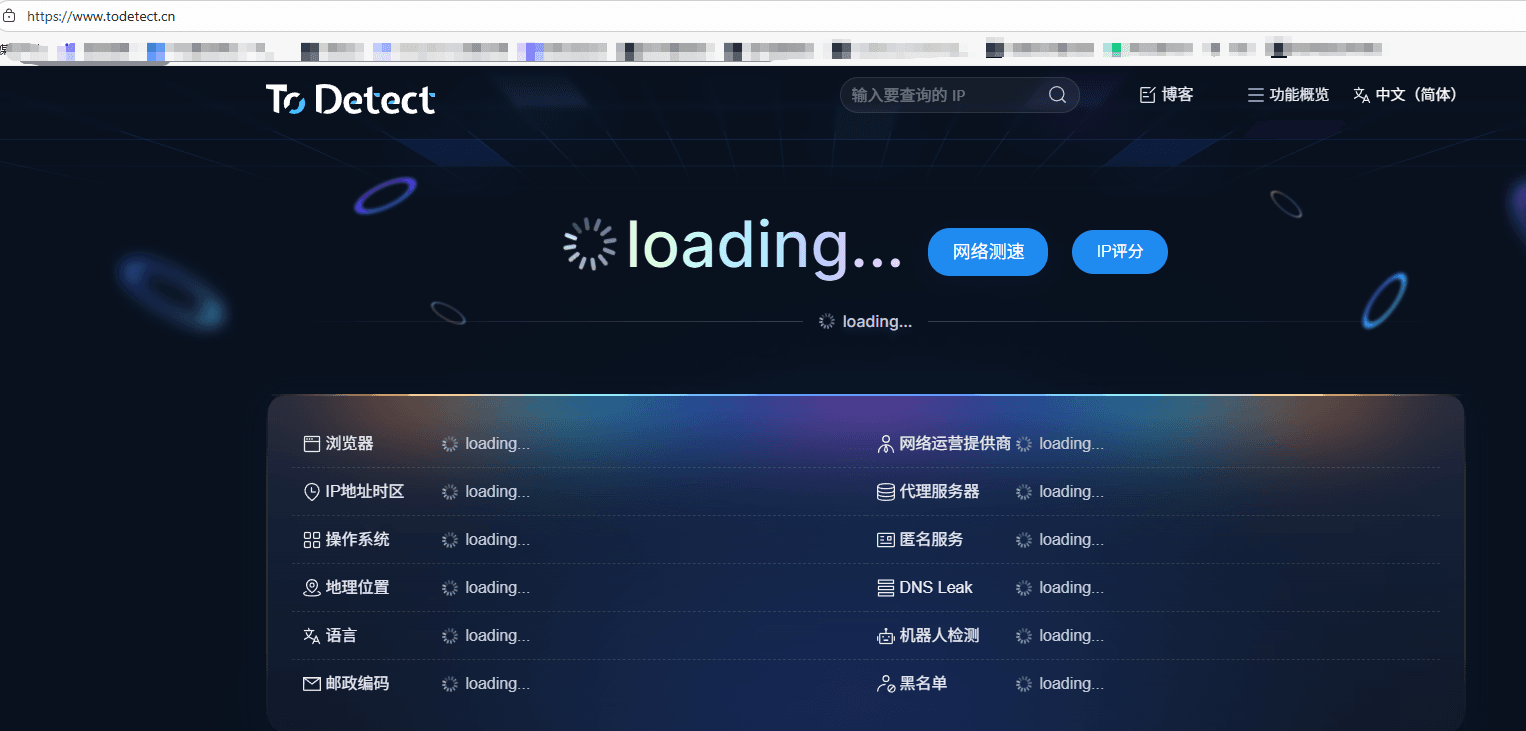
For example, tools like ToDetect help generate fingerprints that are more "human-like" rather than simply random.
5. Keep cookies and login environments stable
Many bans are not due to registration issues but excessive changes in the login environment. Note:
• Try to log in from a fixed device (same fingerprint environment)
• Do not frequently clear cookies and log in again
• Avoid multiple accounts logging into the same environment interchangeably
In short: Make the platform think you've been using the same computer all along.
4. Advanced tips: details to improve multi-account survival rate
If you've already mastered the basics, here are further optimizations you can try:
□ Implement account tiered management
• New accounts: focus on warming up
• Mature accounts: normal use
• Core accounts: strictly protect
Do not apply the same strategy to all accounts.
□ Control registration pace
Do not register dozens of accounts in a single day. Register in batches, leaving time intervals between batches. This is another key detail in "preventing multi-account bans."
□ Trinity: Environment + IP + Behavior
Truly stable accounts result from the synergy of these three: fingerprint browser environment (device) + IP (network) + behavior (usage patterns). If any one of them has issues, the account survival rate will be affected.
Conclusion: Managing multiple accounts on one machine is not hard; the difficulty lies in the details
Those who truly succeed in stably operating multiple accounts often do not rely on overly complex tools, but rather handle every aspect in a more "human-like" manner.
If you are still troubled by account bans, take the time to re-evaluate your current fingerprint browser, multi-account anti-ban strategies, and usage habits. Many problems are not unsolvable; they just stem from overlooked details.
Build a solid foundation, then gradually refine the details. You will find your accounts become more durable over time. That is the true state that "multiple accounts on one machine" should achieve.
