



 Resources
 Feature overview

 Alani
Alani 2026-06-01 11:30
Many people have had a similar experience: after spending months nurturing a social media account, they suddenly encounter an abnormal verification prompt when logging in. Even more frustrating, some users find that a newly registered account is flagged by the platform for "risky behavior" shortly after creation.
Many beginners assume they must have violated a platform rule. However, after working in this field for a while, you'll realize that many account bans have little to do with content and everything to do with the "environment."
If you've recently experienced frequent account verification issues, declining ad account stability, or severe multi-account association problems, this article is worth reading carefully.

1. Why Are Cross-Border Accounts So Easily Suspended?
Many people believe accounts are banned because of "content issues," but the reality is that platform risk-control systems increasingly rely on device fingerprint recognition.
Simply put, every time you log into an account, the platform collects a large amount of information. When combined, this data forms what is known as a Browser Fingerprint.
Even if you change your IP address, if the fingerprint is too similar or multiple accounts share the same environment, the platform can still identify bulk operations.
This is also one of the main reasons why cross-border sellers frequently run into problems when managing account matrices or advertising accounts.
2. What Problems Does a Fingerprint Browser Actually Solve?
A fingerprint browser is a tool that helps you appear as if you're using different computers. Its core purpose is not to "hide" you, but to provide each account with a completely independent browser environment.
Each environment simulates different device parameters, including an independent browser fingerprint, separate cache and cookies, dedicated IP binding (usually paired with a proxy), isolated plugin environments, and unique system parameters.
As a result, the platform sees multiple different users instead of one person operating accounts in bulk. This has become one of the mainstream solutions for reducing account suspension risks.
3. Building a Fingerprint Browser Environment (Key Focus)
Many people buy the tool but still get banned because they don't know how to build the environment properly.
1. Prepare Stable Proxy IPs
Residential IPs or static residential IPs are recommended. Avoid free VPNs or data center IPs. IP quality directly affects account survival rates and serves as the foundation of everything else.
2. Create Independent Browser Environments
Each account should correspond to a separate profile: one account = one browser environment. Never mix multiple accounts in the same environment. It's also best to name environments according to business needs (e.g., US-Ads01, TikTok-02).
3. Configure Basic Fingerprint Parameters
Key settings include timezone (matching the target country), language (such as en-US), User-Agent (keep it realistic), Canvas/WebGL (randomized but stable), and font libraries (avoid overly simplified configurations).
4. Bind Accounts to Environments
One environment should be permanently assigned to one account. Avoid frequent switching. Many accounts are flagged because Account A uses a specific IP and environment today, while Account B uses the same combination tomorrow.
4. Practical Fingerprint Browser Strategies
1. From One Device to Multiple Independent Devices
Without a fingerprint browser, most people operate multiple accounts on the same computer and switch accounts in the same browser. While the IP may occasionally change, the device environment remains identical.
To platforms, this looks exactly like bulk account operation. After setting up fingerprint browser environments, each account appears as:
A different device model, different browser fingerprint parameters, different operating system characteristics, and separate cache/data storage. Instead of one person managing many accounts, it looks like many independent users.
2. From Shared Environments to Independent Digital Identities
Looking deeper, fingerprint browsers help establish digital identity isolation.
Each browser environment is essentially a separate identity: cookies are not shared, LocalStorage is isolated, browser fingerprints differ, and login behaviors are not linked together.
This prevents hidden account associations. In many cases, accounts are suspended not because of individual issues but because multiple accounts are recognized as belonging to the same group.
3. Use Browser Fingerprint Detection Tools for Optimization
In practice, browser fingerprint detection tools such as ToDetect can be used for validation.
The typical process is to create an environment using a fingerprint browser, configure proxy IPs and basic settings, then use ToDetect to analyze exposure levels and adjust Canvas, WebGL, timezone, and other parameters based on the results.
4. The Goal Is Not Hiding, but Risk Distribution
Many people misunderstand the purpose of fingerprint browsers and assume they are designed to hide identities.
A more accurate explanation is that fingerprint browsers isolate environments, turning concentrated risks into distributed risks.
5. The Role of ToDetect in Risk-Control Analysis
Before optimizing an environment, many users first use ToDetect to assess potential risks.
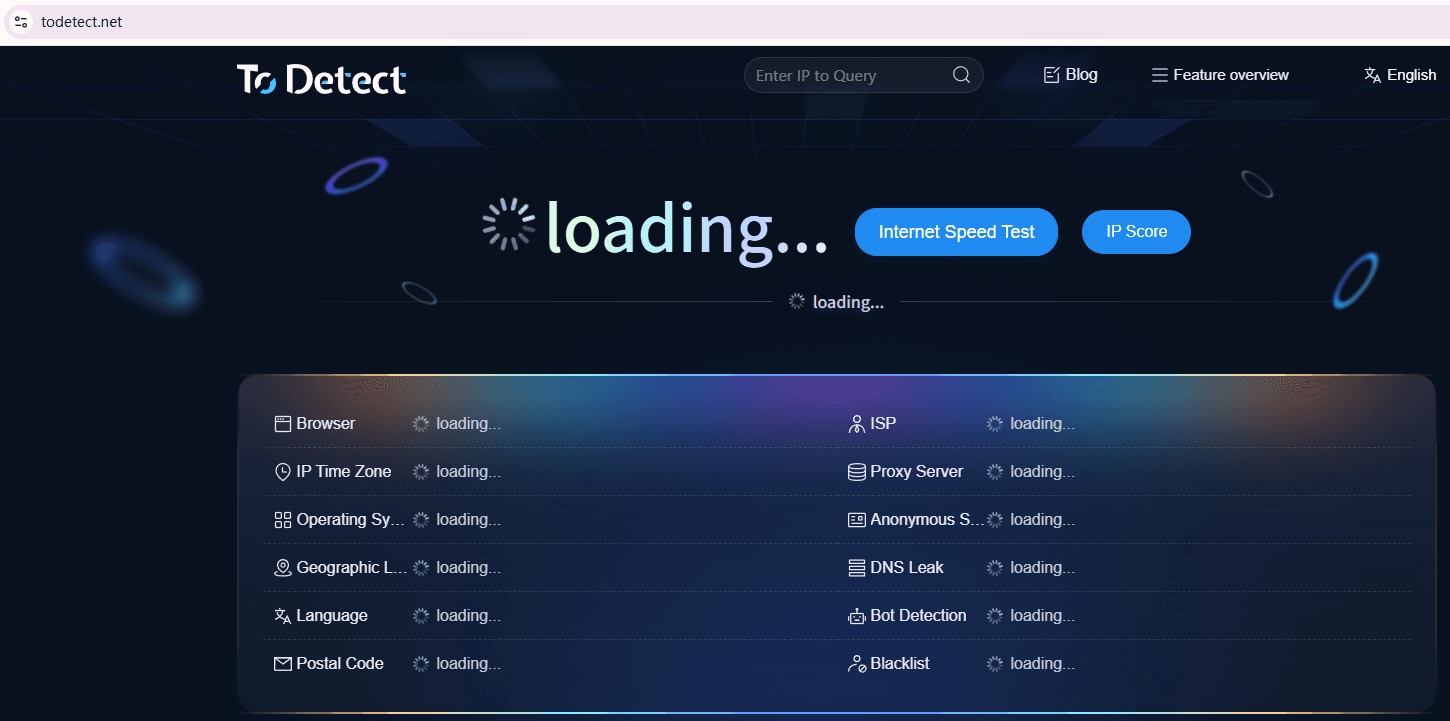
It can evaluate browser fingerprint exposure, determine whether environments are excessively similar, simulate platform risk-control perspectives, and provide fingerprint risk scores.
After configuring an environment, you can use ToDetect to check whether Canvas values are overly uniform, whether WebRTC exposes your real IP address, and whether obvious virtual machine characteristics exist.
If the detection results reveal abnormalities, your fingerprint browser environment may still require further optimization.
6. Fingerprint Browser Detection FAQ
1. Why Are Accounts Still Suspended Even with Proxy IPs?
Because platforms no longer rely solely on IP checks. Browser fingerprint detection and environment associations have become major risk factors.
2. Does a Fingerprint Browser Guarantee That Accounts Will Never Be Suspended?
No. It cannot guarantee immunity from suspension, but it can significantly reduce account association and risk-control triggers.
3. Can One Fingerprint Browser Manage Multiple Cross-Border Accounts?
Yes, provided that each account uses its own independent browser environment and IP address.
4. Is a Browser Fingerprint Detection Tool Like ToDetect Necessary?
Yes. It helps identify environmental issues in advance, preventing risk-control triggers after accounts go live.
Conclusion: Stability Comes from Environmental Thinking
In the past, success was measured by the number of accounts you could create. Today, success depends on environmental stability. To improve account survival rates, you need a fingerprint browser, independent environments, stable proxies, and reasonable operating practices.
If your accounts keep getting suspended for seemingly no reason, try changing your perspective. Instead of focusing only on the accounts themselves, examine your browser environment—the real issue may have been hiding there all along.
