


 Resources
 Feature overview
Best Antidetect Browsers 2026: IP & Leak Protection Guide
 Alani
Alani 2026-03-23 09:06


In today's fast-growing cross-border e-commerce, social media marketing, and automated operations, antidetect browsers have evolved from niche tools to essential setups. Especially in 2026, with stricter platform risk control, a stable, secure, and controllable browser environment can directly affect your accounts' "survival."
However, challenges remain: there are many antidetect browsers on the market, but which one is truly worth using? How can you tell if your browser environment is "clean"? And how do you prevent IP leaks, DNS leaks, and other privacy risks?
This article will take you through a detailed guide to help you set up a safer and more stable account environment.

一. What is an Antidetect Browser and Why It Matters in 2026?
Antidetect browsers work by simulating different device environments (such as OS, resolution, Canvas, WebGL, time zone, etc.) to create a unique "browser fingerprint" for each account.
Simply put:
👉 Make each account appear as if it's coming from a unique real device.
In 2026, platform risk control systems analyze not just IPs, but also:
• Browser fingerprints
• IP quality
• DNS resolution paths
• WebRTC leaks
• Behavioral patterns
If these data points don’t match, accounts are easily flagged as suspicious.
二. Top Antidetect Browsers in 2026
Here are some of the mainstream browsers with strong user feedback:
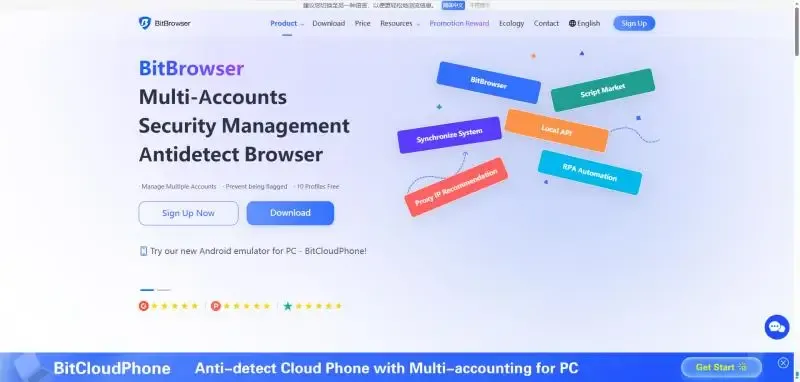
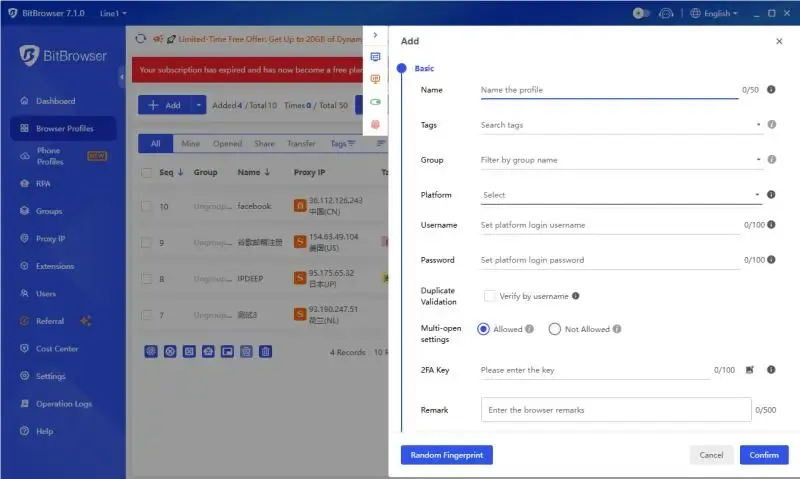
1. BitBrowser
• Free for 10 browser profiles
• Supports bulk account management
• Strong team collaboration features
• Popular among domestic users, easy to use
Best for: Cross-border e-commerce, social media matrices, team operations
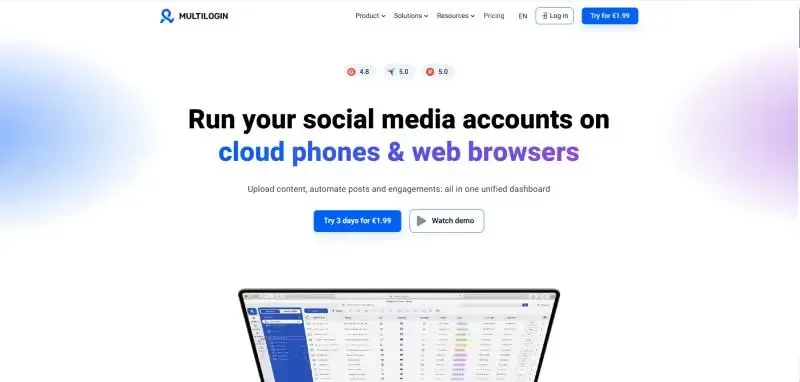
2. Multilogin
• Industry veteran
• High fingerprint simulation accuracy
Drawback: Higher cost
Best for: Enterprise users
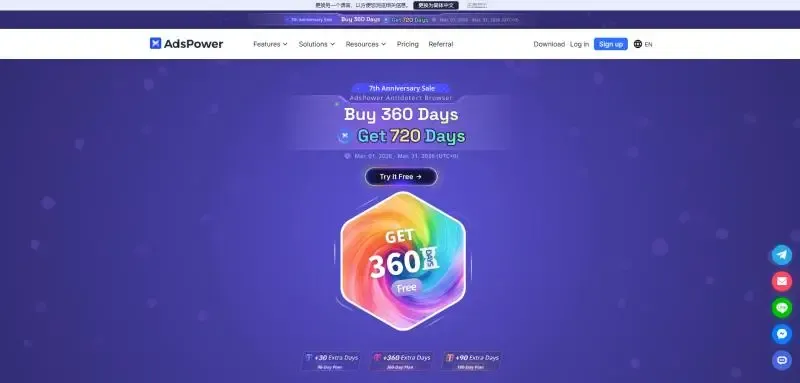
3. AdsPower
• Lower cost
• Detailed fingerprint isolation
• Supports bulk account management
Best for: E-commerce sellers, social media matrices
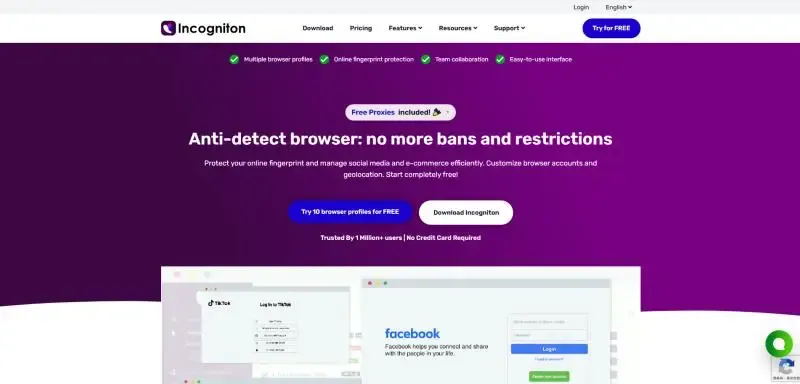
4. Incogniton
• Free version available
• Basic features included
Best for: Beginners or budget-limited users
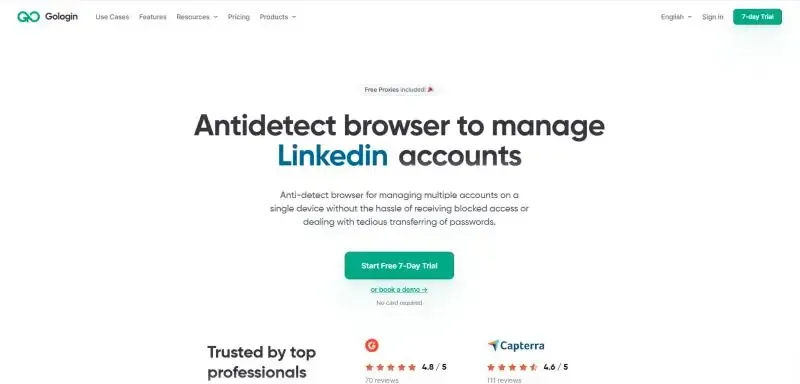
5. GoLogin
• Cloud-based fingerprint sync
• Mature browser environment simulation
Best for: Users needing high anonymity
三. Why More Users Choose BitBrowser
Compared to some older foreign tools, BitBrowser emphasizes practicality:
1. High multi-account management efficiency
Supports bulk browser profile creation and group account management, ideal for large-scale operations.
2. Cost-effective
Balances price and features better than some high-cost tools, suitable for small to medium teams.
3. Friendly for domestic users
Clear interface and low learning curve, easy for beginners to set up environments quickly.
4. Stable fingerprint isolation
When paired with proper IPs, overall stability is strong in real use.
四. Why You Must Combine IP Checks with Antidetect Browsers
Many assume an antidetect browser alone guarantees safety—but it doesn’t. The browser is just the "shell"; the IP is the "identity."
Accounts may still be flagged if:
• Using polluted proxy IPs
• DNS inconsistency (e.g., IP in the UK but DNS in Asia)
• Network latency anomalies (detected as proxy)
• WebRTC leaks real IP
These issues aren’t visible to the naked eye and require a full environment check.
Key checks include:
1. IP quality check
Confirm whether the IP is residential and not polluted.
2. DNS leak check
Ensure the resolution path matches the IP.
3. WebRTC check
Prevent real IP exposure.
4. Network speed test
Ensure stable connection to avoid triggering risk control.
五. Recommended Tool: ToDetect (Essential for Environment Checks)
For fast and efficient environment checks, we recommend ToDetect.
ToDetect is an online browser fingerprint detection tool, no download required, supporting:
• DNS leak analysis
• Network speed test
• WebRTC check
• Canvas and other checks
Generate a complete environment report with one click, helping users quickly identify risks. This step is crucial for BitBrowser or any antidetect browser users.
六. Practical Tips (Boost Account Survival)
Recommended setup based on experience:
• Antidetect browser: BitBrowser
• IP type: Static residential IP (preferably US)
• Strategy: One account, one IP, one environment
• Process: Check environment first, then log in
Also keep in mind:
• Avoid frequently changing IPs
• Do not share the same IP among multiple accounts
• Perform regular environment checks
七. FAQ
1. Can antidetect browsers fully prevent account bans?
No. They reduce risk but do not guarantee immunity. Poor IP quality or inconsistent environments may still result in bans.
2. Can one IP be used for multiple accounts?
Not recommended. The safest approach is one account, one IP, one environment.
3. Does DNS leakage really matter?
Yes. If your IP shows as US but DNS resolves elsewhere, it can easily trigger platform risk controls.
4. How is ToDetect different from ordinary checkers?
ToDetect specializes in account environment detection, checking not only IPs but also:
• DNS consistency
• WebRTC leaks
• Network stability
Ideal for antidetect browser users.
八. Conclusion
In 2026, account security is no longer solved by a single tool but requires a full system:
👉 Antidetect browser + High-quality IP + Environment checks
All three are essential. BitBrowser handles environment isolation, while ToDetect uncovers hidden risks. To stabilize your accounts, start optimizing with environment checks.
 AD
AD


