


 Resources
 Feature overview
The Ultimate Guide to the 8 Best Fingerprint Detection Tools in 2026
 browser
 2025-12-09 09:54


Every time we go online, we leave behind digital footprints—including browsing history, cookies, and online interaction data. While many users attempt to manage their online privacy by clearing cookies or using a VPN, these methods alone are not sufficient to protect them.
Nowadays, websites have adopted more advanced tracking technologies, such as digital fingerprinting, which identifies users based on unique device parameters. Unlike cookies, digital fingerprints are far more difficult to erase, as they primarily rely on hardware and software characteristics.
This article will highlight 8 of the best fingerprint detection tools popular on the market, hoping to be helpful to you.
What is a Fingerprint Detection Tool?
A fingerprint detection tool is a utility that reveals the unique digital fingerprints left by browsers and devices. These tools help users understand how they are being tracked and whether their browser configurations make them identifiable online.
When we visit a website, the browser automatically shares its configuration information, such as installed fonts, plugins, screen resolution, and system settings. Fingerprint detection tools collect this information and compare it with the configurations of other users to determine the uniqueness of your settings.
What Can Fingerprint Detection Identify?
Fingerprint detection can identify:
1. Device and System Information
It can detect:
Operating system (Windows, macOS, Android, iOS)
System version number
Device type (desktop/mobile/tablet)
CPU core count
Memory size
Battery status
Whether a virtual machine/sandbox environment is enabled (detectable by some websites)
Whether automation tools are used (Selenium, Puppeteer, etc.)
2. Browser Information (Core Fingerprint Parameters)
Websites can detect:
Browser type (Chrome/Firefox/Edge...)
Browser version number
User-Agent
Language and time zone
Screen resolution
Fonts used
Browser plugin list
WebGL parameters (graphics card model, renderer)
Canvas fingerprint (drawing differences)
Audio fingerprint (audio processing differences)
WebRTC IP leakage (local IP / public IP)
3. Network Connection Information
It can detect:
IP address (real/proxy)
IP geographic location (country, city, ISP)
DNS leakage information
Proxy type (Residential / Datacenter / Mobile)
Consistency of VPN/proxy usage
Consistency between browser time zone and IP time zone
Local network segment leaked by WebRTC
Top 8 Best Fingerprint Detection Tools
There are many browser fingerprint detection tools available on the market, which users can use to analyze their browser fingerprints. Below are the top 8 tools:
1.ToDetect - Comprehensive Online Fingerprint Analysis, the Best Choice for Privacy Detection

ToDetect is one of the most advanced and comprehensive browser fingerprint testing tools available today. No installation is required, and it parses detailed UserAgent information (browser version/system/device/IP) in real time, suitable for anti-detection testing and anti-tracking checks.
Key Features:
Multi-dimensional Fingerprint Detection —— In-depth analysis of browser fingerprints, including up to 50+ parameters such as Canvas, WebGL, Audio, Fonts, ports, User-Agent, TimeZone, language, plugins, and device information.
IP and Environment Consistency Detection —— Automatically identifies IP type (Residential/Mobile/Datacenter), country of origin, DNS leakage, WebRTC leakage, and the matching degree between fingerprints and IPs.
Anti-association Risk Assessment —— Detects risks of multi-account usage such as duplicate browser fingerprints, environment conflicts, inconsistent proxies, and abnormal behavioral characteristics.
Anti-detection Browser Compatibility Testing —— Checks whether your configurations in anti-detection browsers like Bitbrowser, GoLogin, AdsPower, and BirBrowser are truly effective.
Real-time Scanning and Instant Reporting —— One-click scanning of the browser environment generates a detailed fingerprint risk report immediately, allowing users to quickly know if they are "safe".
Seamless Proxy Compatibility —— Supports testing of residential proxies, mobile proxies, and datacenter proxies, automatically evaluating proxy quality and risk control risks.
No Registration Required, Free to Use —— Test immediately upon access, complete fingerprint scanning and IP risk analysis without logging in.
Clear Visual Interface —— Classified data display, risk scoring, and clear labeling of abnormal items, suitable for both beginners and professional users.
If you want to fully understand your browser fingerprint, ToDetect is the best choice.
2.Whoer.net

Whoer.net is a privacy-focused tool that can detect your IP address and browser fingerprint.
Key Features:
Helps users improve online anonymity
Provides a fingerprint uniqueness score
3.AmlUnique

AmlUnique is used to measure the uniqueness of browser fingerprints—the higher the value, the easier it is to be tracked and associated.
Key Features:
Helps users adjust settings to enhance anonymity
Provides a uniqueness percentage
Allows fingerprint comparison over a period of time
4.IPinfo.io

IPinfo.io is a global IP data query platform for quickly viewing the geographic location, network attributes, and risk information of an IP address.
Key Features:
Easy to operate —— Quick to get started, with a clear interface and intuitive steps
Accurate information —— Precise data detection and reliable results
High security —— Protects privacy, prevents tracking, and enhances account security
5.Pixelscan
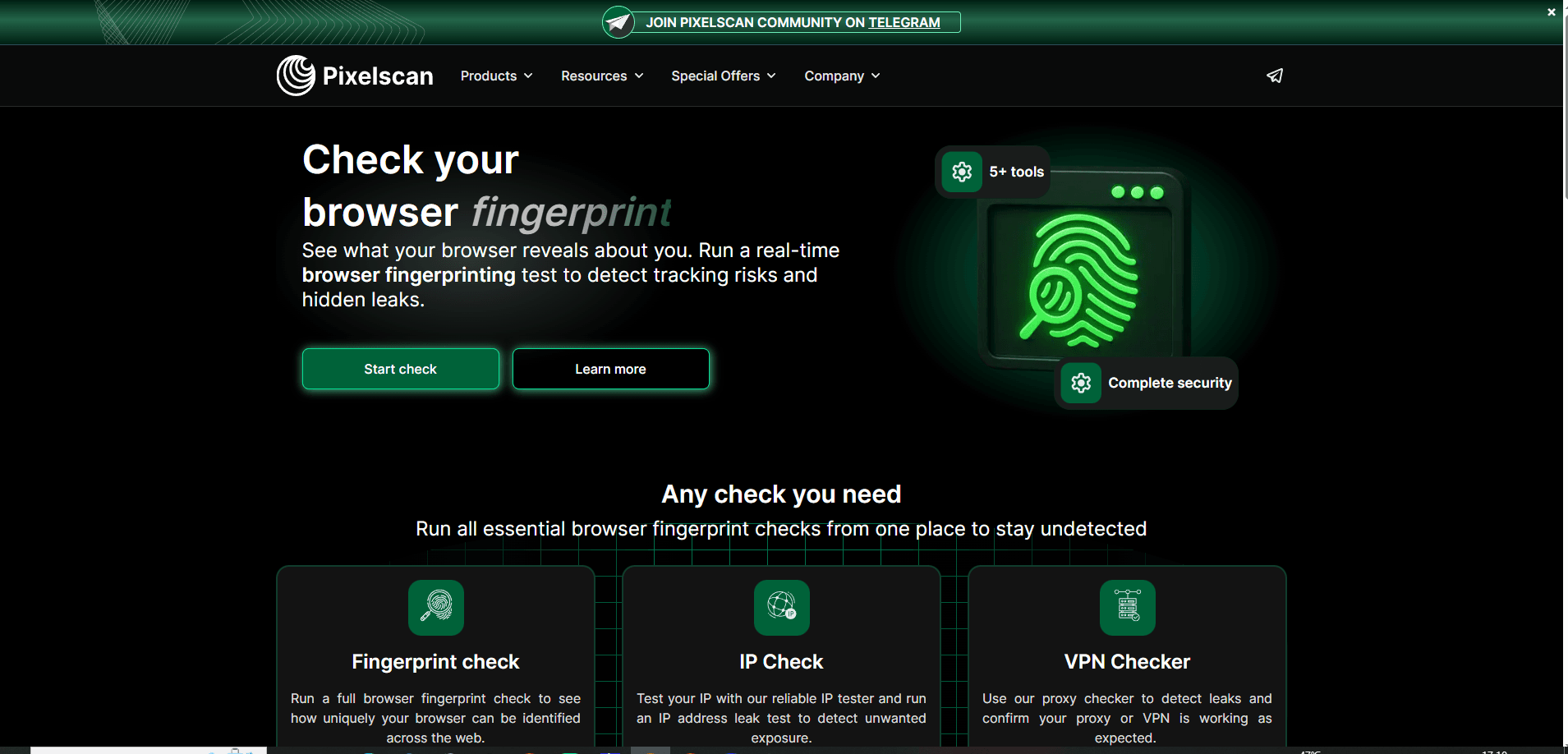
Pixelscan is a powerful fingerprint detection tool that helps users real-time evaluate the traceability of their browsers.
Key Features:
Helps users optimize browser settings to improve privacy protection.
Detects Canvas, WebRTC, User-Agent, etc.
6.Iphey

Iphey is an online fingerprint analysis tool for detecting browser environment consistency and tracking risks, helping users identify privacy exposure points.
Key Features:
Browser environment analysis —— Detects browser fingerprints and system parameters to determine environment uniqueness and risks.
Privacy and tracking assessment —— Analyzes potentially leaked IP, WebRTC, and other traceable information.
Easy to operate —— Use online without installation to quickly generate fingerprint reports.
7.Browserscan
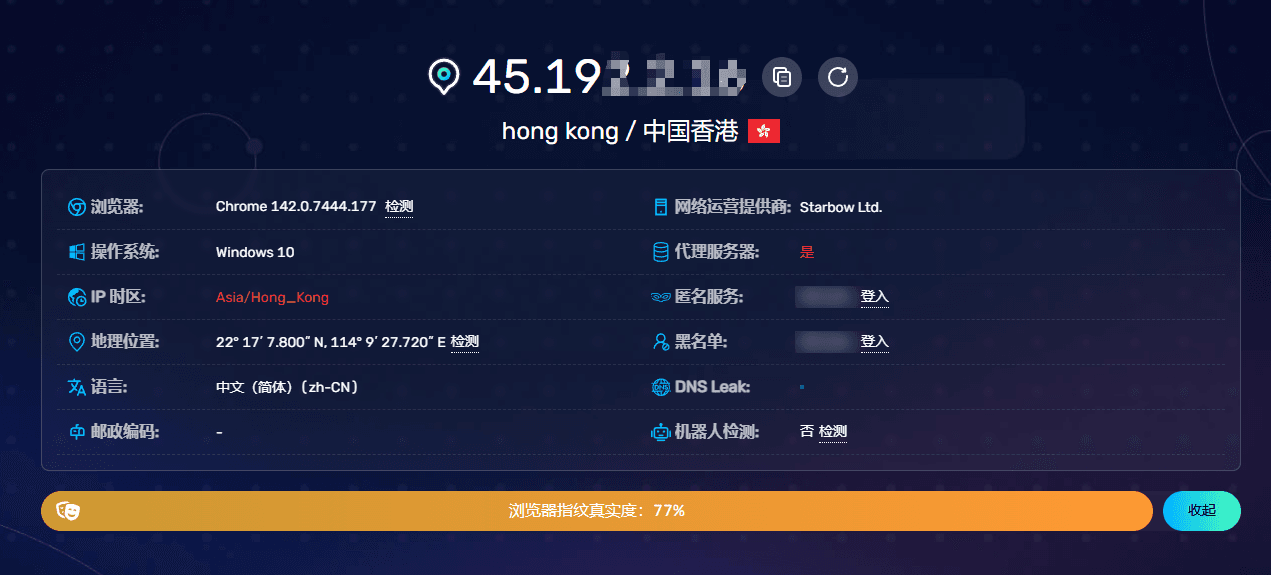
Browserscan is a detailed browser fingerprint detection tool.
Key Features:
Free to use —— Complete scanning without registration
Real-time monitoring —— Immediately analyzes whether your browser fingerprint is unique
Anti-detection testing —— Helps users check if their anti-detection browser or proxy settings are effective.
8.browserleaks

BrowserLeaks is a comprehensive online tool for detecting browser fingerprints, privacy leaks, and network security risks.
Key Features:
Comprehensive fingerprint detection —— Detects browser fingerprint information such as Canvas, WebGL, Audio, fonts, plugins, and User-Agent.
Privacy and security assessment —— Analyzes IP, WebRTC leakage, geographic location, and other traceable information to help users understand privacy risks.
Online use with simple operation —— No registration or installation required, generate detailed reports quickly directly in the browser.
Conclusion
Protecting online privacy and security is an urgent task for every user. Even if you clear cookies or use a VPN, your digital footprints still have the potential to be leaked. Therefore, an online browser fingerprint detection tool is needed to help you analyze whether your online activities are safe.
This article has introduced 8 of the most popular browser fingerprint detection tools on the market to help you guard against online tracking.
 AD
AD


