


 Resources
 Feature overview
Don't Waste Your Money! 2026's Best High-Value Antidetect Browsers (With Free Tier Comparisons)
 Alani
Alani 2026-03-26 03:45


In 2026, fingerprint browsers are no longer the “secret weapon” of a few professional teams. More and more cross-border e-commerce sellers and overseas social media operators are adopting them for daily operations.
However, the market is now flooded with options—some are outrageously expensive, while others claim to be free but lack essential features.
Today, we’ve compiled a list of high cost-performance fingerprint browsers for 2026, focusing on free plans and practical functionality, to help you quickly determine which one suits you best.
1. Why Do You Need a Fingerprint Browser ?
Before diving into the comparison, let’s look at the use cases.
• Traditional browsers expose various parameters when accessing websites, such as operating system, plugins, screen resolution, and browser fingerprint.
• If multiple accounts operate using identical default fingerprints, platforms can easily detect similarities and trigger risk control or even bans.
• The core value of a fingerprint browser is to give each account an independent and lower-risk “realistic environment.”
2. 2026 High Cost-Performance Fingerprint Browser Ranking
We evaluated free availability, pricing efficiency, and feature completeness.
| Name | Free Plan | Fingerprint Modes | Multi-Account Management | Supported Platforms | Best For |
|---|---|---|---|---|---|
| Bit Browser | ✅ Free quota available | Multiple templates | Supported | Win/Mac | All users |
| Browser X | ❌ No free plan | Standard fingerprints | Supported | Win/Mac | Professional teams |
| Fingerprint Pro | Partial free | High-fidelity fingerprints | Supported | Win/Linux | Heavy risk-control users |
| EasyFinger | Trial available | Basic fingerprints | Supported | Win/Mac | Beginners |
📍 Detailed Comparison
🎯 1. Bit Browser (Top Recommendation)
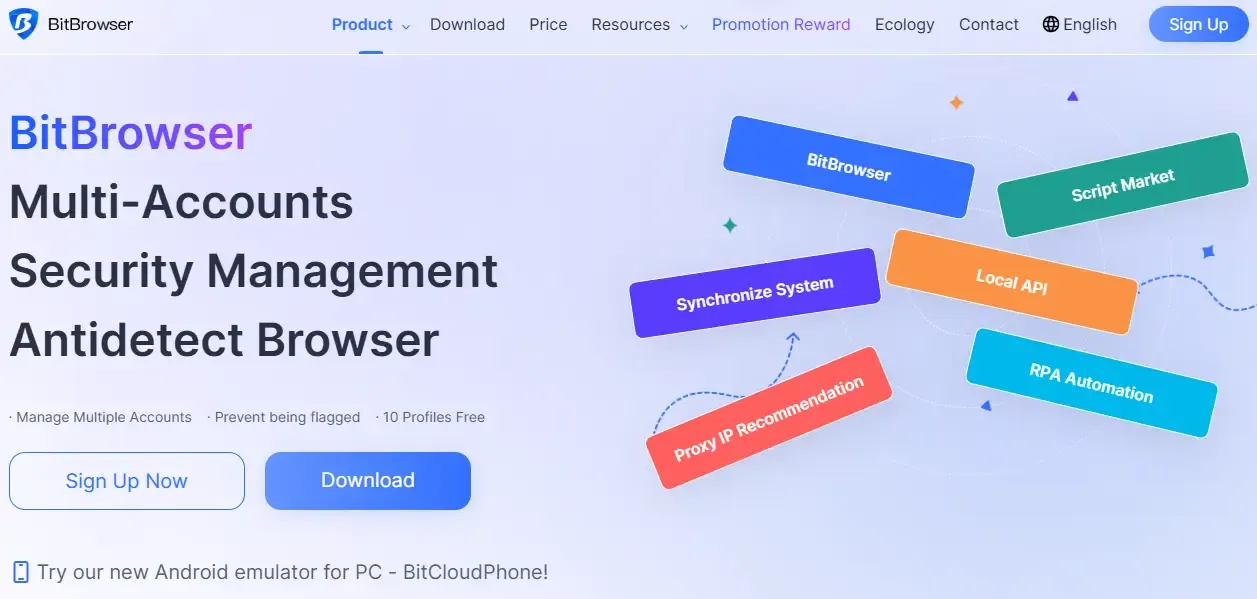
Bit Browser is currently one of the best choices, especially suitable for e-commerce operators, freelancers, or teams with limited budgets.
🎁 Generous free quota — provides a certain number of fingerprint templates and account environments, very beginner-friendly;
🔄 Rich and customizable fingerprints — simulates different OS and device parameters for more realistic behavior;
📊 Easy to use — simple interface and quick onboarding;
🔐 Compatible with fingerprint detection — reduces similarity risks across most platforms;
🪄 Suitable for multiple scenarios — such as multi-account management and bulk operations.
Experience:
In testing, Bit Browser showed good stability. Using the same IP with different fingerprint profiles did not trigger strict verification on most platforms.
📌 If you're new to fingerprint browsers and want to start with minimal budget, Bit Browser’s free plan is a solid entry point.
🎯 2. Browser X
Compared with Bit Browser:
• No free version — all features require payment;
• More advanced features, but higher learning curve;
Not ideal for beginners looking for a free solution.
🎯 3. Fingerprint Pro
Fingerprint Pro focuses on high-fidelity fingerprint simulation with partial free access;
• Strong realism;
• Higher learning threshold.
🎯 4. EasyFinger
EasyFinger is more beginner-oriented:
• Suitable for small-scale tasks;
• Offers trial;
• Limited features.
Compared to Bit Browser, it has weaker free offerings and fewer features.
3. Advanced Tool: ToDetect Fingerprint Checker
• Beginners can combine fingerprint browsers with ToDetect for additional verification;
• It helps compare real vs. simulated fingerprints to evaluate compliance with platform security rules;
• After creating a fingerprint profile in Bit Browser, you can test its “naturalness” with ToDetect to improve success rates.
Conclusion & Recommendations
Best Value: Bit Browser — solid free plan, complete features, easy to use, and stable performance. When combined with ToDetect, operations become safer and more efficient.
Choosing the right tool saves money and makes multi-account management smoother and safer—this is the most practical approach in 2026.
Finally, remember: regardless of the tool you use, good operational habits and account management strategies are just as important.
 AD
AD


