



 Resources
 Feature overview

 Alani
Alani 2026-05-20 11:34
Nowadays, anyone doing cross-border e-commerce, social media matrix operations, or multi-account advertising will use an anti-detect browser. However, accounts may still get restricted, flagged by risk control systems, or even banned for no obvious reason.
Many people wonder: Is the browser improperly configured? Is the IP address not clean enough? Or are browser fingerprint detection systems becoming increasingly strict?
Next, let’s talk about how to configure and use anti-detect browsers more reasonably, making the environment more stable and closer to real device behavior.

1. What Is an Anti-Detect Browser ? Why Does It Still Get Detected?
An anti-detect browser essentially works by simulating or isolating different browser fingerprint parameters, making systems believe you are operating from different devices.
However, many platforms now have highly advanced browser fingerprint detection systems. They no longer rely on a single parameter but instead evaluate whether the entire environment appears natural.
2. The Core Logic Behind Browser Fingerprint Detection
Many people mistakenly believe that changing a few parameters is enough to stay safe. In reality, platform detection systems are far more complex and usually include:
Consistency Checks
Whether the system language matches the IP region, whether the timezone is reasonable, and whether the screen resolution matches common device standards.
Behavior Pattern Detection
Whether login frequency is abnormal, whether operation patterns resemble real human behavior, whether actions are repeated in bulk, and whether Canvas, WebGL, and AudioContext fingerprints appear abnormal.
Hardware Information Being “Too Idealized”
Therefore, even if you use an anti-detect browser, environments that appear “too clean” or “too unrealistic” may still be identified by browser fingerprint detection systems.
3. Anti-Detect Browser Environment Health Checklist (Practical Version)
| Check Item | Normal (More Natural State) | High Risk (Likely to Trigger Detection) | Optimization Suggestion |
|---|---|---|---|
| IP & Region Match | IP country, language, and timezone are generally consistent | US IP + Chinese language + Asian timezone mixed together | Keep regional logic consistent and avoid cross-region mismatches |
| Browser Language | Matches the IP region (e.g. en-US / zh-CN) | Multiple languages mixed without realistic usage scenarios | Keep one primary language and avoid frequent switching |
| Timezone Settings | Consistent with the IP location | Obvious conflict between timezone and IP | Use automatic or synchronized regional timezone settings |
| Canvas/WebGL Fingerprint | Slight variations similar to real devices | Completely identical or showing signs of fingerprint cleaning | Maintain moderate randomness and avoid excessive uniformity |
| Font Environment | Standard system font combinations | Too few fonts or abnormal font absence | Maintain a standard system font structure |
| Resolution & DPI | Common device ratios (e.g. 1366×768, 1920×1080) | Extreme or unrealistic resolution combinations | Refer to mainstream device ratios when configuring |
| Cookies & Cache | Normal retention and updates | Completely cleared on every launch | Maintain some continuity for more natural behavior |
| Login Behavior | Reasonable intervals and natural rhythms | Instantly logging into multiple accounts in bulk | Operate in batches to avoid triggering centralized risk controls |
| Environment Stability | Long-term use of the same profile configuration | Frequently rebuilding environments | Keep configurations fixed and avoid unnecessary changes |
4. Practical Ways to Improve Anti-Detect Browser Stability (Compliance-Oriented)
The focus here is on “stability optimization,” not bypassing detection systems.
1. Maintain Parameter Consistency
The biggest mistake when using anti-detect browsers is mixing incompatible parameters.
For example: US IP + Chinese system language; mobile resolution + Windows font environment; timezone inconsistent with the IP location.
These combinations are easily flagged as abnormal during browser fingerprint detection. It is recommended to keep IP region, language, and timezone logically consistent.
2. Avoid Frequently Resetting Fingerprint Environments
Many people frequently replace profiles for “safety,” but this can actually increase risk.
Frequent changes = high-risk behavioral signals; long-term stability = more similar to real users.
This is especially important in e-commerce and advertising account operations.
3. Control Multi-Account Behavior Rhythm
The core of anti-detect browsers is multi-account management, but behavior patterns matter just as much:
• Avoid logging into multiple accounts simultaneously
• Avoid repeating the same action continuously within a short period
• Keep operation rhythms naturally distributed
Many fingerprint detection systems are not identifying devices themselves, but rather identifying bot-like behavior patterns.
4. Avoid “Overly Perfect” Device Fingerprints
Some users configure their fingerprint environments to look extremely “standardized,” such as:
• All parameters perfectly aligned
• No randomness at all
• Completely identical device information
However, real devices naturally have slight fluctuations. Being “too perfect” can actually appear unnatural. A better approach is to maintain reasonable random variations instead of extreme uniformity.
5. Regularly Check Your Environment with Detection Tools
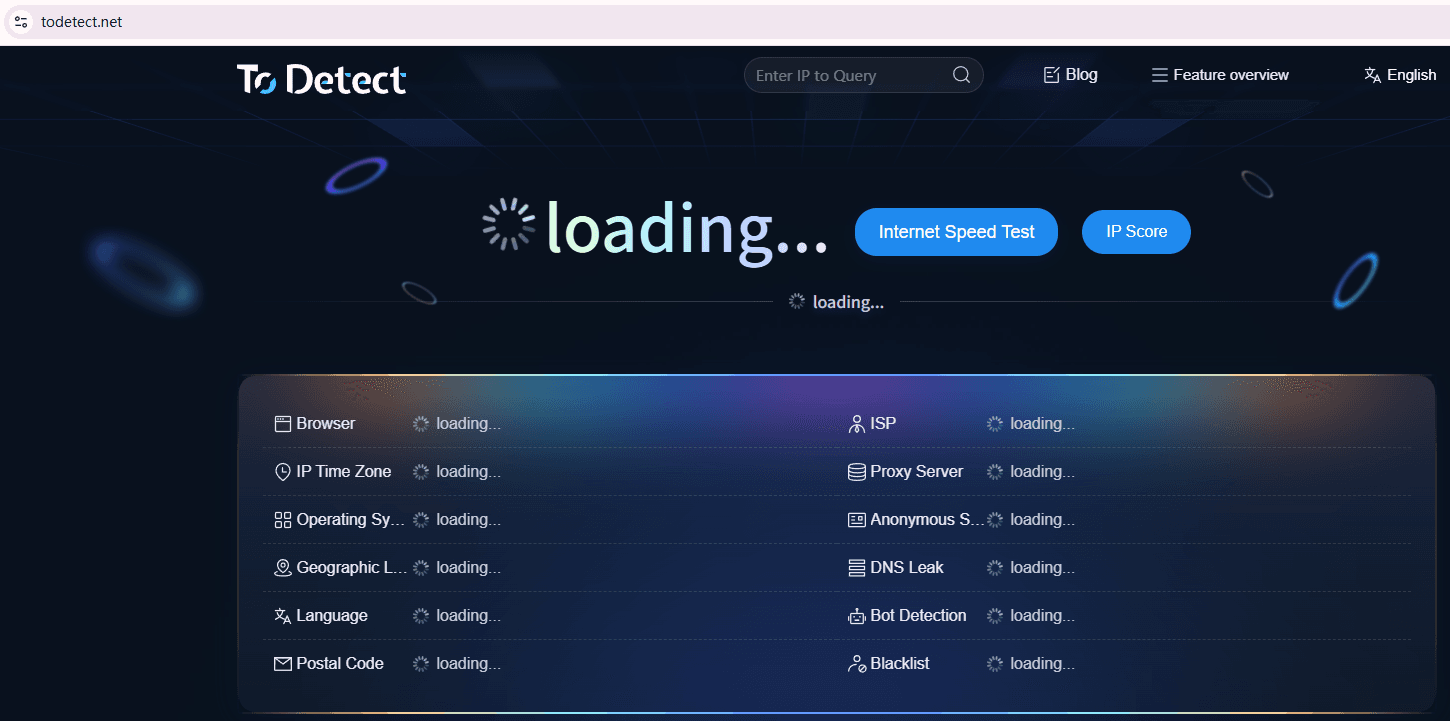
After configuration, it is recommended to use ToDetect to check for conflicting parameters, high-risk fingerprint features, and whether the environment matches the IP setup.
This helps identify problems in advance instead of troubleshooting only after accounts encounter issues.
5. How Tools Like ToDetect Detect Fingerprint Environments
In practical usage, many people use ToDetect tools to test their current browser environments.
It can help identify browser fingerprint scores, Canvas/WebGL exposure, IP-device consistency, and whether virtualization traces exist.
Through these results, you can directly see whether your anti-detect browser environment appears natural, rather than simply checking whether accounts can log in.
6. Common Misconceptions: What Many People Get Wrong
□ Misconception 1: The more “disguised” the parameters are, the safer they become. In reality, excessive modification is easier to detect.
□ Misconception 2: Only focusing on IPs while ignoring fingerprints. Modern platforms use comprehensive detection models.
□ Misconception 3: Ignoring behavioral factors. Many bans come from suspicious behavior rather than the device itself.
7. Browser Fingerprint Detection FAQ
1. Why do platforms still detect anti-detect browsers?
Many people assume that using an anti-detect browser guarantees absolute safety. However, platform detection is multi-dimensional. It considers not only device parameters, but also IPs, behavior habits, and login rhythms.
If environment parameters are inconsistent or behavior patterns become too repetitive, platforms may classify the environment as abnormal rather than simply exposing the device.
2. If ToDetect shows abnormal results, does that mean the account will definitely be banned?
Not necessarily. Tools like ToDetect mainly provide risk warnings, such as high fingerprint duplication rates or insufficient environment consistency.
Whether an account gets banned still depends on the platform’s risk control strength and your actual operating behavior. Detection anomalies are only “risk signals,” not direct punishments.
3. Is a more complex anti-detect browser setup always better?
No. Many people mistakenly believe that “more parameters = more security,” but excessive complexity often looks unnatural.
Fingerprint detection systems care more about logical consistency than the number of parameters. Stability and realism are more important than “extreme disguise.”
4. How can you reduce account linkage risks during multi-account operations?
The core approach is “behavior separation + environment stability.” Keep each account in an independent fingerprint environment, avoid frequently switching IPs or device configurations, and control operation rhythms to avoid mass actions within short periods.
Conclusion
What truly determines whether an anti-detect browser works effectively is not how well you avoid detection, but how you use it and how logically your environment is structured.
Many people believe that simply “changing parameters correctly” is enough for safety. In reality, platforms now use multi-dimensional cross-analysis, evaluating not just devices but whether the overall behavior appears reasonable.
If you work in cross-border e-commerce, social media operations, or advertising campaigns, this approach is far more practical and sustainable than simply chasing “hidden fingerprint parameters.”
