



 Resources
 Feature overview

 Alani
Alani 2026-06-17 10:45
Many people encounter this the first time they try TikTok e-commerce—after posting just a few videos, their reach gets restricted, and some accounts are even “killed” before they really start.
If we compare TikTok operations to building a house, content is the decoration, traffic is the visitors, but what truly determines whether you can sustain long-term success is the foundation—the account environment!
Next, we will walk you step by step through how to use a fingerprint browser to build a proper account environment, combined with detection tools to improve stability, and ultimately achieve a complete TikTok e-commerce workflow from zero to sales.

1. Why You Must Pay Attention to the Account Environment for TikTok E-commerce
Many people start by focusing on product selection, video creation, and ads, but ignore the most fundamental layer: the account environment.
TikTok’s risk control system is very sensitive. It determines whether you are performing “bulk operations by the same person” through multiple dimensions such as IP, browser fingerprint, and device parameters.
If you log into multiple accounts using a normal browser, you may easily face restrictions right after registration: videos stuck at 200 views, zero exposure, or even ad account bans. Therefore, the first step in TikTok e-commerce is not product selection, but building a stable account environment.
2. What Is a Fingerprint Browser and Why Is It Used for TikTok E-commerce?
A fingerprint browser is a tool that simulates different computer environments. It can spoof browser version, operating system, timezone and language, Canvas fingerprint, WebRTC information, fonts, plugins, and more.
In this way, each browser window behaves like a completely “new computer.” In TikTok e-commerce, its main advantages are:
👉 No account linking in multi-account operations
👉 Simulating real user environments
👉 Reducing the risk of account restrictions
Many teams running account matrices rely on fingerprint browsers to manage dozens or even hundreds of TikTok accounts.
3. TikTok Account Environment Configuration Checklist (Practical Reference)
| Module | Recommended Setup | Common Mistakes | Risk Level |
|---|---|---|---|
| IP Proxy | Dedicated residential IP / static IP, one IP per account | Shared IP across accounts, frequent IP switching | High |
| Fingerprint Browser | Independent browser profile for each account | Multiple accounts using same profile | High |
| Browser Fingerprint | Unique Canvas / WebGL / fonts | Duplicate or default fingerprint settings | High |
| Login Environment | Stable device environment over time | Frequent device switching | Medium-High |
| Cookie Management | Stored separately, never shared | Cookie mixing or duplication | High |
| Region Matching | IP region matches account target region | Mismatch between account region and IP | High |
| Behavior Simulation | Browsing + liking + saving + following | No interaction or overly robotic behavior | Medium |
| Detection Tools | Use ToDetect for environment validation | Skipping detection before launch | Medium-High |
4. Core Steps to Build a TikTok Account Environment
1. Prepare a Clean Network Environment
Do not log into TikTok directly using domestic networks. Use residential IPs or static proxies instead. One account should correspond to one IP, and the IP region must match the account’s target region (e.g., US account uses US IP).
⚠️ Key point: Never share one IP across multiple accounts—this is one of the most common reasons for bans.
2. Use a Fingerprint Browser to Create Isolated Environments
In the fingerprint browser, each TikTok account should have its own profile, different fingerprint parameters, independent proxy IP, and no shared cookies. This essentially creates a “separate device environment.”
3. Use ToDetect for Environment Testing (Very Important)
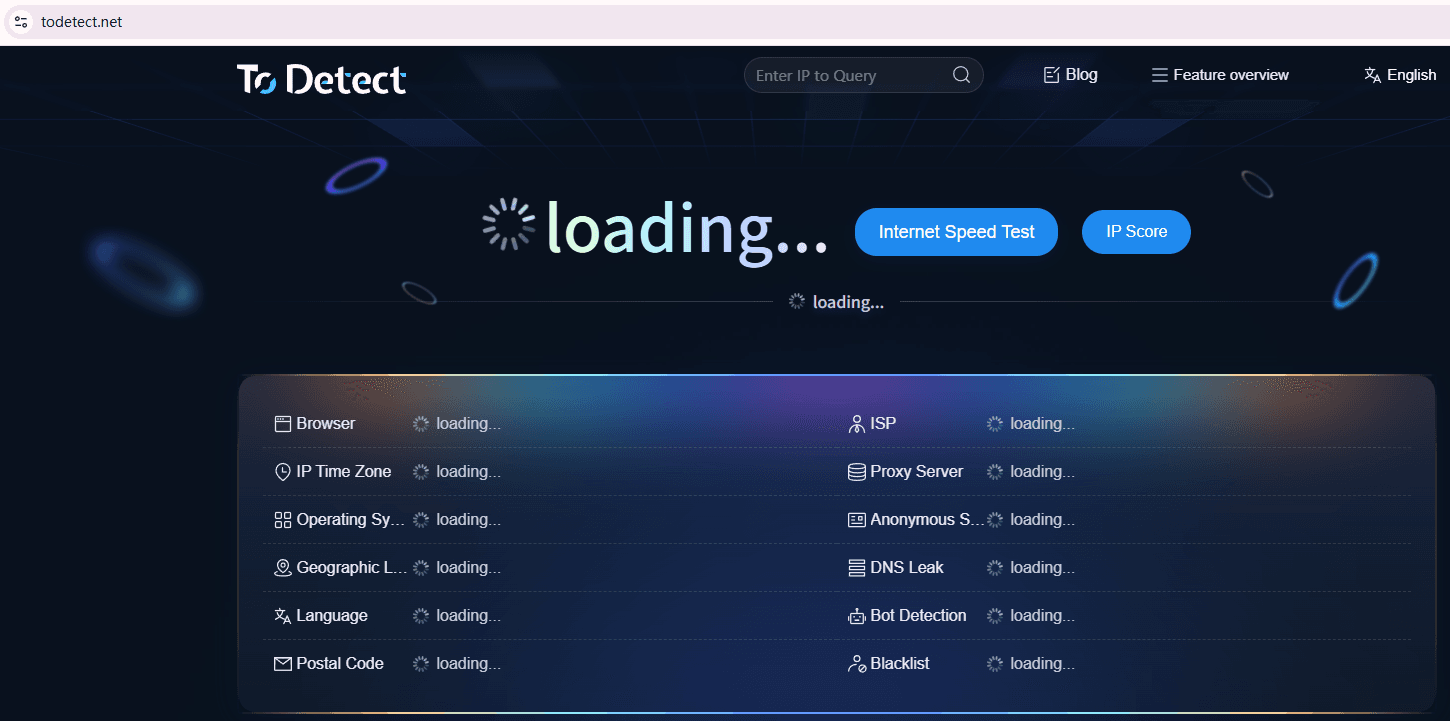
Before logging into TikTok, it is recommended to use ToDetect to check your environment.
Focus on whether the IP leaks real location, whether browser fingerprint is unique, whether WebRTC exposes real IP, and whether Canvas appears abnormal. If results are unstable, your environment is not clean enough and needs adjustment.
5. TikTok Account Warm-Up Process (Often Ignored but Important)
Step 1: Simulate Real User Browsing
After logging in daily: watch recommended videos for 10–30 minutes; like and save content; follow accounts in the same niche to make the system treat you as a real user instead of a marketing account.
Step 2: Gradually Publish Content
In the first 3–5 days, avoid direct hard-selling content. Start with lifestyle or interest-based videos → light content (unboxings, daily life) → small soft promotions. After the account stabilizes, begin full e-commerce content.
6. TikTok E-commerce Workflow
1. Product Selection Strategy
Prefer low-ticket products ($10–$30), impulse-buy items, and visually impactful products such as gadgets, beauty items, and home essentials.
2. Video Structure
A high-converting TikTok video usually follows this structure: hook in first 3 seconds (pain point or contrast) → product demonstration → call to action. Keep it simple for better conversion.
3. Multi-Account Matrix Strategy (Advanced)
With multiple accounts, you can test different products, use different angles for the same product, and diversify risk. This is how many teams scale quickly.
7. Notes on Fingerprint Browser Testing
Many people ignore the testing stage, but it is crucial. During TikTok operations, regularly check:
• Whether IP changes abnormally
• Whether browser fingerprint is polluted
• Whether cookies are mixed
• Whether login environment is stable
If anomalies occur, rebuild the browser environment instead of forcing it.
8. FAQ About Fingerprint Browser for TikTok E-commerce
1. Is using a fingerprint browser for TikTok e-commerce safe? Will accounts still get banned?
If IP, fingerprint, and behavior are all normal, it is generally safe. However, poor configuration or overly “marketing-like” behavior can still trigger risk control.
2. How many TikTok accounts can one fingerprint browser handle?
Theoretically many, but in practice it is recommended that one browser profile corresponds to one account and one IP to avoid account linking risks.
3. What if ToDetect shows an “abnormal” result?
If IP leakage or fingerprint duplication is detected, rebuild the environment immediately. Otherwise, account throttling or bans may occur later.
4. Can I post TikTok e-commerce videos immediately after creating a new account?
Not recommended. New accounts posting ads immediately are easily flagged as marketing accounts. It is better to warm up for 3–5 days first.
Conclusion
Overall, TikTok e-commerce is not as simple as “post videos and wait for orders.” It is a systematic process.
In the early stage, you need to build a stable and isolated account environment using fingerprint browsers, and continuously use tools like ToDetect to verify and adjust your setup.
If you can successfully connect the chain of “environment → content → conversion,” TikTok e-commerce becomes much more manageable. The real challenge is continuous optimization under the right framework.
