


 Resources
 Feature overview
WebRTC leaks your real IP? This fingerprint browser setting is useless if you don't turn it off
 Alani
Alani 2026-04-08 03:23


When using a fingerprint browser for multiple accounts or cross-border business, many people focus on visible configurations like proxy IPs and device parameters.
But there is a very hidden issue that is often overlooked—WebRTC leaking your real IP. Tracing it back, the problem often lies here.
Next, let’s clarify how WebRTC leaks occur, why they affect browser fingerprint detection, and how to completely prevent this issue when setting up a fingerprint environment.

1. What is WebRTC Leakage? Why is it Dangerous
You might think you are hiding your IP using a proxy, but the WebRTC feature can quietly expose your real local IP to websites.
If WebRTC is not properly disabled or restricted, even if you set a proxy IP in your fingerprint browser, websites can still obtain your real network information via WebRTC.
For those who operate multiple accounts, this can be fatal, because:
• Multiple accounts may be identified as the same device
• IP and fingerprint environment mismatch can trigger risk control
• It can directly lead to account linking or even bans
2. Why You Must DisableFingerprint Browser Settings
Many beginners have the misconception: "Using a fingerprint browser = already safe."
Actually, not entirely. The fingerprint browser is just a tool; the key is whether your fingerprint environment is configured properly.
In most fingerprint browsers, WebRTC usually has several modes:
• Default (may leak real IP)
• Replace with proxy IP
• Disable (recommended)
Key conclusion: If your business requires high privacy, it’s recommended to disable WebRTC entirely
• Prevent exposure of your real IP
• Ensure proxy IP and fingerprint environment are consistent
• Reduce anomalies in browser fingerprint detection
Especially on strict platforms like Facebook, TikTok, and Amazon, their browser fingerprint detection mechanisms are very robust. Once an IP anomaly is detected, risk control is easily triggered.
3. Fingerprint Environment is More than Just IP
Many people focus only on IP, but in reality, a complete fingerprint environment includes multiple dimensions, such as:
• User-Agent
• Screen resolution
• Time zone, language
• Canvas, WebGL
• AudioContext
• WebRTC
If you only change the IP but other fingerprint parameters don’t match, for example:
• US IP + China time zone
• English environment + Chinese fonts
• Proxy IP + real local IP leaked (WebRTC)
The platform sees this as an obviously abnormal device.
Therefore, WebRTC is only one part of the fingerprint environment, but it’s the most easily overlooked part.
4. How to Check if Your WebRTC is Leaking
Rather than just talking, you should test it yourself. You can use ToDetect Browser Fingerprint Tool:
• Current browser-exposed IP addresses
• Whether WebRTC is leaking
• Fingerprint consistency score
• Details of all fingerprint parameters
General recommendations:
• Test every new fingerprint browser environment
• Test again after changing proxy IP
• Check periodically to avoid configuration failures
If during testing you see: WebRTC IP ≠ proxy IP, you can basically confirm that WebRTC leakage has occurred.
5. Practical Suggestions for Proper Fingerprint Browser Configuration
Here are some practical tips to avoid common pitfalls:
1. Prioritize WebRTC Settings
Open your fingerprint browser settings and find the WebRTC option:
• If it can be disabled → disable it directly
• If it cannot be disabled → at least set it to "Use proxy IP"
Never use the default setting.
2. Use Clean and Stable Proxy IPs
WebRTC is only one part; if the IP quality is poor, issues can still occur:
• Avoid shared IPs
• Prefer residential IPs
• Ensure IP matches the target country
3. Fingerprint Environment Should “Look Real”
A good fingerprint environment is not "random," but "reasonable":
• Time zone matches IP location
• Browser language matches region
• Resolution matches common devices
4. Regularly UseToDetect for Fingerprint Checks
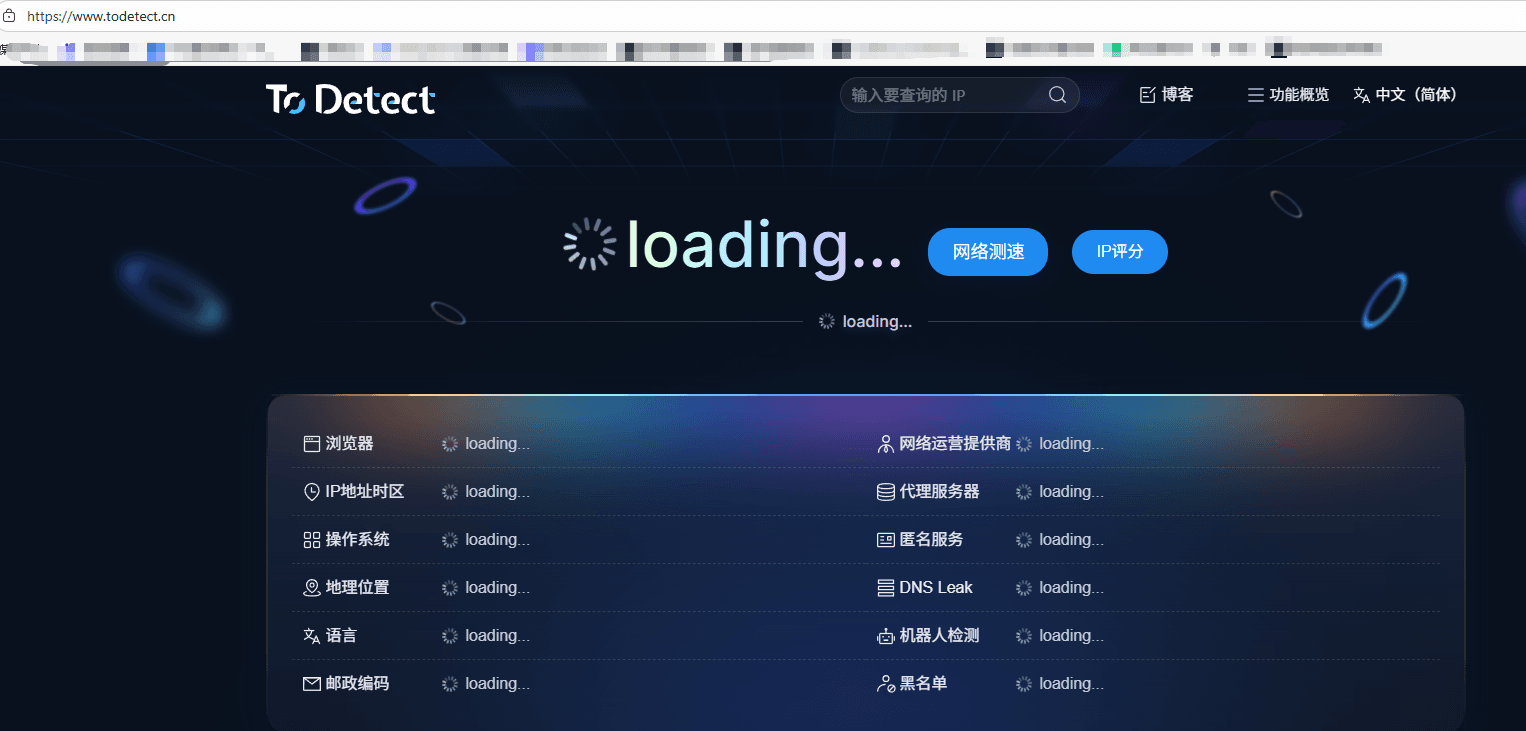
Many people configure it and then ignore it, which is wrong. It’s recommended to treat ToDetect as a routine checking tool:
• Check before launching a new environment
• Sample checks before using multiple accounts
• Investigate if anomalies appear
6. Common Misconceptions About Using Fingerprint Browsers
Finally, a few common pitfalls that many people have encountered:
Misconception 1: Disabling the proxy makes it safe
→ Wrong, WebRTC can still leak your real IP
Misconception 2: All fingerprint browsers are safe by default
→ Wrong, many default configurations are not strict
Misconception 3: One test is enough
→ Wrong, environments change, continuous testing is necessary
Summary:
If you are using a fingerprint browser, take a few minutes to use the ToDetect tool to check your setup: is WebRTC disabled? Is the fingerprint environment consistent?
Often, account problems are not because you made a major mistake, but because details like WebRTC were not handled properly.
By managing hidden risks like WebRTC, your overall environment is truly secure. A fingerprint environment is not about being "complex," but about being "clean and consistent."
 AD
AD


