


 Resources
 Feature overview
How to Check Your Browser Fingerprint Report on ToDetect: Step-by-Step Guide with Screenshots
 Charles
 2025-09-30 11:04


Browser fingerprint detection has become an important topic for protecting account privacy and online security. Many platforms use browser fingerprints to identify users, and even if you clear your browser cache or use incognito mode, you may still be tracked. This is a big headache for many cross-border e-commerce businesses. So how can you know whether your browser fingerprint information is easily linked? Today, we'll show you how to use the ToDetect Browser Fingerprint Detection online tool to quickly view and analyze your browser fingerprint detection report.
I. What is a browser fingerprint?
A browser fingerprint refers to the unique identification code generated by collecting various browser characteristics, such as operating system, browser version, font libraries, screen resolution, time zone, language settings, plugin information, etc. It's like your "Internet ID card," allowing websites to precisely identify you, even without cookies.
II. What is ToDetect Browser Fingerprint Detection?
ToDetect is a professional online browser fingerprint detection tool that provides various network detection functions, including browser fingerprint detection. It can generate detailed browser fingerprint detection reports in real time, helping you understand your privacy exposure.
Advantages:
- Easy to use
- Supports Chinese interface
- Clear and intuitive detection results
- Very suitable for beginners
III. ToDetect Browser Fingerprint Detection Detailed Steps (Tutorial)
Step 1: Visit the ToDetect official website
- Open your browser.
Type in the address bar:
- Press Enter to access the ToDetect homepage.
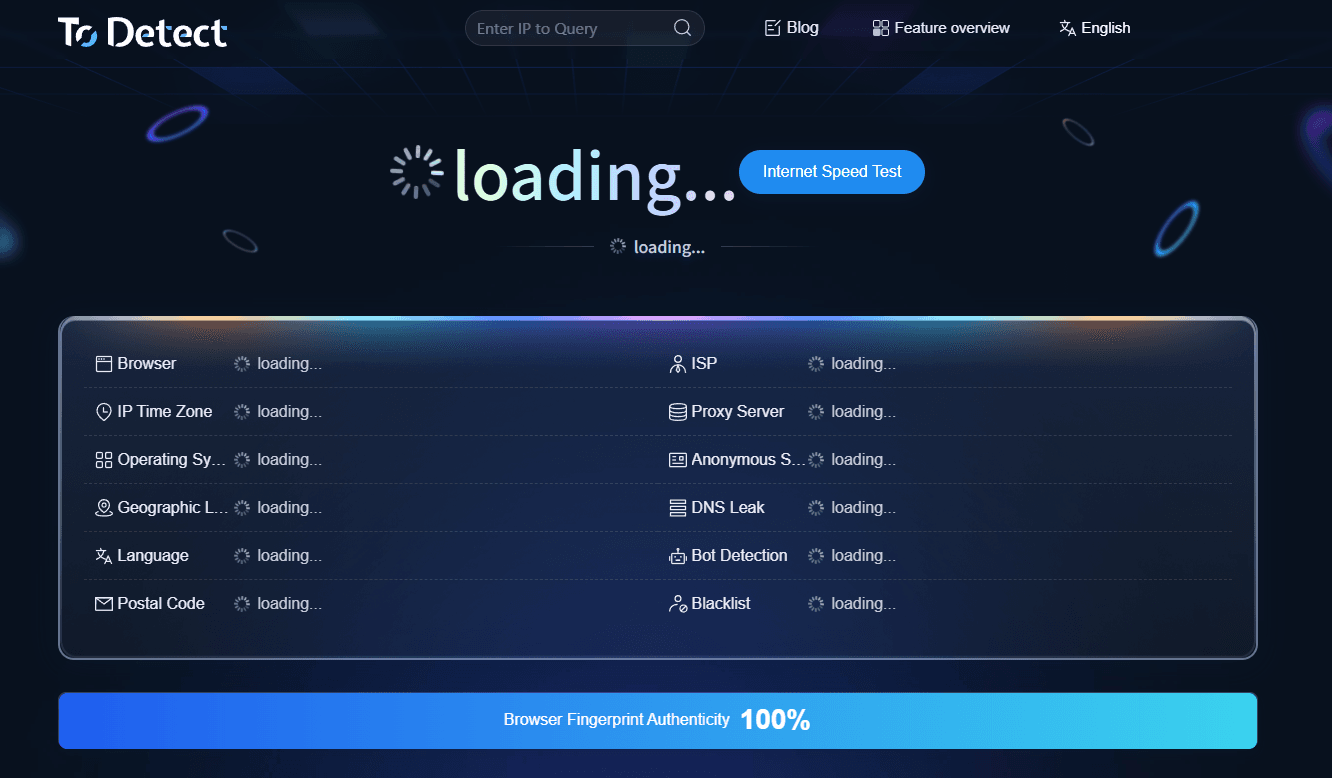
Step 2: Go to the Browser Fingerprint Detection Page
- In the homepage navigation bar, find the "Browser Fingerprint Detection" feature.
- Click to enter the detection page.

Step 3: Start Detection with One Click
- Once the page loads, the system will automatically begin collecting your browser information.
- Wait 3-5 seconds, and ToDetect will automatically generate a detection report.

Step 4: View Detailed Detection Results
After the detection is complete, you will see a detailed browser fingerprint analysis page that mainly includes the following modules:
| Module | Description |
|---|---|
| Basic Information | Browser version, operating system, IP address, etc. |
| Hardware Features | Screen resolution, GPU model, CPU info |
| Fonts & Plugins | Installed fonts, browser extensions |
| Uniqueness Score | Global uniqueness rating of your fingerprint |
Important Tip:
If the uniqueness score exceeds 90%, it means your browser fingerprint is very easy to track. It is recommended to take privacy protection measures.
IV. Common Questions About Browser Fingerprint Detection
1. Why is my browser fingerprint always unique?
High fingerprint uniqueness usually occurs because your device configuration or plugin combination is too distinctive, for example:
- Using uncommon screen resolutions or font libraries;
- Installing rare plugins or extensions;
- Using an outdated browser version.
Solution:
- Use mainstream resolutions (e.g., 1920x1080);
- Reduce unnecessary plugins;
- Consider using anti-detection browsers such as Bitbrowser.
2. Is ToDetect Browser Fingerprint Detection safe?
ToDetect is only an online detection tool.
It only reads your browser's public information and does not collect sensitive accounts or passwords, so it is safe and reliable.
3. How to reduce the risk of being tracked?
- Enable your browser's privacy protection mode;
- Install ad-blocking plugins (e.g., uBlock Origin);
- Regularly change your browser's User-Agent;
- Use ToDetect regularly to monitor privacy exposure.
Summary
With the ToDetect tool, you can easily perform browser fingerprint detection and obtain a detailed report to understand your privacy exposure. By regularly checking your browser fingerprint, you can detect risks in time and take protective measures. If your fingerprint uniqueness is too high, follow the suggestions provided in this article to adjust your browser settings and maximize privacy protection.
 AD
AD


