


 Resources
 Feature overview
Top 10 Most Powerful Anti-Detect Browsers of 2026 (Must-Have to Prevent Account Bans)
 Alani
Alani 2026-04-13 03:47


In the past two years, anyone working in cross-border e-commerce or social media accounts has almost inevitably come across one thing — fingerprint browsers.
Many people don’t pay much attention at first and think a normal browser with a proxy is enough. But once you start managing multiple accounts, issues like account linking, verification, and even outright bans happen frequently. In 2026, platform risk control has become significantly stricter, and simply changing IPs is no longer enough.
Today, we’ve compiled a list of commonly used fingerprint browsers on the market, ranked based on real-world functionality and experience, to help you choose the most suitable tool more clearly.
1. 2026 Fingerprint Browser Top 10 Ranking (Practical Review)
1. Bit Browser (BitBrowser)
As a rapidly growing tool in recent years, Bit Browser performs particularly well in terms of “stability + cost-effectiveness.” Environment creation and batch management are relatively smooth, and it also supports automation (RPA) and window synchronization.
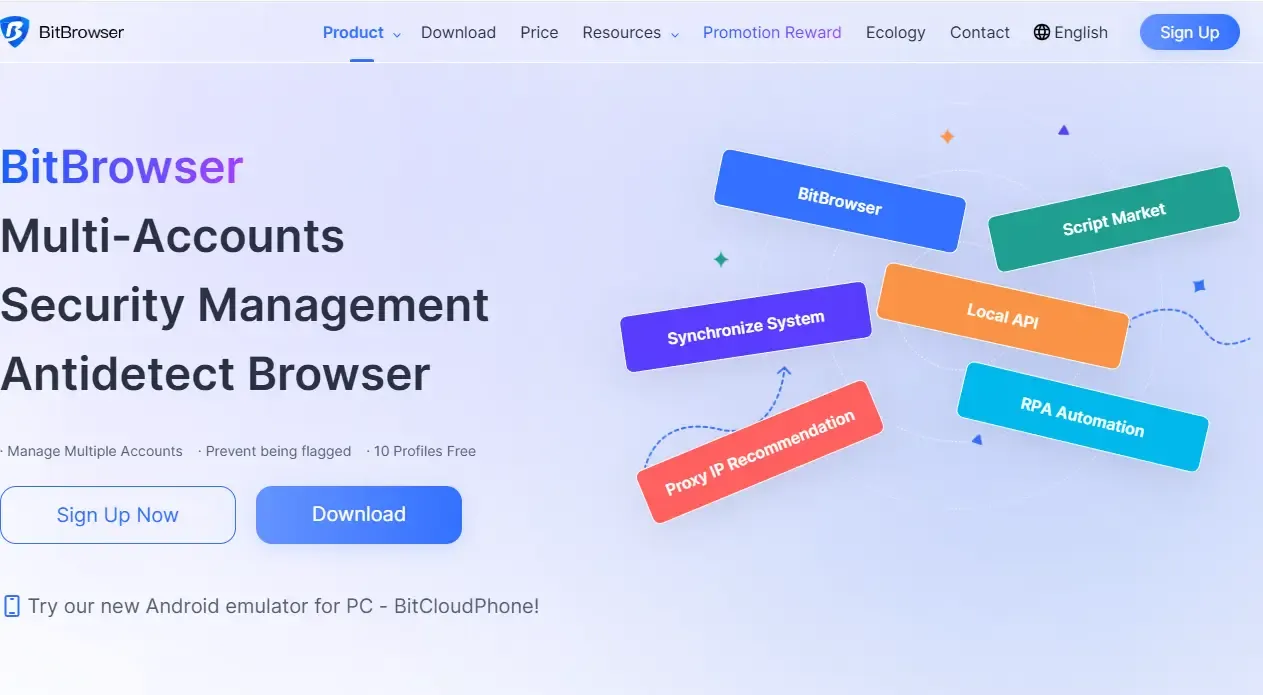
Its fingerprint coverage is also quite comprehensive. It includes common parameters such as Canvas and WebGL. Combined with proxies, it is sufficient for daily anti-association needs.
Another practical advantage is the price, which is more affordable than many similar tools, making it less stressful for small and medium teams.
Simply put: sufficient features, stable performance, and high cost-effectiveness — this is why it ranks first.
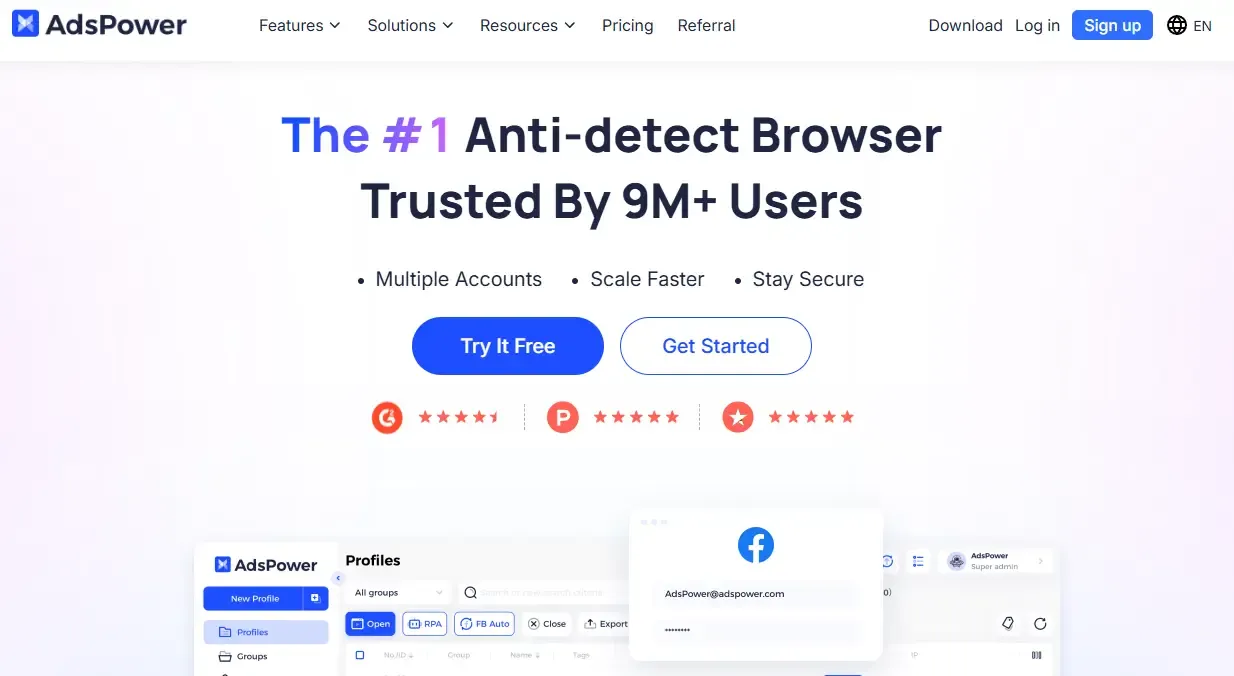
2. AdsPower
AdsPower is a well-known tool in the industry, widely used by cross-border sellers. However, it has a relatively steep learning curve for beginners, and some advanced features require additional payment.
3. Multilogin
This is a “veteran player” that is more commonly used overseas. It has deep capabilities in fingerprint simulation. However, the overall price is relatively high, making it more suitable for enterprise-level teams with sufficient budgets and high stability requirements.
4. GoLogin
GoLogin focuses on usability, with a relatively simple interface, making it suitable for beginners. It supports cloud configuration and performs well in remote work scenarios. However, it is slightly less flexible in complex business environments compared to more professional tools.
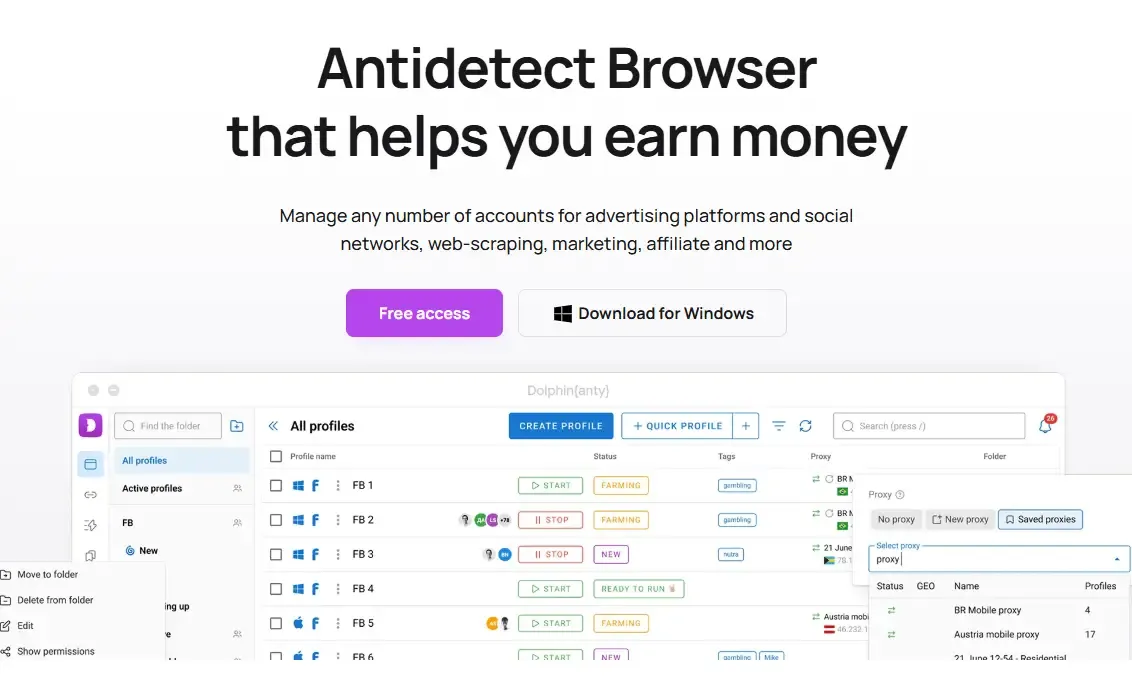
5. Dolphin Anty
It still has advantages in automation and batch operations, making it suitable for ad running or large-scale deployment. However, some users report that stability under high concurrency still needs improvement.
6. Incogniton
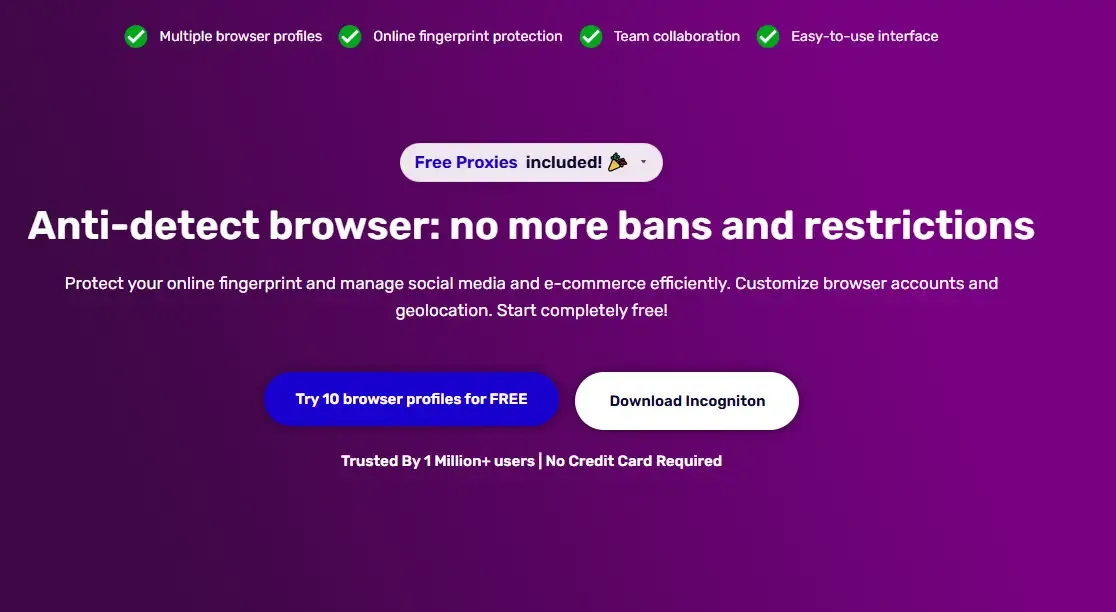
Incogniton offers a free version, making it friendly for beginners. It has solid basic features and supports multi-profile management. However, the free version has limitations, and upgrading is necessary for large-scale usage.
7. Kameleo
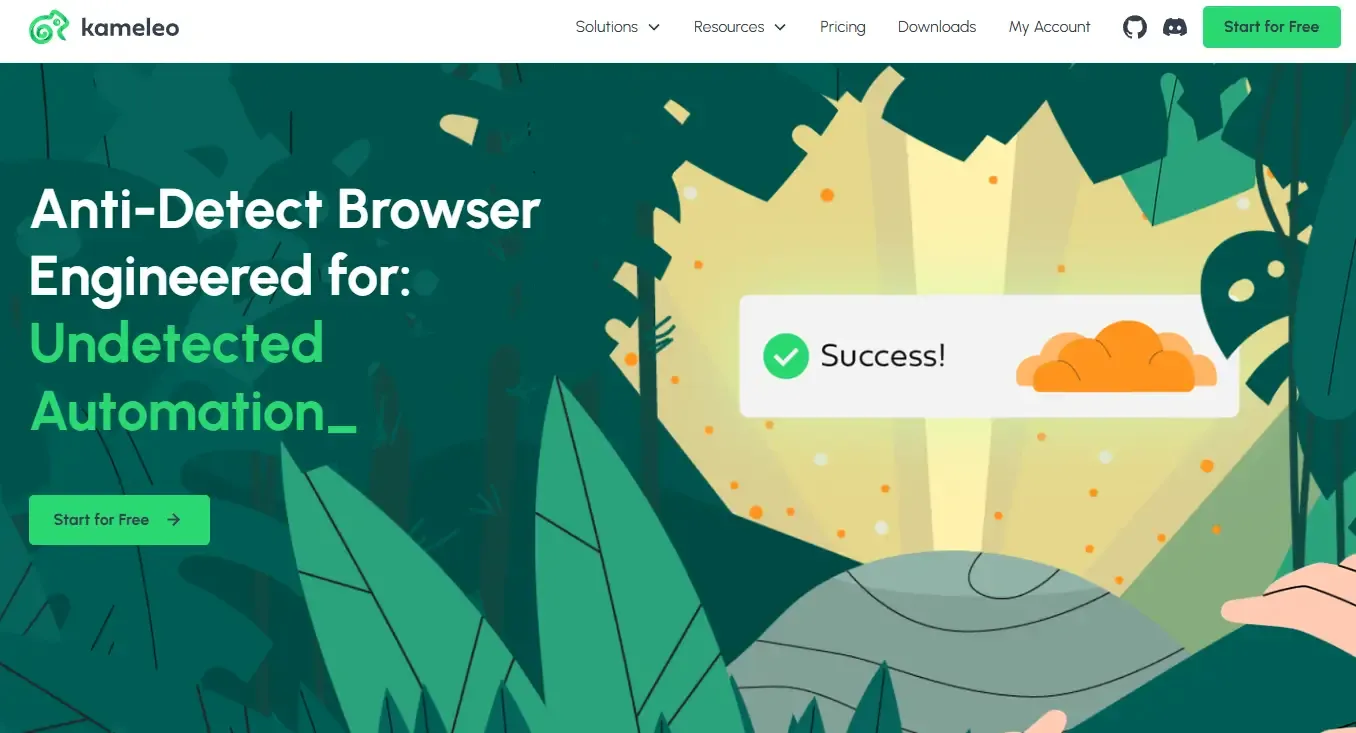
Kameleo has certain advantages in mobile fingerprint simulation, supporting Android environment emulation. It is suitable for mobile-device fingerprint scenarios, but its overall ecosystem and extensibility are not as strong as mainstream products.
8. VMLogin
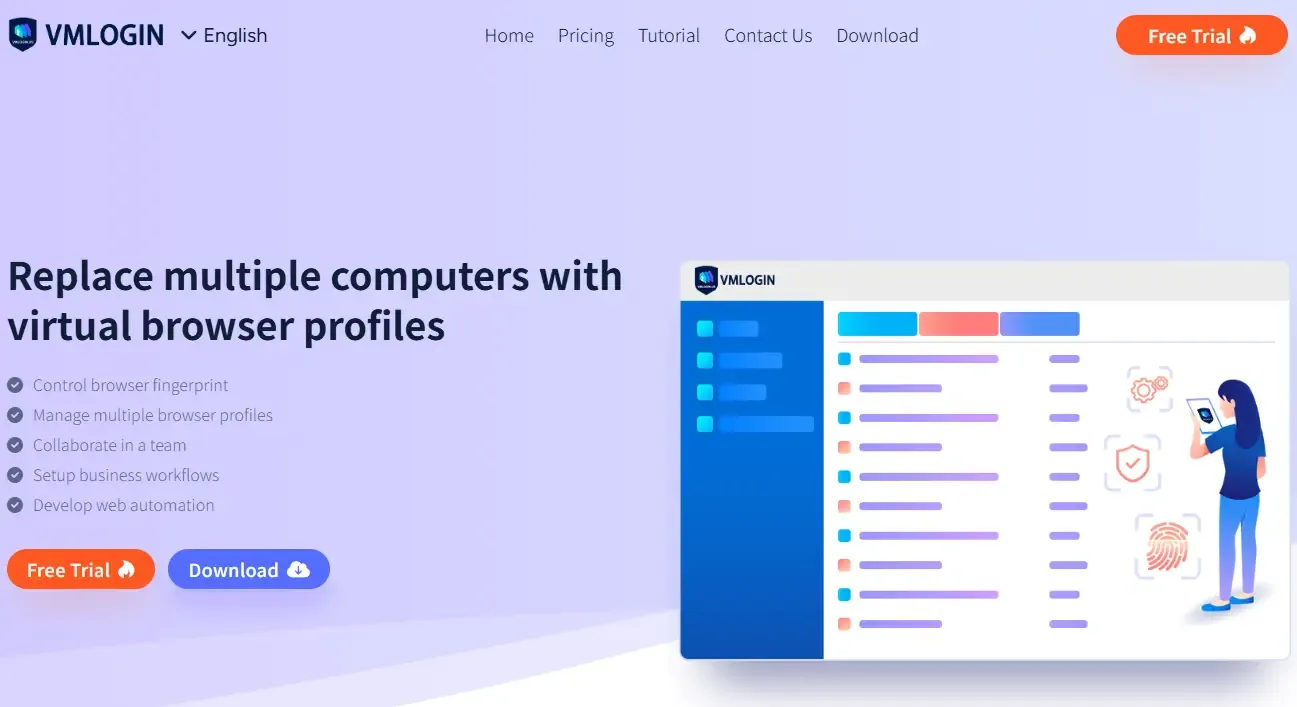
VMLogin is also an early entrant in the market. It is stable and supports team collaboration. However, in recent years, its product iteration speed and user experience have become less competitive.
9. Hidemyacc
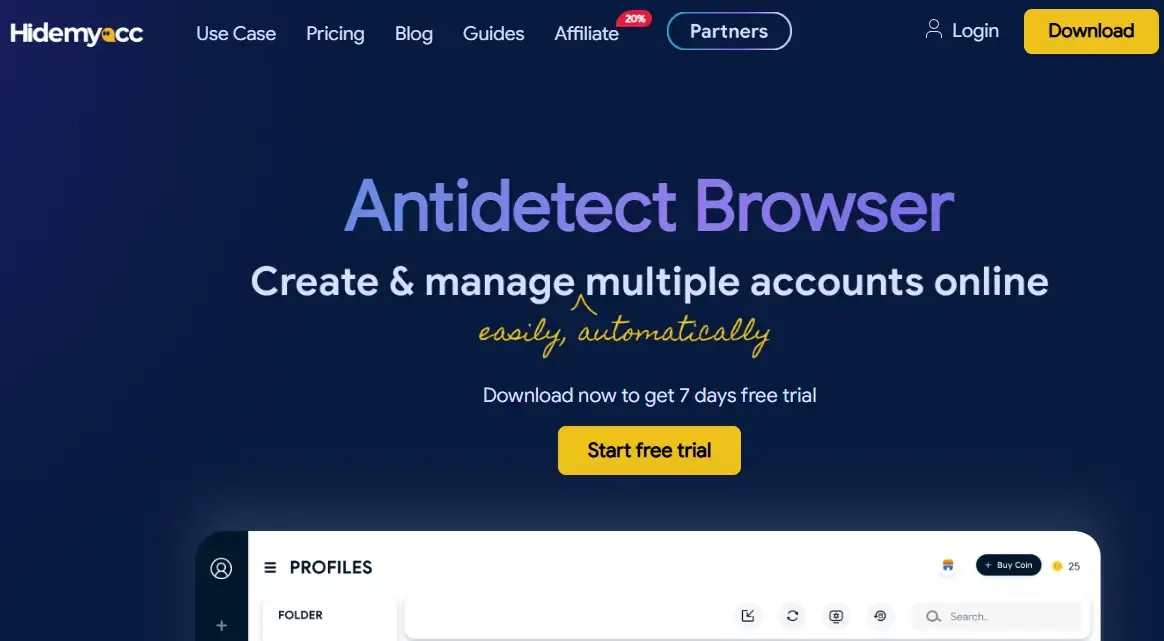
Hidemyacc focuses on privacy protection and account isolation. It is relatively easy to use and suitable for lightweight users. However, it still has limitations in automation and advanced features.
10. MoreLogin
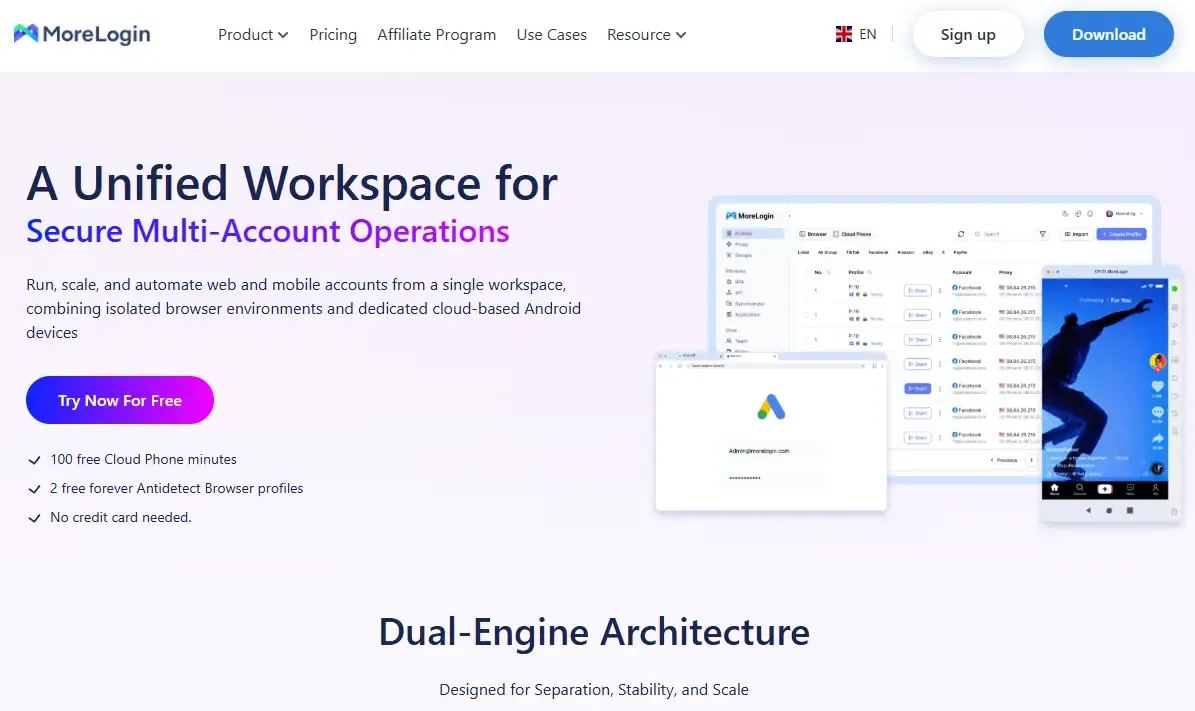
MoreLogin has been gaining attention in recent years, offering basic fingerprint spoofing and multi-account management features. It is suitable for users with limited budgets or beginners, but still needs improvements in performance and stability.
2. How to Choose the Right Fingerprint Browser?
Many people ask, “Which one should I choose?” It’s actually not that complicated — just focus on a few key points.
• First is anti-association capability, which is the core. The more fingerprint coverage dimensions a tool has, the better.
• Second is stability. When you manage many accounts, a browser crash can seriously affect efficiency. You can usually feel this after a few days of use.
• Third is automation capability. If you run bulk accounts, this directly determines whether you can scale operations.
• Finally is price. Don’t only look at cheap options at the beginning, because switching tools later can be even more costly.
3. Can Fingerprint Browsers Really Prevent Account Bans?
This is actually a common misunderstanding
Fingerprint browsers can indeed reduce the risk of account linking, but they are not a “universal safety shield.” The real factors affecting bans are browser fingerprints, IP quality, and user behavior.
If behavior is abnormal — such as repeated actions in a short time or poor-quality IPs — even the best fingerprint browser cannot save the account.
Fingerprint browsers combined with detection tools are more reliable
□ Different browsers generate different fingerprint quality, and improper configuration can actually make detection easier.
□ You can try tools like ToDetect to “reverse-check” your browser fingerprint exposure.
□ Create an environment using a fingerprint browser 👉 then run a check with ToDetect 👉 adjust parameters if anomalies are found.
□ Especially for high-value accounts or long-term operations, this step is very necessary.
Final Practical Advice
If you are just starting out or your account scale is still small, choose a stable and simple tool. In practice, something like Bit Browser is more comprehensive and convenient.
If you are already running a team operation, then focus more on automation and collaboration capabilities. Regardless of the tool you choose, combining it with high-quality proxy IPs and standardized workflows is the key to long-term stable operations.
 AD
AD


