



 Resources
 Feature overview

 Alani
Alani 2026-04-17 11:45
With cross-border e-commerce, social media marketing, and multi-account operations becoming increasingly common, fingerprint browsers have almost become a standard tool.
Many people try to save costs at the beginning by using free windows of fingerprint browsers or randomly choosing a tool, only to find their accounts frequently flagged, ending up taking many unnecessary detours.
Because of this, how long can free fingerprint browser windows actually last? Which fingerprint browser on the market is more reliable? Today, we’ll give you a real comparison of Bit Browser and HubStudio and how to choose between them.

1.Fingerprint Browser Free Windows – Are They Enough?
Many fingerprint browsers offer a small number of free windows, such as 5 or 10. It seems user-friendly, but in practice, several issues quickly emerge:
1. Once accounts increase, windows are not enough
If you're just testing, such as using a tool (like ToDetect), free windows are sufficient. But once you start real operations, such as:
• Multiple cross-border e-commerce stores
• TikTok/FB account matrices
• Independent site ad campaigns
10 windows will typically become insufficient within a week.
2. Free versions usually have limited features
Free windows are often just “usable,” but many core capabilities are restricted, such as:
• Limited proxy configuration flexibility
• Restricted automation features
• No team collaboration
• Unstable data synchronization
These issues may not be obvious at first, but once you scale up, they become major efficiency bottlenecks.
3. Limited stability and risk control capabilities
One key point many people overlook: the core of a fingerprint browser is not just “multi-opening,” but simulating real devices to bypass platform risk control.
If the fingerprint simulation is not realistic enough, platforms can easily detect it. That’s why many people repeatedly test using tools like ToDetect.
2. Bit Browser vs HubStudio: Which One Is Worth Choosing?
| Comparison Dimension | Bit Browser | HubStudio |
|---|---|---|
| New Account Nurturing Environment | Fingerprint environment is closer to real devices, reducing risk control probability, better for long-term account nurturing | Basically usable, but stability is average on high-risk platforms |
| Bulk Account Login | Supports batch opening and login, high efficiency | Requires more manual operations, lower efficiency |
| E-commerce Store Isolation | Each environment is fully isolated, reducing account crossover risk | Isolation is average, with some risk |
| Fingerprint Consistency | Multi-dimensional consistency (device + IP + system), more stable performance | Occasional inconsistencies in some fingerprint parameters |
| Detection Tool Compatibility (e.g., ToDetect) | Performs closer to real users in detection tools | Detection scores fluctuate significantly |
| Long-term Stability | Stable during long runs, suitable for long-term account nurturing | High resource usage when many windows are open |
| Team Collaboration | Supports account sharing and permission management, suitable for teams | Weak collaboration features |
| Account Scalability | Smooth even when scaling from 10 to 100+ windows | Management and performance pressure increase significantly with more windows |
3. Core Comparison: Fingerprint Simulation (Most Important)
In multi-account operations, the biggest concern is account bans, which essentially come down to browser fingerprint detection.
• HubStudio: Basic fingerprint spoofing is acceptable, but lacks depth in details such as Canvas and WebGL consistency, leading to average stability on high-risk platforms (e.g., FB Ads).
• Bit Browser: More comprehensive fingerprint dimensions (device, system, timezone, fonts, hardware info, etc.), with highly independent environments for each window.
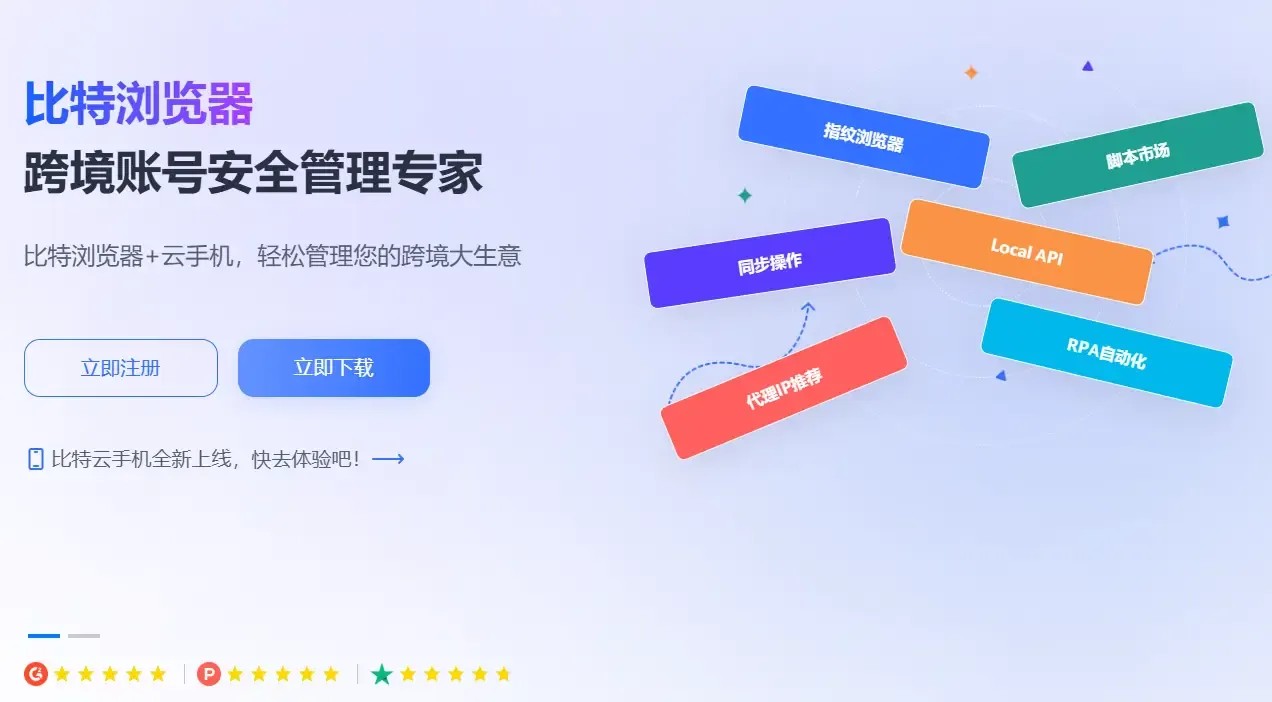
Through testing with fingerprint detection tools like ToDetect, Bit Browser appears more like a “real user device,” while HubStudio behaves more like a “simulator.”
4. Core Comparison: Window Management & Scalability
• HubStudio: Basic window management is okay, but once windows increase (e.g., 50+), management becomes chaotic, with inefficient grouping, tagging, and batch operations.
• Bit Browser: Supports batch creation, import, duplication, tagging, grouping, and notes, making multi-account operations much more efficient.
If you only use 10 windows, the difference is minimal; but at 100 windows, the gap becomes very obvious.
5. Core Comparison: Proxy & Network Adaptation
Fingerprint browsers rely heavily on proxies—this is essential.
• HubStudio: Supports common proxy types, but switching and stability are average.
• Bit Browser: Supports multiple proxy protocols (HTTP/Socks5), allows batch binding, and integrates proxies better with fingerprint environments.
This is especially critical for cross-border e-commerce and ad campaigns.
6. Core Comparison: Automation & Efficiency Tools
• HubStudio: Basic automation, suitable for light users.
• Bit Browser: Supports RPA automation, enabling batch operations (login, posting, scraping, etc.), ideal for teams and scaled operations.
If you operate manually, the difference may not be obvious, but in batch operations, Bit Browser clearly stands out.
7. Core Comparison: Cost Performance & Long-term Use
Many people focus on price, but what really matters is “long-term cost.”
• HubStudio: Low entry cost, suitable for trying out.
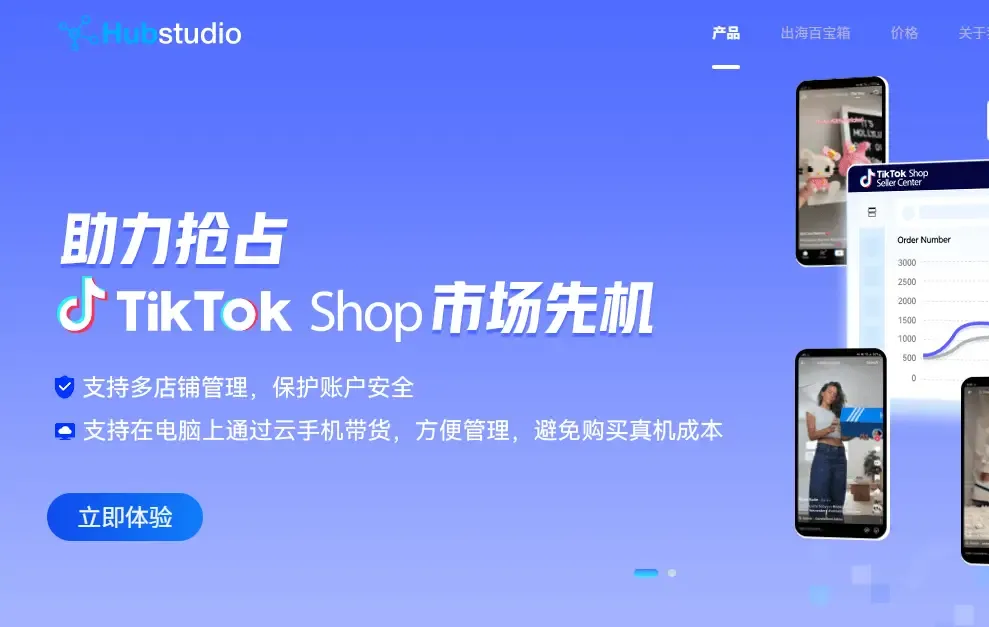
• Bit Browser: More comprehensive features and higher stability.
In the long run, it saves more time and account costs. Remember, the cost of a banned account is far higher than the browser fee.
8. Common Questions About Fingerprint Browser Usage
1. Fingerprint Browser Free Version – How Long Can It Be Used?
It is generally only suitable for testing or beginners. Once you start multi-account operations (e-commerce, social media, ads),
window limits and feature restrictions quickly become bottlenecks, usually within 1–2 weeks, and may also impact efficiency and account safety.
2. What Is the Biggest Difference Between Bit Browser and HubStudio?
The core difference lies in fingerprint simulation and stability. Bit Browser is closer to real device environments, making it better for long-term account nurturing and risk reduction.
HubStudio offers sufficient basic functionality, but its stability and consistency are weaker on high-risk platforms, making it more suitable for light use.
3. What Should Be Prioritized in Multi-account Operations?
Not the number of windows, but anti-ban capability + management efficiency. Focus on whether the fingerprint is realistic and stable, and whether account isolation is thorough.
Choosing the wrong tool can lead to account losses far exceeding software costs.
Conclusion: How to Choose the Right One?
Free windows are suitable for beginners but not for long-term business. If you have higher requirements for account stability and efficiency, Bit Browser is generally the better choice.
The essence of a fingerprint browser is not “how many windows you can open,” but whether you can maintain accounts stably over the long term and scale your business.
Bit Browser is indeed more mature in fingerprint simulation, window management, and automation, which is why many experienced users eventually switch to it.
