



 Resources
 Feature overview
 Alani
Alani 2026-06-12 10:41
Many beginners in cross-border e-commerce are misled by the claim that fingerprint browsers can solve account suspension issues. As a result, they rush to buy them, only to encounter account anomalies within a week.
In reality, a fingerprint browser is more like a precision tool. If you don’t understand its principles, detection logic, and usage methods, you will likely waste money and run into problems.
Today, we will cover the key points that every beginner must understand before entering cross-border e-commerce, helping you avoid mistakes and unnecessary expenses.

1. What is a Fingerprint Browser and is it really necessary?
A fingerprint browser is a tool that can spoof computer hardware and browser information, allowing different accounts to appear as different devices. For cross-border sellers, it helps reduce account association risk.
However, many beginners assume it guarantees safety, which is far from reality. Some users buy expensive “cross-border fingerprint browsers” and still get flagged due to misunderstanding how detection works.
2. Key Concepts of Cross-border Fingerprint Browsers
Browser Fingerprint Detection
The goal of fingerprint browsers is to bypass detection, but there is no zero-risk solution. Tools like ToDetect are used to check whether browser fingerprint data is exposed or duplicated.
Device Fingerprint vs Browser Fingerprint
Besides the browser, systems also analyze hardware, IP address, and OS version. A proper fingerprint browser allows customization of these parameters, but incorrect configuration can still trigger risk control systems.
Account Security Management
Beginners often operate multiple accounts on the same device. Even with a fingerprint browser, improper usage may still lead to account linkage and suspension.
3. Why Beginners Should NOT Start with Fingerprint Browsers
There are several reasons:
• High cost: Quality tools are expensive and require skill.
• Complex operation: Incorrect setup increases detection risk.
• Misunderstanding function: Platforms also analyze behavior, history, and IP patterns.
Simply put, using tools without understanding the basics increases risk instead of reducing it.
4. Pre-purchase Checklist for Beginners
| Checklist Item | Key Question | Common Beginner Mistake | Recommended Action |
|---|---|---|---|
| Number of Accounts | Do you need to manage multiple accounts? | Buying premium tools for 1–2 accounts | Choose tools based on actual needs |
| Business Stage | Learning, testing, or scaling? | Investing too early without understanding rules | Learn platform rules first |
| Network Environment | Do you have a stable network? | Frequent IP changes | Keep network stable |
| Device Management | Do you need isolated environments? | Mixing multiple accounts on one setup | Use separate environments |
| Data Testing | Can you verify fingerprint status? | Relying only on software prompts | Use detection tools like ToDetect |
| Budget | Have you calculated long-term cost? | Buying expensive plans blindly | Match tools to scale |
| Risk Awareness | Do you understand platform risk logic? | Thinking browser switching = safety | Manage behavior + IP + device together |
5. What Beginners Should Prepare First
🔶 Understand account operation logic
Learn registration, listing, ads, and risk control basics.
🔶 Understand fingerprint browser principles
Test different IP + browser combinations and observe detection behavior.
🔶 Learn detection tools
Tools like ToDetect help identify fingerprint leaks and duplication.
🔶 Adopt tools gradually
Only upgrade once you understand the system.
6. Practical Beginner Tips
Use normal browser + proxy first
Start with Chrome or Edge and overseas proxy before buying tools.
Randomize behavior
Make browsing, login, and purchase actions appear natural.
Record test results
Use ToDetect to track fingerprint results and build experience.
7. Common Questions about Cross-border Fingerprint Browsers
Q1: Why am I still banned after using a fingerprint browser?
A1: Because IP, device, and behavior also matter. Fingerprint alone is not enough.
Q2: Can ToDetect detect all risks?
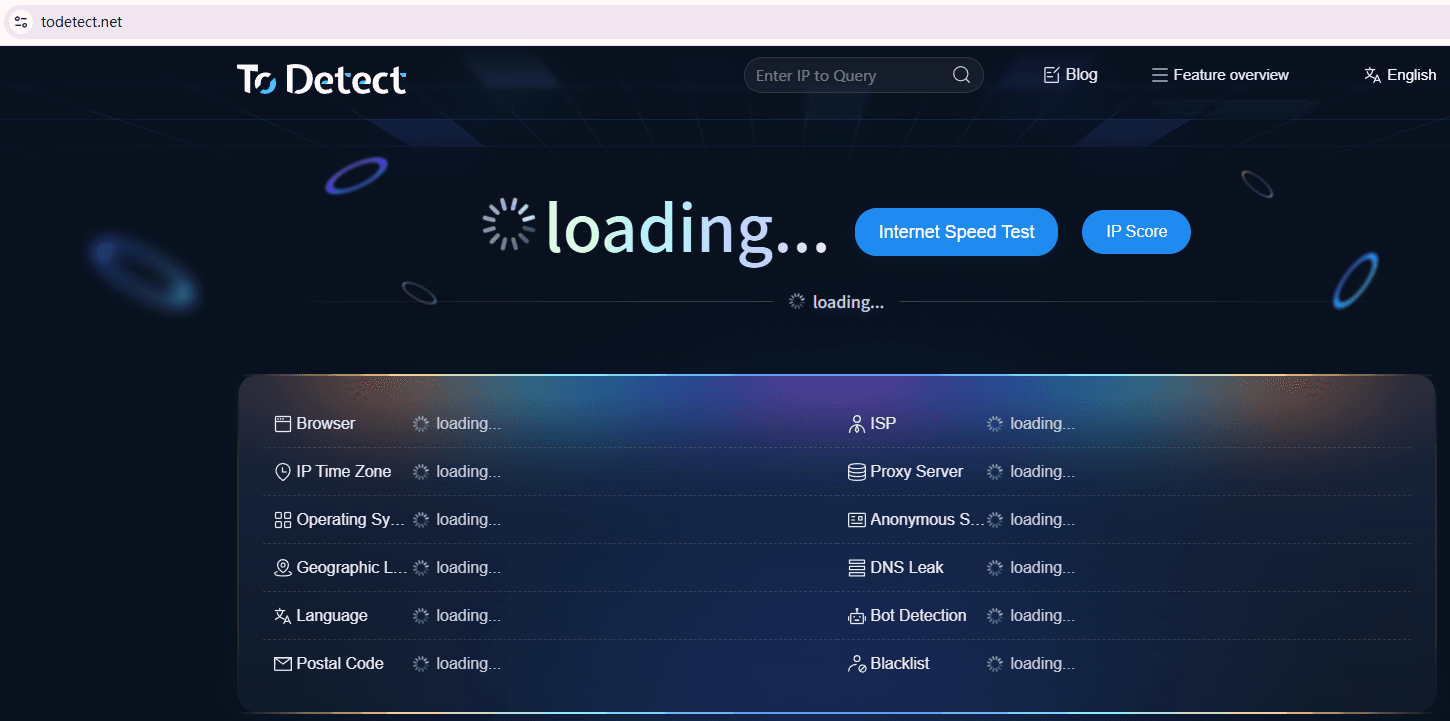
A2: It detects fingerprint duplication and leaks, but cannot analyze account behavior or history.
Q3: Should beginners start with fingerprint browsers?
A3: Not recommended. Learn basics first, then upgrade gradually.
Q4: Can fingerprint browsers fully prevent bans?
A4: No. They only reduce detection probability, not eliminate risk.
Conclusion
Cross-border e-commerce beginners should not rely on tools blindly. Understanding risk control logic and proper operation is more important than any software.
Only after mastering fundamentals should you choose the right fingerprint browser.There are no shortcuts—control the risk first, then use tools effectively.