


 Resources
 Feature overview
Top 6 2FA Authenticators to Use in 2026
 Charles
 2025-12-23 08:10


With the increase in cybersecurity threats in 2026, Two-Factor Authentication (2FA) has become a crucial means of protecting personal and corporate accounts. This article will provide a detailed overview of 6 popular 2FA authenticators in 2026, hoping to be helpful to you.
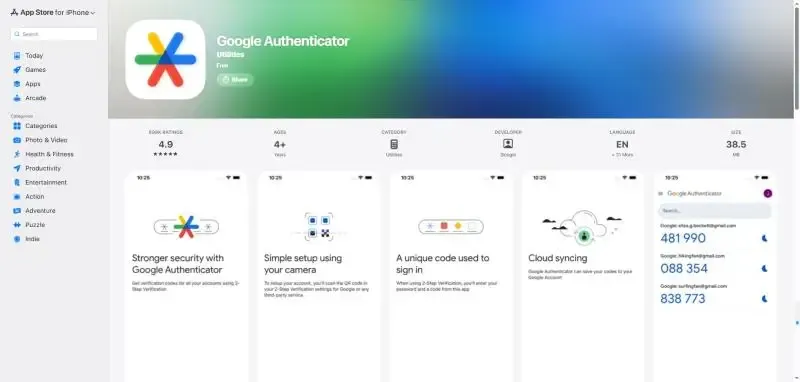
1. Google Authenticator: Lightweight and Widely Compatible
Google Authenticator is a free 2FA authenticator that does not offer cloud synchronization, multi-device management, or enterprise-grade support. However, it excels in stability, lightweight performance, and strong compatibility.
Features and Advantages:
Supports the TOTP standard and generates time-synchronized one-time passwords
Generates verification codes offline, no internet connection required
Simple and easy to use, bind accounts with just a QR code scan
Compatible with most websites and applications
Applicable Scenarios: Personal account protection, cloud services, Google services, social media, etc.
2. YubiKey: Hardware-Level Security Protection
YubiKey is a 2FA solution with the highest security level. The main cost comes from the hardware itself, but long-term subscriptions are required.
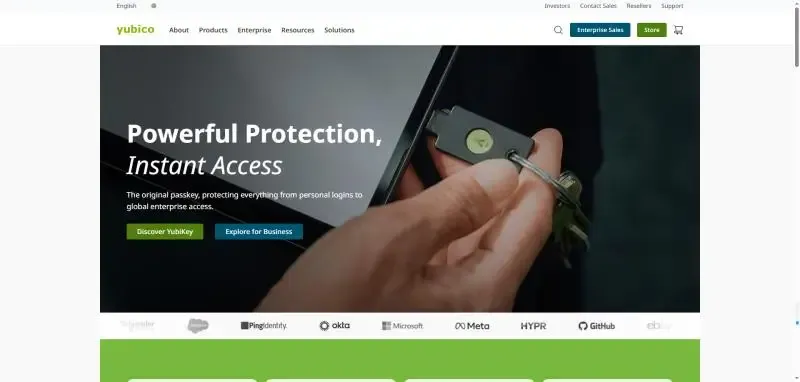
Reference Price: YubiKey 5 Series — approximately $45–$70 each. Prices may be more favorable for enterprise bulk purchases.
Features and Advantages:
Supports multiple protocols such as FIDO2, U2F, and OTP
High physical security, protection against phishing and MITM attacks
Can be used offline, no internet connection required
Applicable Scenarios: Corporate accounts, high-security systems, cryptocurrency wallets
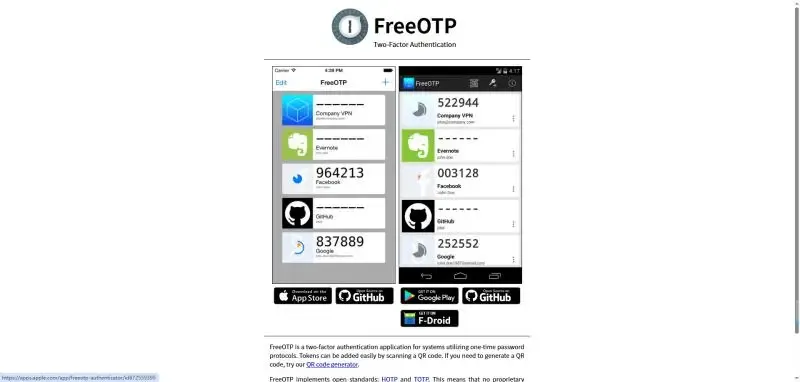
3. FreeOTP
FreeOTP has no paid versions and does not collect user data, making it ideal for privacy-conscious users.
Features and Advantages:
Can manage multiple 2FA accounts
Lightweight application with smooth operation
Supports offline verification code generation
Applicable Scenarios: Small businesses, privacy-conscious users
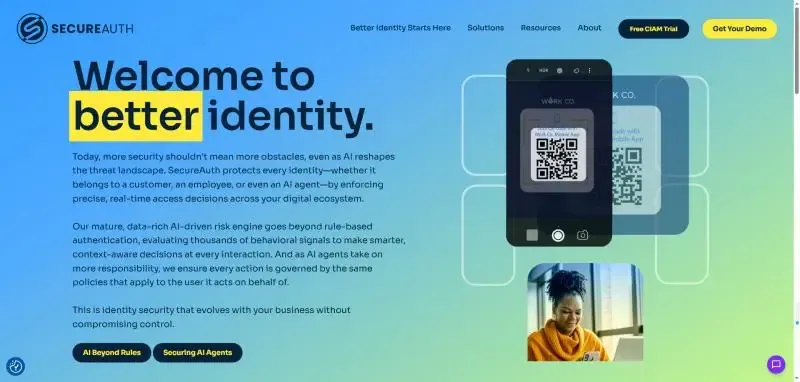
4. SecureAuth Authenticate
An enterprise-grade Multi-Factor Authentication (MFA) system that can also be used as a 2FA tool.
Features and Advantages:
Adaptable to complex enterprise environments
Rich enterprise policy control options
Supports multiple verification methods including push notifications and biometrics
Applicable Scenarios: IT security strategies for medium and large enterprises
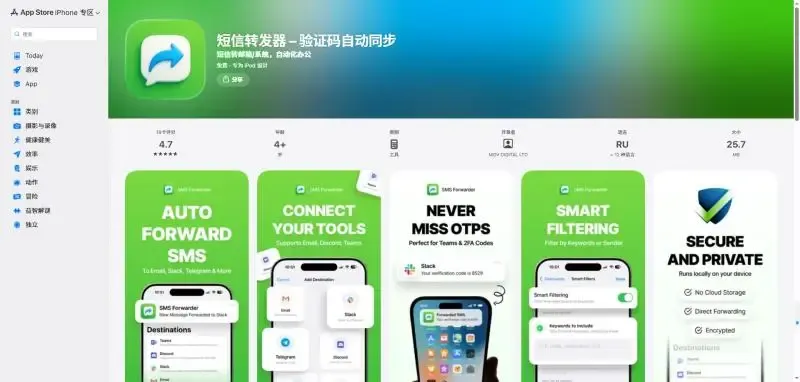
5. SMS / Mobile Text Message 2FA
Though not a standalone application, it remains one of the most common forms of 2FA.
Features and Advantages:
Receive verification codes directly via text message
User-friendly for non-technical users
No need to install additional applications
Applicable Scenarios: Temporary additional security protection for regular users
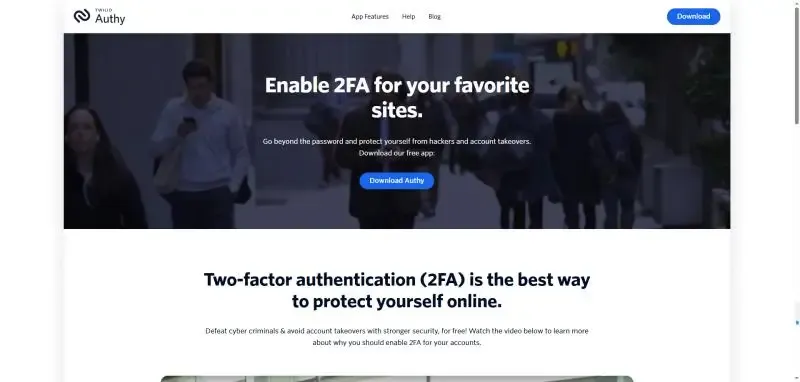
6. Authy
Authy is free for personal use, with free multi-device synchronization and cloud backup. Enterprises are billed based on usage volume.
Features and Advantages:
Supports multi-device synchronization (mobile, tablet, desktop)
Cross-platform compatibility with strong adaptability
Provides encrypted cloud backup to prevent 2FA failure due to device loss
Applicable Scenarios: Financial services, trading platforms, cross-device account management
7. Frequently Asked Questions (FAQ)
Q1: Can multiple 2FA verification methods be used simultaneously?
Yes, and it is highly recommended. For example, use Authy or Google Authenticator as the primary verification method, and YubiKey as the backup method. This way, you can still maintain control of your account if your device is lost or malfunctions.
Q2: Which 2FA solution is most suitable for enterprise users?
For enterprise environments, we recommend using SecureAuth Authenticate, Authy, etc. SMS 2FA is not recommended as the primary enterprise solution.
Q3: Which 2FA authenticator is best for regular personal users?
If you only need it for daily account security protection, Google Authenticator or FreeOTP is more than sufficient.
8. Summary
| Authenticator | Type | Advantages | Applicable Scenarios |
|---|---|---|---|
| Google Authenticator | Mobile App | Easy to use, widely compatible | Personal accounts, social media |
| SecureAuth Authenticate | Mobile App | Adaptive risk authentication, zero trust architecture support | Large enterprises, Identity and Access Management (IAM) |
| Authy | Mobile + Desktop | Multi-device synchronization, encrypted backup | High-security users, financial platforms |
| YubiKey | Hardware | High physical security, multi-protocol support | Corporate accounts, high-security systems |
| SMS / Mobile Text Message 2FA | Text Message Verification | No app installation required, low barrier to entry | Low-security requirement scenarios, basic account protection |
| FreeOTP | Open Source | Lightweight, offline, secure | Privacy-conscious users, small businesses |
Different 2FA solutions are suitable for different groups of people. When making a selection, you should conduct a comprehensive evaluation based on your needs and application scenarios. Choosing the right two-factor authentication tool now can not only protect your account security but also improve the overall level of network protection.
 AD
AD


