


 Resources
 Feature overview
Can Someone See Your IP Address? What Lookup Tools Reveal
 Ganesh
 2025-12-04 05:39


In the modern internet era, IP addresses play an extremely important role. Not only are they the unique identifiers of devices on the network, but they also serve as the foundation for network management, security protection, remote access, and many other operations.
Therefore, accurately and conveniently querying IP addresses has become a necessity for both individual users and enterprise administrators. With many IP lookup tools available, which one is the best to use?
This guide will help you analyze the key criteria for choosing an IP lookup tool and recommend several reliable options to help you quickly locate and understand your network information.

1. The Role of IP Lookup and Its Applications
● Network Troubleshooting
When the network connection is abnormal, confirming your device’s IP address is the first step in diagnosing the problem. It helps you determine whether you're on a local network or directly connected to the public internet, allowing you to quickly pinpoint the issue.
● Remote Access Configuration
When remotely accessing home computers, servers, or smart devices, you need to know your public IP and whether ports are open to ensure connectivity.
● Security Monitoring & Protection
Knowing your public IP helps you set firewall rules and access controls to prevent potential attacks. Detecting abnormal IP behavior also aids in identifying malicious intrusion.
● Geolocation & ISP Information
IP addresses often correlate with a device’s geographical location and internet service provider. These details are crucial for content customization, ad targeting, and region-based restrictions.
2. Types of IP Lookup Tools
1. Online Lookup Websites
The most common and convenient form, requiring no installation—simply open a webpage to view your IP information.
2. Local Command-Line Tools
Suitable for technical users, especially in servers or non-GUI environments. These tools retrieve device IP addresses via command line.
3. Network Management Software
Integrated into router interfaces or professional monitoring tools, these solutions offer rich functionality and can monitor multiple device IPs and port information simultaneously.
3. Key Criteria for Choosing an IP Lookup Tool
1. Accuracy
IP address data must be precise—especially public IP data. Some tools may have outdated data or unreliable sources, leading to incorrect results and follow-up issues.
2. Information Richness
Besides the IP itself, good tools provide geolocation, ISP, ASN, IP type (public/private), VPN/proxy detection, and more.
3. Ease of Use
A simple and intuitive interface makes IP lookup effortless without complicated configurations.
4. Privacy & Security
Tools should not leak personal data and should ensure the safe handling of lookup information.
5. Multi-Platform Support
Compatibility with mobile, tablet, and PC ensures convenient IP lookup anytime, anywhere.
4. Recommended IP Lookup Tools (IP Lookup)
1. ToDetect
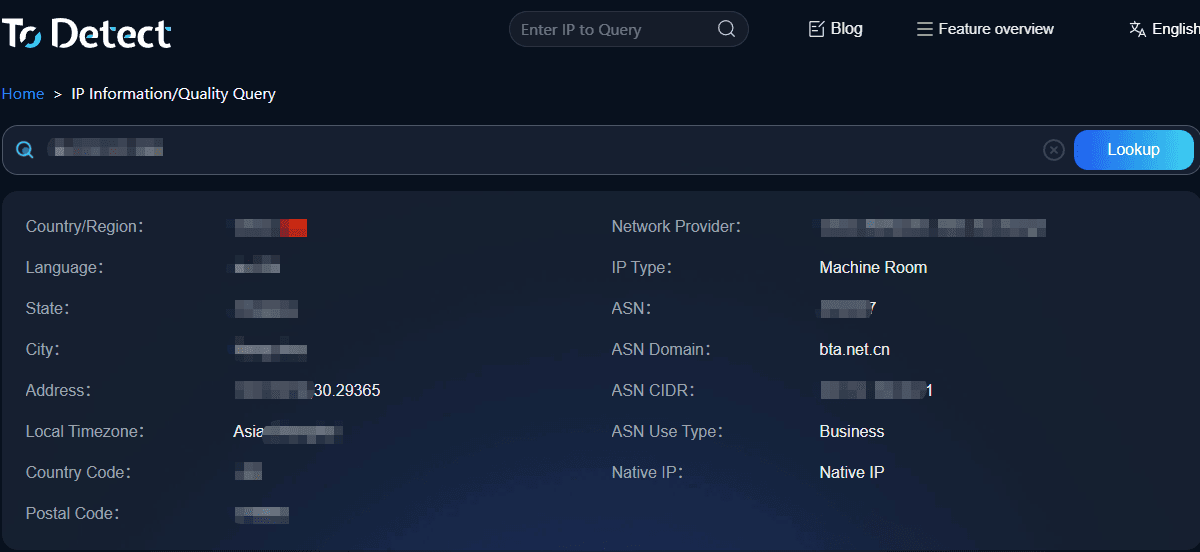
The ToDetect browser fingerprinting tool provides a clean and efficient IP lookup service. With one click, users can view public IP, geolocation, ISP information, and comparisons from multiple IP databases—ideal for both everyday users and technical professionals.
2. IP138
IP138 is a well-known Chinese IP lookup site offering public IP display, region lookup, and ISP detection. Its simple interface makes it great for quick IP checks.
3. WhatIsMyIP
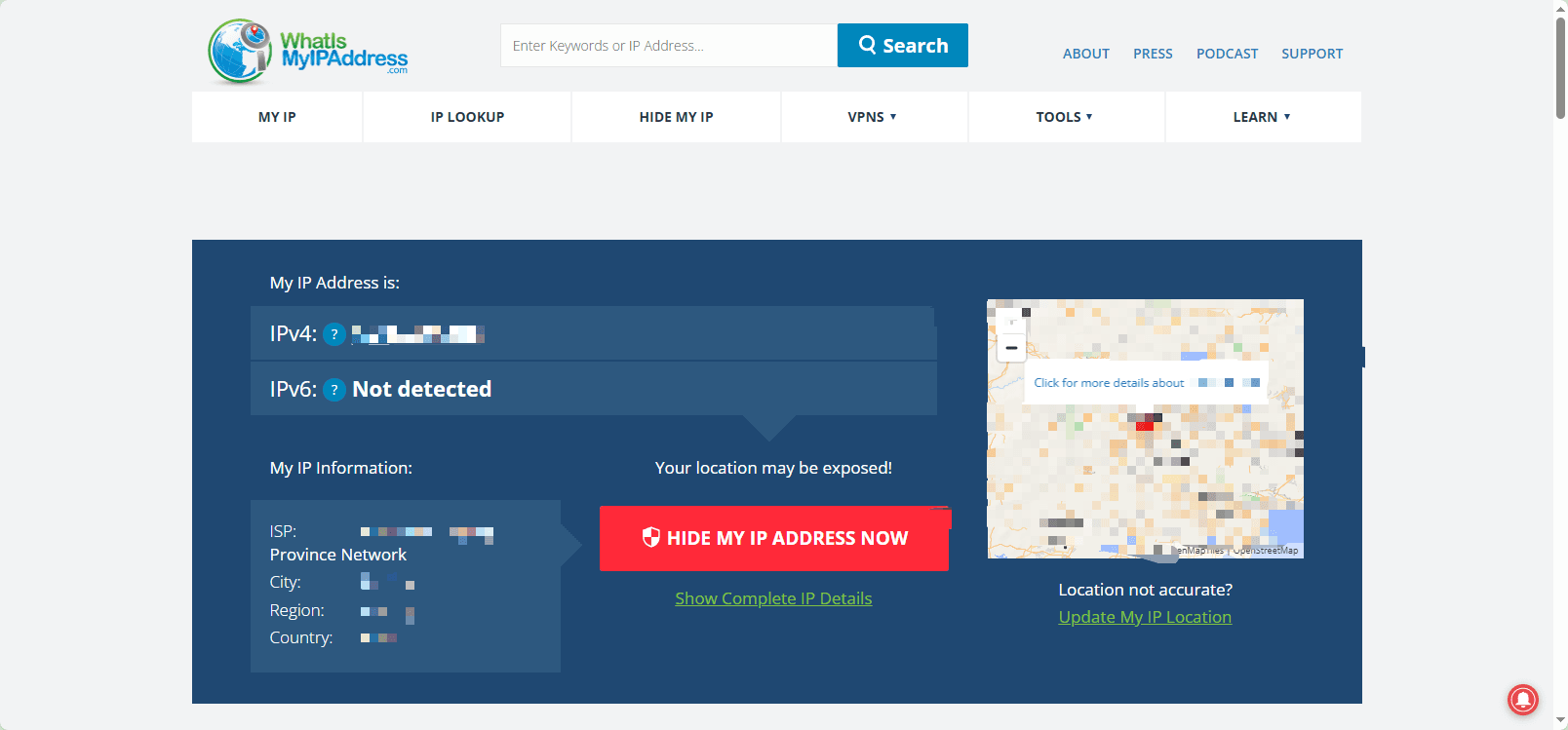
A globally recognized IP lookup site supporting IPv4 and IPv6. It also provides port scanning, DNS lookup, and more—ideal for multilingual or cross-region users.
4. IP-API

IP-API is a free and open API service that provides geolocation, ISP, timezone, and more—great for developers and technical users.
5. IPinfo

IPinfo provides accurate IP and network information with support for bulk queries and APIs. Widely used in security analytics and ad targeting. The free tier suits most everyday users.
6. Command-Line Tools
Windows: Use ipconfig to check local IP, and curl ifconfig.me to retrieve public IP from external services.
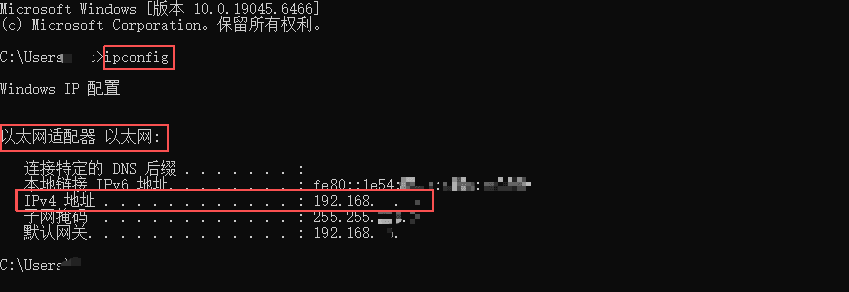
Linux/macOS: Use ifconfig or ip addr for local IP, and curl or wget for public IP lookup.
Advantage: Flexible and ideal for automation scripts.
Use Cases: Server management and DevOps automation.
5. How to Use IP Lookup Tools to Improve Network Security
1. Regularly Check Public IP & Port Status
Use online port scanning to monitor open ports and prevent unauthorized access.
2. Ensure Router Settings Match Your IP
By checking your router’s WAN IP, you can verify that port mapping is configured correctly and avoid connection issues.
3. Prevent IP Leaks
For privacy-sensitive scenarios, VPNs or proxy tools can hide your real IP.
4. Use APIs for Automated Monitoring
Enterprises can use IP lookup APIs to automatically detect IP changes and abnormal access patterns to improve response efficiency.
Conclusion
The ToDetect browser fingerprint identification tool stands out for its clean interface, comprehensive features, and accurate information. Whether you're an everyday internet user, network administrator, or developer, mastering an efficient IP lookup tool helps you navigate the complex online environment with ease and improve both efficiency and security.
 AD
AD


