


 Resources
 Feature overview
Don't know how to quickly check your IP on phone? 3 tips for easy IP security checks
 Ganesh
 2026-03-19 03:57


In daily life, whether you're watching videos, browsing websites, registering accounts, or running cross-border businesses, your IP is constantly “exposing” your network environment.
In fact, it’s not difficult to quickly check your IP address on a mobile phone. Understanding IP security can also help you avoid many potential issues.
Today, we’ll show you how to quickly check your IP address on your phone, and how to determine whether an IP is safe. Master these 3 tips and easily handle various IP-related problems!

1. How to Quickly Check Your IP Address on Mobile?
Many people think “checking an IP address” sounds complicated, but it’s actually very simple on a phone and can be done in about 30 seconds.
1. Check IP Online via Browser (Highly Recommended)
Open your phone’s built-in browser (or Chrome/Safari), then search for:
• Online IP check
• What is my IP
• IP address lookup
Usually, the first page of search results will directly display your IP address, including:
• Current public IP
• Location (country/city)
• ISP (Internet provider)
The biggest advantage of this method is that no app installation is required—just open and check, perfect for quick use.
👉 Tip: If you need more detailed information, you can visit the todetect website, which provides:
• IP geolocation analysis
• Network type (residential/data center)
• Whether a proxy or IP tool is used
2. Use Professional Tools for Deeper Analysis
If you want more than just a simple IP check and need to know whether an IP is “clean,” you’ll need professional tools such as:
• IP quality detection tools
• Browser fingerprint detection tools
• ToDetect fingerprint checker
These tools provide multi-dimensional insights, not just a simple IP number.
2. Why Should You Care About IP Quality?
Many people ask: isn’t an IP just an address? Why check it? In reality, IP “quality” directly affects:
• Whether your account gets banned
• Whether login triggers risk control
• Whether ads are restricted
• Stability of cross-border operations
For example, if you use a “polluted” or high-risk IP, you may encounter:
• Frequent CAPTCHA prompts
• New accounts getting restricted immediately
• Direct access denial by websites
That’s why more and more people are paying attention to IP quality.
3. How to Quickly Determine if an IP is Safe?
Here are a few simple and practical methods.
1. Check IP Type (Residential vs Data Center)
Using an online IP tool, you can see the IP type:
• Residential IP (safer, looks like real users)
• Data center IP (easier to detect)
Generally:
• Residential IP is cleaner and better for daily use
• Data center IP is more likely to trigger risk control
2. Check if the IP is Flagged
Professional IP tools can tell you:
• Whether it’s blacklisted
• Whether it has abuse history
• Whether it's used for proxy/IP tools
If an IP shows high risk, spam records, or is flagged by multiple platforms, it is likely unsafe.
3. Use Browser Fingerprint Detection Tools
Many people overlook this: modern platforms don’t just check IPs, but also device information—known as “browser fingerprint.” These tools can show:
• Browser version
• System info
• Timezone and language
• WebGL and Canvas fingerprint
If these are inconsistent, you may be flagged as abnormal.
4. Use ToDetect for Comprehensive Analysis
For a one-step solution, we recommend using the ToDetect fingerprint checker. Its advantages include:
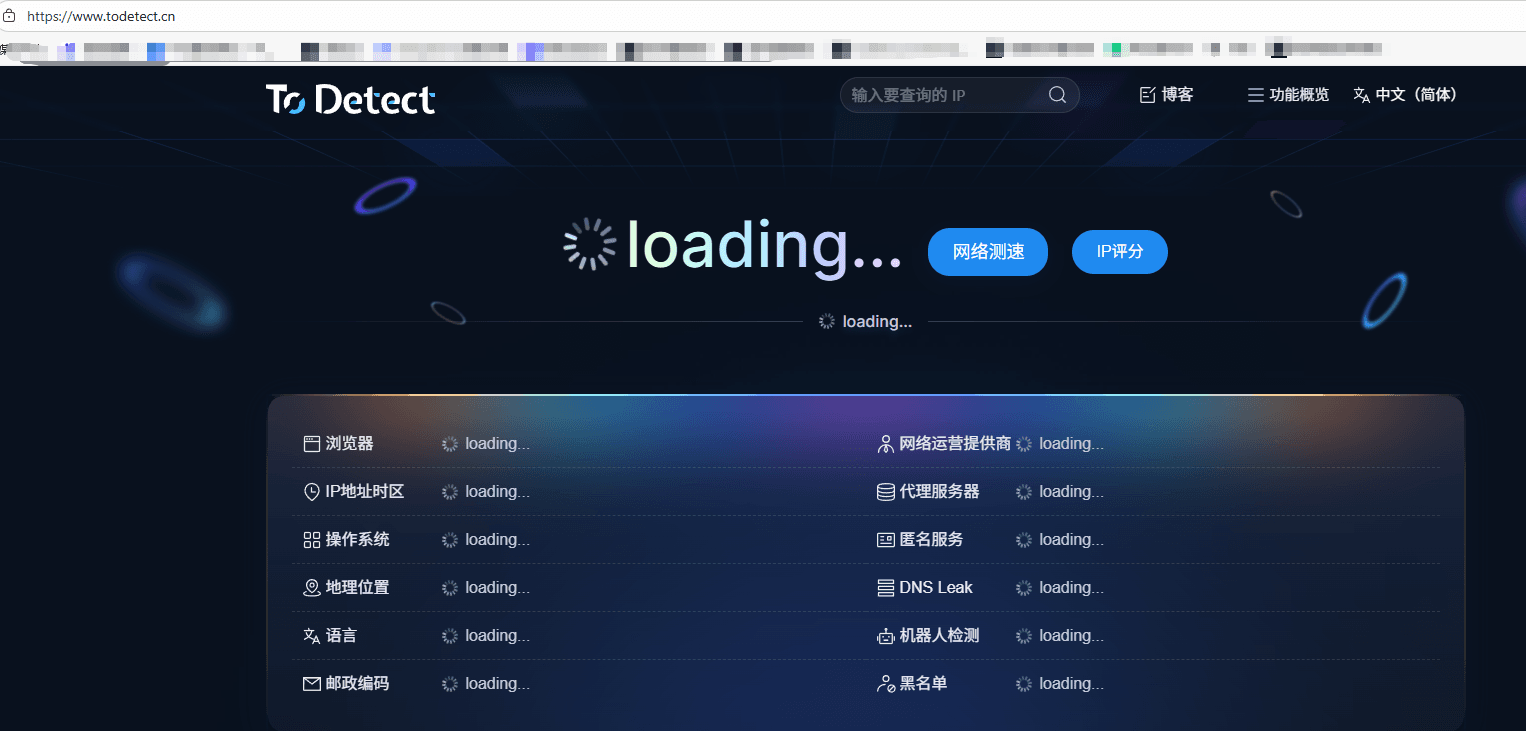
• Detects both IP and browser fingerprint
• Provides a comprehensive risk score
• Flags abnormal environments
Simply open the tool page to see:
• Whether the IP is clean
• Whether the fingerprint is unique
• Whether spoofing traces exist
This is especially important for multi-account operations, cross-border e-commerce, and advertising.
4. Practical Online IP Check Tips (Avoid Pitfalls)
• Avoid using free IP tools casually
Many free VPN IPs are from shared pools and heavily abused, making them high-risk.
• Avoid frequent IP switching
Rapid switching in a short time may be flagged as abnormal behavior.
• Keep IP consistent with device info
For example: IP region = browser language, IP region = timezone.
• Regularly check IP quality
Especially for business users, check every time you switch IP and monitor long-term with stable tools.
Conclusion
Checking your IP on a mobile phone is actually very simple. The key is understanding the information behind the IP and how to quickly determine whether it’s safe.
Using the ToDetect fingerprint checker helps you quickly assess whether your network environment is clean and secure.
By building a habit of regularly checking your IP, you’ll find the online world is not that complicated—and much safer.
 AD
AD


