


 Resources
 Feature overview
Is 99.9% Uptime for Dynamic Residential IPs Really Reliable? Do a Hands-on Test to Trust It
 Ganesh
 2026-03-17 04:16


Many people doing cross-border marketing or data scraping purchase so-called “99.9% uptime” dynamic residential IPs, only to find that they frequently disconnect or get flagged as abnormal by platforms.
It sounds impressive, but many people still wonder — how is this uptime actually measured? And can this metric really be trusted?
Today, we’ll break down the logic behind dynamic residential IP uptime step by step, and show you how to use online IP checking tools to verify the authenticity and stability yourself.

1. What Is a Dynamic Residential IP? Why Does Uptime Matter?
A dynamic residential IP is essentially an IP address assigned to real home broadband users by ISPs such as telecom providers, Comcast, AT&T, etc.
Compared to data center IPs, it has several key characteristics:
• More like real users
• Harder to detect by platform risk control systems
• Suitable for account management, advertising, and web scraping
However, dynamic residential IPs are not always online. Real home devices may:
• Power off
• Restart routers
• Change IPs
• Lose network connection
So providers use a metric to describe stability: uptime.
• 95% uptime
• 98% uptime
• 99.9% uptime
But how exactly is this number calculated?
2. “99.9% Uptime” Is Calculated via Online IP Detection
Uptime is calculated through continuous IP monitoring. The process usually works like this:
1. Periodic IP Probing
Each IP in the pool is checked regularly, for example:
• Every 30 seconds
• Every 1 minute
• Every 5 minutes
Detection methods typically include:
• TCP connection tests
• HTTP request tests
• Ping checks
If the IP responds normally, it is considered online; otherwise, it is offline.
2. Logging Detection Results
Each check is recorded, for example:
| IP Address | Time | Status |
|---|---|---|
| 45.xx.xx.xx | 10:01 | Online |
| 45.xx.xx.xx | 10:02 | Online |
| 45.xx.xx.xx | 10:03 | Offline |
By collecting data over time, the system calculates: total checks vs. successful (online) responses.
3. Calculating Uptime
Uptime = Online Count ÷ Total Checks
Example:
• 1440 checks per day (once per minute)
• 1438 online, 2 offline
• Uptime = 1438 / 1440 ≈ 99.86%
Many providers round this up and market it as “99.9% uptime.”
3. High Uptime Does NOT Mean High Quality
Many people focus only on uptime, but this is a common misconception. IP quality depends on more factors:
• Whether it’s flagged by platforms
• Whether it’s a real residential IP
• Whether it shows proxy characteristics
• Whether its history is clean
This is where IP quality checks come in. Typical checks include:
• IP type (residential or data center)
• ASN information
• Country and city
• Proxy/anonymity detection
• Blacklist status
Only through comprehensive IP lookup and dynamic residential IP testing can you determine whether an IP is suitable.
4. Recommended Tool: ToDetect Fingerprint Checker
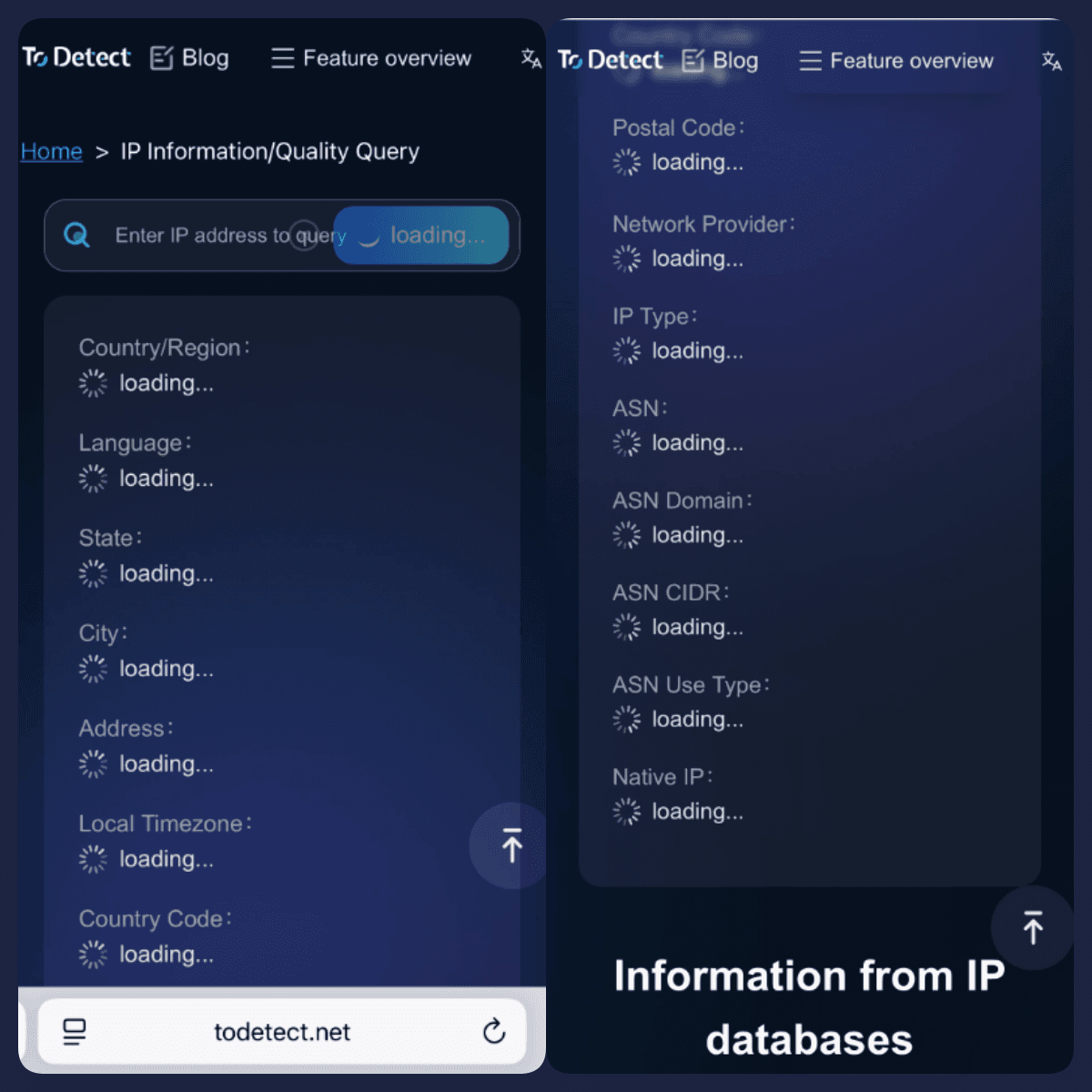
If you want to check IP environment, proxy status, browser fingerprint, and risk exposure in one place, try ToDetect Fingerprint Checker.
It provides:
• IP information lookup
• Proxy detection
• WebRTC leak detection
• Canvas fingerprint
• WebGL info
• DNS information
• Timezone & language matching
Before using a residential IP, run a full check with ToDetect to confirm:
• Whether it’s truly residential
• Whether the fingerprint is consistent
• Whether the environment is clean
This is far more reliable than just trusting “99.9% uptime.”
5. How to Test Dynamic Residential IPs Yourself? Dynamic Residential IP Detection
If you want to evaluate IP quality yourself, follow these steps:
Step 1: IP Lookup
Check IP type, ASN, and location to confirm it’s residential.
Step 2: Online IP Testing
Test stability, disconnection frequency, and latency.
Step 3: IP Quality Check
Check whether it’s flagged, blacklisted, or recorded in risk databases.
Step 4: Browser Fingerprint Testing
Check WebRTC, Canvas, WebGL, and timezone consistency to ensure a natural environment.
Conclusion
Don’t be misled by “99.9% uptime.” It only reflects part of IP stability. A truly good dynamic residential IP must be evaluated across multiple dimensions, including IP quality checks and residential IP testing.
To avoid account bans or abnormal environments, always perform a full check using IP lookup + fingerprint detection tools (such as ToDetect) before use.
 AD
AD


