


 Resources
 Feature overview
2026 Latest IP Address Lookup Tool | Check Your Real IP Location with One Click
 Ganesh
 2026-04-02 03:55


Whether you are doing cross-border e-commerce or overseas social media operations, using online IP lookup has become a practical skill for assessing account risks and understanding the network environment.
At this point, a reliable IP lookup portal becomes crucial. There are too many such portals on the market, and many people don't know how to choose a trustworthy one.
Next, let me share with you the latest 2026 IP address lookup portals | check your real IP location with one click, hoping to be helpful to everyone.

1. What is an IP address? Why do IP lookups matter?
• An IP address is like your "house number" on the internet. Every device connected to the network is assigned an IP to identify itself and facilitate data communication.
• Through IP lookup, you can find out your current public IP, country/city location, Internet Service Provider (ISP), and IP type (residential IP / data center IP).
2. Common online IP lookup methods in 2026
Currently, the main online IP lookup portals can be divided into three categories:
1. Basic IP lookup websites
Enter an IP to see its geographical location, ISP, etc. These tools are suitable for everyday use by general users.
2. Advanced IP detection tools
In addition to basic information, they provide ASN numbers, IP risk levels, proxy status, and network type analysis.
These are more advanced tools, suitable for operations or risk management professionals.
3. Fingerprint-level lookup tools (highly recommended)
These tools not only perform IP lookups but also detect your device environment, such as browser, OS, and screen resolution.
3. ToDetect Fingerprint Tool (more comprehensive IP detection)
If you only use a basic IP lookup tool, the information you get is limited.
Tools like ToDetect not only allow online IP lookups but also perform deeper environment analysis:
1. One-click complete IP information
Open the page and it automatically detects: public IP, location, ISP, IP source, and type.
Results appear almost instantly, providing a smooth experience.
2. Supports multi-dimensional IP detection
Compared to basic tools, it can also detect:
• Whether a proxy or IP tool is used
• Whether it is a data center IP
• IP quality and risk status
This is especially important for account operators.
3. Browser fingerprint detection (core feature)
This is its most valuable feature. Relying solely on IP is not precise because an IP can be shared, use a proxy, or be dynamic.
• Browser fingerprinting generates a unique ID based on device information for more accurate identification.
• Simply put: IP is like an "address," fingerprints are like an "ID card," and together they are more reliable.
4. IP lookup is not as simple as it seems
Many people think IP lookup is just "enter → show location," but it actually involves multiple layers of data calculation:
1. Registration databases (WHOIS)
The basic source of IP ownership information.
2. Network routing analysis
Estimating the general geographic location based on data transmission paths.
3. Real-time measurements and data updates
Including latency tests and user feedback to continuously refine data. Why is IP geolocation sometimes inaccurate? Common reasons:
• Using IP tools or proxies
• Dynamic IP assignment in mobile networks
• Multiple users sharing the same exit IP
Therefore, location discrepancies are normal.
5. IP detection in real-world applications
IP lookup is not just "checking a location"; it is critical in many scenarios:
1. SEO and multi-site operations
IPs from different regions can simulate real user visits and improve data relevance.
2. Cross-border e-commerce and account management
Platforms use IPs to assess account safety. Abnormal IPs may trigger risk control measures.
3. Network security and privacy protection
IP detection can indicate whether your real information is exposed or being tracked.
4. Ad targeting and data analysis
Determine user location by IP to improve advertising accuracy.
6. How to choose a reliable IP lookup portal
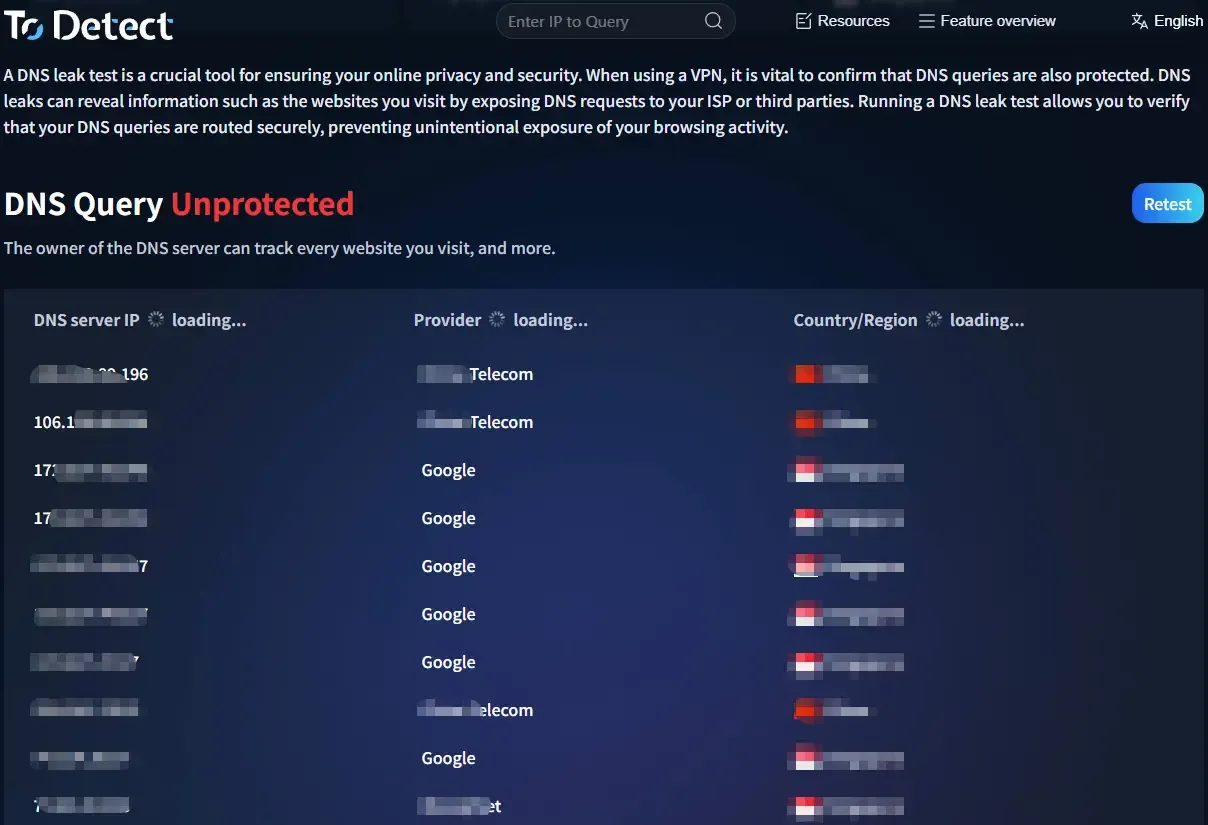
There are many IP lookup portals on the market, but focus on the following points:
• Accuracy: Is the data updated in a timely manner?
• Information dimensions: Does it support multi-dimensional IP detection?
• Speed and experience: Does it respond within seconds?
• Security: Does it protect user privacy?
Overall, tools like ToDetect offer a more balanced combination of functionality and user experience.
Final Words:
With data security and risk control becoming increasingly strict, IP lookup essentially helps you understand "who you are on the internet."
Whether for account security, data analysis, or cross-border business, IP lookup + fingerprint detection has evolved from an "optional skill" into a "must-have tool."
If you just want to check a location, basic online IP lookup is sufficient. If you want deeper and more accurate insights, it is recommended to use the ToDetect fingerprint lookup tool.
 AD
AD


