



 Resources
 Feature overview

 Ganesh
 2026-04-15 14:35
In many cases, the IP address you see may appear to belong to a regular user in a certain city, but behind it could actually be an IP tool node or a proxy server in operation.
When conducting risk control reviews, optimizing ad campaigns, handling cross-border business, or ensuring account security, relying solely on intuition can easily mislead you with “fake IPs,” resulting in incorrect judgments about traffic quality.
Next, let’s walk through how to determine whether someone is using a proxy or IP tool through IP lookup, and how to solve the problem of inaccurate IP query results.

1. First, understand: IP Lookup — what can it actually reveal?
Many people start by using online IP lookup tools or performing IP address queries (sometimes mistakenly typed as IPd lookup). The results typically include:
• IP location (country, province/state, city)
• ISP information (telecom operators / mobile carriers / IDC data centers)
• Whether it is a data center IP
• Basic network type
However, keep in mind: standard IP lookups only show “surface-level information” and cannot directly tell you whether a proxy is being used. Accurate judgment requires multi-dimensional analysis.
2. Step One: Check if the IP looks like a “normal user network”
This is the most basic IP detection method. Real user IPs usually have the following characteristics:
• Stable location (e.g., a consistent real city)
• ISP is a residential broadband or mobile network
• Not part of large-scale data center ranges
But if you notice that the IP location frequently changes, is labeled as a “cloud service provider” or “data center,” or appears overseas while behaving like a local user—
then you should be cautious. It is very likely a proxy or IP tool is being used.
3. Step Two: Identify Data Center IP vs Residential IP
This is a key step in determining proxy usage. Many proxy IPs and crawling tools rely on data center IPs.
With professional IP detection systems (such as risk control platforms or third-party APIs), you can identify:
• Datacenter IP
• Residential IP
• Mobile IP
Generally speaking, a data center IP ≠ necessarily malicious, but it has a high probability of being proxy/tool traffic. A residential IP ≠ guaranteed genuine, but it is more trustworthy.
4. Step Three: Combine with Browser Fingerprinting for Higher Accuracy
Relying solely on IP can lead to high misjudgment rates. A more advanced approach is to combine IP analysis with browser fingerprint detection:
• Whether the User-Agent is abnormal, whether the timezone matches the IP location, whether the Canvas fingerprint changes frequently, and whether fonts and resolution look “machine-generated”
• For example, if an IP shows China but the browser timezone is New York, USA, that is clearly inconsistent
That’s why many risk control systems combine IP detection with browser fingerprinting to improve accuracy.
5. Step Four: Use Tools to Assist (e.g., ToDetect)
If you don’t want to analyze manually, you can directly use platforms like ToDetect:
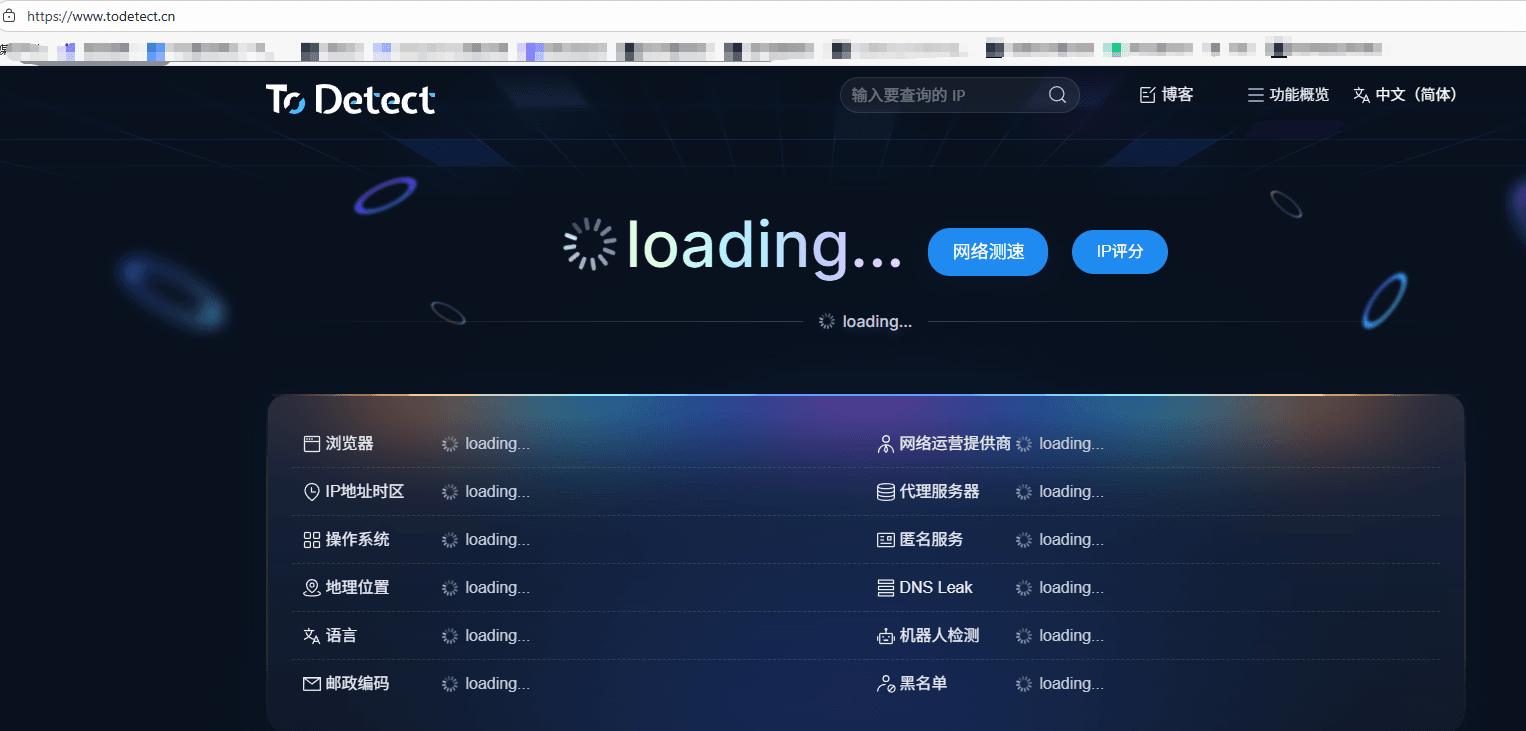
• Determine whether an IP is a proxy IP and assess proxy/tool risk levels
• Analyze whether the IP is data center traffic and combine browser environment for risk scoring
• For website operators, advertisers, and cross-border e-commerce businesses, such tools are extremely practical and essentially “plug-and-play”
6. Online IP Lookup — Common Questions Explained
1. Can IP lookup find an exact address? How accurate is it?
Most online IP lookups can only determine an approximate location, such as country, city, or ISP, but cannot provide an exact street address.
Accuracy is also not 100%, especially for mobile networks or users of IP tools. Deviations may occur, sometimes only showing province-level or country-level results.
2. Why does the IP location differ from my actual location?
This is common and mainly due to the use of proxy tools, outdated ISP IP databases, or shared exit points in mobile networks.
In short, an IP reflects the network exit location, not necessarily the user’s actual physical location.
3. Can IP data determine whether someone is using a proxy or IP tool?
It can provide a “preliminary judgment” by checking:
• Whether it is a data center IP (e.g., AWS, Google Cloud)
• Whether it appears on proxy/IP tool blacklists
• Whether the geographic location shows abnormal jumps
Combining this with browser fingerprint detection significantly improves accuracy.
Conclusion: Don’t Judge Proxy IPs by Surface-Level Data
Determining whether a user is using a proxy or IP tool is not a single-point decision, but a multi-dimensional cross-analysis process.
Relying only on online IP lookup reveals just surface-level information. Combining IP detection, IP lookup, and ToDetect fingerprinting gives a much more accurate picture.
If you frequently deal with risk control or traffic analysis, this methodology can serve as a highly practical foundational framework.
