


 Resources
 Feature overview
Can Free IP Lookup Tools Really Pinpoint Your Home Address? We Tested to Find Out.
 Ganesh
 2026-04-07 03:52


Recently, many friends have been asking in the background: “Can free IP address lookup tools really pinpoint a specific street?”
In fact, behind this lies not only IP lookup tools, but also technologies like IP detection and browser fingerprinting.
Today, we’ll run a real test and use actual cases to show you what these tools can really detect, which information is accurate, and which parts are just hype—so you can truly understand the “truth.”

1. What Can an IP Address Actually Reveal?
Most free IP lookup tools can only locate you at the “city level.” A few may get close to a district or county, but it’s basically impossible to pinpoint a street or exact address.
Why is that? Because an IP address is assigned by an ISP, and databases only map IP ranges to general geographic areas—not your exact home location.
In other words, your IP is more like the “exit point” of a region, not a GPS location.
2. The Principle Behind IP Detection Isn’t That Mysterious
Many people think “IP detection” is very complex, but the principle is actually quite simple. When you visit a website, the server can obtain:
• Your public IP address
• Your network provider (e.g., telecom, mobile carriers, Singtel, etc.)
• Your approximate location (based on IP database matching)
This information is basic network data and does not involve real-time tracking. There are also a few key points to understand:
1. IP databases are not very accurate
Different tools use different databases, so results may vary.
2. Dynamic IPs exist
Most home broadband connections use dynamic IPs, which may change every time you restart your router.
3. Shared IPs are common
Many users share the same public IP, such as in office networks or campus networks.
Therefore, relying solely on IP detection cannot pinpoint a specific address.
3. Why Do Some People Feel “Precisely Tracked”?
This brings us to something many people overlook: browser fingerprinting. Compared to IP addresses, browser fingerprints are far more powerful.
Browser fingerprinting collects information such as:
• Browser type and version
• Operating system
• Screen resolution
• Font list
• Plugin information
• WebGL and Canvas characteristics
Combined together, these can form a highly unique identifier.
The ToDetect fingerprint tool can directly show your browser fingerprint “uniqueness score,” and the results are quite interesting:
Some devices have fingerprints that are almost “unique,” meaning even if the IP changes, they can still be recognized as the same user.
In other words:
👉 IP tells “where you are (roughly)”
👉 Browser fingerprint tells “who you are”
That’s why some people feel “tracked”—it’s not the IP exposing your location, but the fingerprint continuously identifying you.
4. Test Comparison: IP Lookup vs Fingerprinting
To make it clearer, here’s a simple comparison test:
1. Using IP lookup tools
• Multiple online tools showed the IP location as Singapore.
• Some tools displayed a more specific region, but with an error range of several to dozens of kilometers—so it’s only rough positioning.
2. Using the ToDetect fingerprint tool
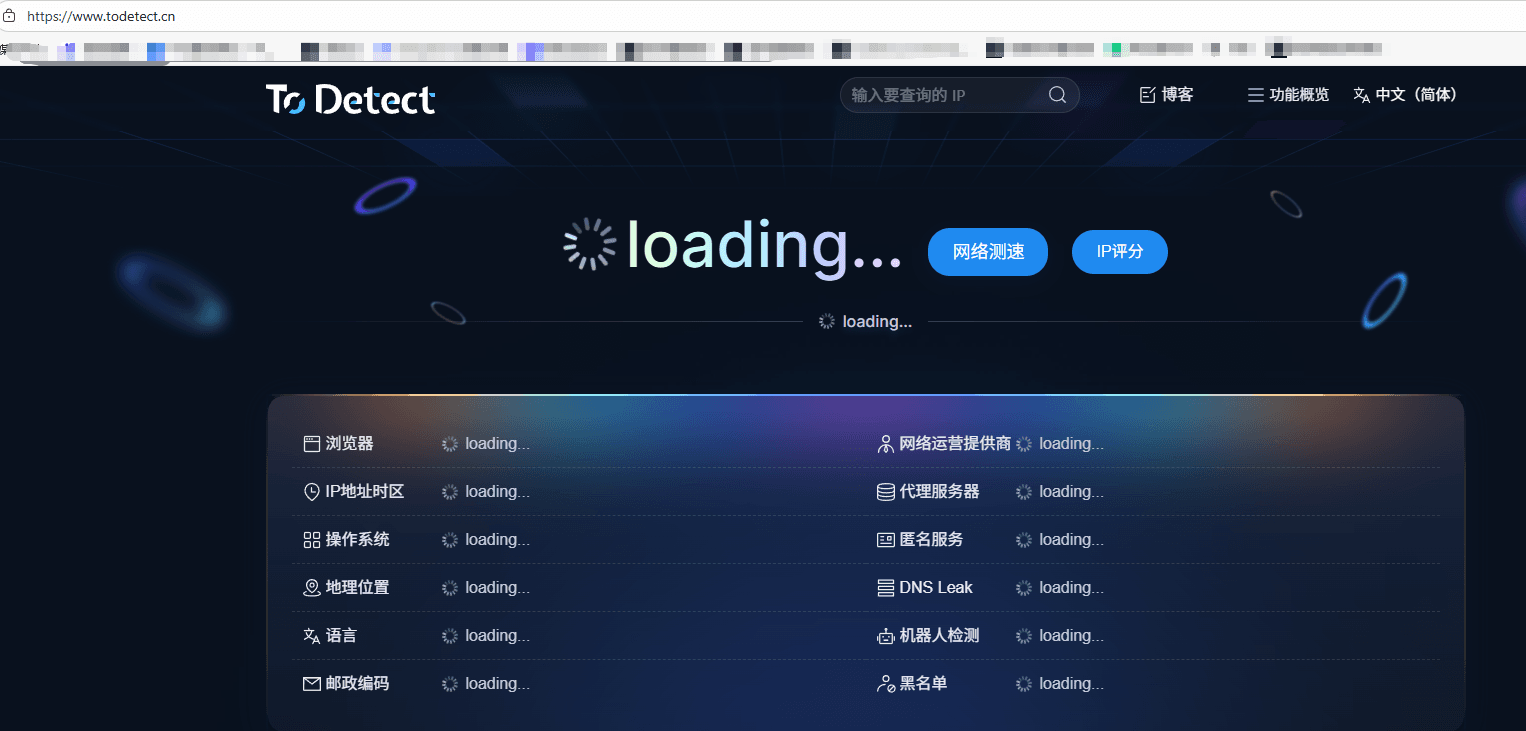
• After opening the page, it recorded the browser environment: exact browser version match, highly unique font combination, and a high fingerprint uniqueness score.
• When switching browsers, the fingerprint changed completely and was recognized as a “new device,” showing that fingerprinting is far more accurate and stable than IP tracking.
5. When Can Location Be More Accurate?
Although IP usually can’t pinpoint streets, in some cases it may get closer:
• Using a static IP (enterprise dedicated lines)
• Small IP ranges (e.g., internal company networks)
• More recently updated databases
Even then, it’s still very difficult to achieve:
△ Street-level accuracy
△ Building-level accuracy
△ Exact personal address
Technologies that can truly achieve precise positioning include:
• GPS (mobile location)
• WiFi positioning (via hotspot databases)
• Cellular tower triangulation
These are not part of IP detection.
6. How to Improve Your IP Privacy Protection?
If you care about privacy, here are some simple optimizations:
• Use private browsing mode: Reduce cookie and cache tracking
• Regularly change browser or device environments: Reduce fingerprint stability
• Use privacy extensions: Block fingerprint collection
• Understand detection tools: Use tools like ToDetect to check your exposure level
Conclusion
IP lookup tools, online IP queries, and IP detection technologies can only provide a general range. They operate at the network level and do not offer precise real-world location tracking.
It’s recommended to regularly clear browser data, use private mode, or test your exposure level with tools like ToDetect to significantly reduce privacy risks.
 AD
AD


