


 Resources
 Feature overview
How many people can share one IP? Plus tips to hide your location and avoid tracking
 Ganesh
 2026-04-03 03:38


Many people have this question: clearly only one device is being used, yet it shows multiple users under the same IP? Can an IP address really expose my location?
In fact, in today’s environment where account risk control is becoming increasingly strict, how an IP address is used is no longer just a simple “internet identifier.”
Today, let’s talk about how many devices can share one IP, how precise IP location lookup really is, and how to properly protect yourself from IP tracking and exposure.

1. How many devices can share one IP address?
• One IP address can be used by multiple devices at the same time, and this is very common in real life.
• For example, when you use WiFi at home, your phone, computer, tablet, and even TV are all sharing the same public IP.
The number of supported devices mainly depends on two factors:
• Router performance (dozens of devices are fine for typical home use)
• Network bandwidth (more devices mean bandwidth is shared, reducing speed)
So technically speaking, one IP address can serve dozens or even hundreds of devices, which is especially common in offices and schools.
2. What information can an IP address reveal?
Many people worry about being “located” via IP. This concern is valid, but there’s no need to panic.
Through common IP lookup or online IP query tools, the following information can usually be obtained:
• Country / city (approximate range)
• ISP (e.g., telecom providers)
• Network type (home broadband / data center / proxy, etc.)
However, note that IP geolocation is usually only accurate to the city level and cannot pinpoint an exact address.
With more advanced tools, you may also detect:
• Whether a proxy/IP tool is being used
• Whether it’s a data center IP
• Whether there is abnormal behavior
3. Why does IP location sometimes seem very accurate?
You may notice that some websites provide very “accurate” IP location results, even close to your actual area.
This is not solely due to the IP itself, but may also involve:
• Browser information
• Device parameters
• Network environment
• Cookies or browsing history
This brings us to a more advanced concept—browser fingerprinting.
4. Browser fingerprint: more “powerful” than IP
Browser fingerprinting refers to websites collecting various device details (such as OS version, resolution, fonts, plugins, etc.) to generate a “unique identifier.”
Even if you change your IP, you may still be recognized if your fingerprint remains the same. Common detection methods include:
• Canvas fingerprint
• WebGL fingerprint
• Font lists
• Timezone and language settings
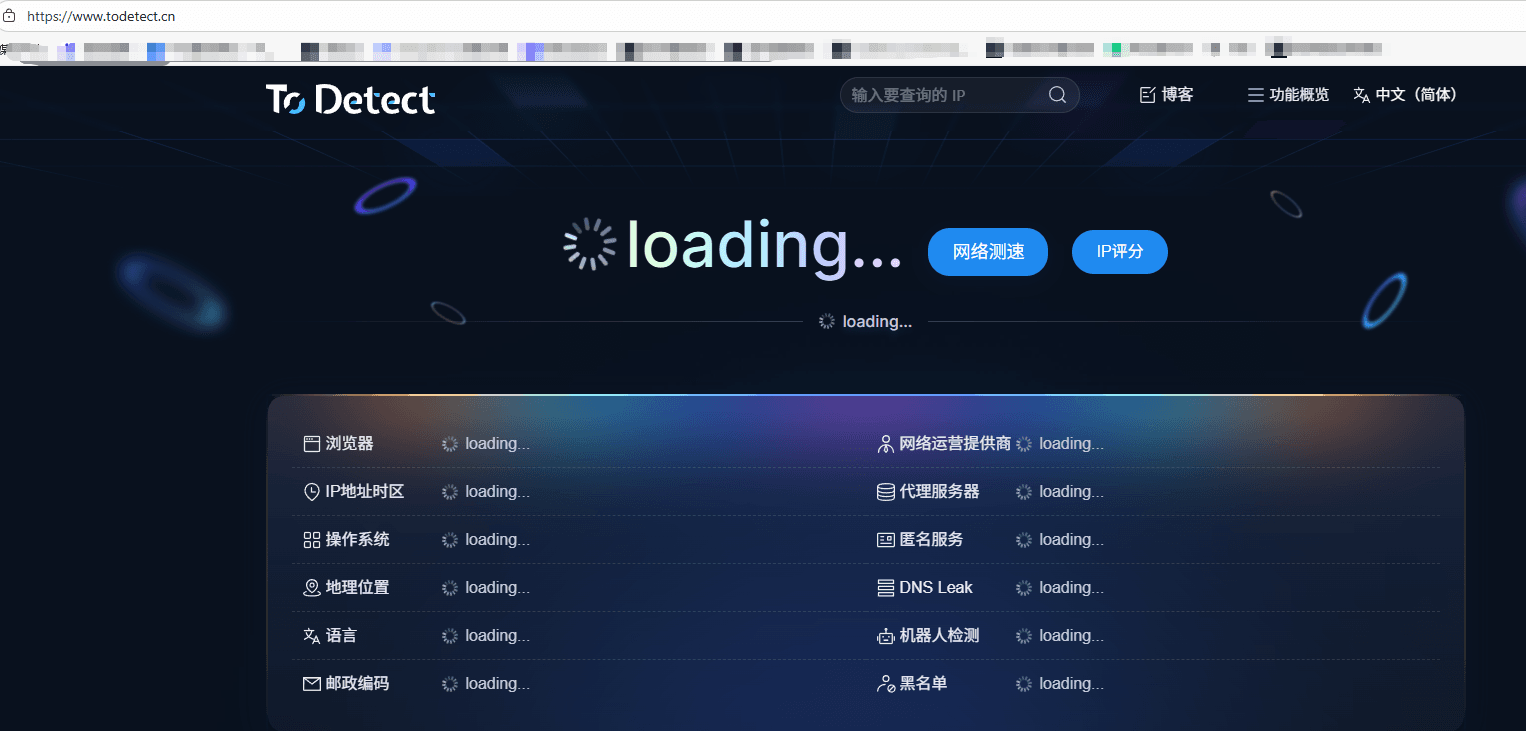
If you want to check your fingerprint, you can use the ToDetect fingerprint tool to see whether your environment exposes too much information.
5. How to prevent IP tracking and exposure?
1. Use proxies or IP tools
• This is the most direct method—hide your real IP and show a proxy IP instead.
• Be cautious: free IP tools may carry risks; choose reliable services.
2. Regular IP checks
Use online IP lookup tools to verify whether your IP:
• Is marked as a proxy
• Has abnormal behavior records
• Exposes your real location
This step is often overlooked but very important.
3. Control browser fingerprint
Changing only your IP while keeping the same browser environment is not very effective. Suggestions:
• Use privacy browsers (e.g., Brave, Tor)
• Disable unnecessary plugins
• Clear cache and cookies regularly
You can also use fingerprint tools like ToDetect to check if your fingerprint is too unique, which could make tracking easier.
4. Avoid multiple accounts in the same environment
• Many platforms use IP + fingerprint detection to identify user behavior.
• Logging into multiple accounts under the same IP and device environment can easily flag them as linked.
Solution: use separate environments and isolate both IP and fingerprint.
5. Use virtual environments or fingerprint browsers
• For advanced use cases like cross-border business, e-commerce, or social media operations, consider fingerprint browsers or virtual machines.
• These tools allow each account to have a unique IP and independent fingerprint.
This significantly reduces the risk of detection.
6. Common questions about IP lookup
1. Can IP lookup pinpoint an exact address?
No.
• Most IP lookup tools can only locate to the city level, sometimes just province or ISP node.
• “Accuracy” often comes from combining browser data or WiFi data, not IP alone.
2. Why does my IP show a different city?
• This is common due to ISP allocation, proxy usage, or outdated databases.
• Therefore, IP location results are not always accurate, especially for mobile or broadband users.
3. How to prevent others from locating me via IP?
• Hide your IP: use proxies or IP tools
• Reduce fingerprint exposure: optimize via fingerprint detection tools like ToDetect
• In short: hiding IP alone is not enough—combine it with fingerprint protection.
Summary
An IP address is just a “door number” on the internet. It’s not inherently dangerous—the real issue is unintentionally exposing too much information.
Modern platforms identify users through a combination of IP lookup, browser fingerprinting, and behavioral analysis.
Using tools like ToDetect for in-depth analysis shows that the real privacy risk is not the IP itself, but your overall network environment.
 AD
AD


