


 Resources
 Feature overview
Which IP Lookup Site Is Most Accurate? 5 Tools Reviewed – Pros & Cons
 Ganesh
 2026-03-27 03:54


Many people regularly use online IP lookup tools—whether to check their public IP, verify if a proxy is working, or test cross-border and e-commerce environments.
But after using them for a while, you may notice something surprising—different IP lookup tools don’t always return the same results.
So which IP lookup website is the most accurate? How should you choose? Today, we’ve reviewed five popular IP lookup tools, comparing their accuracy, features, and use cases to help you find the right one.

1. There’s No “Most Accurate” IP Lookup—Only More Comprehensive Ones
IP lookup fundamentally relies on databases (IP datasets). Different websites use different data sources, so discrepancies in location results are inevitable.
A reliable online IP lookup tool should generally meet these criteria:
• High data update frequency (to avoid outdated location info)
• Rich data dimensions (not just IP + city)
• Support for browser fingerprint detection
• Ability to identify proxy/VPN/data center IPs
Some advanced tools even provide ASN, IP type, and risk scoring—these are typically better suited for advanced users.
2. Real Test of Five Popular IP Lookup Tools
1. ToDetect Fingerprint Tool (Rating: ★★★★★)
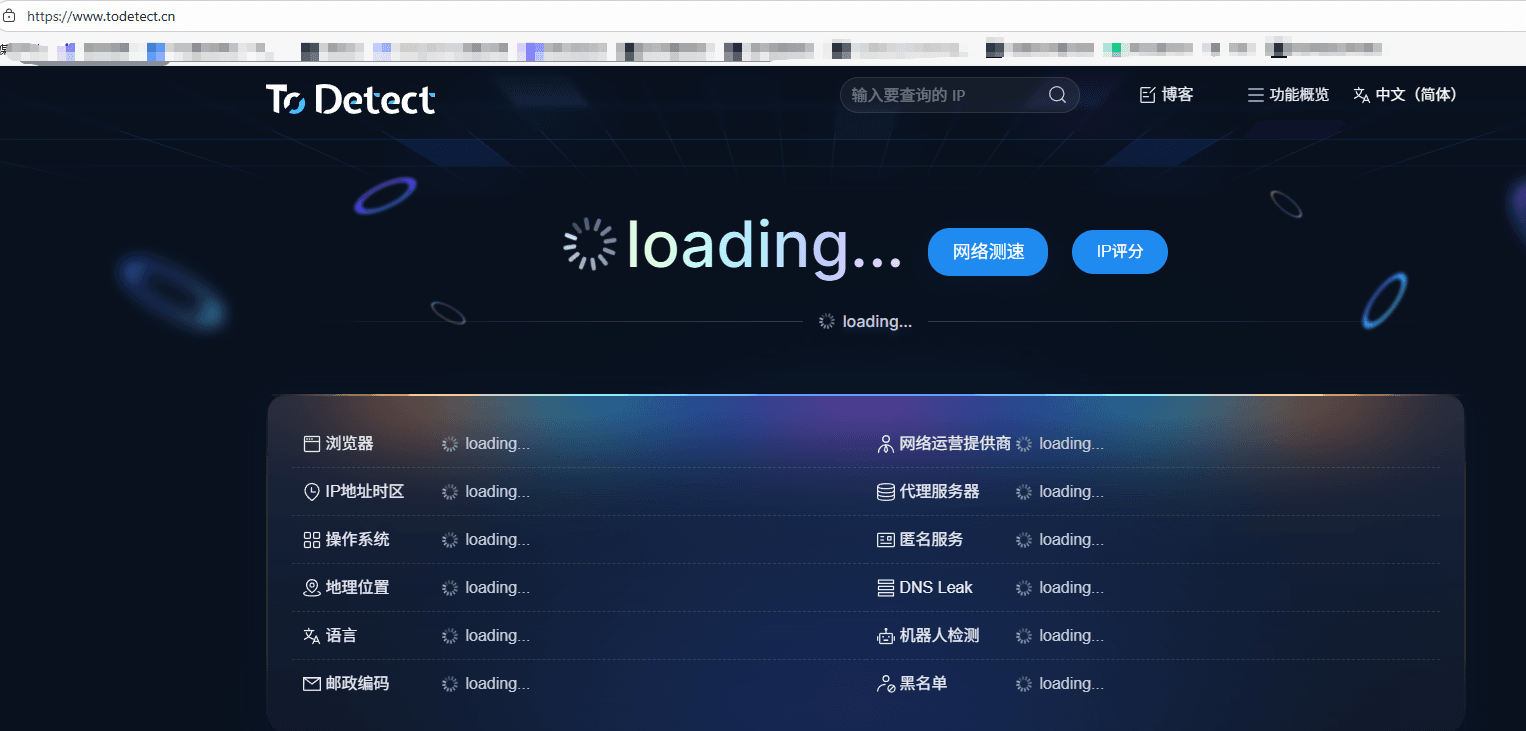
Key Features:
• Integrated IP lookup + browser fingerprint detection, supports IP type identification (residential / data center)
• Detects DNS leaks, WebRTC leaks, and displays Canvas, WebGL fingerprint data
• Not just checking IP—it’s like inspecting your entire device
• Instantly shows your current IP, geolocation, ISP, ASN, and proxy/anonymity status
• Highly detailed detection (GPU rendering, screen resolution, language, etc.)
Best For: Cross-border users, e-commerce, multi-account operations, privacy testing
2. IPIP (ipip.net / ipip.site) (Rating: ★★★★☆)
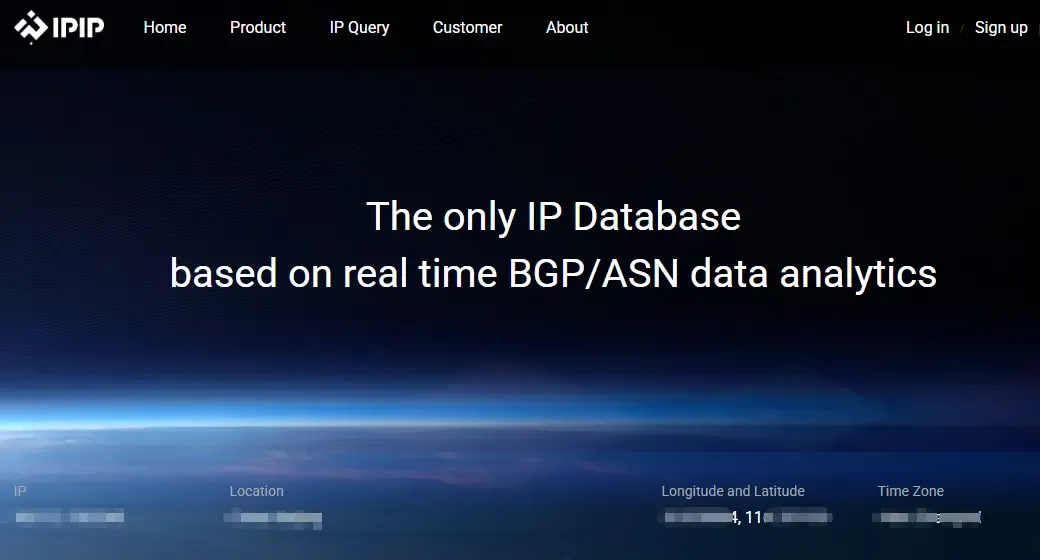
Pros: Stable IP location, supports IPv4/IPv6, shows User-Agent and basic fingerprint
Cons: Basic features, more technical interface, less beginner-friendly
Best For: Developers, operations, basic IP lookup needs
3. WebCheck (Rating: ★★★★☆)
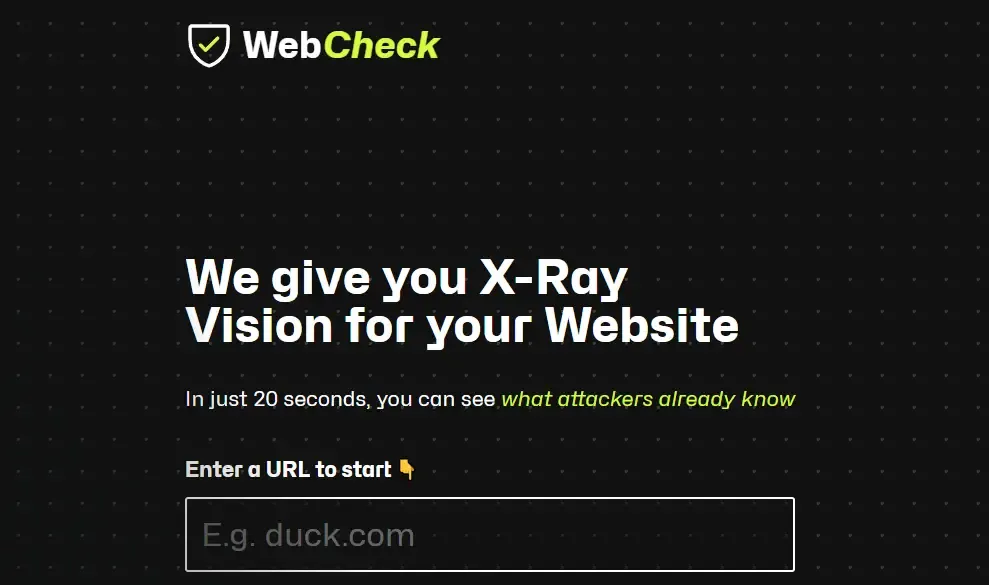
Features: Browser fingerprint analysis, WebRTC real IP leak detection, device hardware info parsing
Best For: Privacy protection, anti-tracking testing
4. WhatIsMyIP / IPinfo (Rating: ★★★★☆)
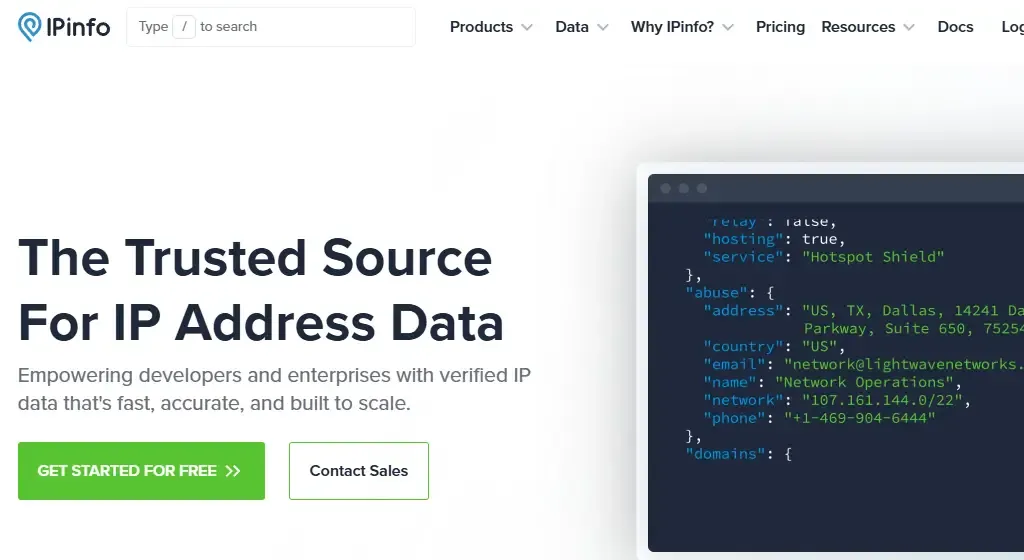
Features: Global IP database, suitable for overseas IP lookup, rich API support
Cons: Slower access within mainland China, weaker user experience
Best For: Cross-border users, international business
5. ip138 (Rating: ★★★☆☆)
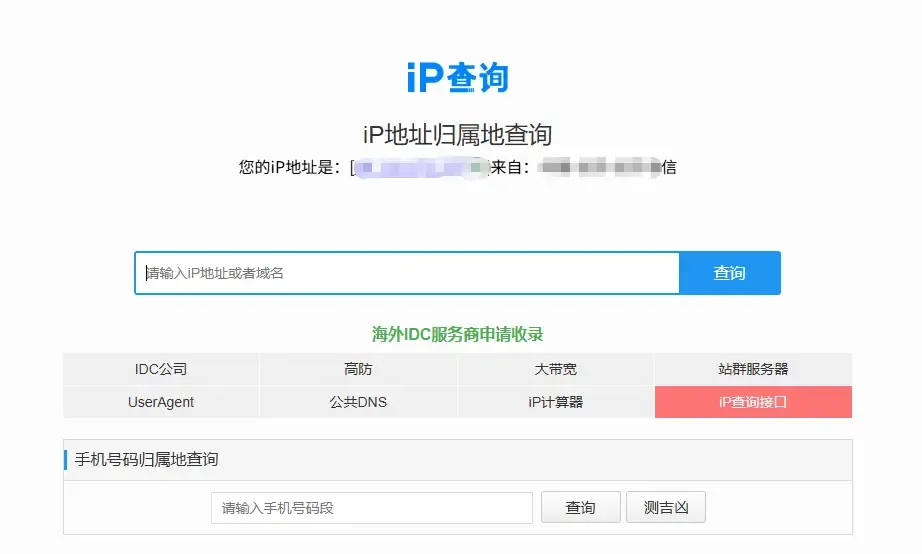
Pros: Fast and simple
Cons: Limited data, average accuracy, almost no fingerprint detection
Best For: Users who just want a quick “where is my IP” check
3. Extra Features and Use Cases Comparison
| Tool | Supported IP Types | Fingerprint Detection | API | Key Advantages | Use Cases |
|---|---|---|---|---|---|
| ToDetect | Residential / Data Center / Proxy | ✅ Full | ✅ Yes | IP + fingerprint integration, rich device data | E-commerce, privacy testing, anti-fraud |
| IPIP | IPv4 / IPv6 | ⚪ Basic | ✅ Basic | Fast and stable domestic database | Daily lookup, development testing |
| WebCheck | IPv4 / IPv6 | ✅ Advanced | ⚪ No | Detects WebRTC leaks and hardware fingerprint | Privacy & security testing |
| ip138 | IPv4 | ❌ No | ⚪ No | Fast and simple | Quick IP checks |
| IPinfo | Global IPv4 / IPv6 | ⚪ Basic | ✅ Rich | Comprehensive global database | International business |
4. Why Are Some IP Lookup Tools Inaccurate?
Many people assume it's a tool issue, but the main reasons are:
1. Different IP Databases
Each platform uses different data sources, some updated faster than others.
2. Complex IP Types
Residential IPs, data center IPs, CDN nodes, and proxies all affect results.
3. Browser Fingerprinting
Many platforms don’t just rely on IP anymore—they also analyze browser fingerprints. Even if you change your IP, the same fingerprint can still identify you.
That’s why more and more tools are adding fingerprint detection features.
Summary (Key Takeaways)
There is no absolute “most accurate” IP lookup tool. However, ToDetect stands out as the most comprehensive—it not only checks IPs but also analyzes browser fingerprints.
With fingerprint detection, you gain visibility into network security, device identification, and proxy detection at a glance.
IP lookup is no longer just about checking an address. If you’re still focusing only on IP, you may already be behind.
 AD
AD


