


 Resources
 Feature overview
2026 Multi-Account Anti-Association Must-Do "Checklist": Don't Ignore These Points
 Alani
Alani 2026-03-28 03:30


In 2026, managing multiple accounts is no longer just about "opening a few more browsers"; the approach has become much more sophisticated.
Especially in the past two years, platforms have become increasingly precise in detecting browser fingerprints. Many people, even after isolating their IPs, still find their accounts mysteriously linked.
So, one thing many experienced users are doing now: regularly checking fingerprints, which is as important as giving your account a health checkup.
In short, preventing account linking today is not just about "setting up the environment"; what matters more is whether you continuously monitor your fingerprint environment.

1. Why Must You Pay Attention to "Fingerprint Checks"?
• Many people think that changing IPs and clearing cache is enough, but in reality, platforms have shifted their focus.
• A browser fingerprint is essentially the full set of characteristics exposed by your device and browser.
• Think of it as a "digital ID card." Even if you change IPs, as long as the fingerprint is highly similar, the platform can still recognize you as the same person.
👉 This is the core reason why preventing multi-account linking has become increasingly difficult.
2. What Happens If You Don’t Perform Fingerprint Environment Checks?
Here’s the reality, not to scare you:
1. Bulk Account Linking
Different IPs, different accounts, yet everything gets flagged overnight.
2. Abnormal Weight Decline
Accounts aren’t banned, but traffic is noticeably restricted—a typical "soft ban."
3. Registration Triggers Risk Control
New accounts trigger review immediately or may even become unusable.
4. Account Nurturing Fails
Many think it’s a content issue, but it’s actually an environment issue.
In short: it’s not your operations that are wrong, it’s that your "environment is exposed."
3. The Core of Multi-Account Management in 2026: Stability + Differentiated Fingerprints
Managing multiple accounts today is not about "disguise," but about:
• Stability: using the same fingerprint environment for each account long-term
• Independence: ensuring sufficient fingerprint differences between accounts
This leads to a key action: 👉 regularly performing fingerprint environment checks.
4. What is "Regular Fingerprint Review"? Why Do It?
Many set up their environment and leave it, but this is a mistake. Fingerprints can "change" in reality, for example:
• Browser auto-updates
• Plugin changes
• System upgrades
• Font or resolution changes
These subtle changes can shift your fingerprint, causing platforms to re-identify it and overlap with other accounts. So, fingerprint checks are not one-time—they are ongoing.
Recommended frequency: weekly for stable accounts, daily or before each login for new/test accounts.
5. Practical Checklist: Essential "Health Check" for Multi-Account Management
The following checklist can serve as a standard daily workflow👇
1. Fingerprint Consistency Check
Ensure the environment for the same account is stable:
• Browser version consistency
• Time zone/language normality
• Canvas/WebGL stability
👉 Use the ToDetect fingerprint tool to quickly determine if fingerprints have changed.
2. Fingerprint Differentiation Check (Core to Prevent Linking)
Ensure that different accounts:
• Have low fingerprint similarity
• Do not share device parameters
• Show distinct rendering results
This step is the most critical in preventing multi-account linking.
3. IP and Fingerprint Match
Many overlook this:
• Japanese IP + Chinese system → Risk control
• US IP + Asian fonts → Anomaly
👉 The IP location should "reasonably match" the fingerprint environment.
4. Browser Fingerprint Integrity Check
Avoid the following issues:
• Missing fingerprints (e.g., WebGL disabled)
• Abnormal parameters (unreasonable resolution)
• Over-disguise (can appear more fake)
Remember: "Being like a real user is more important than completely hiding."
5. Environment Isolation Check
Ensure each account has:
• Independent browser configuration
• Independent cache and cookies
• No cross-login
This is basic, but many still fall into traps.
6. Tool Recommendation: Why Many People Use ToDetect?
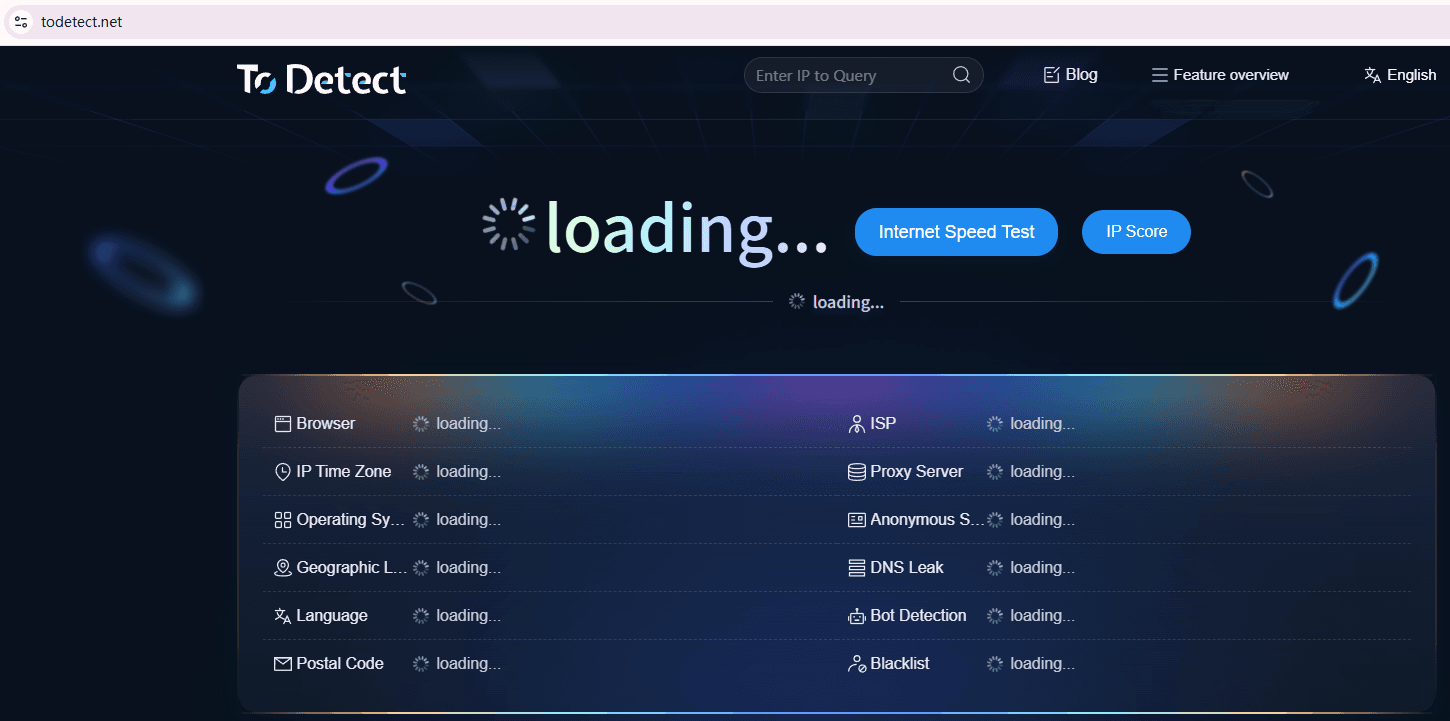
There are many fingerprint detection tools on the market, but many experienced users choose ToDetect for simple reasons:
• Can visually see browser fingerprint information
• Supports fingerprint environment detection and comparison
• Quickly identifies anomalies and duplicates
• Easy to operate, suitable for routine checks
For those managing accounts long-term, this tool acts like a "health check device."
7. Details Easily Overlooked (Experience Sharing)
Finally, a few common pitfalls in practice:
△ Frequently switching browsers or devices
△ Logging multiple accounts into one environment for testing
△ Over-modifying fingerprints (can appear more abnormal)
△ Ignoring system time/time zone issues
△ Not performing fingerprint reviews, only fixing issues after problems occur
Individually these issues may not be fatal, but combined they can easily trigger risk control.
Conclusion
Multi-account management today has essentially become a "game of environment management." You may not have the best content, but you must have stable, clean, and independent fingerprint environments.
Develop a habit: regularly perform a full check using tools like the ToDetect fingerprint tool to catch problems early.
👉 Regular fingerprint review is like "insurance" for account security. Often, whether an account can run stably in the long term depends not on techniques, but on attention to detail.
 AD
AD


