



 Resources
 Feature overview
 Alani
Alani 2026-06-06 11:23
Many people create Facebook accounts that are clearly new and have changed IPs, yet after a short time they still get restricted, verified, or even directly banned.
Many people's first reaction is “Is the platform targeting me?”, but in fact the problem is already rooted in browser environment configuration and Facebook multi-account anti-association setup.
Next, we will break down mainstream browser environment isolation approaches, including how fingerprint browser windows are used and how browser environment configuration is set up, helping you build a more stable Facebook multi-account system.

1. Facebook multi-account anti-association core logic
The essence of Facebook multi-account anti-association is not “hiding accounts,” but making each account appear as an independent real user based on dimensions such as IP address, browser fingerprint, device information, and cookie behavior traces.
Many beginners only change IPs but ignore browser-level environment consistency. As a result, logging into multiple accounts on the same computer quickly leads to being identified as the same operator. Therefore, the trend has shifted from “IP isolation” to “browser environment isolation.”
2. Browser environment configuration is fundamental
In multi-account operations, browser environment configuration essentially determines the upper limit of account safety. A clean and independent browser environment typically requires the following:
First, independent cookies and cache so that accounts cannot access each other's data; second, independent User Agent, time zone, language, and screen resolution; finally, hardware-level fingerprint differences such as Canvas, WebGL, and font lists.
Many operators now use fingerprint browser windows for isolation. Essentially, virtual environments simulate different devices, allowing each Facebook account to run on a “different computer.”
3. Fingerprint browser windows are becoming increasingly important
The mainstream approach now is to use fingerprint browser windows to create independent configuration environments, where each window acts as a “virtual device.” The advantages include:
• Each account environment is fully isolated
• Supports independent proxy IP binding
• Environment can be saved long-term without reconfiguration
• Reduces the probability of being detected in bulk operations
Especially in Facebook multi-account anti-association scenarios, fingerprint browsers have become a standard tool. They solve not only login issues but also the stability of the entire operational environment.
4. Multi-account environment configuration comparison table (practical version)
| Solution Type | Configuration Method | Main Features | Potential Risks | Use Cases | Optimization Suggestions |
|---|---|---|---|---|---|
| Traditional browser switching | Multiple accounts logged in via same browser switching | Simple and easy to use | Highly consistent browser fingerprint, easily triggers association | Early testing, small accounts | Avoid long-term use, upgrade environment ASAP |
| Basic proxy + multiple browsers | Different browsers + independent IPs | Safer than single browser, but incomplete isolation | Browser-level fingerprints may still overlap | Small-scale operations, lightweight matrix | Use environment tools to optimize fingerprint differences |
| Fingerprint browser window solution | Each account uses independent fingerprint browser window + independent IP | High isolation, stable for long-term operation | Over-standardized parameters may still be detected | Mainstream matrix operations, ad scaling | Regularly adjust fingerprint parameters to avoid uniformity |
| Detection + isolation combo (recommended) | Fingerprint browser window + proxy IP + ToDetect | Early detection of duplicate environments, high stability | Higher cost, requires experience | Mid-to-large multi-account systems | Regular fingerprint consistency checks and dynamic optimization |
5. The role of ToDetect in environment detection
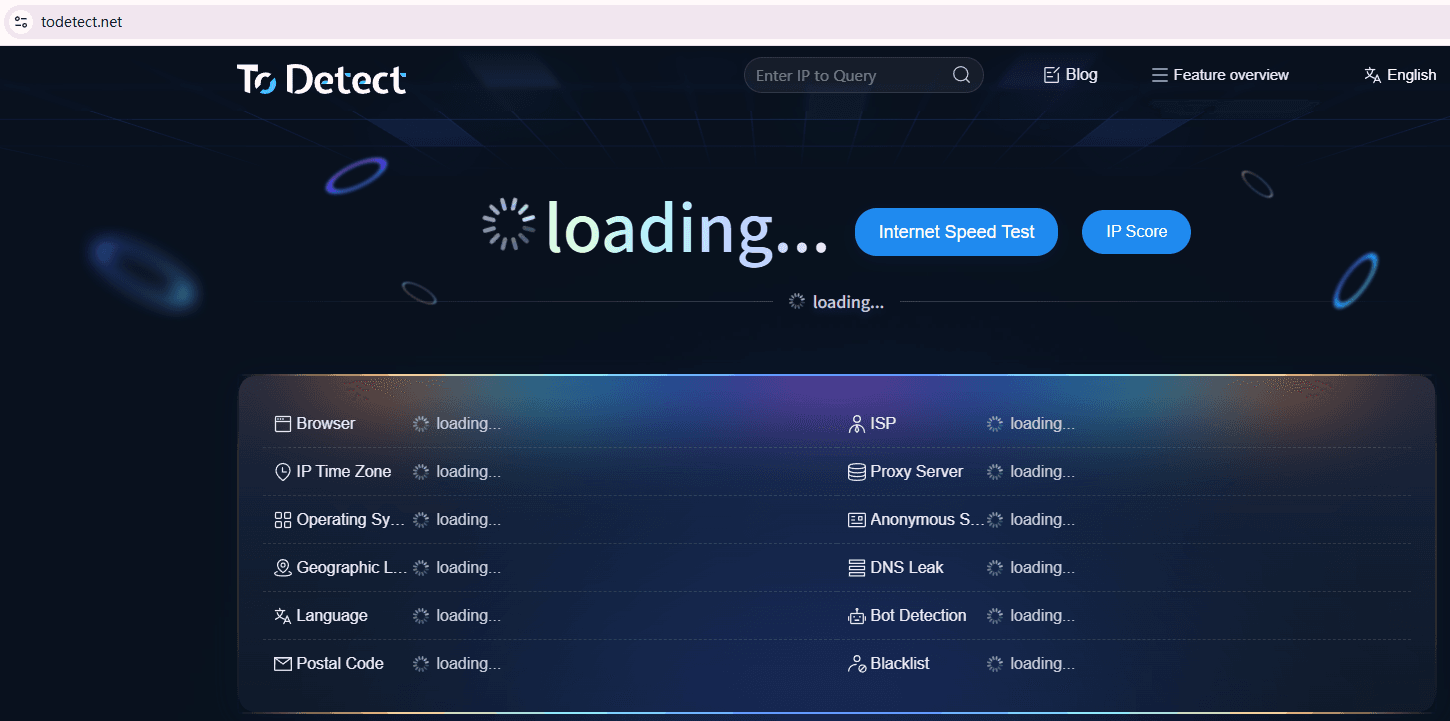
Many people focus only on configuration but ignore the “detection” step, which is actually crucial. Tools like ToDetect are mainly used to check whether the current browser fingerprint has exposure risks, such as duplication with other devices or overly uniform fingerprints.
In practice, you can run a ToDetect scan first to see whether the browser fingerprint is “too clean” or “too consistent.” If multiple account environments have very similar fingerprints, it is easy to trigger platform association mechanisms.
Simply put, ToDetect is more like a “health check tool” that helps you identify configuration issues in advance instead of troubleshooting after an account is banned.
6. Current trends in Facebook multi-account management
In recent years, Facebook’s risk control logic has clearly evolved, and the trend is obvious:
First, risk control has evolved from IP-based detection to comprehensive judgment of “behavior + device + environment.”
Second, single-account operations are gradually replaced by multi-account matrix systems requiring stronger isolation.
Third, browser environment configuration has become a core competency rather than just an auxiliary tool.
Standard workflow: plan environment → create isolated fingerprint browser window → bind proxy IP → run ToDetect → then begin account warming operations.
7. How to build a relatively safe multi-account system
- Account environment isolation
Each Facebook account should have an independent runtime environment. Do not share the same browser or configuration set. The mainstream method is to use fingerprint browser windows to keep each account isolated long-term.
- Fixed fingerprint browser window binding
Each account should be bound to a fixed fingerprint browser window. Do not log in account A today and switch to account B tomorrow. Mixing environments easily leads to failure of Facebook multi-account anti-association.
- Independent proxy IP configuration
Each account should use a dedicated residential IP or high-quality proxy. Avoid sharing the same IP range across multiple accounts. IP stability is more important than frequent changes, which may trigger risk control.
- Browser environment optimization details
In addition to IP, browser environment settings should be differentiated, such as User Agent, time zone, language, and resolution, to resemble real user behavior as much as possible. The more natural the environment, the safer the account.
- Use ToDetect for environment checking
Before logging in or warming up accounts, use ToDetect to check whether browser fingerprints are duplicated or abnormal. This helps avoid many hidden association issues when building multiple accounts.
- Control account behavior rhythm
New accounts should not immediately perform mass friend requests, advertising, or frequent switching operations. They should simulate real user behavior. Stable early-stage warming improves long-term resistance to risk control.
- Avoid cross-account interactions
Multiple Facebook accounts should not interact with each other frequently, such as adding each other as friends, sharing ad accounts, or engaging in repetitive interactions. Platforms detect account relationships through social graph analysis.
Conclusion
Overall, Facebook multi-account anti-association has evolved from a technical trick into a full system combining browser environment configuration, fingerprint isolation, and behavior control.
With tools like ToDetect, the entire account system becomes more controllable. For cross-border e-commerce, advertising, or social media matrix operators, this is no longer an advanced technique but a fundamental skill.
As platform risk control continues to evolve, this trend of “environmental refinement” will only become more important. In simple terms, whoever makes their account environments more realistic, more distributed, and harder to classify will have more stable accounts.