


 Resources
 Feature overview
How to Set Up a Fingerprint Environment for a Short Video Matrix: Preventing Multi-Account Bans
 Alani
Alani 2026-03-24 03:41


In the past two years, whether for product sales, traffic generation, or brand exposure, more and more people have started building short-video account matrices. Multi-account setups have almost become the standard.
However, many people realize halfway through that something is wrong — accounts either get traffic-limited or directly banned, often in batches.
Today, we’ll specifically talk about how short-video matrix accounts can achieve true anti-association login through fingerprint environment isolation, and walk you step by step through building multiple independent account environments.

1. Why Anti-Association Is Essential for Short-Video Matrices?
Platforms like Douyin, Kuaishou, and TikTok have become extremely sophisticated. They don’t just evaluate your content — they also use various technical methods to determine whether multiple accounts are being operated by the same person.
Once identified as “batch-operated accounts,” the consequences can range from reduced traffic to outright bans. Common association factors include:
• IP Address (same network environment)
• Device Information (device model, system version)
• Login Behavior (frequent account switching)
• Browser Fingerprint Environment (most critical)
Among these, the “browser fingerprint” is often overlooked but is actually the most crucial factor.
2. What Is a Browser Fingerprint Environment ?
Simply put: Browser fingerprint environment = your device’s “identity card” on the internet. It includes many parameters such as:
• Operating system
• Browser version
• Screen resolution
• Time zone
Combined together, these can almost uniquely identify a user.
So even if you switch accounts or clear cache, if your fingerprint environment remains unchanged, platforms can still detect that the accounts are controlled by the same person.
3. Core Strategy for Anti-Association in Short-Video Matrices
In essence: make each account look like it’s operated by a completely independent real device. This requires three key aspects:
1. Independent IP (basic but not enough)
Each account should ideally use a different IP. Avoid low-quality proxies; residential or stable proxies are recommended.
But remember: changing IP alone ≠ successful anti-association.
2. Independent Browser Fingerprint Environment (core)
This is the key point. If you log into 10 accounts using the same browser, it’s essentially exposing yourself.
Correct approach:
• Each account uses a separate browser environment
• Each environment has a unique fingerprint
• Simulate real user devices
Example:
• Account A = Windows + Chrome 120 + 1920x1080
• Account B = Mac + Safari + 1440x900
• Account C = Android simulation
This way, the platform will treat them as different users.
3. Human-like Behavior
Many people overlook this:
• Avoid bulk logins and mass liking
• Don’t operate multiple accounts simultaneously
• Stagger activity timing for each account
Remember: technology is the foundation, but behavior is the final checkpoint.
4. How to Perform Browser Fingerprint Detection?
This brings us to a very practical but often overlooked tool: browser fingerprint detection.
Instead of assuming everything is fine, you should verify it. Tools like ToDetect Fingerprint Checker can help:
• Check whether your fingerprint is unique
• Identify high-risk characteristics
• Evaluate detectability by platforms
In simple terms, it simulates how platforms “see” your environment.
5. Correct Usage of ToDetect Fingerprint Tool
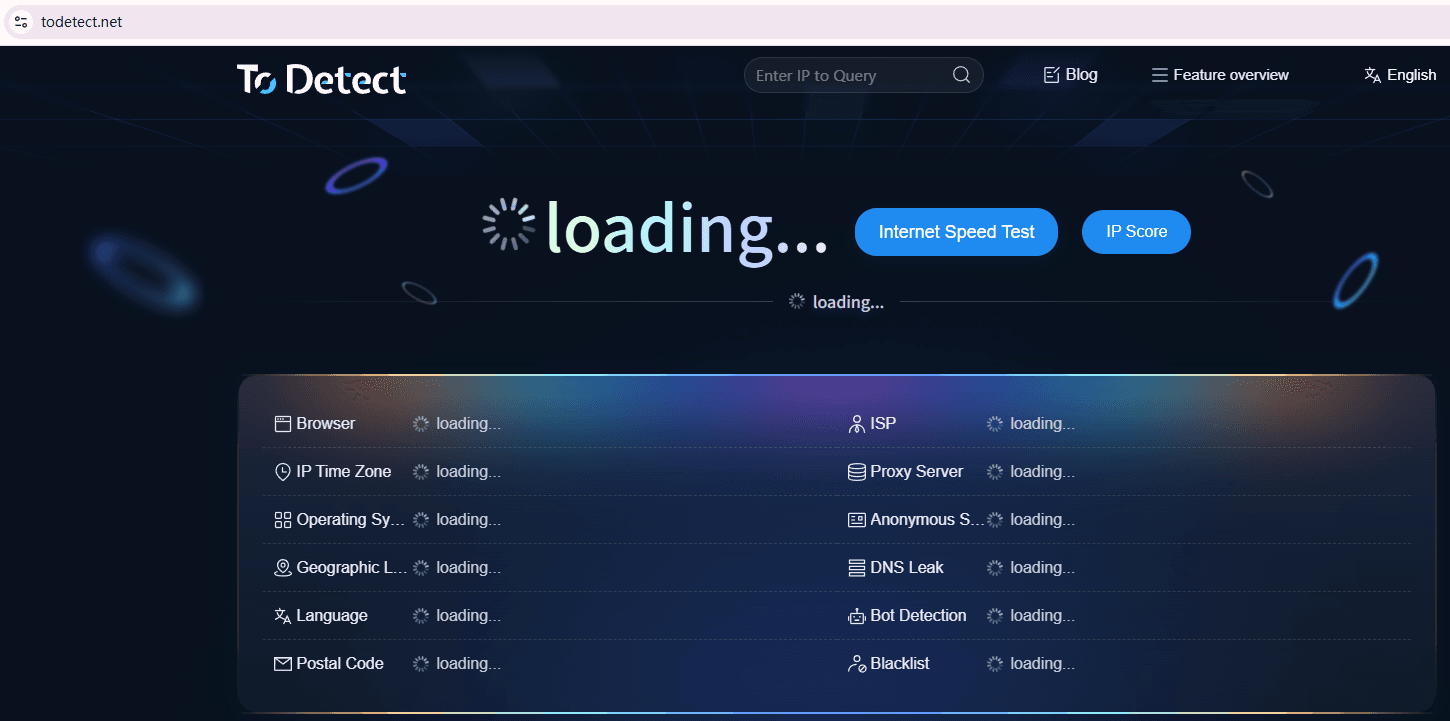
Many users just click once and stop — that’s not enough. The correct approach:
• Test every newly created environment
Ensure fingerprints are unique and free of anomalies.
• Compare multiple account environments
Check for high similarity or duplicated parameters.
• Perform regular rechecks
Some environments change after updates, so periodic fingerprint detection is recommended.
6. Common Anti-Association Mistakes (Very Common Pitfalls)
Here are frequent mistakes:
• Using one browser for multiple accounts → extremely high risk
• Using fingerprint browsers without testing → ineffective setup
• Operating all accounts at the same time → behavior exposure
• Using low-quality proxy IPs → easily flagged
• Ignoring device consistency (e.g., all accounts using identical systems and resolutions)
7. A Simple Setup Plan for Beginners
If you're just starting with a short-video matrix, follow this:
1. Prepare multiple clean accounts
2. Assign each account an independent IP and fingerprint environment
3. Use tools like ToDetect for fingerprint detection
4. Operate each account independently (content + schedule)
5. Control activity pace and avoid bulk actions
Conclusion
Many people struggle with growth despite having decent content. The root cause is often: the underlying environment is flawed, and the system has already linked the accounts.
Simply put: content determines how fast you grow, but anti-association determines how long you last.
It’s recommended to regularly use tools like ToDetect Fingerprint Checker to understand your browser fingerprint environment.
If you’re scaling accounts or facing unexplained traffic drops, pause and reassess your setup — many issues can be solved at the root.
 AD
AD


