



 Resources
 Feature overview

 bonnie
 2026-05-18 10:39
Even if you enable a proxy, some platforms can still identify your real network information. One of the biggest “culprits” behind this is something many people don’t fully understand — WebRTC leaks.
Most users never notice this issue in daily use. Browsers won’t warn you, and IP tools usually won’t block it automatically. It often only becomes visible during privacy or security testing.
Next, let’s clearly explain what WebRTC leak detection is, why your IP can still leak, and how you can prevent it step by step.

1. What Is a WebRTC Leak?
WebRTC (Web Real-Time Communication) is a technology that enables real-time communication directly within browsers.
When WebRTC establishes a connection, it may bypass your proxy or IP masking tool and directly expose your local IP address or even your real public IP.
This is why, even with an IP tool enabled, some IP testing websites can still detect your real IP address. This issue is known as a WebRTC leak.
2. Why Does WebRTC Cause IP Leaks?
When WebRTC creates a P2P connection, it tries to find the “fastest route” and accesses your system’s network interfaces to gather local network information.
During this process, if the browser does not restrict WebRTC properly, it may expose:
• Your real public IP
• Your local/private IP (such as 192.168.x.x)
• Exit IPs not fully covered by your proxy or IP tool
This risk is especially high when using free proxy tools or default browser configurations.
3. How to Perform a WebRTC Leak Test ?
To determine whether your browser is leaking information, you can use professional WebRTC leak detection tools.
1. Online Leak Testing Tools
By visiting dedicated testing websites, you can directly view the IP information exposed by your browser. Many tools can also check:
• DNS leaks
• IPv6 leaks
• WebRTC leak status
Platforms like ToDetect can complete a full privacy risk scan with one click, helping users quickly identify whether their IP information is exposed.
2. Browser Developer Tools Inspection
Some advanced users inspect ICE candidate information through Chrome Developer Tools, although this method is more technical and less suitable for beginners.
4. Recommended WebRTC Leak Detection Tools
If you are an average user, the following tools are recommended:
□ Online WebRTC leak testing tools (no installation required)
□ IP tools with built-in privacy testing features
□ Browser privacy detection extensions
□ ToDetect Privacy Detection Tool (supports multi-dimensional detection)
These tools help you quickly determine whether your real IP is exposed, whether your proxy is functioning correctly, and whether DNS or WebRTC vulnerabilities exist.
5. How to Prevent WebRTC IP Leaks?
If a leak is detected, don’t panic. You can reduce or eliminate the risk with the following methods:
1. Disable WebRTC in Your Browser (Recommended)
In Chrome or Edge, you can limit WebRTC using browser extensions or policy settings.
2. Use Leak-Protected Proxy Tools
Choose proxy or IP tools that support “WebRTC Leak Protection,” as they can automatically block your real IP from being exposed.
3. Modify Browser Settings
Some browsers allow you to disable or restrict WebRTC permissions. For example, Firefox lets users adjust related parameters through about:config.
4. Use Privacy Browsers or Extensions
Some privacy-focused browsers block WebRTC requests by default, helping reduce leak risks.
6. Browser Fingerprint Detection Matters Too
Besides WebRTC leaks, there is another more hidden issue — browser fingerprinting, which collects information such as:
• Operating system information
• Browser version
• Screen resolution
• Installed fonts
• Timezone and language
Therefore, when protecting your privacy, you should pay attention not only to IP leaks but also to browser fingerprint detection.
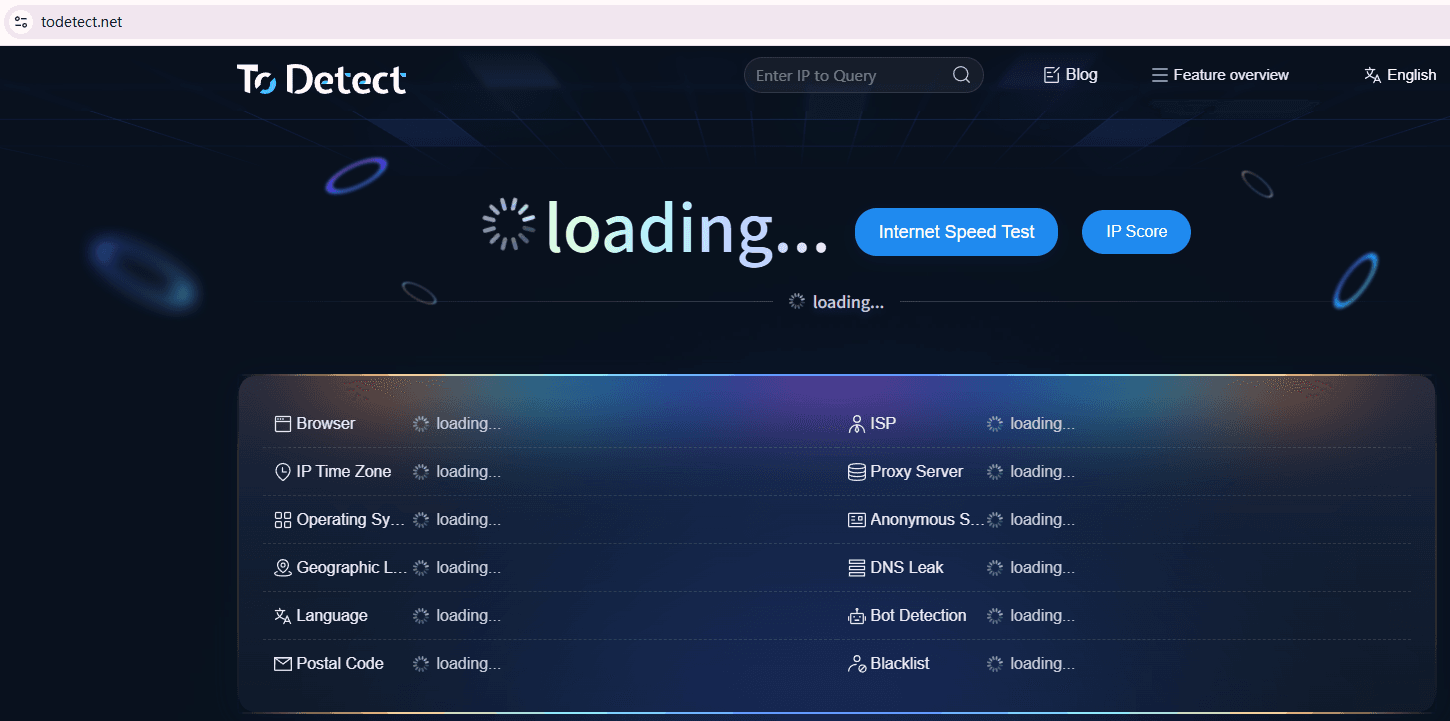
Today, many privacy testing tools, such as ToDetect, provide browser fingerprint risk scoring to help users understand how trackable their environment is.
7. Common Misconceptions About WebRTC Leak Detection
Myth 1: Using a Proxy Means You’re Completely Safe
Not necessarily. If your proxy or IP tool does not properly handle WebRTC traffic, your IP may still leak.
Myth 2: One Test Is Enough
Browser extensions, software updates, and system changes can alter your protection status, so regular testing is recommended.
Myth 3: Local IP Leaks Don’t Matter
Although they don’t directly expose your physical address, local IPs can still be used for device identification and tracking.
8. WebRTC Leak Detection FAQ
1. Why Is My Real IP Still Detected Even Though I’m Using a Proxy?
In many cases, this happens because the browser’s WebRTC functionality is not restricted, allowing traffic to bypass the proxy and expose your real IP.
It is recommended to first use a WebRTC leak testing tool (such as ToDetect) to identify the source of the issue, then disable WebRTC or enable leak protection settings accordingly.
2. Is It Normal for WebRTC Tests to Show a Local IP?
Partially normal — but it should not be ignored.
Local IPs (such as 192.168.x.x) are not public IPs, but they can still be used for device identification or tracking assistance.
3. Can WebRTC Leaks Directly Reveal My Physical Address?
No. It will not directly display your physical address, but it can expose your real public IP, which may reveal your city-level location and ISP information.
4. Is There a One-Click Way to Detect WebRTC Leaks?
Yes.
Many online WebRTC testing platforms now support one-click scanning. For example, the ToDetect Platform can simultaneously check for WebRTC leaks, DNS leaks, and browser fingerprint risks.
Final Thoughts
Although WebRTC leaks are not considered a “critical vulnerability,” they are still an easily overlooked privacy risk in today’s increasingly privacy-focused world.
It is recommended to regularly use online WebRTC testing tools to check whether your real IP is exposed, while also using tools like ToDetect Fingerprint Detection to evaluate the anonymity level of your current environment.
In many cases, what truly exposes you is not the “internet” itself — but the small browser details you never noticed.
