



 Resources
 Feature overview

 browser
 2026-04-30 11:20
In today’s internet environment, privacy leaks are no longer just about passwords and cookies. What’s more hidden are the “digital fingerprints” you can’t see or touch.
The most typical examples are Canvas fingerprinting and WebRTC leaks. Many people may have heard of them, but don’t clearly understand the differences or how to protect themselves.
Next, let’s clearly explain the differences between Canvas fingerprinting and WebRTC leaks, and then share some highly effective protection methods.

1. What is Canvas Fingerprinting? Why is it becoming more common?
Canvas fingerprinting is a technique that generates a “unique identifier” through the browser’s drawing functionality.
• Due to differences in devices, graphics cards, fonts, drivers, and even system settings, the rendering result is almost “unique”.
• That’s why many websites are starting to rely on Canvas fingerprint detection to identify users instead of traditional cookies.
In other words, even if you enable incognito mode, you can still be identified as long as your browser environment remains the same.
2. What is a WebRTC leak? Where is the problem?
Compared to Canvas fingerprinting, WebRTC leaks are more about “information exposure” rather than “identification”.
When establishing connections, WebRTC may expose your real IP address (including both local and public IPs), even if you are using an IP masking tool.
This means that even if you think you are browsing anonymously, your IP may already be exposed, allowing some websites to bypass proxies and obtain your real address.
3. Canvas Fingerprinting vs WebRTC Leak: Key Differences
| Dimension | Canvas Fingerprinting | WebRTC Leak |
|---|---|---|
| Technical Nature | Generates a unique identifier based on browser rendering differences | Exposes real IP based on network communication mechanisms |
| Core Purpose | Identify user identity (device fingerprint) | Obtain user’s real network address |
| Uniqueness | Highly unique, almost every device is different | Not unique, only exposes IP information |
| Cross-site Tracking | Yes, widely used for cross-site tracking | Not directly for tracking, but can assist identification |
| User Awareness | Almost imperceptible, runs silently in the background | No obvious awareness, but risk is more direct |
| Dependencies | GPU, system, fonts, browser, etc. | Browser network settings and WebRTC functionality |
| Relation to Cookies | Can completely replace cookies | No direct relation to cookies |
| Main Risks | Long-term tracking, user profiling, account linking | IP exposure, location leakage, proxy failure |
| Protection Difficulty | Higher, requires fingerprint obfuscation or spoofing | Lower, can be mitigated by disabling WebRTC |
| Common Protection Methods | Fingerprint spoofing plugins, privacy browsers, fingerprint isolation | Disable WebRTC, use extensions to block leaks |
| Role in Fingerprinting | One of the core components | Auxiliary information source |
| Detection Methods | Canvas fingerprint detection tools (e.g., ToDetect) | WebRTC leak detection tools |
4. How to Check If You Are Being Tracked
If you want to understand your current risk level, you can start from the following aspects:
1. Canvas Fingerprint Detection
Check whether the Canvas results generated by different websites are consistent. High consistency means you are easier to identify.
2. WebRTC Detection
Check whether your browser exposes your real IP, especially when using a VPN.
3. Comprehensive Fingerprint Detection
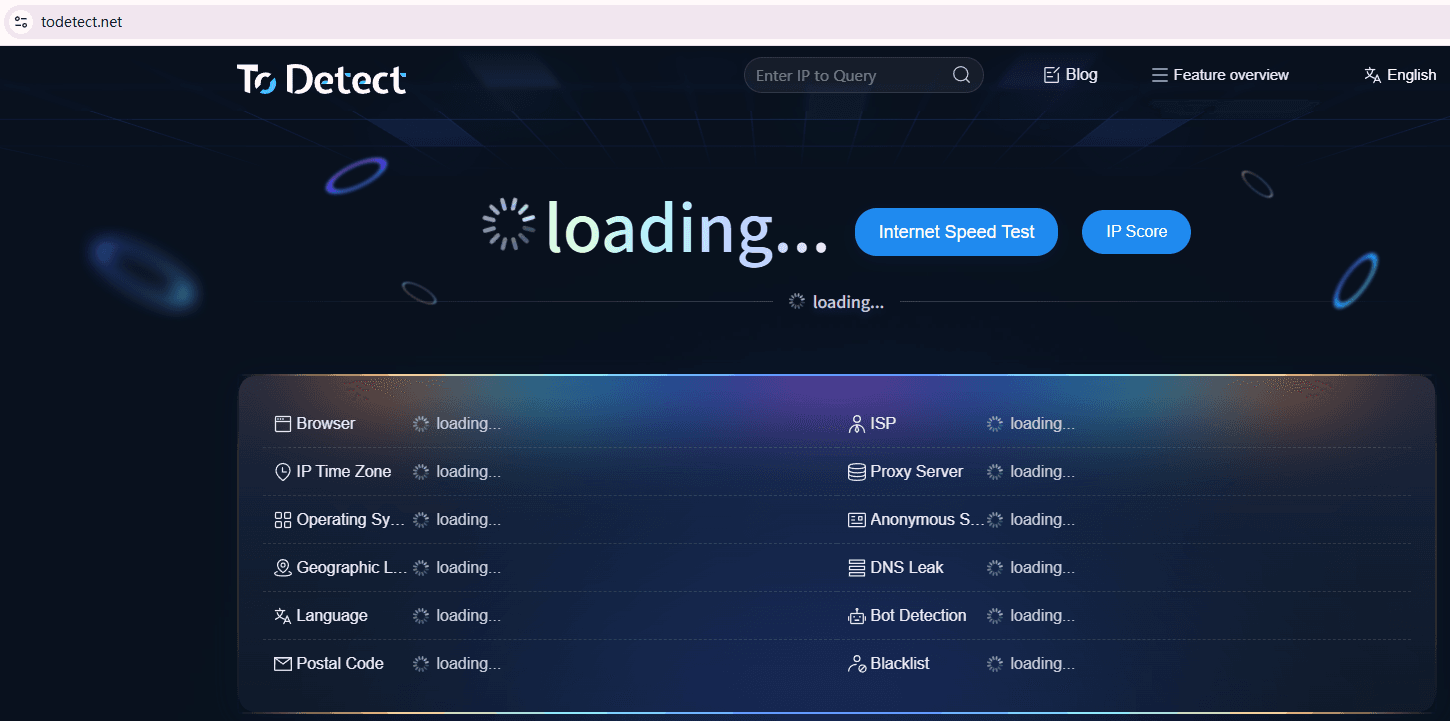
Use tools like ToDetect to evaluate overall fingerprint uniqueness.
5. Practical Protection Methods (Key Focus)
1. Disable or Restrict WebRTC (Prevent Real IP Exposure)
WebRTC leaks mainly occur because they bypass proxies and expose your real IP. So this should be prioritized.
• Chrome / Edge users: Install extensions (such as “WebRTC Leak Prevent”) to limit IP exposure.
• Firefox users: Type about:config in the address bar, search for media.peerconnection.enabled, and set it to false.
Advanced suggestion: Use browsers that support “proxy isolation” (e.g., separate networks per window) combined with high-quality IP tools.
2. Obfuscate Canvas Fingerprinting (Instead of Disabling It)
Many people’s first instinct is to disable Canvas entirely, but many platforms rely on it, and doing so may break functionality.
A better approach is to use fingerprint browsers (such as Bit Browser) or install plugins (Canvas Defender / Canvas Blocker) to introduce slight variations in rendering results.
This way, even if a platform performs Canvas fingerprint detection, the results are inconsistent and cannot reliably identify you.
3. Control Overall Browser Fingerprint (Core Strategy)
Real tracking doesn’t rely solely on Canvas but on a complete browser fingerprinting system.
Focus on: browser version, operating system, screen resolution, font list, time zone, and language.
The key is not just to “hide,” but to avoid being “too unique.”
Optimization tips:
• Use mainstream browser versions (avoid outdated or experimental builds)
• Avoid installing too many unusual extensions
• Keep your system environment looking like that of a typical user
4. Use Fingerprint Isolation (Advanced Users)
If you have higher requirements (such as multi-account management or cross-border business), consider “environment isolation”.
Common methods:
• Multiple browser profiles (different user configurations)
• Virtual machines / container environments
• Specialized anti-detection browsers
The core idea 👉 each environment has its own independent Canvas fingerprint, IP, and device information.
5. Regularly Check Fingerprint Exposure (Often Overlooked)
Many people configure everything once and forget about it, which is a mistake.
Browser updates can change fingerprints, plugin updates affect detection results, and system upgrades also introduce changes.
It is recommended to regularly use tools like ToDetect. If the result shows “high uniqueness,” it means you are still easily trackable and need further adjustments.
6. Canvas Fingerprinting / WebRTC Leak FAQs
1. Can Canvas fingerprinting be completely disabled?
It cannot be completely disabled, but it can be obfuscated.
By using plugins or privacy browsers to randomize Canvas fingerprint results, you can make detection unstable and reduce tracking probability.
2. Why does WebRTC leakage still occur even when using an IP tool?
Because IP tools only proxy traffic, while WebRTC may bypass the proxy and directly obtain the local IP.
The solution is to manually disable WebRTC in the browser or use extensions to restrict it. Otherwise, your real IP may still be exposed.
3. Is browser fingerprinting really harder to defend than cookies?
Yes, it is much harder. Traditional cookies can be deleted, but browser fingerprinting (including Canvas, fonts, resolution, etc.) is based on device characteristics and cannot be easily removed.
4. What does “high uniqueness” in ToDetect mean?
If ToDetect reports high fingerprint uniqueness, it means your device characteristics are relatively rare, making you easier to identify. It is recommended to reduce uniqueness through fingerprint obfuscation and environment isolation.
Summary: How to Understand and Protect Yourself
Whether it’s Canvas fingerprinting or WebRTC leaks, one makes you “identifiable,” and the other makes you “locatable.”
In the era of browser fingerprinting, privacy protection is no longer about hiding, but about avoiding standing out as highly unique.
By disabling WebRTC leaks, obfuscating Canvas fingerprints, and conducting regular checks (e.g., with ToDetect), you can significantly reduce the likelihood of being tracked.
