


 Resources
 Feature overview
How to Choose a Browser Fingerprint Detection Tool in 2026?
 Alani
Alani 2026-01-19 03:39


As platform risk-control mechanisms continue to evolve, detecting browser fingerprints has become an essential tool for users managing multiple accounts, and it has become one of the key ways platforms identify user behavior.
For professionals in cross-border e-commerce, multi-account operations, advertising, and social media marketing, the ability to accurately identify and manage browser fingerprints often directly affects account survival rates.
In 2026, there are numerous browser fingerprint detection tools on the market. How should you choose? Let’s explore this with insights from the ToDetect team!
1. Why Do You Need a Fingerprint Detection Tool?
Before choosing a browser fingerprint detection tool, it’s important to understand your needs—what you plan to achieve or solve with the tool.
Common use cases include:
• Logging multiple accounts in the same environment
• Comparing fingerprints across different browser environments
• Verifying environments in combination with fingerprint browsers and proxy IPs
If you only occasionally check your own browser, online detection websites are sufficient. But for long-term, multi-account, multi-environment operations, repeatable, comparable, and trackable detection capabilities are crucial.
2. Key Metric 1: Can It Identify "Abnormalities" Instead of Just Displaying Data?
Many tools have one thing in common: they display a lot of information but don’t tell you what is actually risky.
A truly valuable fingerprint detection tool should provide:
• Risk alerts (e.g., Canvas fingerprint anomalies, WebRTC inconsistencies, DNS leaks)
• Duplicate or similar fingerprint notifications
In real-world risk-control systems, “consistent anomalies” or “random anomalies” can easily trigger platform protections.
Simply put:
The more “like a real user” your fingerprint is, the safer it is—not necessarily the more unique.
3. Key Metric 2: Compatibility with Fingerprint Browsers and Proxy Environments
By 2026, fingerprint detection tools are no longer standalone products—they are part of the entire environment ecosystem.
When choosing a tool, focus on:
• Support for mainstream fingerprint browser environments
• Accurate detection of static IPs, dynamic IPs, and data center IPs
• Realistic detection of WebRTC, DNS, and local proxies
Many tools produce “perfect-looking” results that do not hold up under actual platform risk-control—this is often due to a disconnect between the detection tool and the real environment.
4. Key Metric 3: Are the Detection Dimensions Comprehensive Enough?
To judge whether a fingerprint detection tool is professional, you should first look at its detection dimensions.
In 2026, a qualified browser fingerprint detection tool should cover at least the following categories:
• Browser-level fingerprints: User-Agent, Canvas, WebRTC, AudioContext
• System environment information: OS, timezone, language, fonts
• Network-related fingerprints: IP type, WebRTC, DNS leaks
5. Recommended Browser Fingerprint Detection Tools in 2026
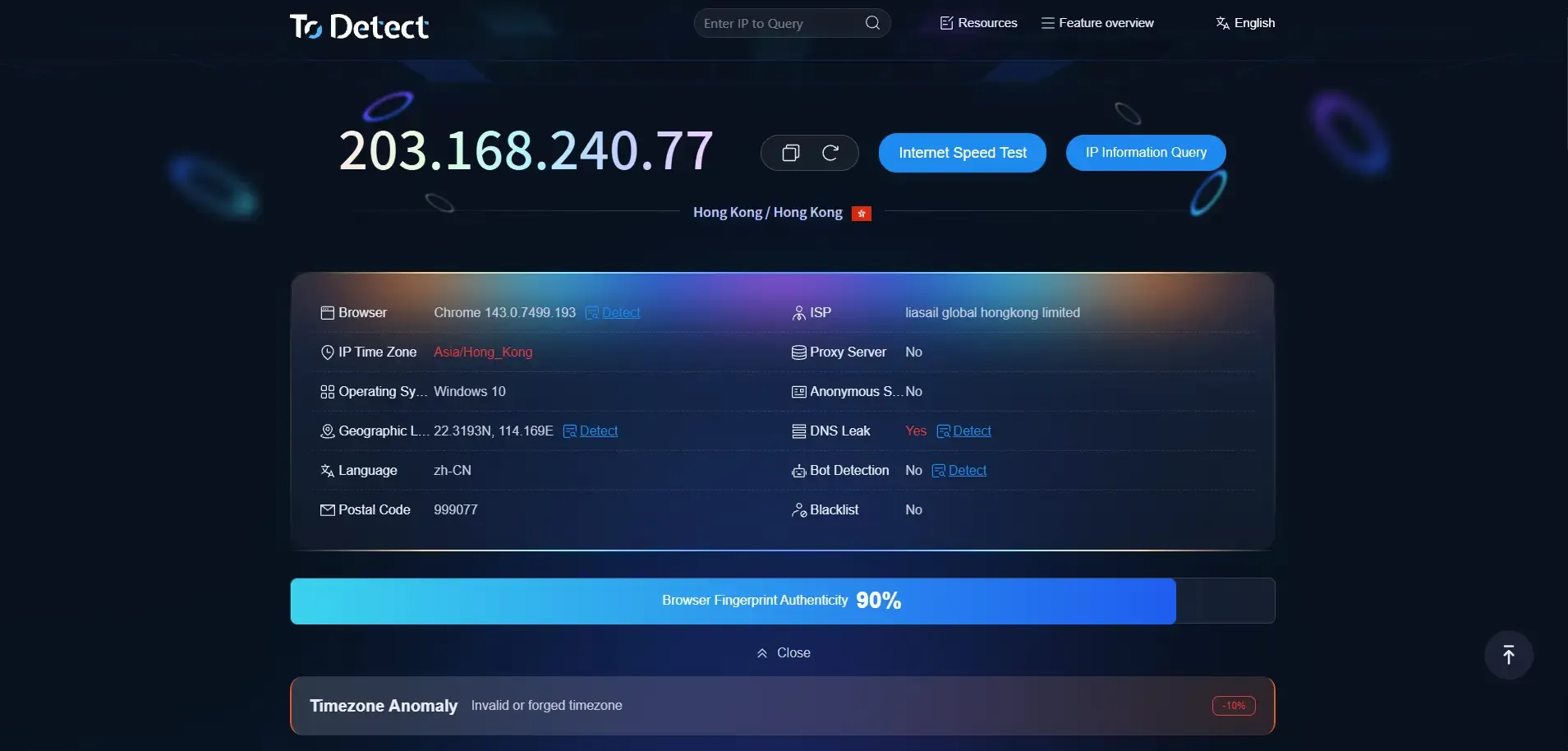
1.ToDetect
Core Features:
• Comprehensive Fingerprint Detection: Covers over 50 parameters including IP, Canvas, WebRTC, fonts, proxy IP, DNS, WebGL, and more
• Simulated Real Risk Logic: Can integrate with anti-detection browser environments to assess compatibility with the current setup
• Risk Assessment & Score Output: Provides not just parameters but also risk levels and privacy exposure scores
Use Cases:
• Environment check before managing multiple cross-border e-commerce stores
• Verify “independent environments” for social media account matrices
• Check consistency of proxy + browser combinations
Review:
ToDetect is widely regarded in the industry as a “deep yet user-friendly” detection tool, covering a broader range than basic online sites with clear explanations. For users needing to quickly locate risk points, it is one of the most recommended practical detection tools in 2026.
2. Whoer.net
Core Features:
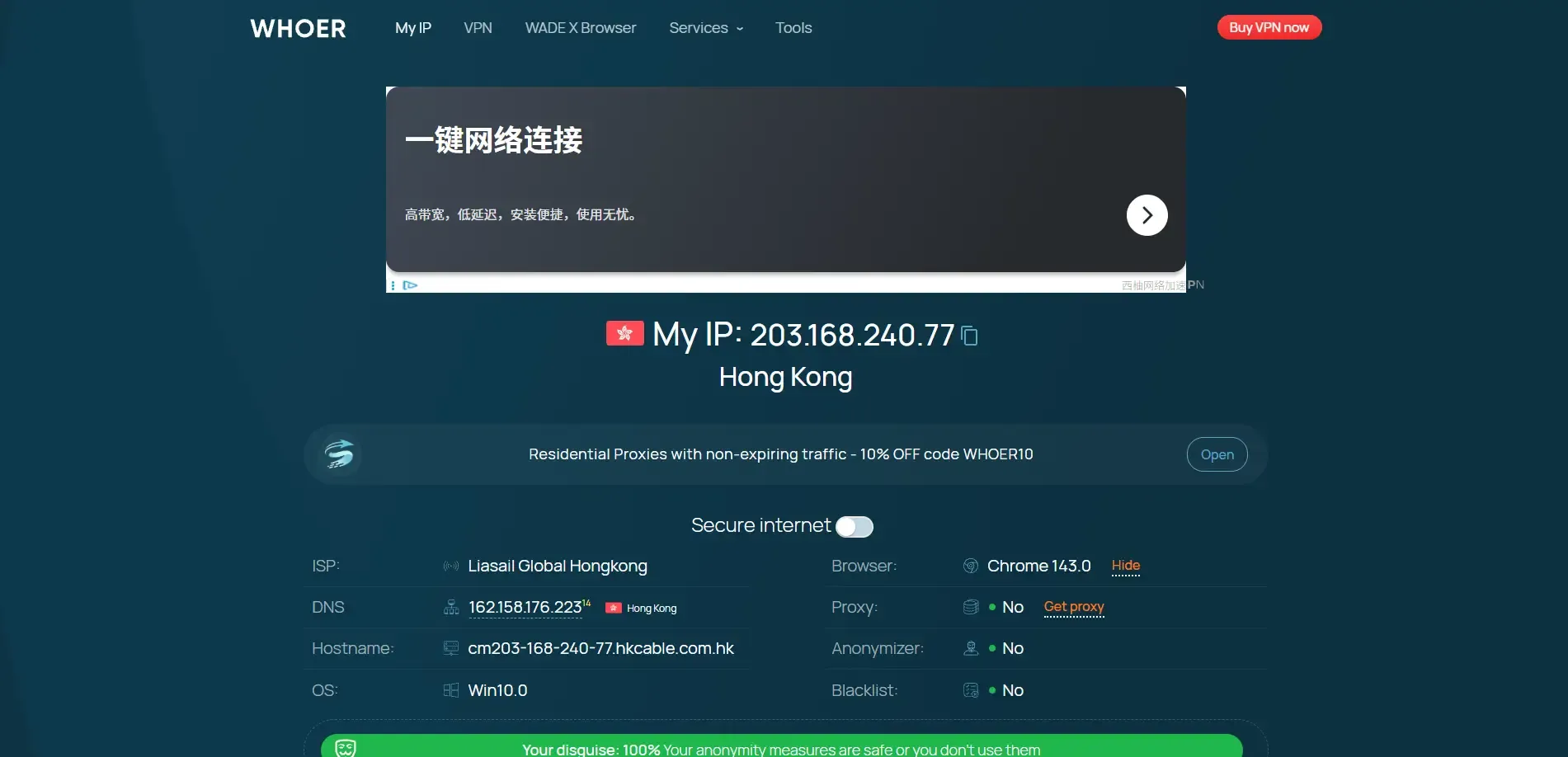
• Fingerprint & IP Combined Detection: Checks browser parameters along with IP address, DNS leaks, and network anonymity
• Ease of Use: Clean, intuitive interface; even non-technical users can quickly interpret results
• Privacy & Anonymity Score: Evaluates whether your proxy/IP setup exposes real information
Use Cases:
• Verifying proxy network stealth and DNS leaks
• Quickly check whether fingerprinting or network settings expose real location or identity
Review:
Whoer.net is not as comprehensive as ToDetect but performs well in IP/DNS leak detection and network-level anonymity, making it a good auxiliary or entry-level tool.
3. Pixelscan
Core Features:
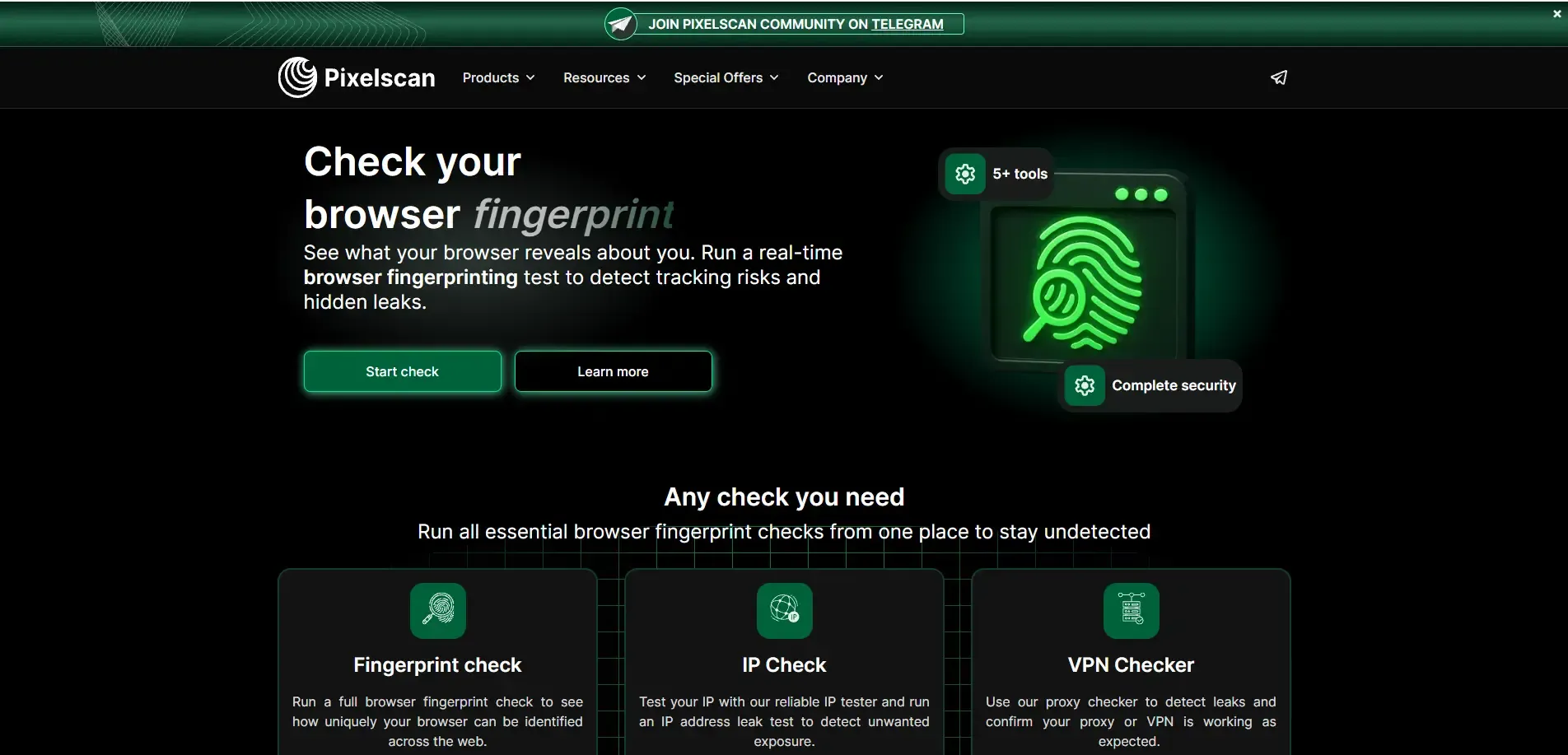
Pixelscan focuses on analyzing the “naturalness” and consistency of browser fingerprints, combining browser parameters, network configuration, and proxy settings to flag potentially abnormal environments.
Main Detection Areas:
• Browser uniqueness and identifiability (based on screen, Canvas, WebGL rendering, etc.)
• DNS leak testing and blacklist checks
• IP and proxy detection, including whether VPN/proxy leaks
• Multi-dimensional fingerprint and network consistency checks (language, timezone, proxy matching)
Advantages:
• No registration required, immediate results
• Useful for checking changes after adjusting environment settings
Suitable for regularly verifying browser and proxy configurations and identifying potential exposure risks.
4. BrowserLeaks
Core Features:
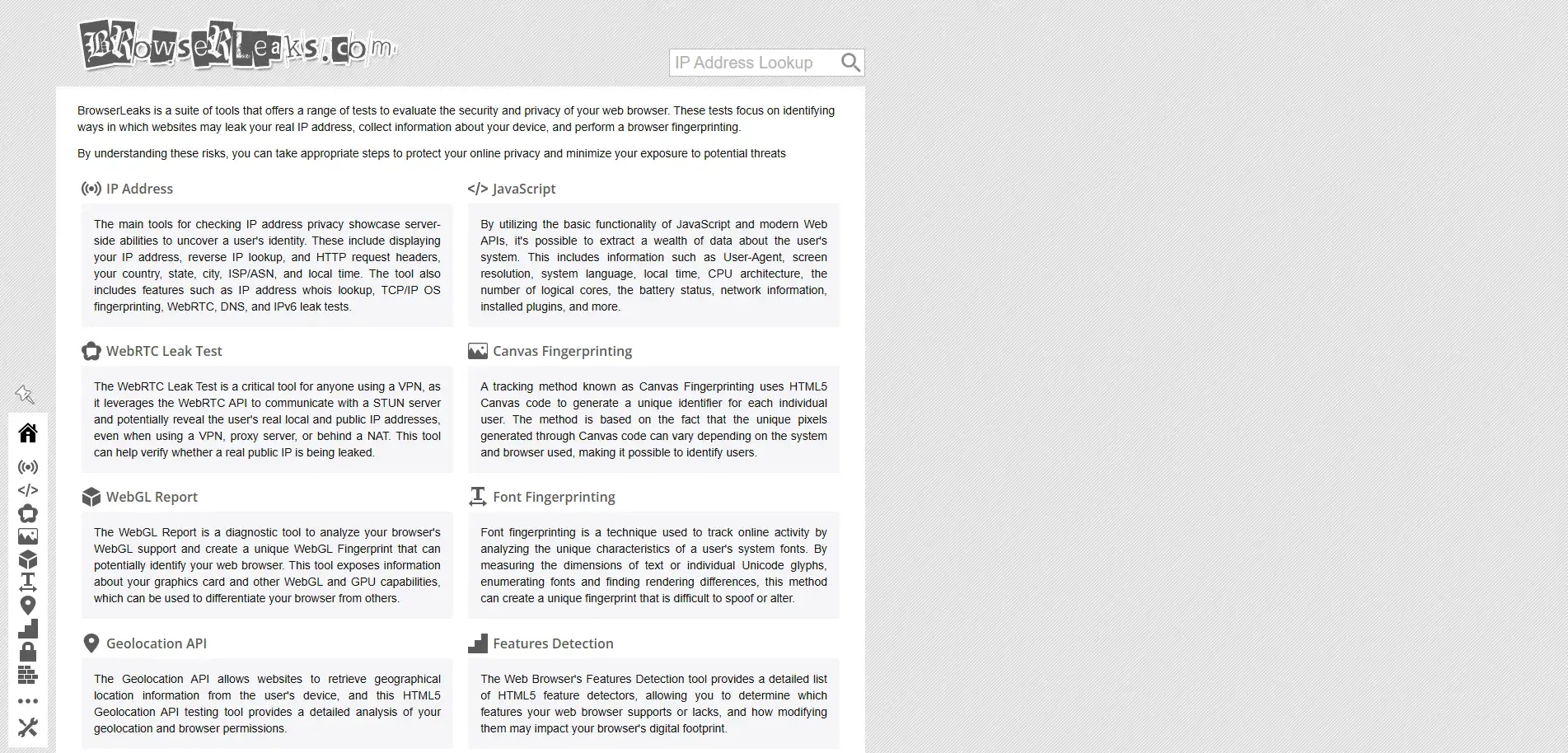
BrowserLeaks checks how browsers respond to information requests across multiple levels, including system parameters, WebRTC leaks, Canvas fingerprints, WebGL fingerprints, and font detection.
Sample Detection Items:
• Canvas & WebGL fingerprints: Shows hashes generated by browser rendering characteristics
• Geography & language environment: Language, timezone, and location permission consistency
• Font fingerprinting: Checks if the device’s font set is easily identifiable
• WebRTC Leak Test: Detects if the real IP is exposed, even when using VPN/proxy
Advantages:
• Comprehensive detection coverage
• Supports various specialized test pages
• Clear output for in-depth understanding of browser exposure behaviors
Suitable for tech enthusiasts, risk analysts, or users who need to analyze complex metrics themselves.
6. Tips and Best Practices
✔ Don’t rely on a single metric or score
The uniqueness or risk value provided by a tool is only one measurement and doesn’t reflect the platform’s full identification logic.
✔ Maintain a consistent environment when testing
Running repeated tests on the same device may reveal subtle variations. Some metrics (like Canvas hashes) are inherently unstable and should be verified across multiple runs.
✔ Adapt to your actual use case
Different scenarios such as cross-border e-commerce or advertising campaigns have varying priorities for fingerprint detection.
 AD
AD


