



 Resources
 Feature overview

 Alani
Alani 2026-05-09 11:03
Anyone managing multiple TikTok accounts has probably encountered this: right after registration, the system flags an “abnormal environment”; after posting only a few videos, traffic gets restricted; even worse, the platform directly labels the account as “datacenter IP risk.”
What confuses most people is this — they changed the IP, switched devices, and even rebuilt the entire network environment, yet the issues still keep happening repeatedly.
In reality, these are only surface-level problems. The real cause is usually a systematic environment issue that 90% of people overlook. Today, we’re going to share a highly practical solution set with you.

1. Why Does TikTok Misidentify “Datacenter IPs”?
TikTok’s risk-control system is no longer just about checking IP addresses. Many people only change their proxy IPs while ignoring device fingerprints and browser environments.
As a result, the system sees the IP as residential, but the device behavior looks automated or batch-controlled → directly triggering an abnormal environment warning.
This is also why many people running TikTok multi-account matrix operations still lose accounts frequently even when using so-called “residential IPs.”
2. Proxy IP Quality Is the First Barrier
If the account environment is like a house, then the IP is the address. If the address is wrong, even the best setup becomes meaningless. Common mistakes include:
□ Using low-quality shared proxy IPs
□ Frequently switching IPs without a stable location
□ Using “fake residential IPs” (actually datacenter IPs)
To truly operate TikTok multiple accounts stably, you should at least have:
□ Dedicated or high-quality residential proxy IPs
□ Stable IP regions (don’t use a US IP today and a German IP tomorrow)
□ Clean IP history (without abuse or black-market records)
TikTok is fully capable of distinguishing between “datacenter IPs” and “residential IPs,” which is also a major reason why many accounts get instantly banned.
3. Fingerprint Environment Setup Is the Hidden Core
If the IP is your address, then the fingerprint environment proves “who you are.”
Key parameters include: User Agent, Canvas fingerprint, WebGL information, font lists, timezone, language, resolution, and more.
Many people log into multiple TikTok accounts using the same browser. Even after changing IPs, TikTok may still identify them as “same-device bulk control behavior.”
The correct approach is:
◇ Separate browser environment for each TikTok account
◇ Use anti-detect/fingerprint browsers to isolate environments
◇ Keep the environment stable long-term without frequent resets
4. TikTok Multi-Account Environment Risk Checklist (Practical Version)
| Check Dimension | Healthy Performance | High-Risk Performance | Optimization Suggestion |
|---|---|---|---|
| IP Usage Status | Dedicated residential IP with long-term stability | Shared IP or frequently changing IP | Bind one fixed IP to one account |
| Network Type Recognition | Recognized as a residential network | Recognized as a datacenter IP | Replace with higher-quality proxy IP providers |
| Browser Environment | Independent fingerprint environment for each account | Multiple accounts sharing the same browser configuration | Use separate fingerprint browsers for isolation |
| Fingerprint Consistency | Natural Canvas/WebGL parameters | Highly similar fingerprints across multiple accounts | Randomize environment parameters |
| Login Behavior | Scattered login times and natural operations | Bulk login/account switching in a short time | Simulate natural human usage patterns |
| Risk-Control Feedback | No abnormal warnings | Frequent verification, traffic restriction, or re-login requests | Immediately pause and rebuild the environment |
5. TikTok Multi-Account Risk Control: The Real Logic
Many people think TikTok uses “single-point detection,” but in reality, it works more like: IP + Device Fingerprint + Behavior Model = Risk Score.
In other words:
• Clean IP, but identical devices → Risk
• Clean devices, but abnormal IPs → Risk
• Both are clean, but behavior is abnormal → Still risky
So stable TikTok multi-account operation requires “overall environment consistency,” not just optimizing one single factor.
6. The Importance of Browser Fingerprint Detection Tools (Like ToDetect)
Many operation teams now use detection tools to determine whether an environment is “clean,” such as the ToDetect browser fingerprint detection tool.
It can help identify in advance:
• Whether the fingerprint is unique
• Whether duplicate environments exist
• Whether IP and fingerprint matching is abnormal
• Whether there are “bulk device characteristics”
Many people only review these issues after their accounts get banned, but the correct approach is to test the environment before registering TikTok accounts. This step is extremely important.
7. Practical TikTok Multi-Account Solutions (Key Section)
1. Proxy IP Quality Screening and Allocation
Many people think “having an IP is enough,” but TikTok actually categorizes IP quality into different levels.
(1) Prioritize Residential IPs Instead of Datacenter IPs
Residential IPs are closer to real-user network environments, while datacenter IPs are easily flagged as sources of bulk operations.
(2) IPs Must Be “Permanently Bound to Accounts”
One TikTok account = One fixed IP. Don’t use a US IP today and switch to a UK IP tomorrow. Frequent IP changes significantly increase detection risks.
(3) Avoid IP Reuse
Multiple accounts should never share the same IP segment, especially during the new-account stage, as it can easily trigger account-linking risk control.
2. Standardized Fingerprint Environment Setup Process
This is where many people make mistakes, and it’s also the key factor determining account lifespan. Recommended setup methods:
(1) One Account, One Browser Environment
Use anti-detect browsers to create independent environments. Save each environment separately and never mix them.
(2) Keep Basic Fingerprint Parameters Stable
User Agent (browser version), resolution (avoid frequent changes), timezone (must match the IP country), and language settings (avoid messy switching between Chinese and English).
(3) Never Recycle Old Environments
Do not reuse old environments. The correct logic is: one account = one independent “digital identity container.”
3. Browser Fingerprint Detection Before Login (Very Important)
Before officially logging into TikTok, it’s recommended to use ToDetect for a complete environment check, focusing on:
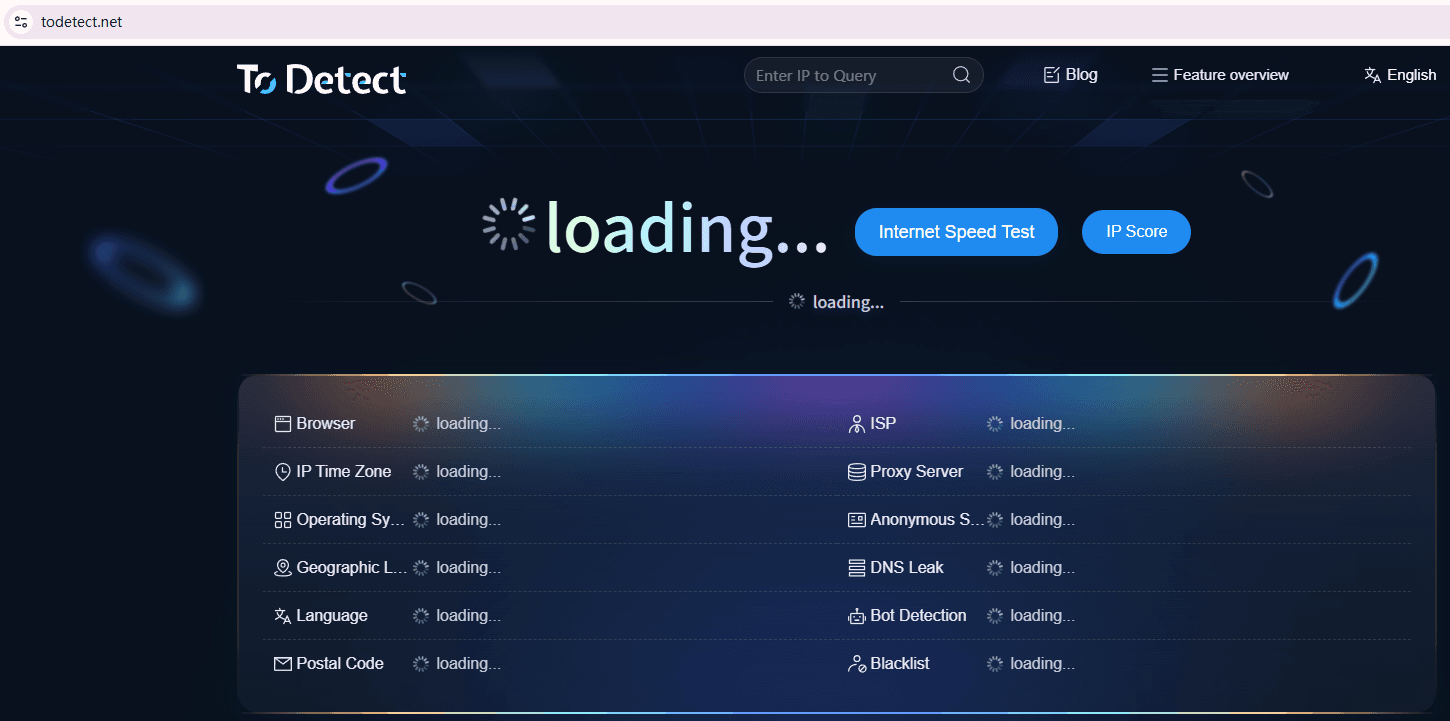
• Whether Canvas / WebGL is unique
• Whether there are “bulk-generated characteristics”
• Whether the IP and browser environment match the same country
• Whether abnormal plugins or exposure features exist
Develop the habit of testing every new environment before logging into accounts. Many accounts fail not because of operations, but because “the environment setup was already wrong from the very first step.”
4. TikTok Account Behavior Initialization Control
Even if your IP and fingerprints are clean, overly “robotic” behavior can still trigger risk control. Suggested actions for the first 3 days of a new account:
Day 1: Simulate normal browsing. Only watch content, do not like or follow. Keep random watch durations (30 seconds to 2 minutes).
Day 2: Light interaction. Like a few videos (3–5) and browse different types of content.
Day 3: Low-frequency operations. Follow a few accounts, but avoid continuous actions (keep 1–3 minute intervals).
👉 Core Principle: Make the system believe you are a “naturally growing normal user,” not a batch-registered account.
5. Isolation Strategy Between Multiple Accounts (Often Overlooked)
Many TikTok matrix failures are not caused by individual account issues, but by “cross-contamination between accounts.”
• Different accounts should never log into the same environment
• Do not share browser cache or cookies
• Do not bulk-copy the same device fingerprint template
If working as a team, create an “Account-Environment-IP Binding Table” to avoid confusion.
6. Regular Environment Health Check Mechanism
Environment setup is not a one-time task — it requires ongoing maintenance. Recommended weekly checks:
• Whether the IP has been polluted or downgraded
• Whether fingerprint parameters changed abnormally
• Whether abnormal login verification appears
• Whether “frequent re-login prompts” occur
If abnormalities are detected, isolate the account environment immediately instead of continuing to use it.
In the End
TikTok’s risk control is not simply “seeing a bad IP and banning the account.” Instead, it evaluates the overall environment through a combination of IP + fingerprint + behavior.
Only when you properly manage proxy IP quality, fingerprint environment setup, and browser fingerprint detection can you truly reduce the risk of being misidentified as a datacenter IP.
Never optimize just one single factor. Build a systematic environment isolation strategy. Only those who establish a solid underlying environment can truly scale traffic successfully.
