

 Resources

 Feature overview

English
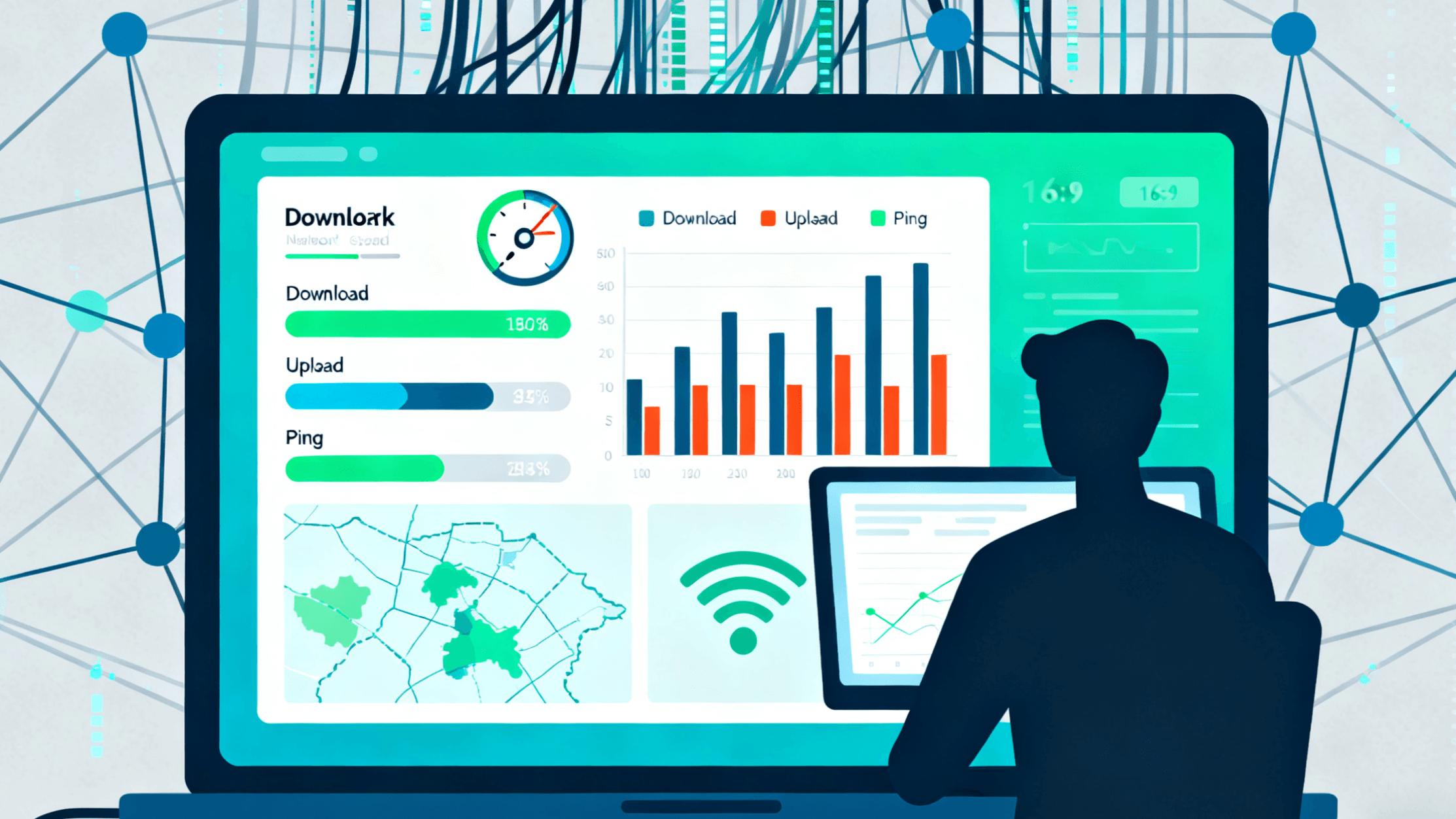
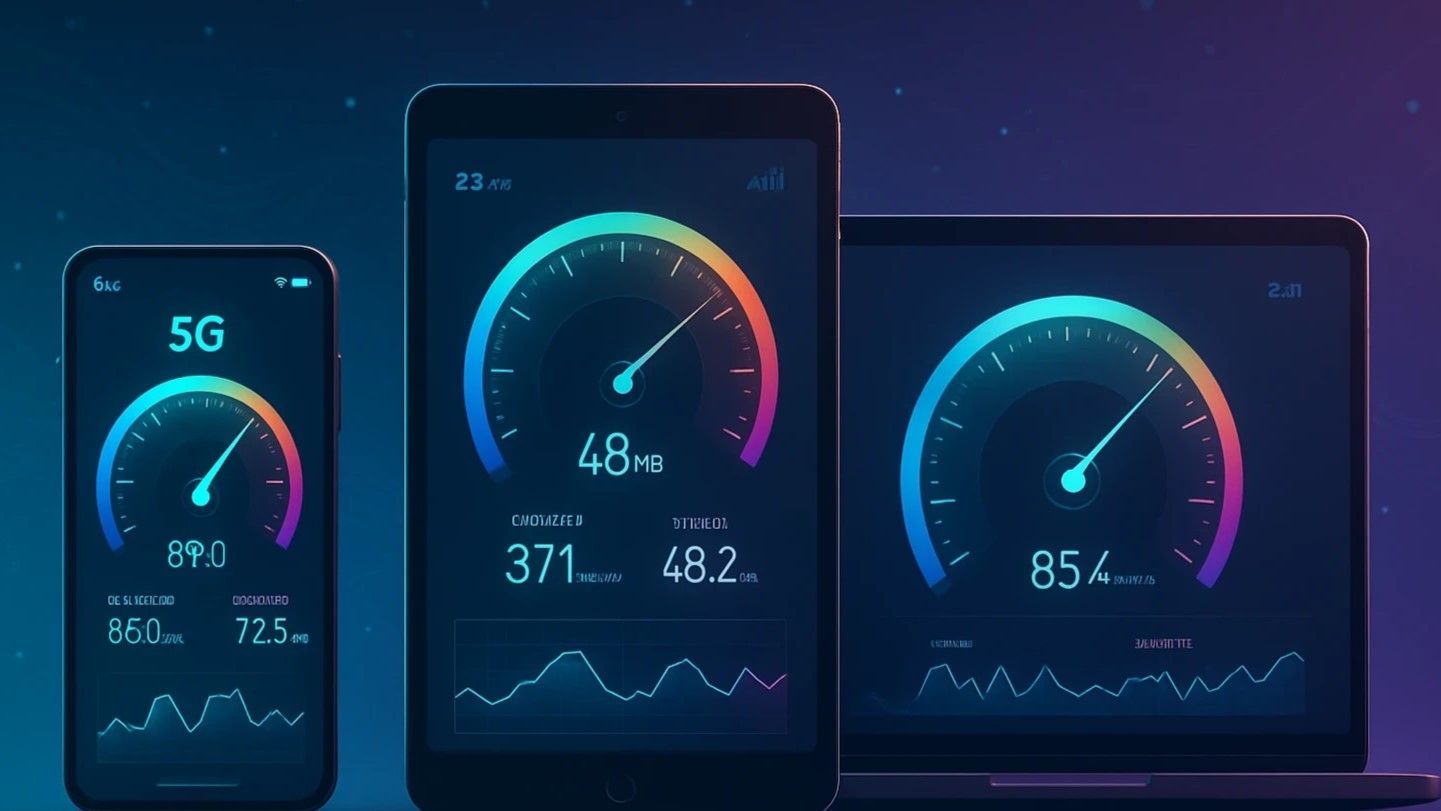
Easily check your internet speed with our free speed test. No plugins, Java, or WebSocket required – it's fast and simple. Test now to see if your speed is slow as a snail or fast as a cheetah.
Popular Websites Connection Test
Are online speed test results accurate? Why don't they match the bandwidth my ISP advertises?
A gap is normal. An online speed test measures the actual throughput between your device and the test node, which is affected by where that node sits, your Wi-Fi signal, how many devices are sharing the line, and peak-hour congestion. The number your ISP advertises is the theoretical ceiling of the line into your home — the two were never measuring the same thing. Run two or three tests at different times of day and look at the stable range instead of chasing the single highest result.
What counts as a good internet speed? How much bandwidth do I need for livestreaming or video calls?
It depends on what you're doing. 5–10 Mbps is plenty for short-form video; a 1080p video call needs roughly 3–5 Mbps in both directions; for HD livestreaming, aim for a steady upload of 8–10 Mbps or more. Stability matters more than the raw number — an upload speed that keeps spiking and dipping causes more stutter and dropped frames on a stream than a connection that's just uniformly slower.
What's a good ping and jitter?
As a rule of thumb: ping under 20 ms is excellent, under 50 ms is fine for everyday use, and above 100 ms you'll feel it in games and real-time calls. Jitter is best kept under 30 ms. These two numbers tell you far more about whether things will feel laggy than download speed does. Note that these are general reference ranges — how it actually feels also depends on where the target server is located.
Why does my speed test show fast downloads but overseas sites still load slowly?
What should I do before running a speed test to get a reliable result?