






When troubleshooting network issues, many people run into a few concepts that sound nearly identical: DNS leaks, DNS poisoning, and IP leaks.
Say a site loads slowly or the connection drops while you're browsing overseas content, or a network environment check comes back different from what you expected. Someone blames a DNS leak, someone else calls it DNS poisoning, and a third person warns that your IP might be leaking.
All three can be happening at once, yet each one is detected a different way. If you don't separate them clearly, you'll keep chasing the wrong problem over and over.

1. What Are DNS Leaks, DNS Poisoning, and IP Leaks, Really?
In plain terms: a DNS leak is about which server actually handles your DNS queries. DNS poisoning is about whether the answers coming back are accurate. And an IP leak is about whether your real public IP gets exposed through some other channel.
Here's a quick table to see how the three differ.
| Aspect | DNS Leak | DNS Poisoning | IP Leak |
|---|---|---|---|
| Where it goes wrong | The DNS resolution request path | The stage where DNS results are returned | Network egress or browser communication channels |
| Core issue | DNS queries are handled by an unexpected server | Returned results don't match the real resolution | The real public IP is exposed anyway |
| Typical signs | Unusual DNS server ownership; the resolution path differs from what you expect | Odd domain resolution results; you land somewhere you didn't intend to | A real egress IP or location gets detected |
| Common causes | Mismatched system, browser, and app DNS settings | A broken resolution chain or abnormal cached results | WebRTC, browser extensions, extra outbound requests |
| Main impact | The DNS request path becomes opaque | You may reach the wrong destination | Network environment consistency is affected |
| How to test | DNS leak tests, DNS server lookup analysis | Comparing resolution results across multiple nodes | IP leak tests, WebRTC tests |
| How to fix | Unify your DNS egress; review encrypted DNS settings | Switch to a trusted DNS; verify the records | Audit browser channels; cut down extra exposure |
Once these differences are clear, the testing workflow becomes far easier to follow.
2. DNS Leak Test: It's Not an Attack — Your DNS Requests Just Took Another Route
The first time most people read the term "DNS leak," they assume their network is under attack. In reality, a DNS leak usually just means your configuration isn't doing what you intended.
When you visit a site, a DNS lookup has to translate the domain name into an IP address first. But in real-world setups, there's often more than one DNS source in play.
For example, your operating system may have one set of DNS servers, your browser may have its own secure DNS turned on, and some apps may specify a resolver of their own. If those requests don't travel the path you expect, that's a DNS leak.
So when you run a DNS leak test, don't fixate on whether the page throws an error. Look at where the DNS servers are registered, which region they're in, and whether the resolution path matches what you expect.
3. DNS Poisoning: The Problem Isn't the Request, It's the Response
DNS leaks and DNS poisoning get lumped together all the time, but they're two entirely different problems.
• A DNS leak asks: who received the DNS request?
• DNS poisoning asks: was the response correct?
Normally, when you query a domain, the DNS server should return the real address of that site.
But if the resolution process returns something abnormal, you can end up at the wrong destination. You might resolve to an unexpected address, get a broken page, or see completely different results depending on which resolver you ask.
You can't judge DNS poisoning simply by whether a site loads. A more reliable method is to resolve the same domain several times and compare what different DNS servers return.
If one DNS node returns something clearly different and far off from the normal records, it's worth digging into whether DNS poisoning or another resolution anomaly is at play.
4. IP Leak Test: Your Egress Looks Fine, Yet Your Real IP Can Still Slip Out
Compared with DNS issues, IP leaks are the piece people most often overlook. Plenty of users check that their current IP address looks right, then test whether DNS is behaving — and stop there.
But besides ordinary page requests, browsers have extra communication mechanisms that can reveal real network details. The most common one is WebRTC.
WebRTC powers real-time browser communication such as audio and video calls. To cut latency, it may open additional connections — and in some cases those expose network-related information.
For example, you might have a fixed network egress configured and see normal results from a basic IP lookup, yet a browser environment check still turns up other public IPs. That's a case where you should dig deeper for an IP leak.
5. Common Misconceptions About DNS Leaks, DNS Poisoning, and IP Leaks
The first mistake is treating DNS leaks and DNS poisoning as one and the same.
In fact, a leak is a question about the request path, while poisoning is a question about the response. One means checking where the request went; the other means confirming whether what came back is correct.
The second mistake is testing DNS only and ignoring the IP environment.
Clean DNS results don't guarantee a clean network environment overall. Sometimes resolution is perfectly fine, yet extra browser channels still expose your real egress.
The third mistake is assuming that if websites load normally, the network environment must be fine.
In practice, plenty of environment problems don't affect browsing right away. They only surface on certain sites, in certain browsers, or on certain networks.
6. How to Assess Your Network Environment More Accurately
Rather than guessing at the cause, it's more effective to follow a fixed testing sequence.
• Start by checking the DNS resolution path and confirming that the DNS servers actually in use are the ones you expect.
• Then check your public IP details, including ownership, ISP, and connection type.
• Finally, verify browser-level channels, such as whether WebRTC is exposing extra information.
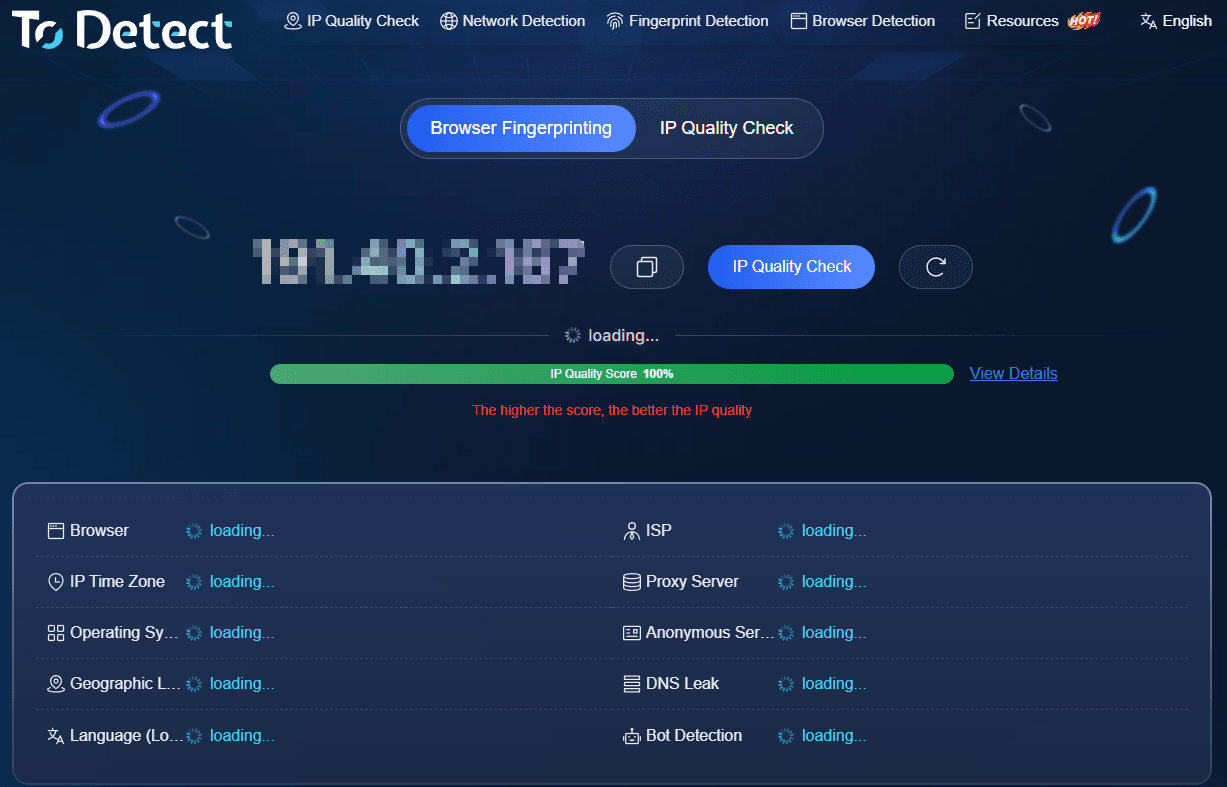
Tools like ToDetect pull DNS query data, IP attributes, and browser environment results into a single view, which helps you pinpoint faster whether the problem sits in resolution, network egress, or the browser environment.
One caveat: results only mean something in the context of your real usage. The same device can produce different readings on different networks, in different browsers, or at different times.
So run the full check on the same device and the same network, then work through the anomalies one by one. That's what makes the findings worth acting on.
Summary
DNS leaks, DNS poisoning, and IP leaks sound alike, but they describe completely different problems. A DNS leak answers "who handles the DNS request." DNS poisoning answers "is the returned result correct." An IP leak answers "is the real network egress exposed."
When troubleshooting network issues, don't fixate on any single test result. Weigh DNS resolution, IP details, and the browser communication environment together. Once you understand how the three differ — and check your environment regularly — most everyday problems can be traced to the right layer much faster.
