



 Resources
 Feature overview

 Charles
 2026-06-25 12:13
Many people believe that successfully hiding their public IP address means their real identity is fully protected. However, that is not entirely true.
Simply hiding your public IP address is far from enough. If DNS requests are still being sent through your local ISP's DNS servers, or if your browser exposes your real IP through WebRTC technology, your anonymity can be significantly compromised.
In this article, we'll show you how to determine whether your real IP address has been leaked, how to perform DNS leak tests and WebRTC leak tests, and how to analyze the results.

1. What Is DNS Leak?
When you visit a website, your browser does not connect directly through the domain name. Instead, it first queries a DNS server to obtain the corresponding IP address.
If your system continues using DNS servers provided by your local ISP, your browsing records may be exposed to the ISP (Internet Service Provider). This is known as a DNS Leak.
Simply put: your proxy hides your IP address, but DNS requests bypass the proxy. As a result, third parties may still know which websites you visit. For privacy-conscious users, DNS leaks are common yet often overlooked.
2. What Is a WebRTC Leak?
WebRTC (Web Real-Time Communication) is primarily used for voice calls, video conferencing, and peer-to-peer file transfers. Although WebRTC is highly useful, it is also known for a privacy issue: it can expose a user's real IP address.
Even when connected to a proxy, WebRTC APIs in the browser may still reveal your local network IP, real IPv4 address, or IPv6 address. If a website queries these APIs, it may obtain your actual network information. This is called a WebRTC leak.
For this reason, users who value anonymous browsing often perform regular WebRTC leak tests to ensure their network environment remains secure.
3. DNS Leak vs. WebRTC Leak Comparison
| Test Item | DNS Leak | WebRTC Leak |
|---|---|---|
| Leaked Information | DNS query data | Real public IP, local IP, IPv6 address |
| Common Causes | Proxy does not handle DNS requests, system misconfiguration | WebRTC enabled by default in browsers |
| Impact | Exposes browsing history | Exposes the user's real network identity |
| Affects Anonymity | Yes | Yes |
| Can a Proxy Fully Prevent It? | Not always | Not always |
| Testing Difficulty | Easy | Easy |
| Recommended Testing Frequency | After every proxy change | After every browser or proxy change |
| Common Testing Tools | ToDetect, DNS Leak Test | ToDetect, BrowserLeaks |
| Solutions | Change DNS settings, enable DNS Leak Protection | Disable WebRTC, install privacy extensions |
| Risk Level | Medium-High | High |
4. Why Perform a DNS Leak Test?
Many users assume that once a proxy connection is established, everything is secure. However, not all proxy services completely prevent DNS leaks.
First, verify that your proxy is working properly.
Some low-quality proxies only route browsing traffic while leaving DNS requests untouched, causing DNS traffic to continue through local ISP servers.
Second, identify system configuration issues.
Windows, macOS, and certain Linux distributions may allow DNS requests to bypass the proxy due to network configuration problems.
Third, prevent privacy exposure.
If DNS records are leaked, your browsing behavior can still be tracked and analyzed. Whether for remote work, cybersecurity research, or personal privacy protection, regular DNS leak testing is highly recommended.
5. How to Perform a DNS Leak Test?
The easiest method is to use a professional testing platform. Using ToDetect as an example, users simply open the testing page and the DNS leak test runs automatically.
Step 1: Connect Your Proxy
Make sure your proxy is successfully connected and verify that your public IP address has changed.
Step 2: Visit a Testing Tool
Open a professional testing website such as ToDetect. The system will automatically analyze your current network environment, including your public IP address, DNS server information, geolocation, and ISP.
Step 3: Review the Results
If the detected DNS servers belong to your proxy provider, no DNS leak is present.
If the results show DNS servers from your local ISP, it indicates a potential DNS leak and further network or proxy configuration adjustments may be required.
6. WebRTC Leak Testing Guide
Compared to DNS leaks, WebRTC leaks are more likely to be triggered by browser behavior. Follow these steps to test for WebRTC leaks.
1. Open a WebRTC Leak Testing Page
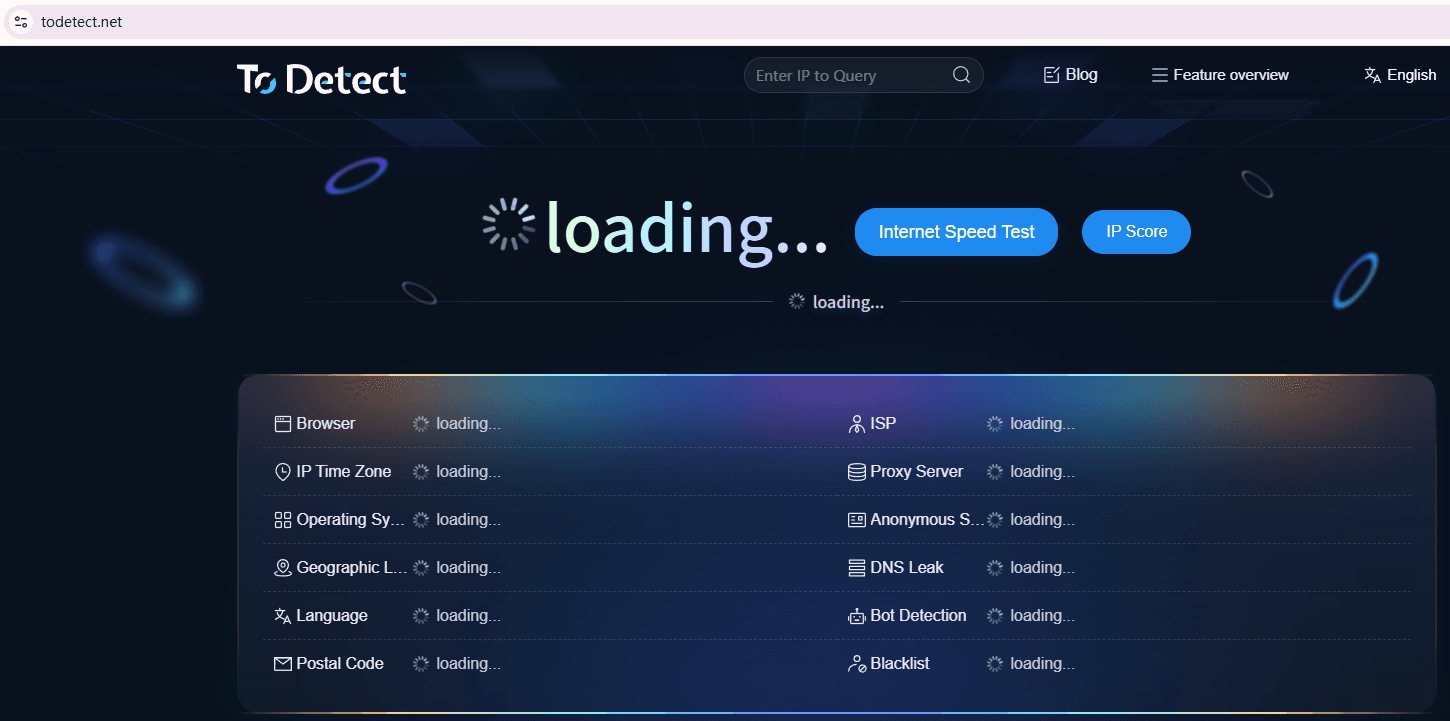
Visit a website such as ToDetect that supports WebRTC leak detection. The system will automatically collect publicly available network information from your browser.
2. Check the IP Detection Results
Focus on Public IP, Local IP, and IPv6 Address. If only the proxy server IP appears, WebRTC is not leaking information. If your home broadband IP, corporate network IP, or local IPv6 address appears, a WebRTC leak is present.
3. Compare Different Browsers
Different browsers handle WebRTC differently. For example:
- Chrome: WebRTC enabled by default
- Edge: WebRTC enabled by default
- Firefox: WebRTC can be manually restricted
- Brave: Provides stronger privacy protections
It is recommended to test multiple browsers separately to ensure accurate results.
7. How to Fix DNS Leaks and WebRTC Leaks?
□ Use a Proxy with Leak Protection
High-quality proxy services often include DNS Leak Protection, IPv6 Leak Protection, and Kill Switch features that significantly reduce leak risks.
□ Change Your DNS Servers
You can switch your DNS settings to Google DNS (8.8.8.8) or Cloudflare DNS (1.1.1.1) to reduce exposure through ISP-managed DNS servers.
□ Disable WebRTC
Chrome users can install WebRTC control extensions, while Firefox users can disable WebRTC through advanced settings. After making changes, run another WebRTC leak test to confirm the issue is resolved.
□ Disable IPv6
Some WebRTC leaks originate from IPv6 addresses. If your proxy service does not support IPv6 leak protection, consider temporarily disabling IPv6.
□ Use ToDetect for Comprehensive Privacy Testing
Instead of relying on multiple tools, ToDetect can perform DNS leak testing, WebRTC leak testing, IP address checks, IPv6 detection, and proxy anonymity analysis in one place.
For average users, this provides a simple way to understand their current privacy status without complex configuration.
Whenever you change proxies, modify browser settings, or switch networks, it is advisable to run a full privacy check to ensure your real IP address remains protected.
Conclusion
DNS leaks and WebRTC leaks are among the most common threats to online anonymity. Even if your public IP address is hidden, leaked DNS requests or browser communication data can still reveal your real network location.
Therefore, performing regular DNS leak tests and WebRTC leak tests is essential. Professional tools such as ToDetect can quickly identify privacy risks and help you take corrective action.
Online privacy protection does not end with installing a proxy. It is an ongoing process of testing and optimization. Developing a habit of regular privacy checks is far more effective than relying on a proxy alone.
