



 Resources
 Feature overview

 Alani
Alani 2026-04-29 10:37
Recently, many friends have been asking: if you want to use a fingerprint browser to register accounts in bulk, does simply opening multiple environments mean you can freely register accounts without getting banned?
It does sound tempting, but the reality is not that simple. Once a platform detects abnormal environments associated with accounts, all of those accounts may be linked together.
Today, let’s talk about whether using a fingerprint browser for bulk account registration is actually feasible, and what issues you need to pay attention to during the process.
1. What is a fingerprint browser? Is it useful for bulk account registration?
A fingerprint browser essentially simulates different browser environment parameters so that systems recognize logins as coming from “different devices.”
• These parameters include but are not limited to: User-Agent (browser version), operating system information, resolution, fonts, timezone, etc.
• Simply put: on one computer, you can “disguise” yourself as many different devices.
Therefore, it is commonly used for multi-account operations (social media, e-commerce stores), overseas advertising account management, and testing login effects across regions.
2. Is it safe to use a fingerprint browser for bulk account registration?
The tool itself does not determine safety — how you use it does. The real factors affecting safety include:
1. Whether registration behavior is “abnormally concentrated”
For example, registering a large number of accounts in a short time with identical behavior patterns is easily identified as bot activity.
2. IP and environment quality
Even if you use a fingerprint browser, poor-quality IPs (such as flagged data center IPs) can still trigger risk control systems.
3. Browser fingerprint consistency anomalies
Fingerprint detection systems mainly evaluate:
Whether multiple accounts share “similar device characteristics”
Whether there are batch-generation patterns
Whether there are traces of scripted behavior
Even if you use a fingerprint browser, overly “perfect” configurations can actually appear abnormal.
3. Will accounts get banned? The reality is more complex than you think
The most common question is: “Will accounts get banned?” The answer is: there is a probability, and it depends on platform risk control strength + how you operate.
△ Light usage (low-risk scenario)
Example: a small number of accounts, simulated normal user behavior, and naturally distributed environments 👉 lower ban probability.
△ Heavy bulk registration (high-risk scenario)
Example: dozens or hundreds of accounts per day, identical behavior patterns, repeated environment templates 👉 very likely to trigger risk control or even mass bans.
Especially on platforms like Facebook, Google, and TikTok, detection of bulk account registration is very strict — simply changing IPs is not enough.
4. Risk comparison table for different bulk registration methods
| Method | IP Environment | Browser Environment | Behavior Pattern | Account Stability | Risk Control Probability |
|---|---|---|---|---|---|
| Normal single account registration | Residential/mobile network | Single real device | Natural manual operation | High | Low |
| Standard multi-window browser registration | Same IP | Multiple browser windows | Slightly repetitive actions | Medium | Medium |
| Fingerprint browser bulk registration (low-quality setup) | Proxy IP (unstable) | Template-based fingerprint environment | Highly consistent behavior | Low | High |
| Fingerprint browser bulk registration (optimized setup) | High-quality independent IPs | Differentiated fingerprint environments | Close to real user behavior | Medium-high | Medium-low |
| Advanced matrix operation model (compliant approach) | Residential/mobile IPs | Fully isolated environments | Manual operation rhythm | High | Low |
5. Browser fingerprint detection — what exactly is being detected?
Many people focus only on IPs but overlook the more critical browser fingerprint detection system. It mainly evaluates:
1. Device uniqueness identification
Even if you change your IP, identical device parameters may still identify you as the same user.
2. Behavioral pattern analysis
Including click frequency, dwell time, and operation paths.
3. Environment correlation analysis
Whether multiple accounts share “linked characteristics.” Modern risk control systems rely on comprehensive scoring models rather than single-point judgments.
6. Fingerprint browser environments — setup principles (from a compliance perspective)
How can you make account behavior closer to real users instead of automated bulk actions? The core ideas are:
• Keep environment parameters naturally diverse
• Ensure each account has independent usage traces
• Avoid template-based operations
• Maintain behavior rhythms similar to real users
Note: the goal is not to “bypass detection,” but to reduce abnormal characteristics.
7. Summary of real risks in bulk account registration
The main risks of using fingerprint browsers for bulk account registration include:
1. Unstable account survival rate
Successful registration does not guarantee safety — accounts may still be flagged later.
2. Constantly changing platform policies
Risk control systems evolve continuously — what works today may fail tomorrow.
3. Linked account bans
If one environment is flagged as abnormal, multiple related accounts may be affected.
8. Frequently asked questions about bulk registration with fingerprint browsers
1. Is it always safe to use a fingerprint browser for bulk registration?
Not necessarily. A fingerprint browser is just an environment simulation tool and cannot bypass platform risk controls.
Safety depends on IP quality, environment diversity, and whether behavior resembles real users. If actions are too “mechanical,” they will still be detected.
2. Why do accounts still get banned even when using a fingerprint browser?
Common reasons include: poor IP quality (data center or flagged IPs), overly similar fingerprint environments across accounts, and overly regular registration/login behavior.
Platform fingerprint detection systems make comprehensive judgments rather than relying on a single factor.
3. Which is more important: IP or fingerprint?
Both are important, but the current trend is: environment consistency > single IP issues.
In other words, even if you change IPs, highly repetitive fingerprint setups can still lead to account linkage detection.
4. What is the practical role of tools like ToDetect?
ToDetect is mainly used for environment testing, not as an anti-ban tool — it functions more as a “risk pre-check.”
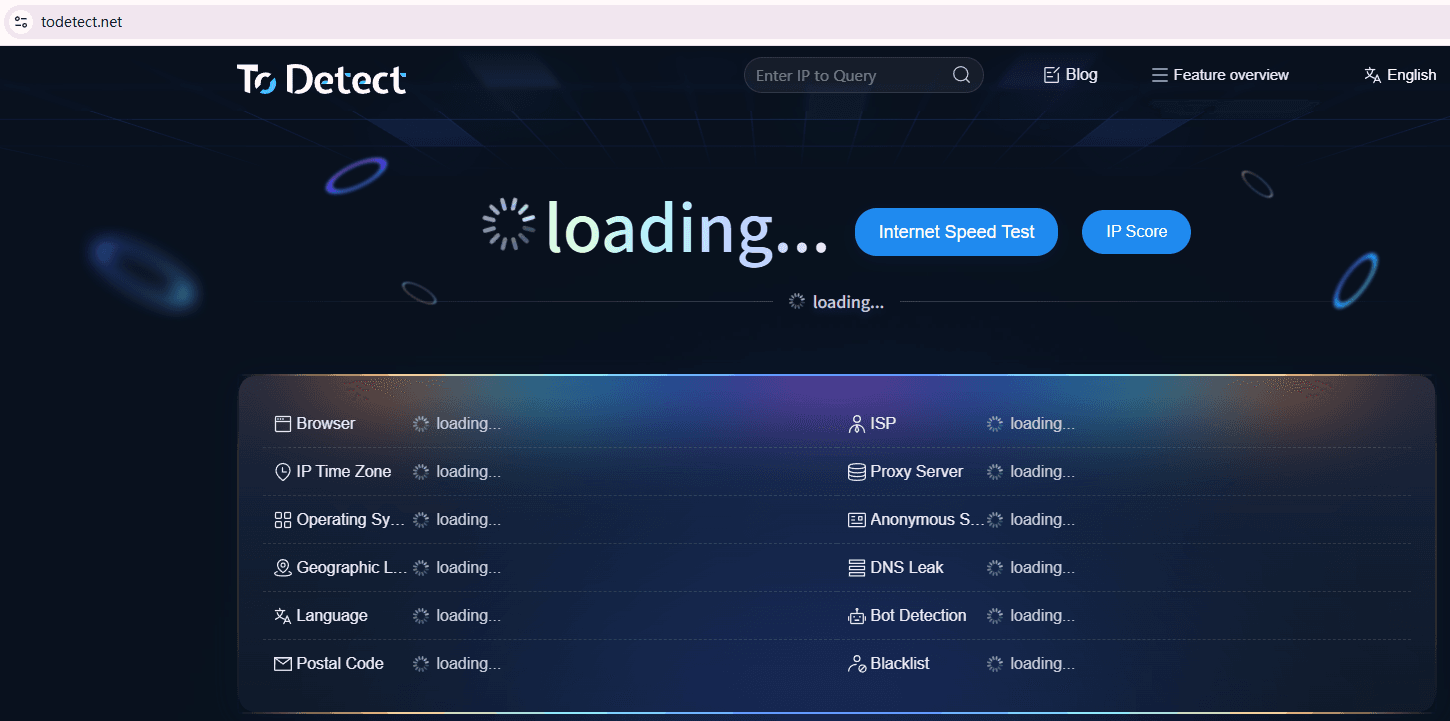
It helps check whether fingerprints are exposed or abnormal, whether environments are overly concentrated, and whether high-risk characteristics exist.
Conclusion
Platform risk control systems are constantly evolving, and no method remains permanently effective. Long-term success comes not from “technical confrontation,” but from mimicking real user behavior.
If fingerprint environments, operation rhythms, and account purposes are handled naturally, fingerprint browsers can indeed be practical tools for multi-account operations.
If you truly want long-term account stability, using tools like ToDetect to inspect environments and understand fingerprint detection logic is far more valuable than blindly stacking configurations.
