



 Resources
 Feature overview

 Alani
Alani 2026-07-08 11:28
Many people believe that as long as they use an anti-detect browser and change their proxy IP, multi-account cross-border operations will have no issues. In reality, other environment parameters can also affect account security.
Especially when building TikTok/Amazon environments, many new sellers fall into a common misconception: they focus only on tool selection while ignoring the details of environment configuration.
Today, we will discuss why an anti-detect browser fingerprint test may still show risks even after an independent environment has been configured, where the problems actually come from, and how to build an account environment that is closer to a real user environment.

1. Why is TikTok/Amazon environment setup important?
Simply put, platforms are not only checking “who you are”, but also evaluating “what device environment you are using”.
For example, if a seller operates multiple TikTok stores or Amazon stores, and all accounts are logged in from the same computer or browser environment, even with different IP addresses, the accounts may still trigger risk detection due to highly similar device fingerprints.
Therefore, professional TikTok/Amazon environment setup is not just about changing IP addresses. It requires creating relatively independent, stable, and realistic browsing environments.
2. Why does anti-detect browser fingerprint testing fail? What are the common reasons?
First, incomplete browser parameter configuration is a common issue. Some users only change their IP address after installing an anti-detect browser but fail to adjust other environment parameters.
Second, IP quality is also critical. If users rely on low-quality, shared, frequently reused, or previously flagged proxy IPs, the account may still be identified even if the browser environment appears normal. This is especially important during TikTok store operations and Amazon multi-account management, where network stability plays a major role.
In addition, some sellers frequently switch accounts, perform batch operations, or complete a large number of actions within a short period to improve efficiency. These behaviors may cause platforms to consider the account as automated or associated with suspicious activity.
Therefore, anti-detect browser fingerprint testing is not only checking the browser itself, but also evaluating whether the entire account environment appears natural and reasonable.
3. TikTok/Amazon Account Environment Checklist
| Inspection Item | Common Problems | Possible Impact | Optimization Suggestions |
|---|---|---|---|
| Browser Fingerprint Information | Multiple accounts use similar browser parameters for a long time, resulting in highly repeated device characteristics. | May increase account association risks and trigger platform security reviews. | Create independent browsing environments for different accounts and reasonably differentiate device fingerprint parameters. |
| IP Network Quality | Using low-quality proxies, shared IPs, or frequently changing network routes. | May cause login abnormalities, additional verification requirements, and affect account stability. | Choose stable network resources, maintain IP continuity, and reduce unnecessary switching. |
| Cookies and Cache Data | Multiple stores share the same cookies, local storage, or browsing history. | Platforms may determine that different accounts are connected. | Manage each account's data environment independently and avoid cross-account browsing information. |
| System Environment Parameters | Time zone, language, and region settings do not match the actual network location. | Reduces environment authenticity and increases fingerprint detection risks. | Configure system environments according to target markets to improve consistency. |
| Login Behavior Patterns | Frequently switching accounts or performing large numbers of operations within a short period. | Easily triggers abnormal behavior detection mechanisms. | Maintain natural operation patterns and avoid overly regular or bulk behaviors. |
| Fingerprint Browser Test Results | Detection tools indicate abnormal browser environment risk factors. | The current environment may not be suitable for long-term account operation. | Use tools such as ToDetect for regular analysis and optimize environment configuration in time. |
4. How to Build a Better TikTok/Amazon Account Environment ?
First, make sure each account has an independent browsing environment.
Different accounts should ideally have separate browser configurations, including cookies, local storage, browser fingerprint parameters, and other environment data. Avoid allowing multiple stores to share the same environment for a long time, as this may increase the risk of account association.
Second, properly match the network environment.
Many sellers only focus on proxy IP prices while ignoring IP stability. It is recommended to choose stable and clean proxy resources and keep the IP location reasonably matched with the account's operating region. For example, when operating a US market account, the browser language, time zone, and network location should ideally remain consistent.
Third, avoid excessive modification of fingerprint parameters.
Some users believe that changing more parameters means better security. However, this is not always true. If browser fingerprints become too unusual, they may appear abnormal instead. A good environment setup should resemble a real user device rather than creating a completely artificial environment.
Fourth, regularly check the browser environment status.
As account operations continue, environment data may change over time. Sellers can use professional tools to perform regular checks, identify potential risks, and optimize the browsing environment promptly.
5. The Role of ToDetect in Fingerprint Browser Detection
When checking account environments, many cross-border sellers use fingerprint detection tools such as ToDetect to analyze their current browser environment.
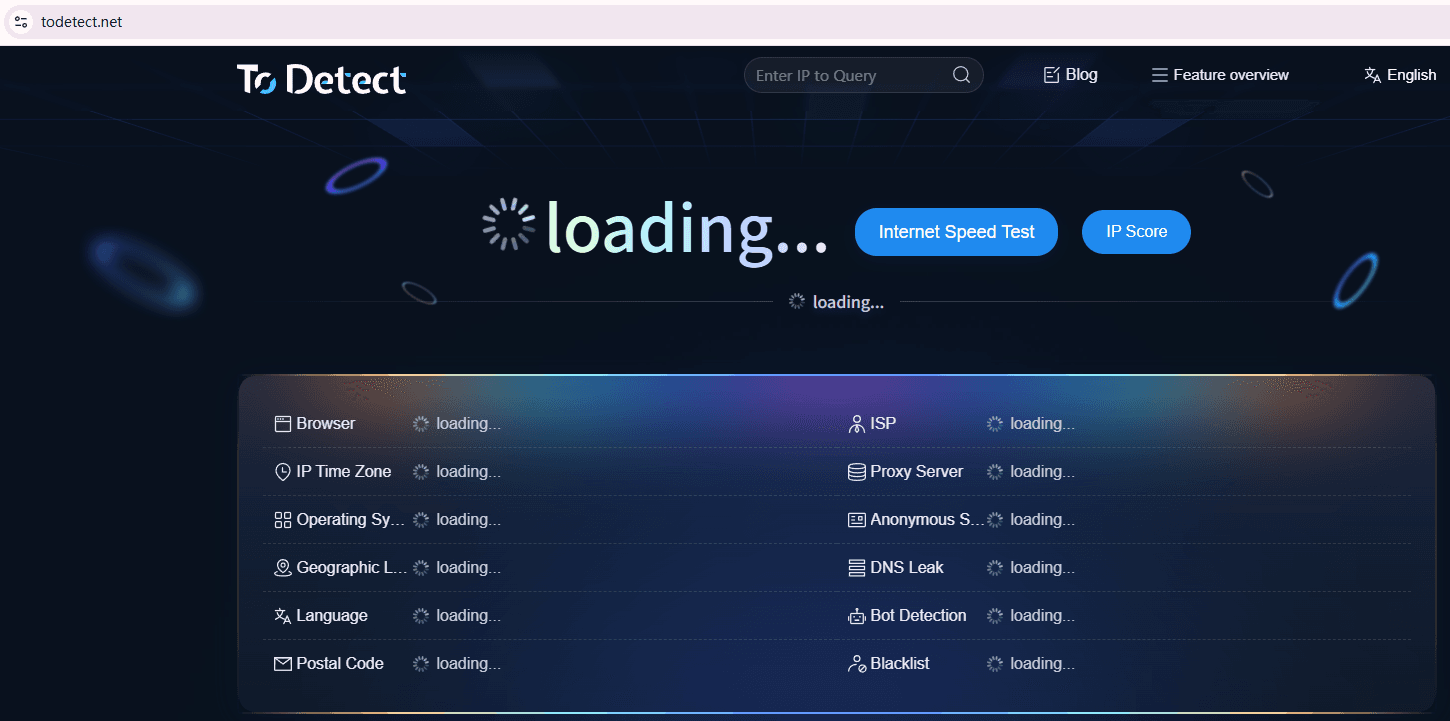
ToDetect is mainly used to check whether browser fingerprint information contains abnormal elements, including browser parameter completeness, device information consistency, and fingerprint exposure risks. Through detection results, sellers can understand whether the current environment is likely to be identified by platforms.
Of course, detection tools are mainly designed to help discover potential issues and cannot guarantee 100% account security. Stable account operations still require reasonable operating methods, reliable network environments, and proper usage habits.
For sellers who need to operate TikTok Shop, Amazon Global Selling, and other cross-border businesses over the long term, regularly performing fingerprint browser detection is an effective way to reduce account risk costs.
6. Common Mistakes Sellers Make When Using Fingerprint Browsers
Many new sellers encounter several misunderstandings when they first start using fingerprint browsers.
The first misconception is believing that “using a fingerprint browser guarantees complete security.” In reality, a fingerprint browser is only an environment isolation tool. If IP addresses, operating behaviors, or account information have obvious issues, risk control measures may still be triggered.
The second misconception is frequently changing environments. Some sellers constantly modify browser parameters or switch proxy routes in order to test security. Excessive environment changes can make the account environment unstable and make it harder for platforms to establish consistent account behavior.
The third misconception is ignoring daily operating habits. Platforms monitor not only login environments but also account activities. For example, suddenly uploading large numbers of products, making unusual profile changes, or frequently logging in from different regions may increase the possibility of review.
Conclusion: A Stable Environment Is the Core Foundation
A truly stable account environment requires continuous management from multiple aspects, including reasonable TikTok/Amazon environment setup, stable network conditions, independent browser configurations, and ongoing fingerprint browser detection.
Failure in fingerprint browser detection is not something to fear. By conducting environment checks in advance, using ToDetect as an analysis tool, and continuously optimizing the browsing environment, sellers can reduce account association risks and improve long-term store operation stability.
Cross-border e-commerce competition is not only about product selection and traffic, but also about stable operational capability. A secure, clean, and long-lasting account environment is an important foundation for sellers to continuously generate orders and scale their businesses.
