



 Resources
 Feature overview

 Alani
Alani 2026-08-26 10:56
Checking the purity of an IP address after purchasing it is much safer than using it directly. This is especially true now that there are more and more online IP detection tools available, and different platforms focus on different testing dimensions.
If you mainly want to check IP purity and test proxy IPs, which tool should you choose? What are the respective advantages of ToDetect, IPinfo, and IPQS? Which one is better suited for everyday users to quickly assess the true quality of an IP address?
Next, let's put these three common tools together and compare them across detection features, information dimensions, and actual user experience to see their respective strengths and find out which one best fits your IP detection needs.
1. What Should You Look for in IP Purity Detection?
So-called IP purity does not mean an IP address carries zero risk; rather, it represents a comprehensive evaluation of the IP's trustworthiness within a network environment.
A complete IP purity check should cover at least several key aspects: IP geolocation, ISP, ASN, network type, residential/data center attributes, Proxy detection, Tor detection, as well as IP risk and reputation status.
If the detection tool can further check DNS, WebRTC, and the browser environment, the results will be even more comprehensive. In practice, anomalies are not always caused by the IP itself—they can also stem from inconsistencies across the entire network environment.
2. ToDetect: Comprehensive IP Purity Check Made Easier
If your primary needs are IP purity testing, proxy IP detection, and network environment inspection, ToDetect is one of the top tools worth trying first.
ToDetect IP Detection Entrance
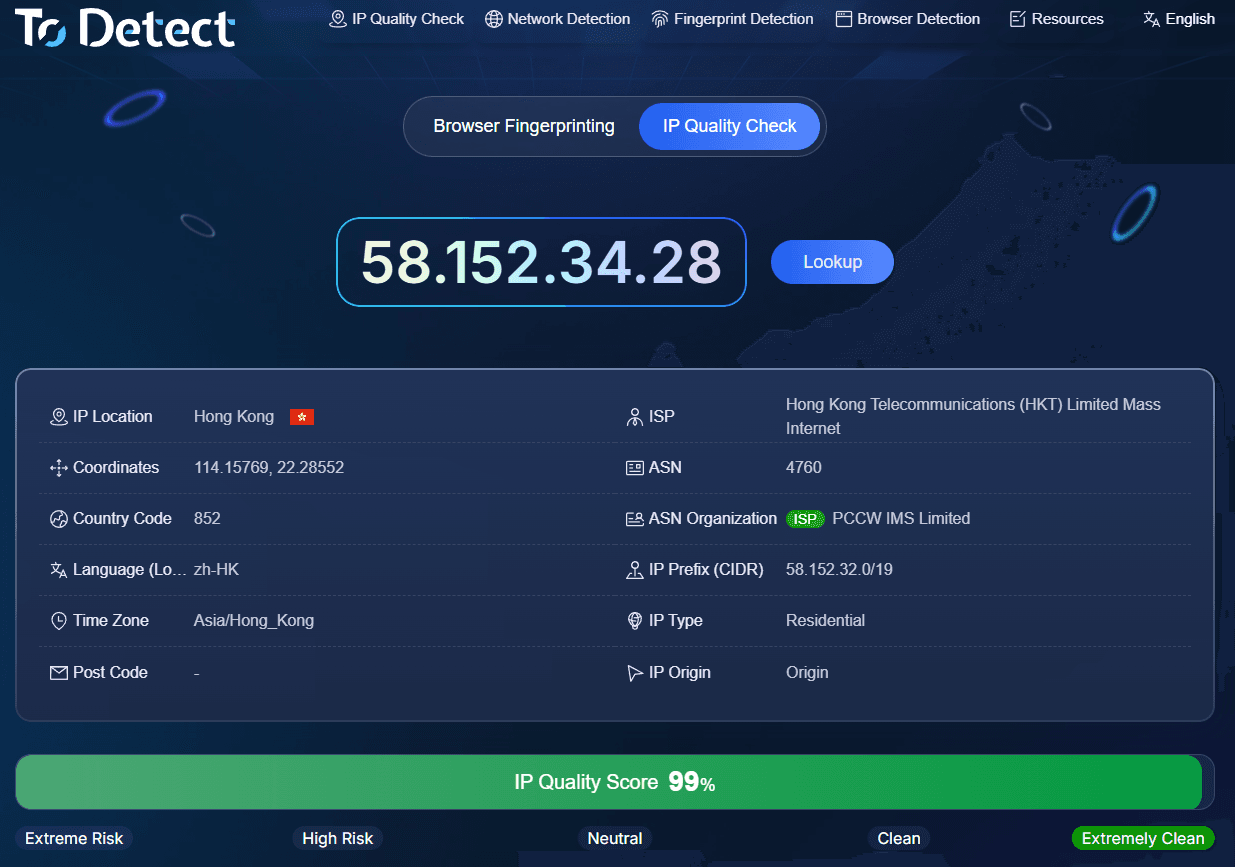
ToDetect's distinct advantage is that it doesn't stop at basic IP lookup. Instead, it consolidates IP quality, proxy detection, risk analysis, and network environment checks into a single workflow. Currently, the detection features displayed on its official website also include DNS leaks, WebRTC leaks, User-Agent, HTTP/2, SSL/TLS, browser fingerprinting, and more.
Especially when performing proxy IP detection, ToDetect serves well for initial screening. You can evaluate IP type, ISP, ASN, proxy attributes, and risk information holistically, rather than relying on a single score.
3. IPinfo: Powerful IP Lookup and Basic Information
IPinfo leans heavily toward IP data and network information lookup, making it ideal for developers, network administrators, and professionals who need IP data for analysis.
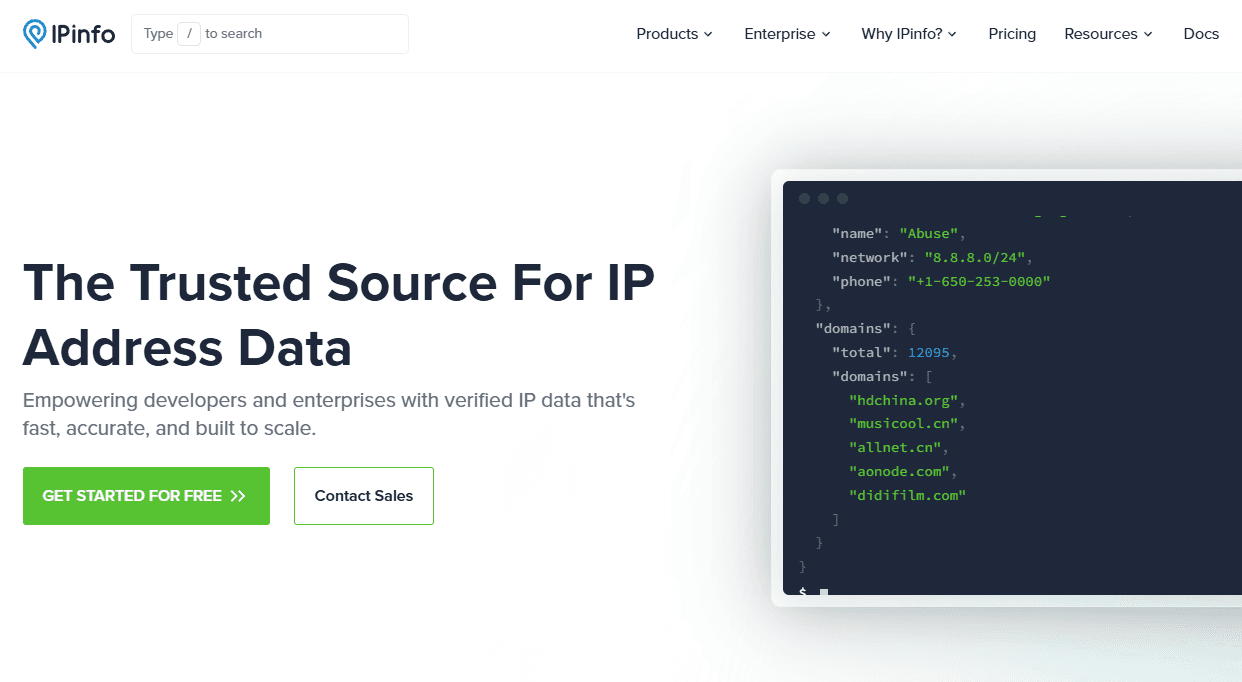
It provides location data, ASN, ISP details, and privacy detection metrics to identify whether an IP is associated with proxies, Tor exit nodes, or hosting providers.
If you simply want to know "Where is my IP located?", "Which ISP owns this IP?", or "What is the ASN?", IPinfo is an excellent choice. However, if your main concern is "How clean is this proxy IP and how high is its risk level?", IPinfo alone may not be sufficient.
4. IPQualityScore (IPQS): Outstanding Proxy and Risk Detection
IPQS focuses heavily on IP reputation, proxy identification, and risk analysis. According to official documentation, its IP Reputation capabilities can detect Proxy and Tor network types while evaluating potential fraud risks.
If you are an enterprise user, developer, or need to integrate proxy and IP risk detection into your business systems, IPQS offers immense value. It provides API endpoints to seamlessly embed IP reputation and proxy detection features into your products or workflows.
In short, IPQS is best suited for scenarios requiring professional IP risk assessments, whereas ToDetect is ideal when you obtain an IP and want to quickly evaluate its overall quality.
5. ToDetect, IPinfo, vs. IPQS: Which One Is Best?
For easy comparison, refer to the breakdown table below:
Please note that the star ratings above reflect a comparative evaluation based on feature coverage and user convenience during actual testing, rather than official ratings published by these platforms.
6. How to Perform an Accurate IP Purity Check?
First, verify whether the IP's country, city, ISP, and ASN match your expectations. If you purchased a residential IP in a specific region, but the tool detects it as Hosting or Data Center, you should verify whether the resource matches what was advertised.
Second, check Proxy and Tor detection results. This is critical for proxy IP users, as proxy detection capabilities can vary significantly across platforms.
Next, review risk and reputation indicators. If there are obvious blacklists, abuse records, or high-risk tags, do not ignore them simply because the location looks correct.
Finally, inspect DNS, WebRTC, and browser environment settings. If the IP appears clean but you still encounter issues in practice, troubleshoot your environment settings rather than blindly swapping IPs.
Summary: How Should You Choose Between ToDetect, IPinfo, and IPQS?
If you need an all-in-one solution that performs IP purity testing, lookup, proxy detection, risk analysis, and network environment inspection in a single step, ToDetect will be much more convenient.
Keep in mind that a "high purity IP" is not static. IP reputation, usage history, and database flags can change over time, so critical IPs should be re-tested periodically.
If your primary goal is to evaluate whether a proxy IP is worth using, start by running a full test with ToDetect and cross-check the results using another tool. This practical approach is far more effective at revealing real IP quality than relying on location alone or an arbitrary "purity score."
