


 Resources

 Feature overview

 Ganesh
 2026-11-02 10:43
Once your anti-detect browser is set up, how do you confirm that the current IP and browser environment are actually in order? The most direct route is to run an online IP check, then cross-reference the browser fingerprint report to see whether your network exit, system time zone, language settings, and device parameters contradict each other in any obvious way.
Keep in mind that a correct IP location doesn't mean the whole browser environment is fine. Sometimes the exit IP looks right, yet DNS, WebRTC, or browser parameters differ from what you expected. Running the relevant checks in ToDetect helps you pin down those gaps.

1. Start With an IP Quality Check to See What Your Network Exit Looks Like
When you run an IP check, start by confirming the IP address, country, city, carrier, and ASN. ASN stands for Autonomous System Number, and it helps identify which network organization an IP belongs to.
Beyond location, the IP type deserves a look too. Common types include residential, data center, and mobile networks, and different databases may classify the same IP differently. If an IP's real-world use doesn't match the type it's tagged with, cross-check the carrier and ASN details.
IP risk scores and blacklist records reflect some of the IP's historical network activity. But detection services draw on different data sources and scoring standards, so a low risk score doesn't mean an IP is completely clean, and a high score still needs to be read against the specific records behind it.
So an IP quality check shouldn't come down to a single score. What matters more is whether the information is accurate and complete.
2. DNS and WebRTC Checks: Focus on Whether an Address Looks Off
DNS resolves domain names into their corresponding IP addresses. In a DNS leak check, review the resolver addresses, their carriers, and their regions to confirm they match your current network setup.
For example, if the exit IP shows the US but the DNS results include servers in other countries, that doesn't necessarily mean a leak. Public DNS, Anycast routing, and similar factors can all produce regional differences. Only once you've confirmed that DNS requests are taking an unintended network path can you judge whether there's a configuration problem.
For WebRTC, the thing to watch is the network addresses your browser exposes. Some browsers show local private addresses, mDNS-obfuscated addresses, or public addresses — and those results don't carry the same meaning.
If the WebRTC report shows a public IP you didn't expect, check the browser's network permissions, related settings, and current connection. Don't conclude there's a leak just because a local address shows up.
3. Browser Fingerprint Check: Which Parameters Need to Line Up?
A browser fingerprint is built from a mix of device and software details: User-Agent, operating system, time zone, language, screen resolution, Canvas, WebGL, and more.
The point of the check isn't to make every parameter identical — it's to confirm they plausibly reflect the current device environment.
For example, an IP in New York paired with an Asia/Shanghai browser time zone may come from a manual time zone setting or a remote-use scenario, and that alone isn't an anomaly. But if you want the browser to follow local time wherever you are, it's worth verifying that the two line up as intended.
Language works the same way. A device in Germany with Chinese as the preferred language can be perfectly normal personal habit — there's no need to force a change just to match the IP region.
For rendering signals like Canvas and WebGL, the more useful question is whether results stay stable for the same browser profile when the device, browser version, and settings haven't changed. If consecutive checks show obvious differences, look at browser updates, hardware acceleration, and device configuration.
4. Run a Complete IP and Browser Environment Check With ToDetect
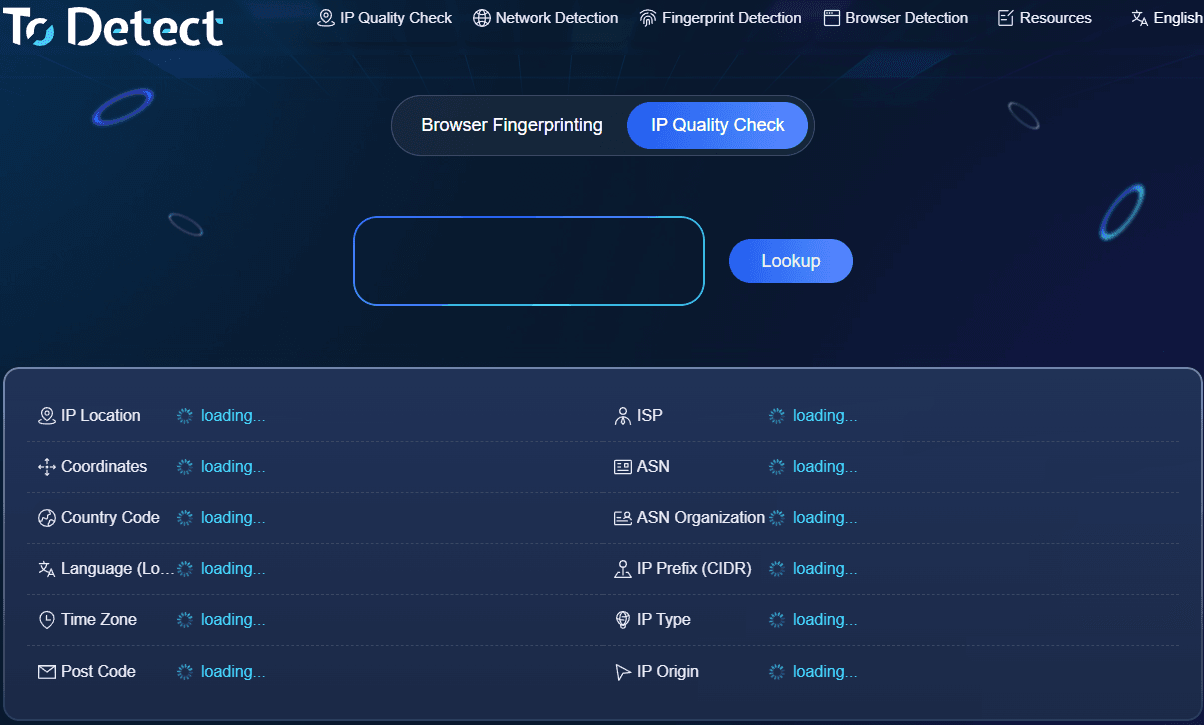
The actual process isn't complicated. Work through it in this order.
• First, open ToDetect (todetect.net) and review your current exit IP, location, carrier, and ASN to confirm the network details match expectations.
• Next, look at the IP quality results, paying attention to IP type, risk score, and whether any related anomaly records exist.
• Then check DNS and WebRTC information, watching for unfamiliar resolvers or public addresses you didn't expect. If something looks off, verify the network configuration first rather than judging purely on a regional mismatch.
• Finally, review the browser fingerprint report and check time zone, language, User-Agent, operating system, resolution, and graphics rendering. For profiles you plan to use long term, save the test date and key results so you can compare later.
If you've created a new browser profile, run a separate check on it to confirm each setting took effect as intended.
5. Why Do Earlier IP Check Results Change?
IPs and browser environments don't stay fixed. Carriers may reassign address blocks, and IP databases update location and network type over time.
So when results differ, there's no need to assume something broke. Compare against the earlier report first and work out whether the change came from the network, the device, the browser version, or the database itself.
It's worth re-testing after switching networks, updating the browser, or changing configuration. For environments you use long term with stable settings, a periodic review also helps.
Anti-Detect Browser IP Check FAQ
If the IP check looks fine, why bother with the browser fingerprint?
An IP check mainly reflects your network exit, while a browser fingerprint covers device and software parameters. The two look at different things, and reviewing them together makes configuration gaps easier to spot.
Does a DNS server region that differs from the IP location always mean a problem?
Not necessarily. Public DNS and routing mechanics can both cause regional differences. Judge against your actual DNS configuration.
Are free online IP check sites good enough?
They usually handle basic IP location, ASN, and some network checks. Whether they support detailed fingerprint analysis, risk records, and historical comparison depends on what a given site offers.
How often should I run a check?
There's no universal rule. Re-testing promptly when your network, device, or browser settings change is more useful than sticking to a rigid daily schedule.
The Bottom Line
The point of an IP and browser environment check is to understand what your current network and device are showing to websites. Reviewing IP quality, DNS, WebRTC, and browser fingerprint results in ToDetect, then analyzing the differences against your actual device setup, makes routine environment checks clearer and troubleshooting easier down the line.
Browser Fingerprint Detection Tool
Efficiently solve multi-account management, environment isolation, and account security