



 Resources
 Feature overview
 Ganesh
 2026-09-18 10:24
Being able to open web pages normally does not mean there are no issues with the current network environment. Especially during account logins, accessing overseas services, or routine network troubleshooting, factors like IP type, IP risk, DNS resolution, and browser information can all affect the final detection results.
If you want to know whether your network environment is stable, you can start with IP purity detection and evaluate it alongside DNS and browser environments. Below, we break down several common IP detection items to explain them clearly.

1. What is IP Purity? Which Factors Matter Most?
Many people simply understand "IP purity" as "not being blacklisted," but it is actually not that simple.
IP purity is not a unified official standard. It usually requires evaluation across multiple dimensions, such as IP type, proxy attributes, risk score, historical abuse records, blacklist status, and belonging network.
For example, if an IP does not currently appear on a specific blacklist, it does not mean its risk is low across all databases. Data sources and evaluation rules vary across different testing platforms, so it is better to understand purity as a comprehensive assessment of an IP's network reputation and risk status.
What are the Signs of an Unideal IP?
Common situations include frequent CAPTCHA verifications when accessing sites, restricted access to certain services, or significant discrepancies in risk results provided by different IP testing platforms.
These phenomena alone do not definitively prove an issue with the IP, but they serve as signals for further investigation.
2. What Does an IP Purity Detection Tool Mainly Check?
1. Online IP Detection: Confirming Egress Information First
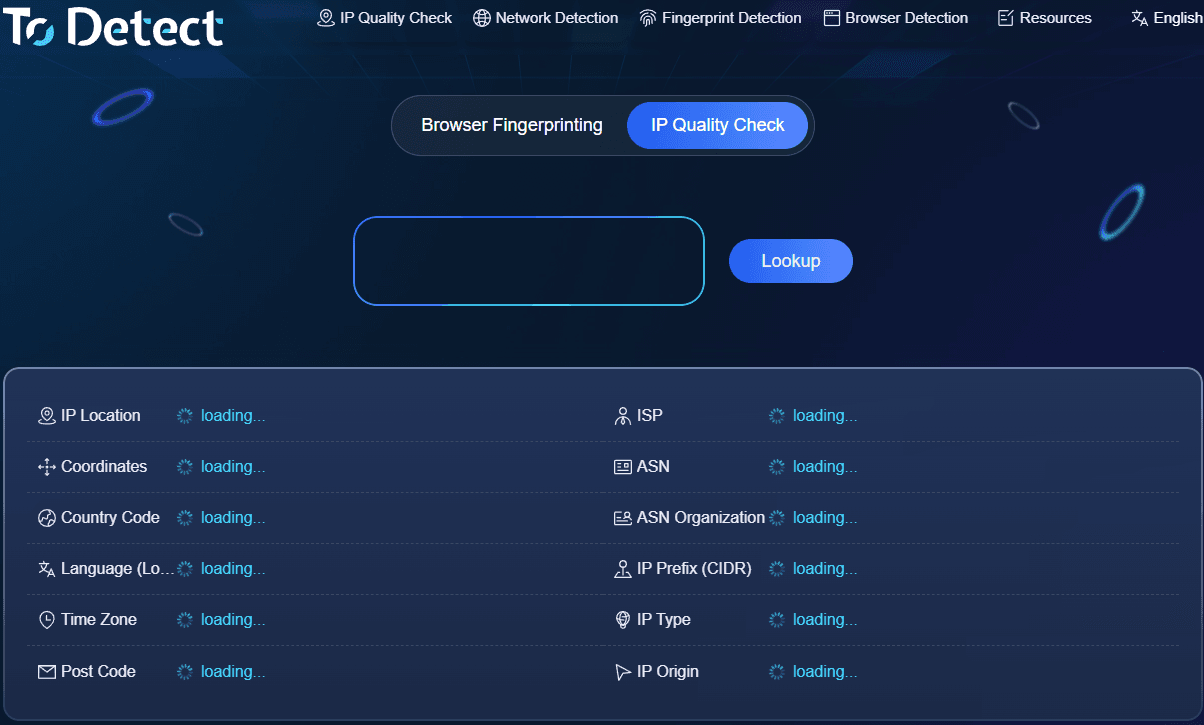
Online IP detection typically checks your current public IP, country or region, city, ISP, ASN, and network type.
This step mainly solves one question: What type of network egress are you currently using?
Some IPs may appear to come from the target region, but their actual network type might belong to a data center, hosted network, or other network resources. Confirming basic attributes before assessing risk yields far more accurate results than looking at location alone.
2. IP Quality Detection: Focusing on Risk and Network Attributes
IP quality detection generally covers proxy identification, risk scoring, blacklist records, ISP, and ASN information.
Residential IPs, ISP-type IPs, and Data Center IPs differ in network attribution, but specific risk levels cannot be determined by type alone. The same IP type may yield different results across different databases or business systems.
Therefore, when judging IP quality, it is best to examine type, risk level, and historical records together.
3. DNS Leak Detection: Checking for Anomalies in the Resolution Path
DNS leak detection mainly focuses on whether domain name resolution requests are following the expected network path.
For example, if the egress IP is displayed in the United States while the DNS server appears in Canada, this regional mismatch alone does not directly prove a DNS leak occurred. It requires further analysis combining DNS server ownership, network configuration, and actual resolution paths.
Therefore, when conducting DNS leak tests, do not focus solely on the country or region.
4. Browser Kernel & Fingerprint Detection: Checking Information Consistency
Browser fingerprints are composed of multiple elements such as User-Agent, screen parameters, WebGL, Canvas, fonts, and time zones.
Browser kernel detection focuses more on identifying the browser engine used and its version details. Combining both helps check whether exposed browser parameters contain obvious inconsistencies.
It should be noted that a browser fingerprint is not a standalone "risk score"; detection results serve better as a reference dimension during network environment troubleshooting.
3. How to Evaluate Your Own Network Environment?
During actual testing, you can check item by item following these directions:
• IP Layer: Check public IP, ISP, ASN, network type, proxy attributes, and risk records.
• DNS Layer: Check DNS servers, assigned regions, and whether resolution paths match current network configurations.
• Browser Layer: Inspect User-Agent, kernel, WebGL, Canvas, fonts, time zones, and check for obvious conflicts.
If multiple detection items display normal status, it indicates your current environment is relatively stable based on these observable metrics. If a specific item shows anomalies, troubleshoot that item individually without judging the entire network environment based on a single metric alone.
Why Pay Attention to Environmental Consistency?
When repeatedly accessing the same service, if IP address, time zone, language, and browser features change frequently, the network environment perceived by target websites will change accordingly.
Therefore, beyond evaluating single test results, network environment testing should focus on maintaining relative parameter stability over time. While stability does not guarantee passing every service check, it helps pinpoint issues caused by environmental fluctuations.
4. Performing a Full IP Test with ToDetect
If you prefer not to search for multiple tools separately, you can use ToDetect to centrally inspect IP, DNS, and browser-related items.
In practice, start with online IP detection and IP quality testing to confirm basic egress IP properties; then check DNS, followed by browser kernel and fingerprint parameters.
Upon receiving results, look beyond simple "Normal" or "Abnormal" labels—pay closer attention to specific fields such as ISP, ASN, IP type, risk data, DNS servers, and browser parameters.
5. Common Misconceptions in IP Purity Detection
Misconception 1: No blacklist record means an IP is completely clean.
Blacklists are just one dimension of IP risk evaluation and cannot represent the full picture.
Misconception 2: Residential IPs always have lower risk than Data Center IPs.
IP type is merely a baseline attribute; actual risk depends on risk databases, historical records, and specific business scenarios.
Misconception 3: Different IP and DNS locations automatically imply a DNS leak.
Location mismatches are simply clues for investigation; DNS resolution paths must be checked to confirm.
Misconception 4: Changing the IP completely changes the network environment.
Browser fingerprints, DNS, time zones, and language settings may still retain their original states.
Conclusion
IP purity detection is not simply labeling an IP as "clean" or "dirty." It involves understanding current network status across multiple dimensions, including IP type, risk records, DNS, and browser environments.
If anomalies are detected, there is no need to focus solely on the IP itself. Checking sequentially in the order of IP → DNS → Browser Environment makes it significantly easier to pinpoint the root cause.
Browser Fingerprint Detection Tool
Efficiently solve multi-account management, environment isolation, and account security