



 Resources
 Feature overview
 Ganesh
 2026-09-07 10:32
Open an IP lookup website and enter an IP address. Information such as country, city, ISP, ASN, and risk score quickly appears on the page. But what really gets people confused is how to interpret these test results. Is this IP clean? Is the risk high?
Currently, there are many IP lookup websites available both domestically and internationally. From simple online IP queries to IP purity checks, IP risk score lookups, and network environment checks like DNS and WebRTC, different tools have different focuses.
Next, let's break down which IP lookup website is best to use, which key metrics you should focus on during an online IP check, and what scenarios tools like ToDetect, IPQualityScore, Scamalytics, and IPinfo are best suited for.

1. Common Pitfalls: Don't Just Look at the IP Address and Location
Suppose you get a US static IP, and after opening an IP lookup website, it shows: United States, Los Angeles, a certain ISP. Many people might think there is no issue with this IP.
In fact, this information only proves the IP geolocation identified by the database and does not directly indicate whether the IP is "clean".
You should also pay attention to what network type this IP belongs to, whether it has obvious proxy characteristics, what the risk level is, whether different databases identify it consistently, and whether there are obvious anomalies between the ISP, ASN, and the actual usage environment.
This is also the main difference between ordinary IP lookup websites and professional IP purity checking sites. The former answers "where is this IP", while the latter answers closer to "how good is this IP".
2. Common 2026 IP Lookup Tools: What Are They Best For?
We won't rank them by "1st place, 2nd place" because different websites focus on different aspects.
If you don't know which one to choose, you can find the right tool directly based on your checking requirements:
| Your Detection Needs | Available Tools | Key Metrics to Focus On |
|---|---|---|
| Quick overall check of IP status | ToDetect | IP attributes, purity, risk score, network environment |
| Check IP risk ratings | IPQualityScore | Fraud Score, proxy detection, risk details |
| Cross-verify IP fraud risks | Scamalytics | Fraud Score, proxy properties |
| Confirm IP country and city | IPinfo | Geolocation, ISP, ASN |
| Further verify IP ownership | IP2Location | Country, region, ISP, network data |
| Troubleshoot browser network environment | BrowserLeaks | DNS, WebRTC, browser fingerprinting details |
Looking at it this way is much more straightforward: there's no need to open every website just to check an IP address. Choose the corresponding tool based on what you need to test.
3. Want to Check Multiple Metrics at Once? Start with ToDetect
If you test IPs frequently or want to know more than just where an IP address is located, comprehensive tools like ToDetect are much more convenient to use.
ToDetect does not merely offer a single "IP address lookup" feature; instead, it combines online IP detection, IP purity testing, IP risk analysis, and network environment checks all in one place.
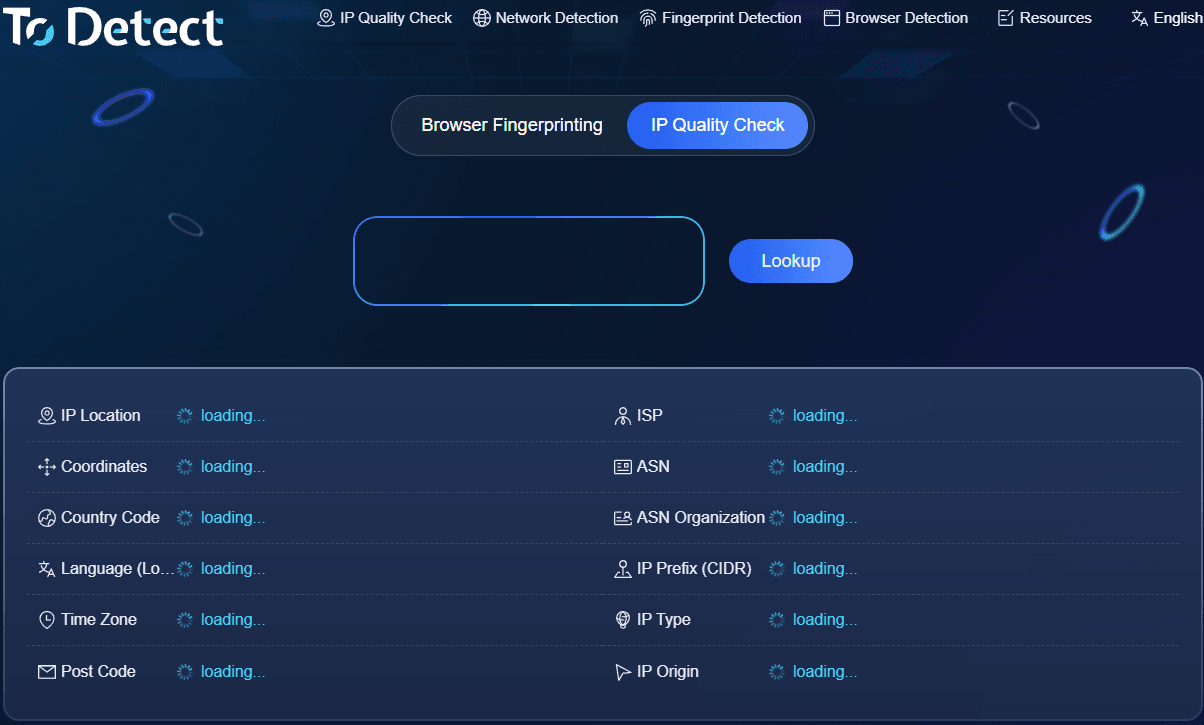
In addition, ToDetect provides tools for DNS detection, WebRTC leaks, and browser fingerprinting. If you notice certain parameters do not match expectations after checking an IP, you can immediately troubleshoot your current network environment without constantly switching between multiple websites for different tasks.
4. Focusing on Risk? Cross-Check with IPQualityScore
Some users don't care much about where the IP is located; they care more about whether this IP poses significant risks. In this case, IPQualityScore can be used for further inspection.
It is highly representative in terms of IP reputation and fraud risk analysis, with results covering fraud scores, proxy identification, and risk indicators. Therefore, if you have already confirmed basic IP attributes with other tools and want to double-check risk factors, it serves as a great second data source.
5. Scamalytics Is Great for Secondary Risk Assessment
Scamalytics also has a clear focus, primarily evaluating IP fraud risks. In other words, Scamalytics is better suited as a secondary verification tool rather than a site you must open every single time you check an IP.
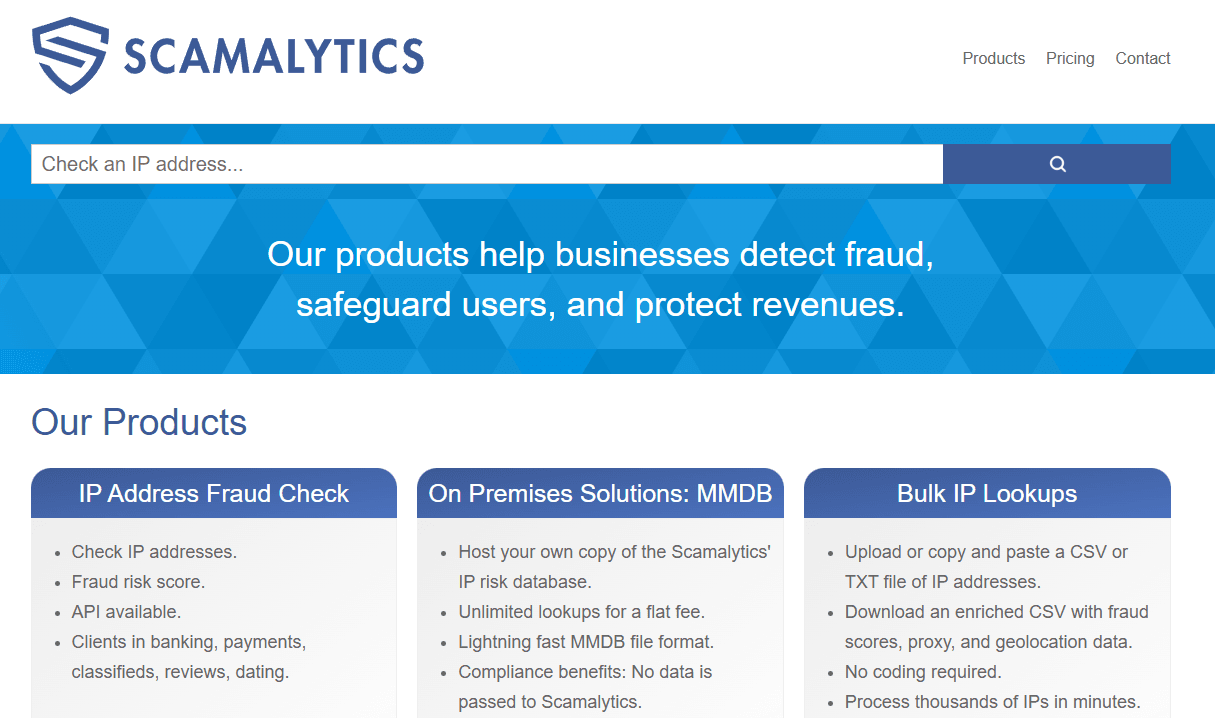
If an IP shows anomalies on commonly used IP risk lookup tools, you can check it once more on Scamalytics to see if results align across different fraud databases.
6. IPinfo and IP2Location Are Better for Finding Out "Whose IP Is This"
IPinfo and IP2Location excel at answering questions regarding IP ownership and basic network infrastructure. For instance, when querying IP geolocation, ISP details, or ASN information, these tools offer substantial value.
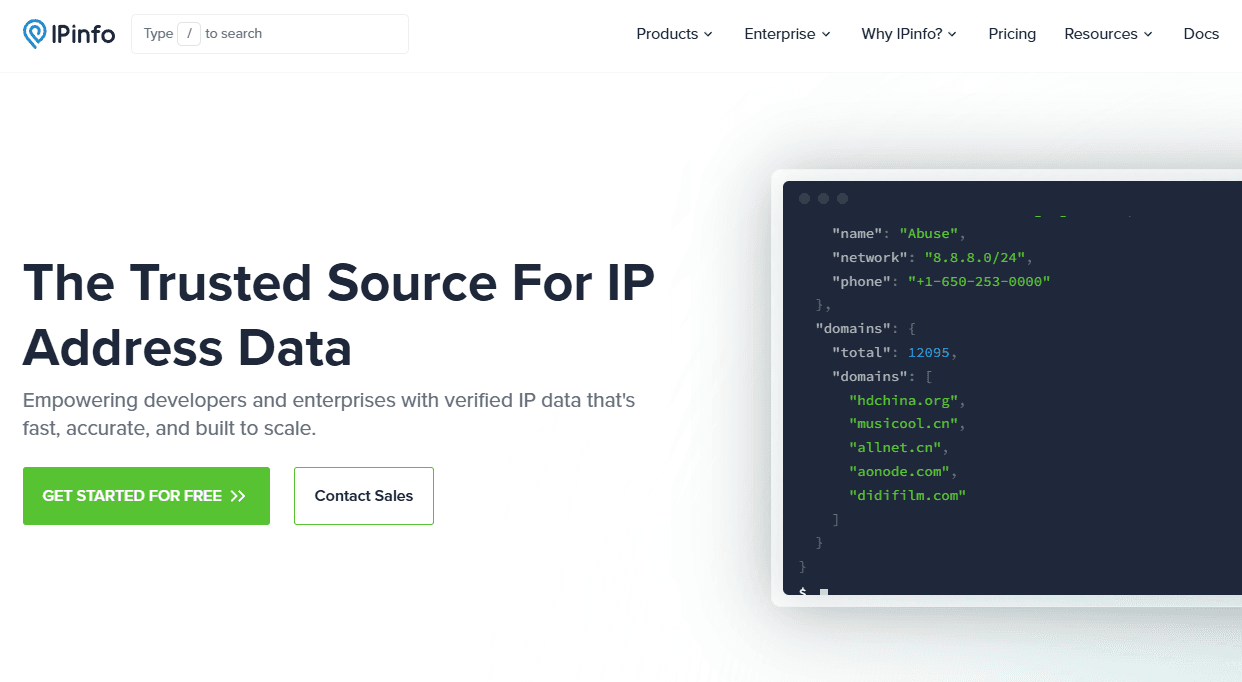
However, if your core question is "is this IP clean" or "is the risk high", relying solely on these basic fields is insufficient. Therefore, before choosing an IP lookup website, it's best to clarify whether you want to check "IP information" or "IP quality".
7. BrowserLeaks for Troubleshooting the IP Network Environment
BrowserLeaks is quite different from the previous tools. Strictly speaking, it leans toward browser and network environment testing rather than dedicated IP purity queries.
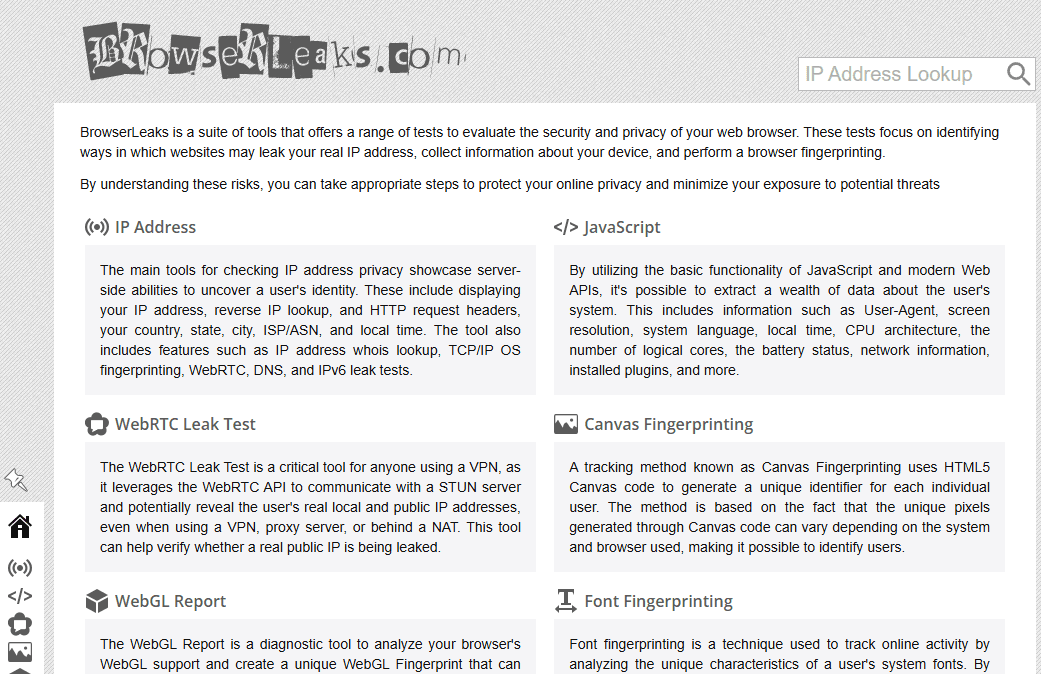
Thus, it works great as an "environment troubleshooting tool" after doing an IP check. This is something many beginners overlook: a normal IP check result does not mean every detail of your entire network environment is completely consistent.
8. Is an IP Clean or Not? Follow This Order
Step 1: Check IP Geolocation and Ownership.
First, confirm whether the country, region, ISP, and ASN match your expectations. If basic information is incorrect, the risk scores down the line hold much less reference value.
Step 2: Check Network Type.
Verify how the lookup website categorizes the IP type. Different operations require different network types, so don't simply assume one type is inherently better than another.
Step 3: Check IP Purity and Risk.
Next, pay attention to risk ratings, historical reputation, and proxy-related details. If noticeable anomalies appear, try cross-checking with another IP risk detection site.
Step 4: Verify Consistency Across Different Databases.
For critical IPs, testing just once isn't recommended. You can run a comprehensive IP check on ToDetect first, then review risk status using IPQualityScore or Scamalytics.
Step 5: Check Network Environment If Needed.
If you have high requirements for environment consistency, continue by checking DNS, WebRTC, time zones, and browser-related settings. Following this sequence is far more practical than simply searching "what IP risk score is considered normal".
Summary: Which 2026 IP Lookup Website Should You Choose?
By now, the question of "which IP lookup website is best" is fairly clear: you don't need a huge collection of tools—what matters is matching the inspection features to your specific needs.
Instead of asking "which IP lookup website is the most accurate", first determine what you want to check, then choose the appropriate IP tool. Platforms like ToDetect, which combine basic IP information, IP purity tests, risk analysis, and network environment checks into one place, make daily queries much more convenient.
For most users, a practical workflow is: ToDetect for comprehensive testing → Cross-check with risk tools → Troubleshoot DNS/WebRTC environment if anomalies are found. This approach saves you from opening a dozen sites at once while avoiding misjudgments caused by relying on a single risk score.