



 Resources
 Feature overview
 Ganesh
 2026-04-30 10:20
Many Shopee sellers have encountered situations where their accounts were just newly registered and had no violations, yet suddenly received warnings of abnormal IP detection, login restrictions, or even directly triggered risk control.
Many people's first reaction is to look for a “usable proxy IP,” but the real issue is often not just about the IP itself. It may also involve IP detection results, proxy IP quality, browser fingerprint detection, and other factors.
Today, we’ll talk about why Shopee sellers encounter IP detection abnormalities, how to quickly resolve them, and how to minimize account risks.

1. Why does Shopee show IP detection abnormal?
Shopee’s risk control system is very sensitive. It evaluates whether your login environment is “normal” from multiple dimensions. Common triggers include:
1. Frequent IP changes (most common)
For example, logging in from one country today, switching to a Southeast Asian IP tomorrow, and then switching back a few hours later can easily be flagged as abnormal login behavior.
2. Using low-quality proxy IPs
Some sellers use shared proxies to save costs. These IPs may have already been used by many people and could be flagged in Shopee’s system, triggering risk control.
3. Inconsistent browser fingerprint
Besides IP, Shopee also checks your browser fingerprint, including operating system version, browser type, fonts, screen resolution, etc.
Frequent changes in devices or environments can easily lead to fingerprint inconsistencies.
4. Multiple accounts in the same environment
Many sellers operate multiple Shopee stores. If multiple accounts are accessed under the same IP or browser environment, they may be identified as linked accounts.
5. Unstable network environment
For example, frequently switching between WiFi and mobile data or using public networks can also affect system judgment.
2. How to determine if your IP is safe?
Before solving IP detection issues, the first step is to confirm whether your IP is “clean.”
• Online IP lookup: Check if the IP location is correct
• IP detection tools: Determine whether the IP is flagged as risky
• Proxy IP check: Verify whether it is a data center IP
• ToDetect: Helps analyze IP, browser fingerprint, and environment consistency to assess account risk
In many cases, it’s not Shopee making a mistake—your environment itself may already be risky.
3. Shopee Account Environment Safety Checklist (Practical Version)
| Check Item | Safe Status Standard | Risk Indicators | Recommended Actions |
|---|---|---|---|
| IP Stability | Fixed in the same country/region long-term | Frequent cross-country/city IP changes | Use a fixed residential IP |
| IP Source Type | Prefer residential IP | Data center or shared proxy IP | Switch to a high-quality dedicated IP |
| Login Frequency | Log in at consistent times | Frequent logins from different locations | Standardize login timing |
| Browser Environment | Stable and consistent over time | Frequent resets or browser changes | Use isolated browser environments |
| Cookie Status | Stable and persistent | Frequent clearing of cookies | Avoid unnecessary cache clearing |
| Device Consistency | Fixed device usage | Frequent device switching | Stick to one device |
| Time Zone Consistency | Matches target market | Frequent time zone changes | Fix to target market time zone |
| IP Detection Result | No abnormal results | IP flagged as risky | Replace IP and retest |
| Proxy Quality | Dedicated, low latency | High latency or shared usage | Use stable proxies and test regularly |
| Environment Consistency Check | ToDetect shows normal | Fingerprint/environment flagged | Adjust fingerprint and settings |
4. Solutions for Shopee IP detection abnormalities
1. Use stable residential IPs
Compared to data center IPs, residential IPs are closer to real user environments, more stable, and less likely to trigger risk control.
Avoid frequent switching and keep a fixed region whenever possible.
2. Fixed device + browser environment
Aim for “one account, one device, one environment.” If multiple accounts are necessary:
• Use browser isolation tools
• Configure separate browser environments
• Keep cookies and cache independent
You can also use browser fingerprint tools (such as ToDetect) to check consistency in advance.
3. Control login behavior
Avoid frequent cross-location logins or rapid IP switching. Do not allow multiple users to log into the same account simultaneously.
4. Regular IP and environment checks
Develop a habit of checking before logging in:
• Confirm IP location via online tools
• Check blacklist status
• Verify proxy quality
• Check browser fingerprint with ToDetect
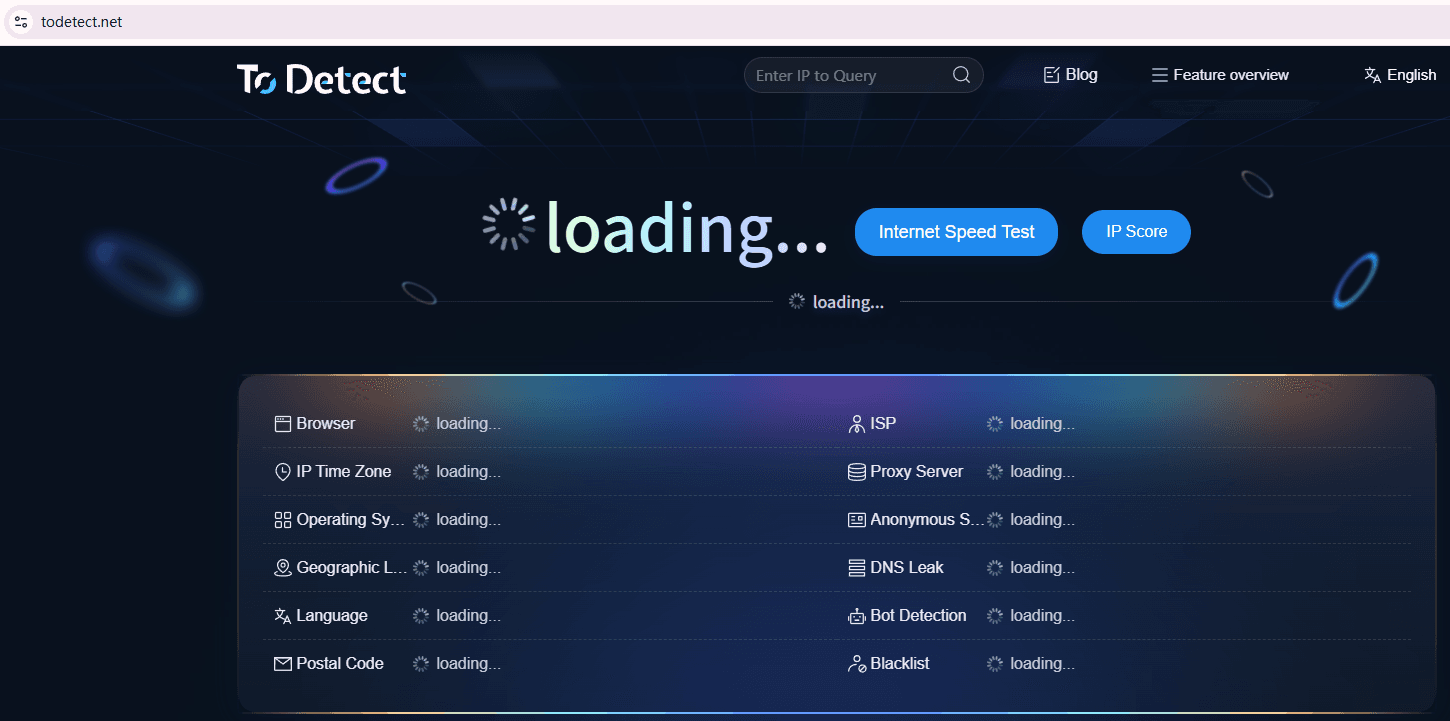
This helps prevent risks proactively instead of dealing with them after an account suspension.
5. Shopee Account Security Setup Guide
Besides IP issues, account security settings are also critical:
1. Enable two-factor authentication (2FA)
This is the most basic yet important step to prevent abnormal logins.
2. Bind a fixed device
Try to use a fixed computer or working environment to reduce device changes.
3. Set stable time zone and language
If you operate in Southeast Asia, keep the corresponding time zone and language consistent.
4. Avoid excessive plugins
Too many browser plugins may affect fingerprint stability. Keep your environment clean.
Summary:
Many account issues are not due to violations, but because certain behaviors appear “abnormal.”
In practice, use IP lookup and detection tools (like ToDetect) to screen risks before logging in.
To operate a Shopee store sustainably, the key is not “changing IPs,” but building a stable, clean, and consistent environment.
Browser Fingerprint Detection Tool
Efficiently solve multi-account management, environment isolation, and account security