



 Resources
 Feature overview
 Charles
 2026-09-16 10:52
Even though you have switched your network egress and the IP address appears normal, performing a DNS leak test reveals that the DNS server is still your local ISP. This situation is commonly referred to as a "DNS leak."
For users who frequently use proxies, network tunnels, or need to maintain a stable network environment, DNS is a crucial element that is often overlooked.
Sometimes, the egress IP is switched successfully, but DNS requests are still sent through the local network. While this does not necessarily mean your real IP is directly exposed, it can lead to noticeable inconsistencies in your current network environment.

1. What does a DNS Leak Test actually detect?
When you visit a website, your device usually needs to query the server IP address corresponding to the domain name via DNS first. For example: example.com → DNS resolution → Server IP →
Establish Connection
Under normal circumstances, if the network tunnel is properly configured, both web traffic and DNS queries should follow the expected path.
However, if web traffic uses the new exit node while DNS queries are still resolved through the local ISP, the egress IP will change without a corresponding change in the DNS resolution path. DNS leak tests are primarily designed to troubleshoot this exact issue.
2. Why does DNS leak even with an active network tunnel?
1. The system is still using the original DNS
After switching network egress, the system might retain DNS servers provided by the local ISP. For example: Current IP: United States; DNS Server: Local ISP in China. This situation warrants further investigation.
2. IPv6 traffic does not pass through the same egress
Some network tools primarily manage IPv4, leaving IPv6 connected via the local network. This creates a mismatch, such as IPv4: United States; IPv6: Local Network, leading to obvious network environment inconsistencies.
3. Routing rules cause DNS to bypass the tunnel
If split-tunneling rules (e.g., per-app routing or direct connection for specific sites) are enabled, DNS queries may not follow the intended tunnel route. Additionally, differing DNS configurations across the browser, OS, and proxy tools can lead to abnormal test results.
3. Does a DNS leak directly expose your real location?
Not necessarily. A DNS leak does not automatically mean your real IP has been exposed. It mainly indicates that DNS requests are following a different network path than your current egress, which may expose local DNS providers, ISPs, or other network characteristics.
When websites evaluate network environments, they typically analyze multiple factors together: Current Egress IP, IPv6, WebRTC, Browser Geolocation, System Timezone, Browser Language, Cookies/Login History, and DNS Resolution Path.
Therefore, a more accurate statement is: A DNS leak increases network environment inconsistencies, rather than instantly exposing your exact physical location.
4. What is the difference between a DNS leak and an IP leak?
They are distinct issues. A DNS leak means DNS queries are not routed through the expected path, whereas an IP leak means your actual public IP, IPv6 address, or genuine network egress is directly exposed.
DNS leaks address "where domain name resolution requests originate," while IP leaks focus on "whether the real network exit is exposed." Both impact network consistency, so it is best practice to check IP, ISP, ASN, IP Type, IPv6, and DNS information simultaneously.
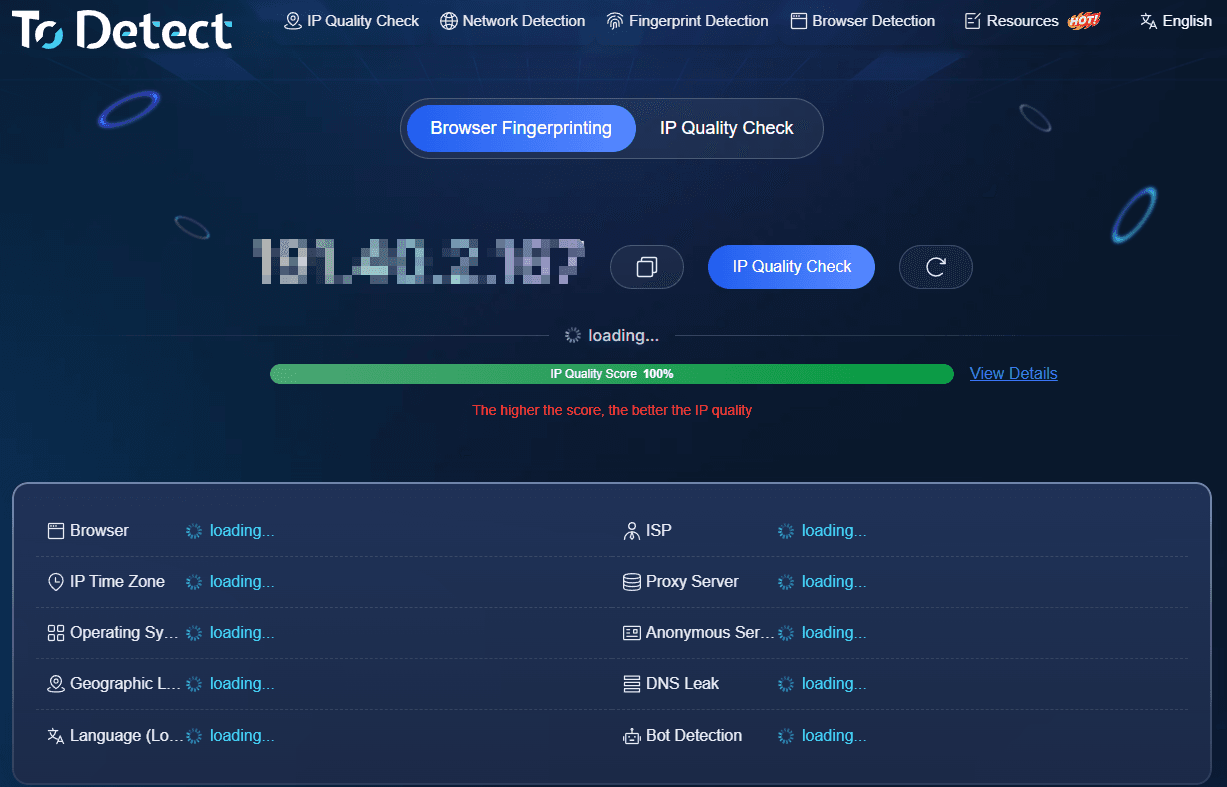
For instance, when using ToDetect for IP verification, you can inspect: Current IP, Country/Region, ISP, ASN, IP Type, and IP Risk Score, then combine these with DNS leak test results to make a comprehensive evaluation.
5. How to interpret DNS leak test results?
This is the most critical step following a test.
Scenario 1: Egress IP and DNS are basic matches
For instance: Current IP: United States; DNS Server: United States. This generally indicates that the DNS resolution path aligns with your current egress, showing no obvious anomalies.
Scenario 2: Egress IP is overseas, but DNS shows a local ISP
For instance: Current IP: United States; DNS Server: Local ISP in China. This requires immediate attention. Check if DNS is properly intercepted by proxy tools, verify if IPv6 is directly connected, and ensure the system is not retaining legacy DNS configurations.
Scenario 3: Shows public DNS like Cloudflare or Google
This scenario cannot be simply assumed as "completely normal."
For example: Current IP: United States; DNS: Cloudflare. This could be entirely normal, or it could mean the browser/system is independently configured with public DNS. The key factor is not the brand name of the DNS provider, but whether DNS requests follow your expected network path.
Furthermore, minor geographic discrepancies between the DNS server location and egress IP city do not automatically signify a leak. Public DNS providers and major telecom operators frequently utilize Anycast or cross-regional nodes.
6. What to do if a DNS leak occurs?
If abnormal results are found, troubleshoot using the following steps: First, verify whether your network tool provides features such as DNS Hijacking, DNS Proxy, Remote DNS, or DNS through Tunnel.
Second, check if the operating system still relies on legacy DNS servers, and verify whether IPv6 routing matches the current egress. If split-tunneling rules are enabled, confirm that DNS resolution uses the same network path.
Additionally, consider using DoH (DNS over HTTPS) or DoT (DNS over TLS) to encrypt DNS queries. Note, however, that DoH/DoT primarily addresses DNS transmission encryption and does not guarantee the resolution path matches your egress IP.
7. Frequently Asked Questions about DNS Leak Testing
Is a active network tunnel guaranteed to prevent DNS leaks?
Not necessarily. Unhandled DNS traffic, direct IPv6 connections, or incomplete split-routing configurations can all cause DNS path mismatches with your current egress.
Is it normal if DNS displays Cloudflare or Google?
It can be normal, but provider names alone are insufficient for evaluation. You must analyze the egress IP, DNS server region, and actual routing settings together.
Is a DNS leak identical to an IP leak?
No. A DNS leak represents an anomalous resolution path, whereas an IP leak refers to the exposure of your actual network egress.
Is DNS leak testing still necessary after enabling DoH?
Testing is recommended. DoH encrypts DNS requests during transit, but it cannot guarantee that the DNS routing path aligns with your current egress IP.
Conclusion
The core objective of DNS leak detection is verifying whether the DNS resolution path remains consistent with your current network egress.
If your egress IP has changed while DNS queries still originate from your local ISP, further inspection of DNS settings, IPv6 behavior, and routing rules is required. Remember not to treat DNS leaks as identical to real IP exposures.
To comprehensively evaluate your network environment, combine ToDetect's IP Detection, IP Risk Score Queries, DNS Leak Tests, and Browser Fingerprint Inspections to verify consistency across IP exit points, ISP, ASN, IPv6, and browser parameters.
Browser Fingerprint Detection Tool
Efficiently solve multi-account management, environment isolation, and account security