



 Resources
 Feature overview

 Alani
Alani 2026-07-13 11:34
With more and more products emerging on the market—especially tools that tout the “free” label—many beginners find themselves unsure of which one to choose.
In fact, picking a fingerprint browser isn't just about the price tag; it's more important to look at browser environment isolation, user experience, multi‑account management efficiency, and room for future expansion.
Which free fingerprint browser is the best in 2026? Today we’re doing a detailed comparison of several popular tools to help you find a more suitable multi‑account management solution.

1. Why does cross‑border multi‑account management need a fingerprint browser ?
For cross‑border sellers, managing multiple Amazon, Shopify, TikTok, Facebook, eBay, or ad accounts on a single computer can increase the risk of account association if environments are too similar.
The main purpose of a fingerprint browser is to create an isolated browsing environment for each account. For example:
• One account corresponds to one independent browser profile;
• Different accounts have different cookies and cache data;
• Ability to simulate different device and system environments;
• Support for collaborative multi‑user account management;
• Convenient for bulk account operations.
Of course, it’s important to note that a fingerprint browser is not a “ban‑proof” magic tool—it merely optimises account environment management. If the account itself engages in policy violations, even with a fingerprint browser, platform penalties cannot be avoided.
2. Comparison of popular free fingerprint browsers
| Fingerprint Browser | Best Suited For | Learning Difficulty | Recommended Use Cases | Free Version Experience | Rating |
|---|---|---|---|---|---|
| Bit Browser | Individual cross-border sellers, small teams, and overseas marketing operators | ⭐⭐ | Cross-border e-commerce store management, TikTok operations, social media matrix marketing, advertising account maintenance, and multi-platform account management | The free version offers relatively complete features, supports creating multiple independent browser environments, is easy to use, and helps beginners quickly build a multi-account management system with high cost performance | ⭐⭐⭐⭐⭐ |
| AdsPower | Small and medium-sized businesses, professional operation teams | ⭐⭐⭐ | Amazon store operations, advertising campaigns, and e-commerce team collaboration | Provides comprehensive features, supports team permission management and bulk operations, and is suitable for teams managing a large number of accounts | ⭐⭐⭐⭐ |
| GoLogin | Overseas marketers and affiliate marketing users | ⭐⭐⭐ | International social media operations, affiliate marketing, and multi-region account management | Has a large international user base and supports multi-platform environment configuration, but the free version has limitations on account numbers and some features | ⭐⭐⭐⭐ |
| Multilogin | Enterprise teams and advanced cross-border operators | ⭐⭐⭐⭐ | Large-scale account operations, enterprise-level project management, and high-security business requirements | Offers strong browser environment management capabilities and good stability, but the overall cost is higher and is more suitable for teams with sufficient budgets | ⭐⭐⭐⭐ |
3. Detailed analysis of each fingerprint browser
1. Bit Fingerprint Browser – a free option suitable for all teams
Among the many free fingerprint browsers, Bit Fingerprint stands out as a solid choice for cross‑border users.
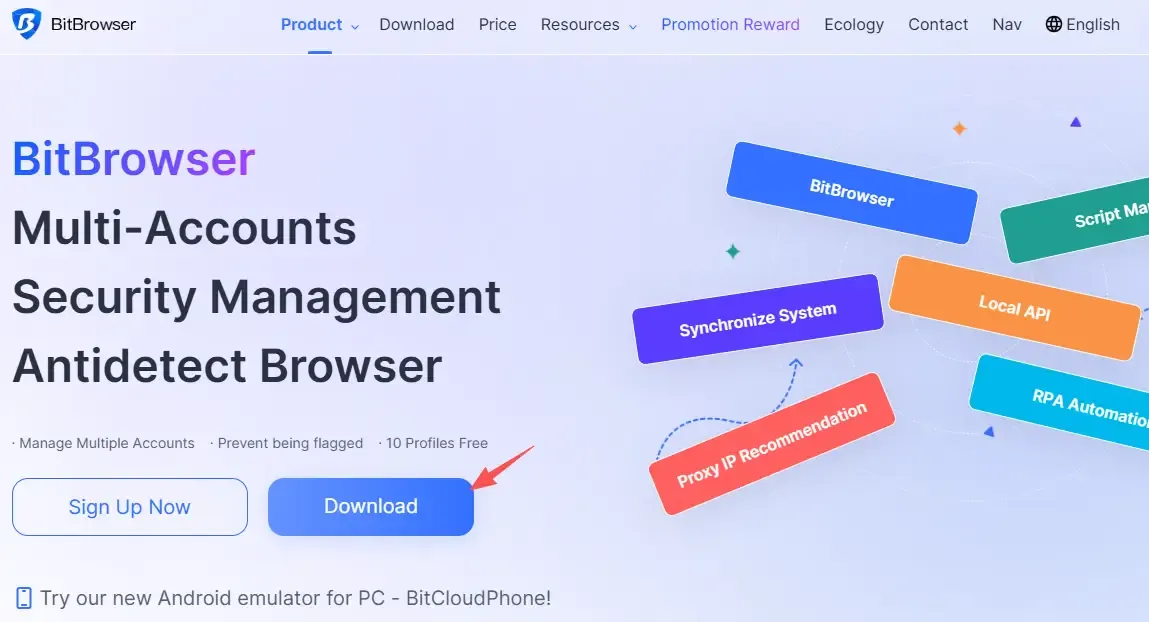
It focuses on browser environment isolation and multi‑account management, allowing users to create multiple independent browser profiles, each with its own cookies, cache, and browser parameters. For those just starting in cross‑border e‑commerce or overseas social media, the learning curve is gentle.
A clear advantage of Bit Fingerprint is its simple interface—no complicated technical setup. When creating an environment, you can adjust OS, browser version, language, timezone, etc., to give each account a more realistic browsing fingerprint.
In terms of multi‑account management, Bit Fingerprint supports batch handling of multiple browser environments, which is convenient for users running several stores or social media accounts simultaneously.
2. AdsPower – feature‑rich, built for team‑based cross‑border operations
AdsPower is well‑known among cross‑border sellers. It supports creating a large number of browser environments and independently managing accounts across different platforms—whether e‑commerce stores, ad accounts, or social media profiles.
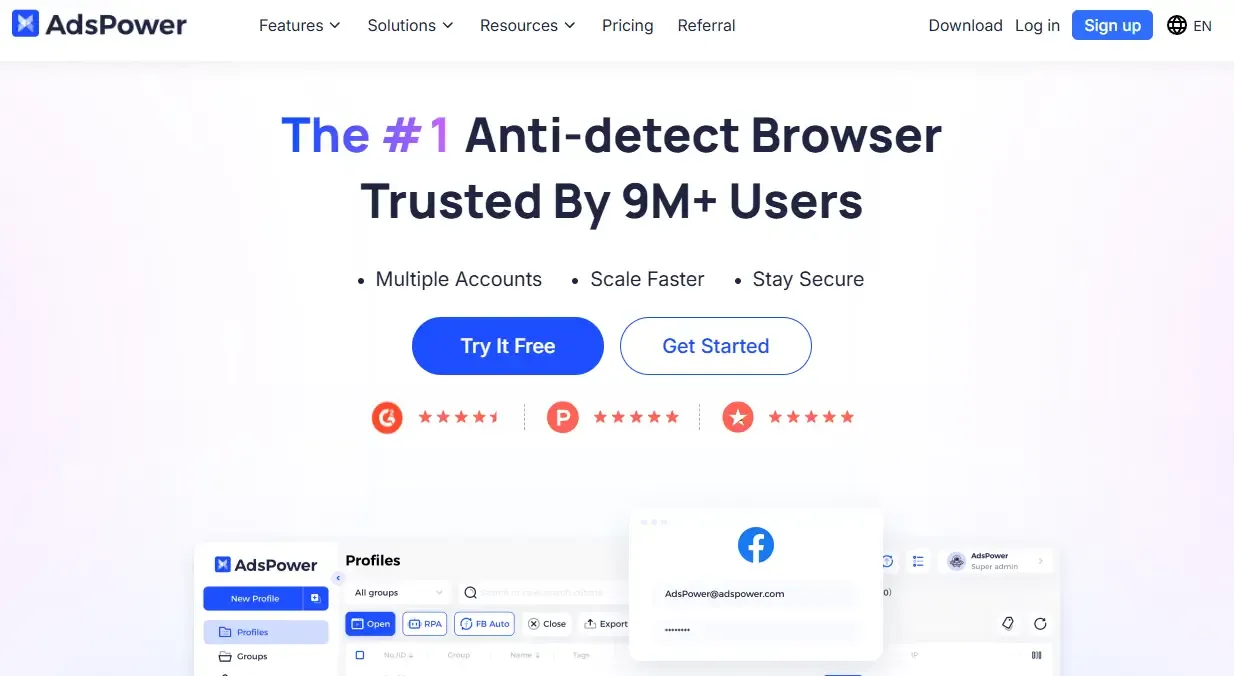
AdsPower is particularly suited for teams, offering permission management and collaboration features. For example, a company with multiple operators can assign different role‑based permissions to streamline account governance.
3. GoLogin – great for overseas marketing and social media
GoLogin has a mature environment simulation engine that can create distinct digital identities. For users managing multiple overseas accounts, it delivers a relatively stable experience.
GoLogin supports Windows, Mac, and other systems, which is convenient for users who frequently switch devices.
If your business is mainly focused on overseas markets—like TikTok marketing, Instagram operations, or affiliate promotions—this tool is worth considering.
4. Multilogin – the professional‑grade fingerprint browser
Multilogin is a well‑established commercial fingerprint browser with a strong reputation in international markets.
Its strengths lie in stability, security policies, and team management—making it a good fit for large enterprises or professional ops teams.
However, its pricing is relatively high, so for individuals or small startups, the cost burden can be significant.
4. What factors should you consider when choosing a free fingerprint browser ?
Many people focus only on the word “free” when selecting a fingerprint browser, but for cross‑border account operations, tool stability is even more crucial.
First, check the browser environment isolation capability. If multiple accounts still share some footprint data, the risk of association remains.
Second, look at multi‑account management efficiency. As the number of accounts grows, lacking features like batch management, tagging, and team collaboration can make later operations very cumbersome. Also consider:
1. Does it support the platforms you need?
Amazon sellers care more about store environment stability; TikTok operators focus on account nurturing and environment simulation; Facebook advertisers prioritise account security. Before choosing, confirm that the tool fits your specific business.
2. Is it easy to use?
For solo entrepreneurs, a steep learning curve is costly. A good fingerprint browser should let you set up environments quickly, without spending hours tweaking parameters.
3. Is the free version genuinely usable?
Many tools advertise as “free” but limit the number of browsers, features, or team permissions in practice. It’s best to test them hands‑on before committing.
Final thoughts: Which free fingerprint browser is the best?
Choosing the right fingerprint browser is essentially about making multi‑account operations more efficient and stable. Base your decision on your business scale, number of accounts, and operational scenarios.
For the cross‑border industry, fingerprint browsers, multi‑account management, and account environment isolation have become increasingly important operational needs. The right tool can help sellers improve management efficiency and reduce repetitive work.
That said, no matter which free fingerprint browser you choose, always pair it with compliant operational practices. For users on a tight budget, starting with the free version and upgrading as your business grows is a more prudent approach.
