



 Resources
 Feature overview

 Alani
Alani 2026-08-20 11:16
When choosing a proxy IP, many people's first reaction is to look at "which country and city the IP is in," thinking that if the address matches, it can be used directly. However, in actual use, you will find that even with US IPs, some browse smoothly while others frequently trigger verification codes.
This is why more and more people now perform an IP purity check before using a proxy IP. By using professional IP purity testing tools, they can learn in advance about the current IP's basic location, network type, proxy attributes, and potential risks.
Today, let's talk about the differences between online IP detection tools on the market: What is the difference between regular IP lookup and true IP purity testing? And what method should be used to determine which IP is most worth using?

I. What does IP Purity Testing actually look at?
When performing online IP detection for the first time, many people think seeing the country, city, and ISP is enough. In fact, that is only the most basic IP lookup.
True IP purity testing should cover at least several aspects: IP location info, ASN and network type, residential/datacenter attributes, proxy detection, risk scores, and historical abuse records.
Different detection platforms use different data sources and evaluation standards, so it is normal for the same IP to show different scores on different websites.
II. Comparison of Popular IP Purity Testing Tools in 2026
This comparison evaluates tools across detection dimensions, result displays, operational difficulty, and practical use cases.
1. ToDetect: More Convenient Comprehensive Detection
In terms of overall user experience, ToDetect ranks near the top. It doesn't just tell you "what your current IP is," but brings together IP quality checks, proxy detection, risk analysis, and browser environment checks into one place.
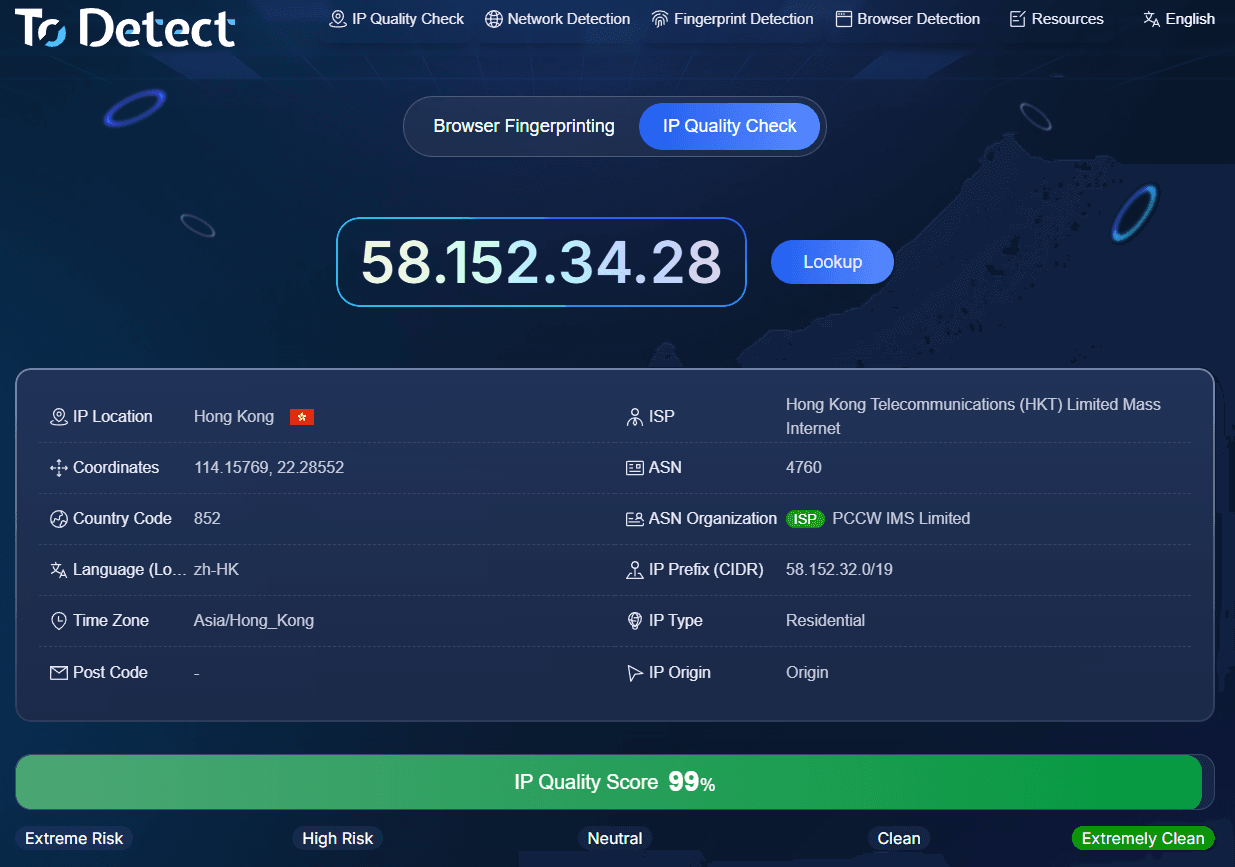
According to ToDetect's public page, its testing items include IP quality, DNS leaks, WebRTC leaks, User-Agent, HTTP/2, SSL/TLS, browser fingerprints, Canvas, WebGPU, timezone, and more. The IP quality page also provides an overall score to help users quickly judge their current network environment.
In practice, its biggest advantage is that information is highly centralized. For example, after purchasing an overseas proxy IP, you can connect to the proxy and open ToDetect for an online check. You can verify if the displayed country, ISP, and IP type match what you bought, while checking for proxy, risk, or leak warnings.
For scenarios such as cross-border e-commerce, overseas social media, and multi-account environment testing, this comprehensive check offers much more value than a simple IP lookup.
2. Scamalytics: Focused More on Risk Assessment
Scamalytics is ideal for users who need to focus on fraud risks and proxy attributes. Instead of displaying various browser details, it focuses heavily on IP reputation, risk scoring, and identifying proxy or datacenter attributes.
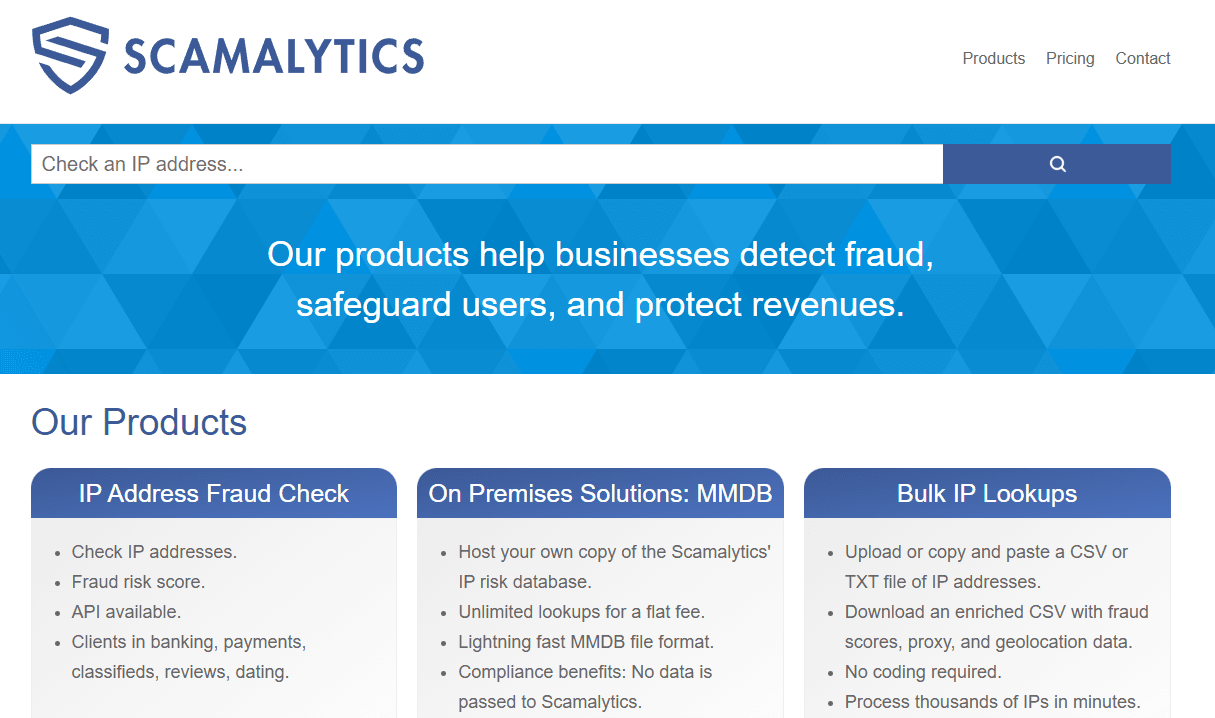
If your primary need is filtering proxy IPs, you can use it as a secondary verification tool. Especially when results differ between ToDetect and other platforms, cross-checking is always safer than trusting a single score.
3. Whoer: Suitable for Basic Environment Checks
Whoer is best suited for regular users and those concerned with network privacy issues like DNS and WebRTC leaks. It features simple operation and easy-to-understand results.
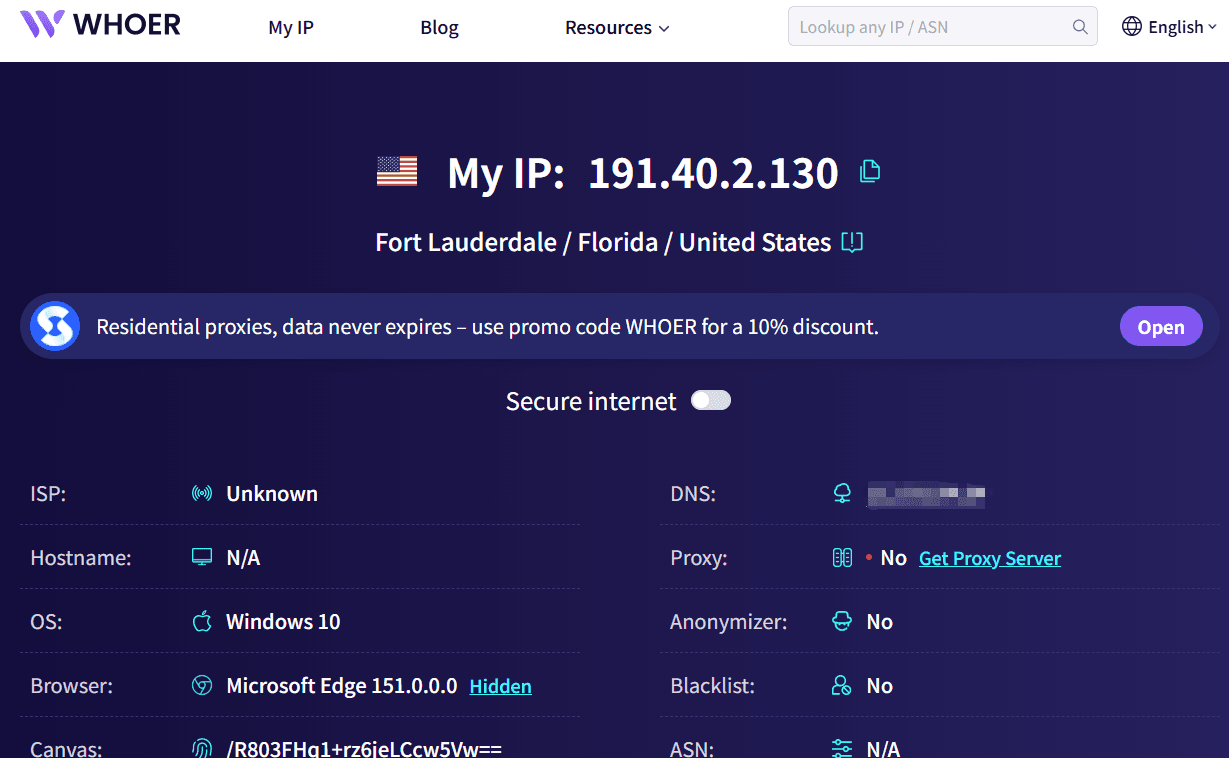
If you just want to know "Where is my current IP?" or "Is there an obvious network leak?", Whoer works well as a helper tool. However, if your goal is to systematically judge proxy IP purity, its focus differs from ToDetect and Scamalytics.
4. AbuseIPDB: Suitable for Tracing Historical Abuse Records
If you are particularly concerned about whether an IP has a history of attacks, spam, or scanning activities, AbuseIPDB is a valuable lookup tool.
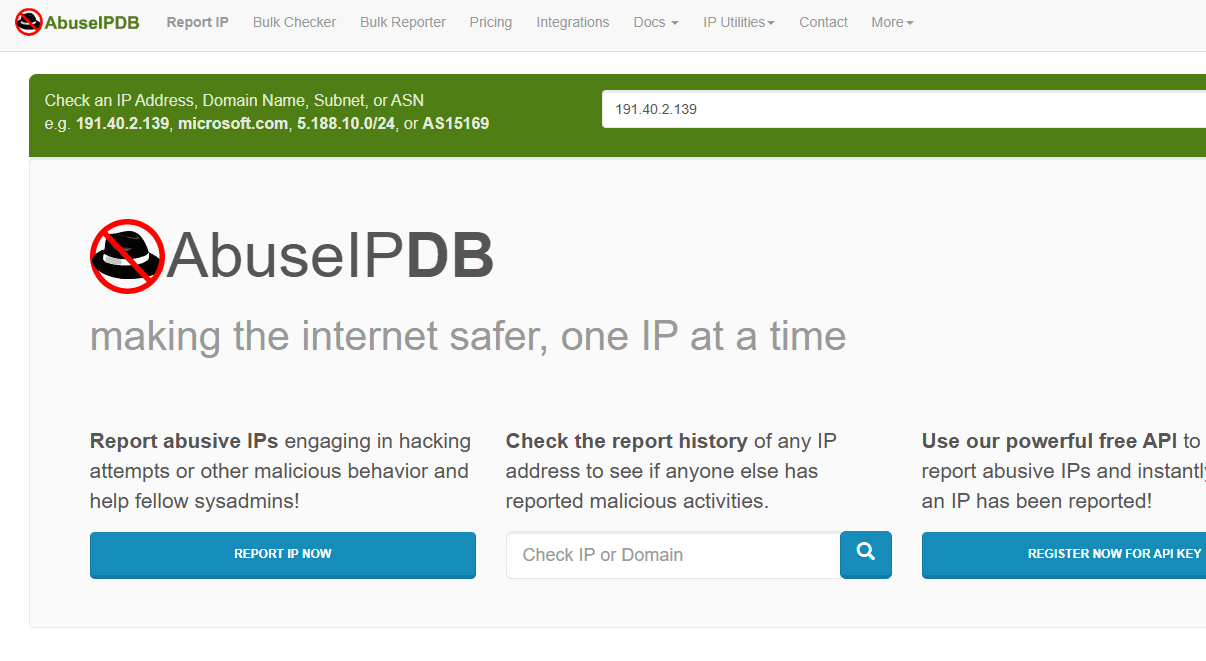
However, its positioning is different from standard online IP detection tools—it serves more as a supplementary check for historical reputation. Therefore, when filtering IPs, it is best used as a final step rather than a replacement for full IP purity testing.
5. IPinfo: Great for Basic IP Lookups
IPinfo is well-suited for developers, data analysts, and anyone needing basic location information. Its basic data, such as country, city, ASN, and ISP, is highly reliable.
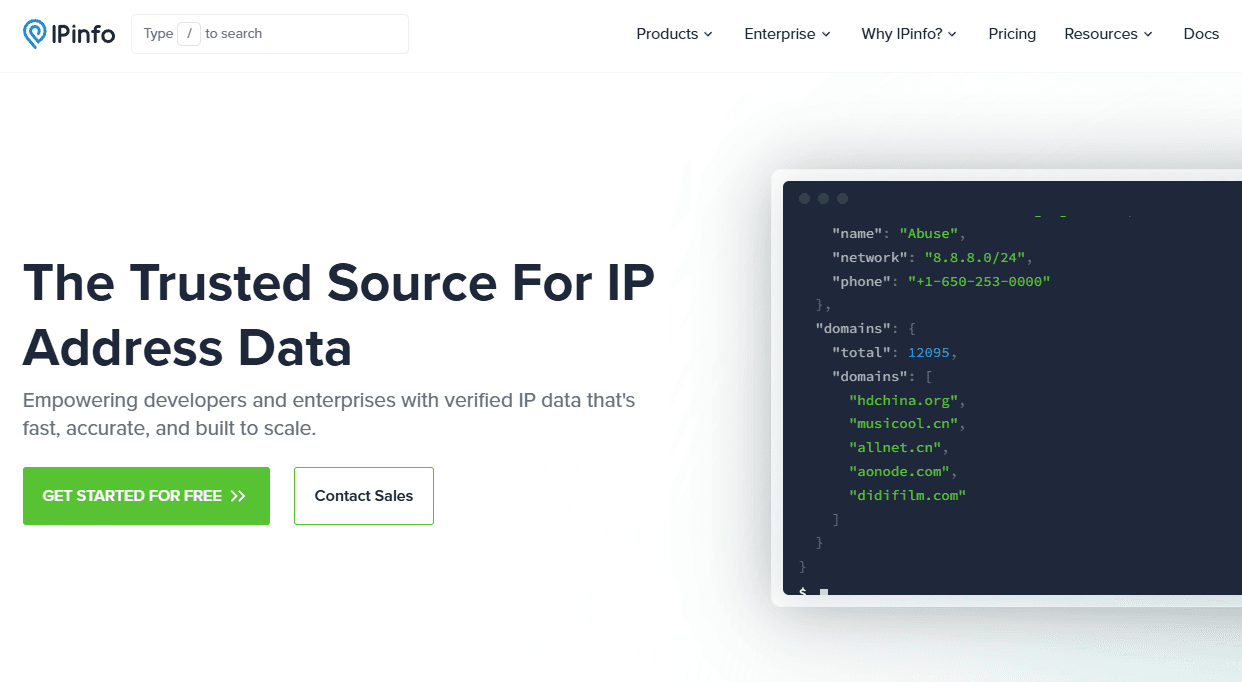
However, if your core question is "Is this proxy IP clean?", simply checking geographical location is clearly not enough. IPinfo leans more toward IP lookups and data analysis rather than comprehensive IP risk health checks.
III. How to Choose Among These IP Testing Tools?
| Tool | IP Purity | Risk Analysis | Proxy Detection | Environment Check | Recommended Use Case |
|---|---|---|---|---|---|
| ToDetect | ★★★★★ | ★★★★★ | ★★★★★ | ★★★★★ | Comprehensive testing, Proxy IP filtering |
| Scamalytics | ★★★★☆ | ★★★★★ | ★★★★★ | ★★☆☆☆ | Risk and fraud detection |
| Whoer | ★★★★☆ | ★★★★☆ | ★★★★☆ | ★★★★★ | Privacy and leak detection |
| AbuseIPDB | ★★★☆☆ | ★★★★★ | ★★★☆☆ | ★☆☆☆☆ | Historical abuse record lookup |
| IPinfo | ★★★☆☆ | ★★★☆☆ | ★★☆☆☆ | ★☆☆☆☆ | IP lookup, ASN and geolocation info |
Note: The star ratings are based on practical usage scenarios and are not official ratings. Please keep in mind that IP risks change over time and usage, so no single IP purity detection tool can guarantee permanently accurate results.
IV. Recommended Workflow for Testing Proxy IPs
When specifically testing purchased proxy IPs, it is best not to rely on just one website for results. A safer approach is to connect to the proxy first, perform a full IP check, and verify whether the country, city, ISP, and ASN match your requirements.
Next, check if there are any DNS or WebRTC leaks. If your IP indicates the United States, but DNS, WebRTC, or other network data reveals a different region, the network environment warrants further investigation.
Finally, cross-verify with a second or third platform. Minor differences between databases do not mean a platform is wrong, as IP reputation update frequencies, data sources, and scoring rules naturally vary.
September 2026 Recommended IP Purity Testing Tools
Considering features, user experience, and detection dimensions, ToDetect is a top choice if you are looking for an "all-in-one" IP purity testing tool.
If your needs are more specific—such as checking basic IP geolocation—you can choose IPinfo. If your primary concern is fraud risk, add Scamalytics to your workflow; to check historical abuse records, use AbuseIPDB as a supplement.
If you are searching for recommended online IP detection tools, want to filter stable proxy IPs, or simply want to run a complete check before using an overseas IP, try testing your setup following the approach outlined in this article.
