



 Resources
 Feature overview

 Alani
Alani 2026-08-18 11:03
If you have used proxy IPs or have network environment needs such as cross-border e-commerce or overseas social media, you will find a problem: being able to check an IP does not mean knowing whether this IP is easy to use or not.
In recent years, topics like "IP Purity Detection," "IP Purity Query," and "Proxy IP Query" have attracted more and more attention. After getting a new IP, the first thing many people do is not to use it directly, but to find a reliable IP purity detection site to test it first and see if there are any obvious abnormalities.
Which free IP detection sites are worth using in 2026? Which IP purity detection tool is the best? Today, I will make a simple comparison of several common tools to help everyone choose according to their needs.
1. What Exactly is IP Purity?
The so-called IP purity does not mean whether this IP is "fast or slow," but rather looks at its historical usage and whether its current network attributes present obvious risks.
This is why many people perform an IP purity query right after purchasing a proxy IP. Especially for users in cross-border e-commerce, overseas social media operations, ad publishing, and those who need a stable network environment, the fact that an IP can open web pages normally does not mean it is a high-quality IP.
Generally speaking, a comprehensive IP check should focus on at least several aspects: IP location, ISP and ASN, residential vs. data center, presence of Proxy/Tor characteristics, blacklists or abuse records, and whether the IP location matches the current device environment.
Therefore, a truly valuable IP detection site does not simply tell you "what your current IP is," but gathers and displays these risk details as clearly as possible.
2. Worthwhile Free IP Detection Tools in 2026
1. ToDetect: Convenient Comprehensive Detection
If you are looking for a relatively comprehensive tool, ToDetect can serve as a top priority option to try.
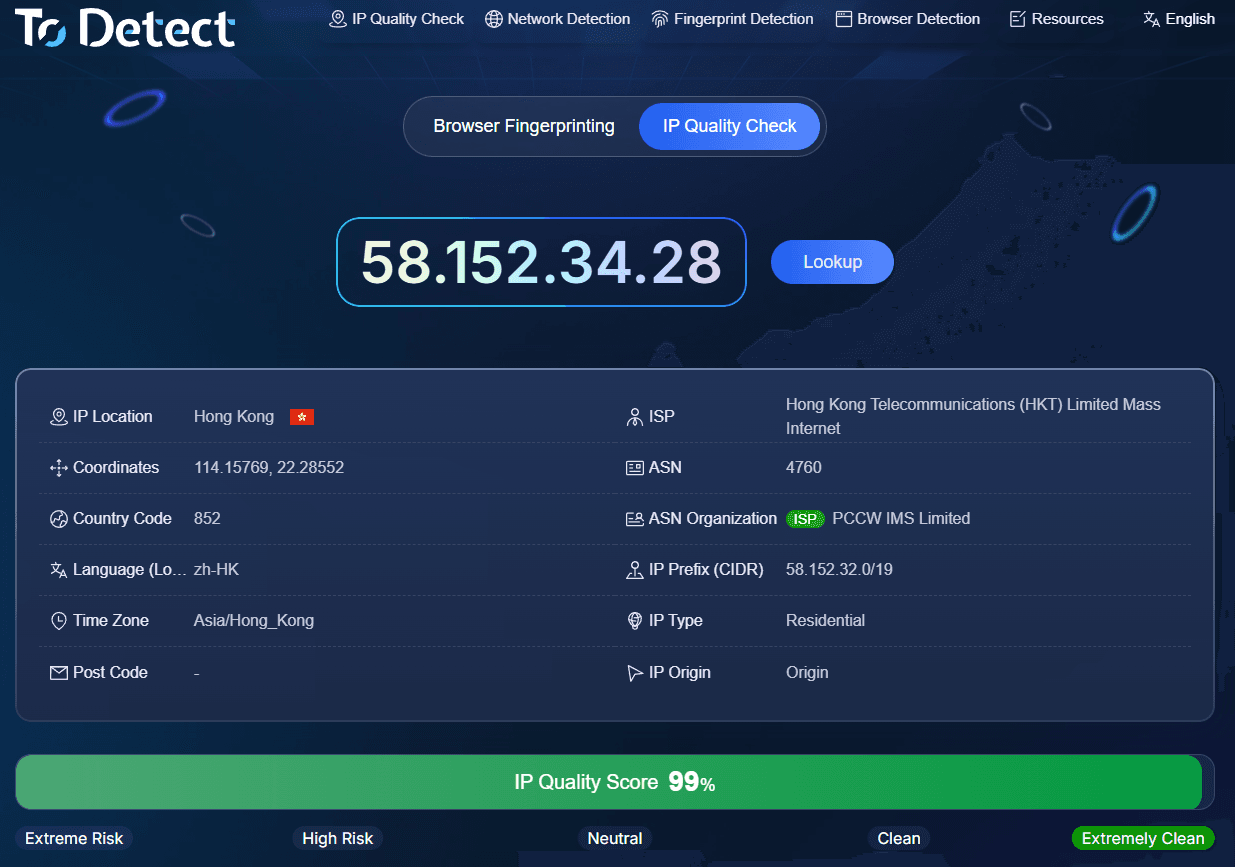
It does not just perform ordinary online IP lookups; it also combines IP quality, proxy detection, and browser environment dimensions into its analysis. On its current page, you can see the IP quality score while also checking environment details like browser fingerprints, time zone, language, and WebRTC.
It is well-suited for cross-border e-commerce, overseas social media management, and frequent users of proxy IPs. Especially before officially using a new IP, testing it beforehand can help uncover obvious proxy, data center, or risk characteristics.
2. IPinfo: Ideal for Basic IP Data Queries
If you care more about IP ownership details, IP database tools like IPinfo are a good fit.
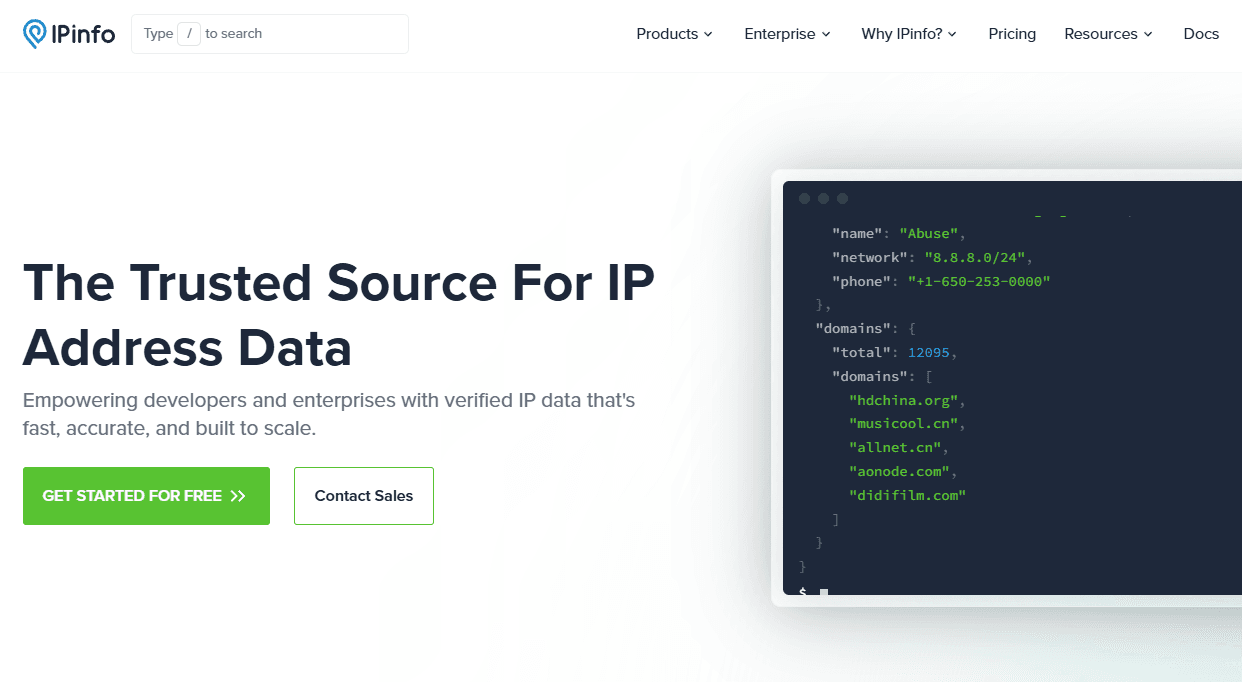
It excels at looking up IP geolocation, ASN, ISP, and network organization information, making it practical for developers, data analysts, or anyone who needs to verify IP ownership.
However, note that online IP lookups and IP purity checks are not the same thing. IPinfo focuses more on "who owns this IP and where it comes from," whereas purity checking focuses more on "whether this IP carries risks and if it's suitable for use."
3. IPPure: Focused More on IP Purity
IPPure's positioning is very direct—its core resolves around analyzing IP purity, IP reputation, and risk.
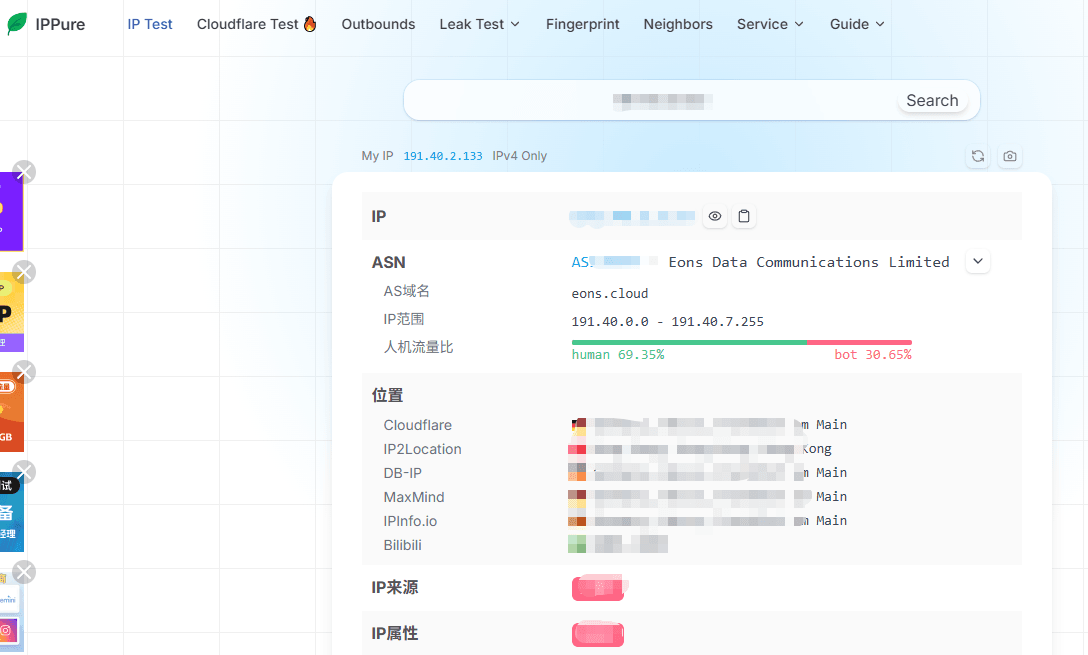
In terms of detection metrics, it pays attention to IP type, ISP, ASN, Proxy identification, and IP risk information, making it better suited for users who care about "whether this IP has been abused in the past."
If you hold a batch of proxy IPs that need an initial round of filtering, tools like IPPure offer far higher reference value than basic IP lookup websites.
4. Whoer: Great for Checking Network Privacy Along the Way
Whoer is a veteran network detection tool. Beyond viewing IP information, it places strong emphasis on anonymity, DNS leaks, and WebRTC leaks.
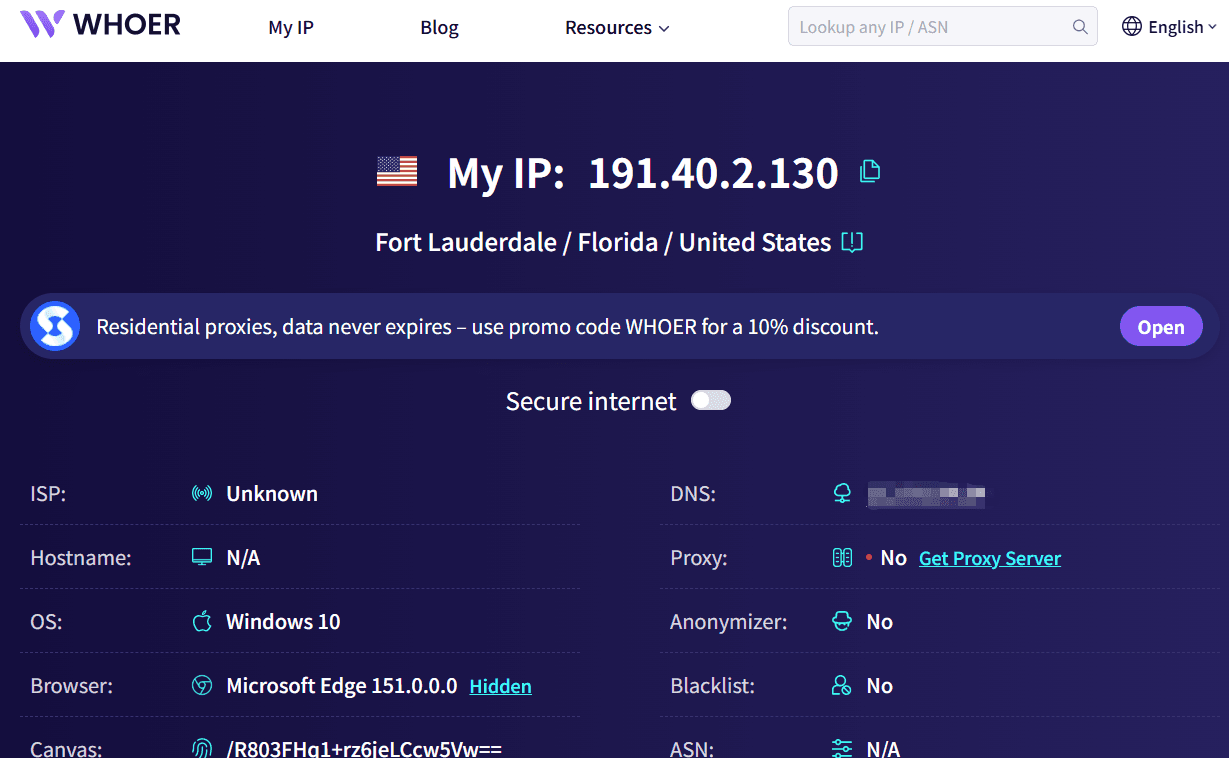
Its strength lies not in giving a single "IP cleanliness score," but in helping users check whether their current network environment exposes extra operational details. If you regularly use proxy networks and want a comprehensive environment health check, Whoer works great as an auxiliary tool.
5. IP2Location: Suitable for IP Geolocation and Network Details
IP2Location leans more toward IP databases and geolocation queries.
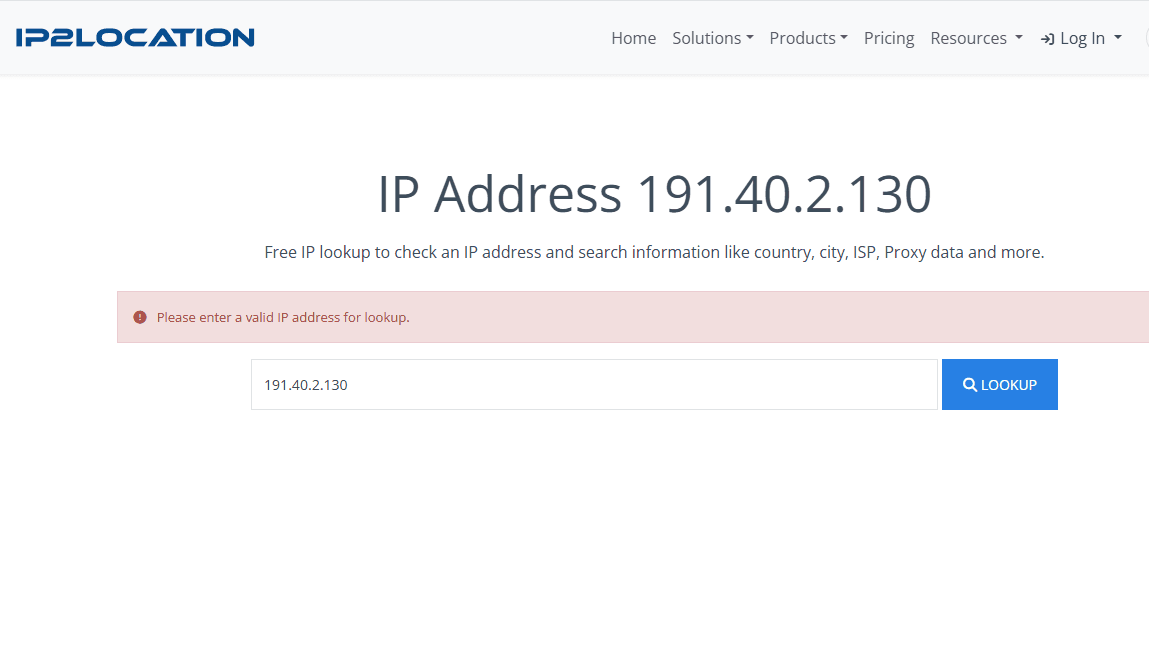
If your need is to confirm which country, city, ISP, or organization an IP belongs to, it fits well. For developers and website operators, this type of data holds solid practical value.
3. How to Choose Between These IP Detection Tools?
| Tool | Key Advantages | Best For |
|---|---|---|
| ToDetect | IP quality, proxy detection, browser environment | Cross-border operations, proxy users |
| IPinfo | IP ownership, ASN, ISP queries | Developers, general queries |
| IPPure | IP purity, risk analysis | Proxy IP screening |
| Whoer | Privacy, DNS/WebRTC detection | Proxy users |
| IP2Location | IP geolocation and network data | Data analysis, website operations |
If you want to perform online IP lookups while also checking DNS, WebRTC, and browser environments, it is recommended to use a comprehensive tool like ToDetect first.
4. Don't Just Look at the "Purity Score" During a Proxy IP Query
Here is an easily overlooked issue: when selecting proxy IPs, many people focus solely on a single score in the test results. In reality, the usage value of an IP cannot be judged by one metric alone.
For instance, an IP may show decent purity, but it is a data center IP; if your business is sensitive to residential networks, this IP may not suit you. Conversely, an IP score that isn't particularly high doesn't necessarily mean it is completely unusable—it depends on your business scenarios and the target platform's risk control rules.
Therefore, when querying proxy IPs, it is advised to check the IP type, ASN, proxy identification, risk logs, location, and network stability together. If conditions allow, cross-verify using two or three different IP detection tools.
Currently, some IP detection tools explicitly remind users that different databases, detection standards, and testing purposes can cause variations in results. Thus, do not take the score from a single site as an absolute conclusion.
5. How Should You Perform IP Purity Detection?
First, confirm the current public IP via an online IP query, verifying that the country, city, ISP, and time zone match your expected network environment.
Next, execute an IP purity check, focusing on whether there are Proxy, Tor, Hosting/DataCenter tags, and whether any obvious risk warnings are present.
If using a proxy IP, further confirm whether it belongs to a residential, mobile, or data center network. Appropriate IP types vary across different business needs.
Finally, perform a browser environment test. Modern platform risk controls rarely check the IP in isolation; having no obvious issues with an IP does not mean the entire login environment is free of anomalies. Conflicts between IP, time zone, language, and browser fingerprints can also negatively affect user experience.
6. Are Free IP Detection Tools Really Enough?
For ordinary users, free IP detection tools are generally sufficient to complete initial filtering. Checking IP location, network type, and risk tags before purchasing proxy IPs can filter out a portion of clearly unsuitable IPs.
However, for enterprise-level risk control, mail systems, advertising campaigns, or bulk IP checks, relying solely on a free IP testing site is insufficient. Data sources differ across platforms, and IP reputation changes over time and usage.
In other words, free tools are better for "quick screening" and "preliminary checks" rather than serving as 100% definitive conclusions.
Summary: Which IP Purity Detection Tool is Best?
When choosing an IP detection tool, there is no need to blindly pursue the one with the "most features." The key lies in your actual use cases. After all, the goal of IP detection isn't to chase a pretty score, but to identify potential network environment issues early on to ensure smoother subsequent operations.
In terms of feature coverage, ToDetect works well as a daily comprehensive entry point, allowing you to check IP details, IP quality, proxy risk, and browser environments all in one place.
If you are searching for 2026 free IP detection sites, IP purity query tools, or proxy IP query tools, you can start with tools like ToDetect, IPPure, and IPinfo, choosing based on your actual needs rather than blindly chasing a so-called "best IP detection tool."
