



 Resources
 Feature overview

 Alani
Alani 2026-07-02 11:36
In 2026, as the network environment becomes increasingly complex, whether for cross-border business or overseas social media, the stability and privacy capabilities of proxy tools have become especially important.
Because of this, combined solutions like Proxy Helper + Socks5代理设置 are becoming more and more widely used. They are especially suitable for users who need a long-term stable network environment.
If you are looking for a cross-border access solution that can be used long-term, does not frequently drop connections, and is not easily detected, the following guide will help you understand everything step by step.

1. Why are more and more people using Socks5 proxies?
Compared with traditional HTTP proxies, the biggest advantage of Socks5 proxies is that they are “lower-level and cleaner.” They do not rewrite packet content and support TCP/UDP transmission, offering better stability and compatibility, especially for browser environments, fingerprint environments, and multi-account operations.
Many people involved in cross-border e-commerce and social media search for “stable Socks5 proxy setup tutorial” or “browser multi-account proxy solution.” The core needs are essentially the same:
They need stable external network access while minimizing browser fingerprint risk. Socks5 + browser proxy tools is currently one of the mainstream solutions.
2. What is Proxy Helper? What problems does it solve?
Proxy Helper (proxy assistant) is a browser extension used to quickly manage proxy configurations without manually changing system settings each time.
Its core functions include fast proxy switching (supports HTTP / Socks5 proxies) and grouped management of IPs from different regions (e.g., US, Japan, Europe nodes), avoiding errors caused by frequent manual configuration.
Especially for multi-account operations or cross-border testing, Proxy Helper significantly improves efficiency, which is why many users search for “Proxy Helper Socks5 proxy setup tutorial 2026 latest method.”
3. Comparison of different proxy solutions (practical reference table)
| Proxy Type | Stability | Privacy | Use Case | Difficulty | Rating |
|---|---|---|---|---|---|
| HTTP Proxy | Medium | Basic | General web access, lightweight testing | Easy | ★★☆☆☆ |
| Socks5 Proxy | High | Stronger | Cross-border accounts, multi-platform operations, browser environments | Medium | ★★★★★ |
| Proxy Solution | Relatively High | Medium | Encrypted network access, basic protection | Easy | ★★★☆☆ |
| Fingerprint Browser + Proxy Combo | Very High | Very Strong | Multi-account matrix, ads, e-commerce operations | Complex | ★★★★★ |
| Free Public Proxy | Very Low | Weak | Temporary testing, non-critical tasks | Easy | ★☆☆☆☆ |
4. Socks5代理设置 step-by-step guide (important)
1. Get a usable Socks5 proxy
You need a stable Socks5 proxy including: IP address; port; username (if required); password (if required). It is recommended to choose low-latency, dedicated or semi-dedicated nodes.
2. Install Proxy Helper extension
Search for Proxy Helper代理助手 in the browser extension store and install it. Then open the extension interface.
3. Add Socks5 proxy configuration
In Proxy Helper, select proxy type: Socks5; enter IP + port, enable authentication if needed, and click “test connection” before saving.
4. Enable proxy and verify network
After enabling the proxy, check your IP via an IP detection site. It is also recommended to use browser fingerprint detection tools such as ToDetect to ensure environment consistency.
5. Importance of browser fingerprint detection (often ignored)
Many people think changing IP is enough, but modern platforms increasingly rely on browser fingerprint detection.
If your IP changes but your fingerprint remains the same, you can still be identified as the same device.
This is why many guides emphasize: “Socks5 proxy setup + browser fingerprint isolation” as a complete solution.
6. Role of ToDetect in proxy environments
In practice, many users use tools like ToDetect for environment checking. Its main functions include:
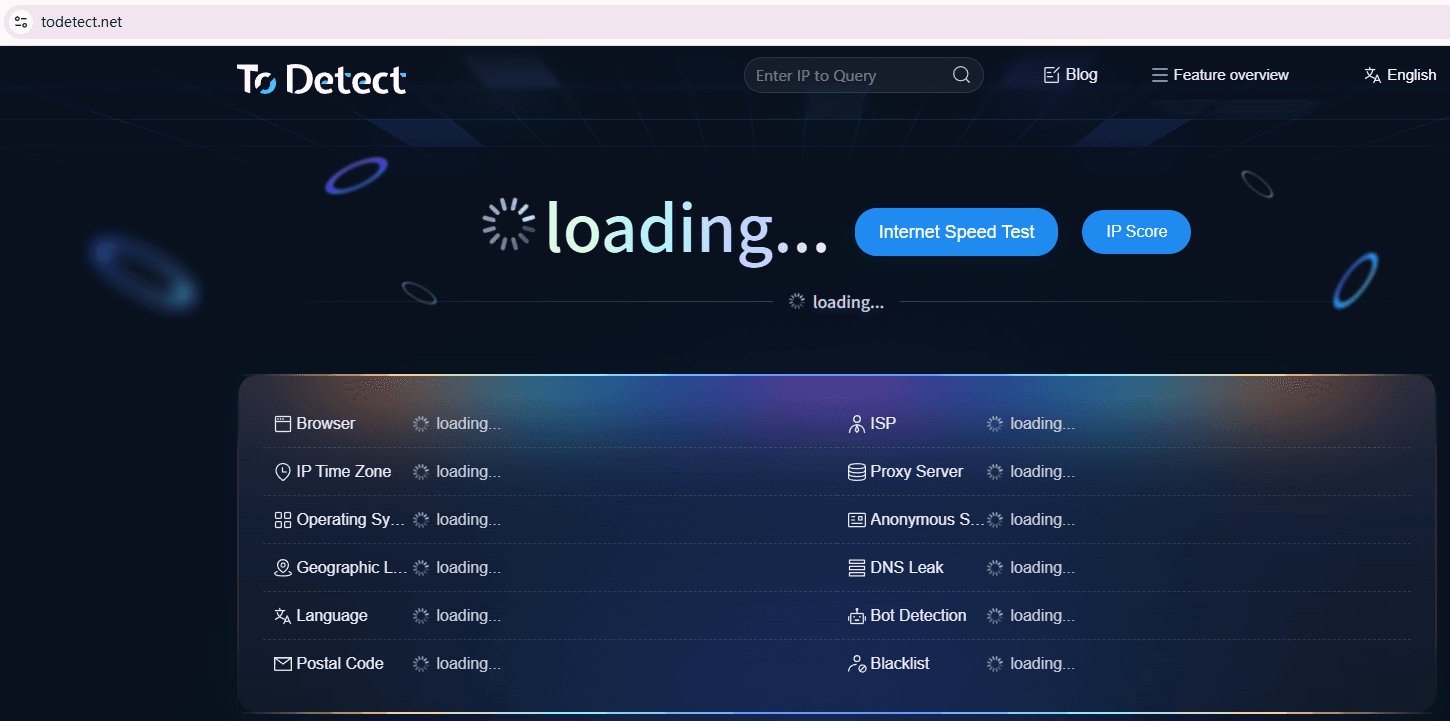
• Check whether IP has actually changed
• Analyze whether browser fingerprint is exposed
• Detect proxy leaks (DNS/WebRTC)
Especially in cross-border account operations or ad campaigns, using ToDetect in advance helps avoid unexpected bans.
7. Common issues and optimization tips
1. Proxy cannot connect?
First check whether IP and port are correct. Many failures are due to incorrect configuration or expired proxies. Also ensure Socks5 protocol is selected correctly in Proxy Helper.
2. Slow network speed?
Switch to closer regional nodes, choose better routes, and avoid peak usage hours.
3. Frequent disconnections?
Usually related to proxy quality. Use dedicated or low-concurrency nodes and enable auto-reconnect in Proxy Helper.
4. IP changed but still detected?
Platforms may still detect browser fingerprints. Use ToDetect to check Canvas/WebGL fingerprint leaks.
5. How to improve long-term stability?
Rotate IPs regularly and maintain consistent browser environments. Use Proxy Helper grouping for better isolation.
Conclusion:
Many people initially focus on finding “the best proxy,” but true stability is never about a single tool. It is a combination of Proxy Helper + Socks5 proxy setup + browser fingerprint control + ToDetect detection.
If Proxy Helper is used for proxy management, Socks5 serves as the main connection channel, and ToDetect is used for environment verification, it can already cover most cross-border business needs.
For e-commerce, overseas marketing, or multi-account operations, this setup is usually sufficient for daily use. The key is: careful configuration, clean environments, and continuous monitoring for long-term stability.
