


 Resources

 Feature overview

 Alani
 2026-11-05 10:09
Search for “best IP checker” and you’ll get a long list of tool recommendations, each one claiming to do everything.
Once you actually use them, though, it becomes clear that ToDetect, Ping0, IPinfo and Whoer are built around quite different priorities. Some are good at pulling basic IP information, some track an IP’s reputation history, and others examine the network environment your browser is sitting in.
Which one you pick depends on what you’re trying to check. Below is a hands-on comparison of the best IP checker tools in 2026: ToDetect, Ping0, IPinfo and Whoer.
1. Beyond Location: What Else Should You Check?
When people look up an IP address, the first thing they check is usually the country, city and ISP. But two IPs in the same location don’t necessarily share the same network characteristics.
Start with the IP type. Residential broadband, mobile networks and datacenter IPs differ in how they are used and allocated. ASN, ISP and subnet information help you work out which network an address actually belongs to.
Then there’s IP purity. Some lookup tools combine known suspicious activity, address reputation and network attributes into a risk score. Since every provider draws on different data sources and scoring rules, it’s no surprise when the same IP gets different results.
The browser environment is the part that’s easiest to overlook. Your IP might point to one region while your DNS resolver sits in another, or WebRTC might leak an additional network address. A standard IP location lookup won’t give you the full picture here.
2. ToDetect: Best for Checking Your IP and Browser Environment
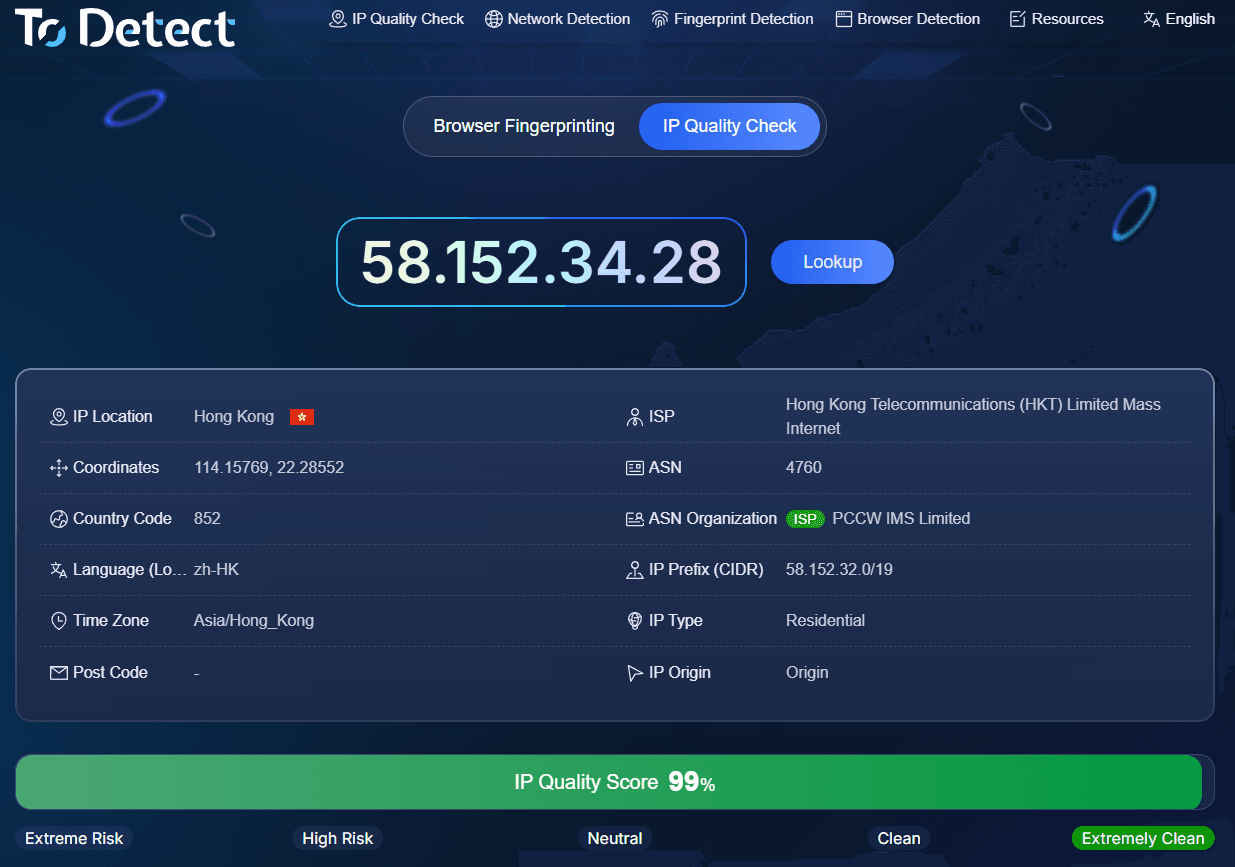
ToDetect’s strength is putting several checks on a single page. Open the site and you can see your public IP, location, ASN and related network attributes, then dig into DNS, WebRTC and browser fingerprint details.
Compared with a plain IP lookup, it’s far better suited to tracing inconsistencies across your network environment.
For example, an IP location that doesn’t match the DNS server’s location isn’t automatically a sign of trouble—it may simply reflect how your ISP handles resolution. Viewing all the results side by side makes it easier to see what genuinely needs a closer look.
ToDetect offers a Chinese-language interface, which suits everyday users who want several results at once. One caveat: browser environment checks are not the same as a full IP reputation investigation. When you need the history of a specific address, it still helps to cross-reference other data sources.
3. Ping0: Focused on IP Quality and Historical Records
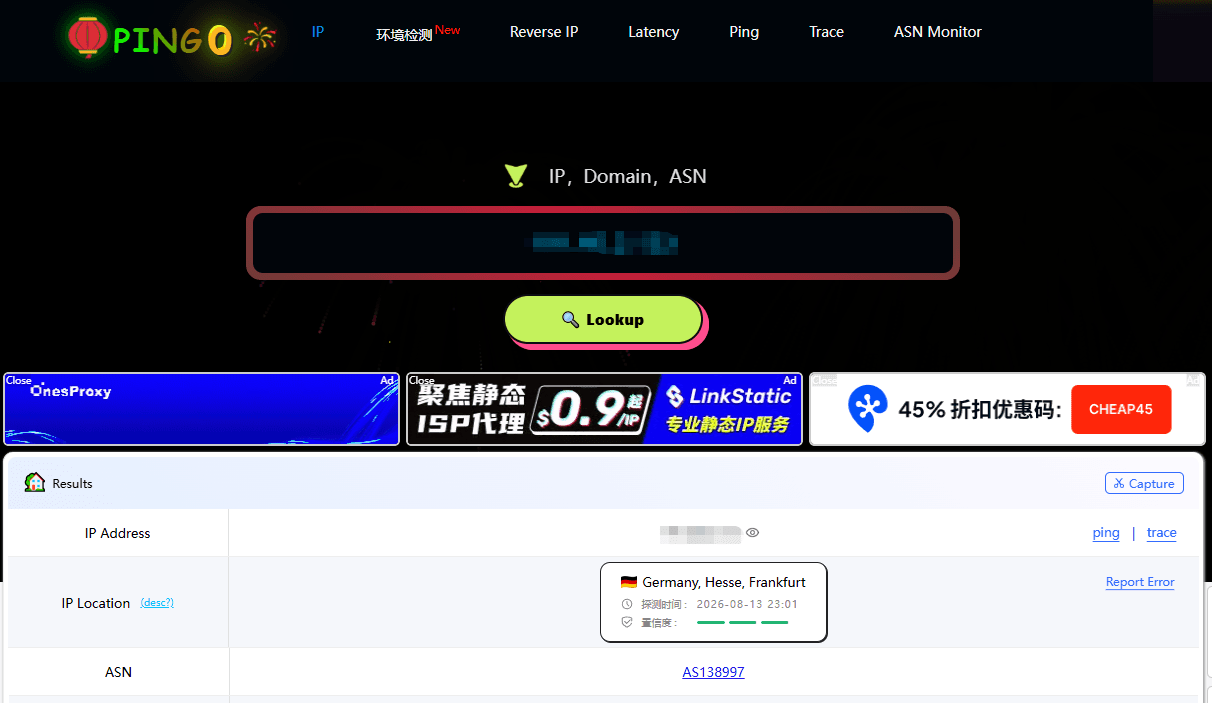
Ping0 keeps the focus on the IP itself: its attributes and reputation.
Beyond standard location and ASN lookups, it also shows IP type, risk scores and related historical data, giving you a picture of a given address or subnet.
Changes over time in ASN, organization ownership and registration records are worth watching. When IPs get reassigned, databases often lag behind, and historical records can fill in those gaps.
The downside is density. First-time users need a while to make sense of all the metrics. On top of that, the risk score isn’t a universal standard shared across sites, so a single number shouldn’t be the only thing deciding whether an IP is fine.
If your main needs are IP purity checks, network type identification or address history, Ping0 deserves a serious look.
4. IPinfo: Best for Developers and Data Queries
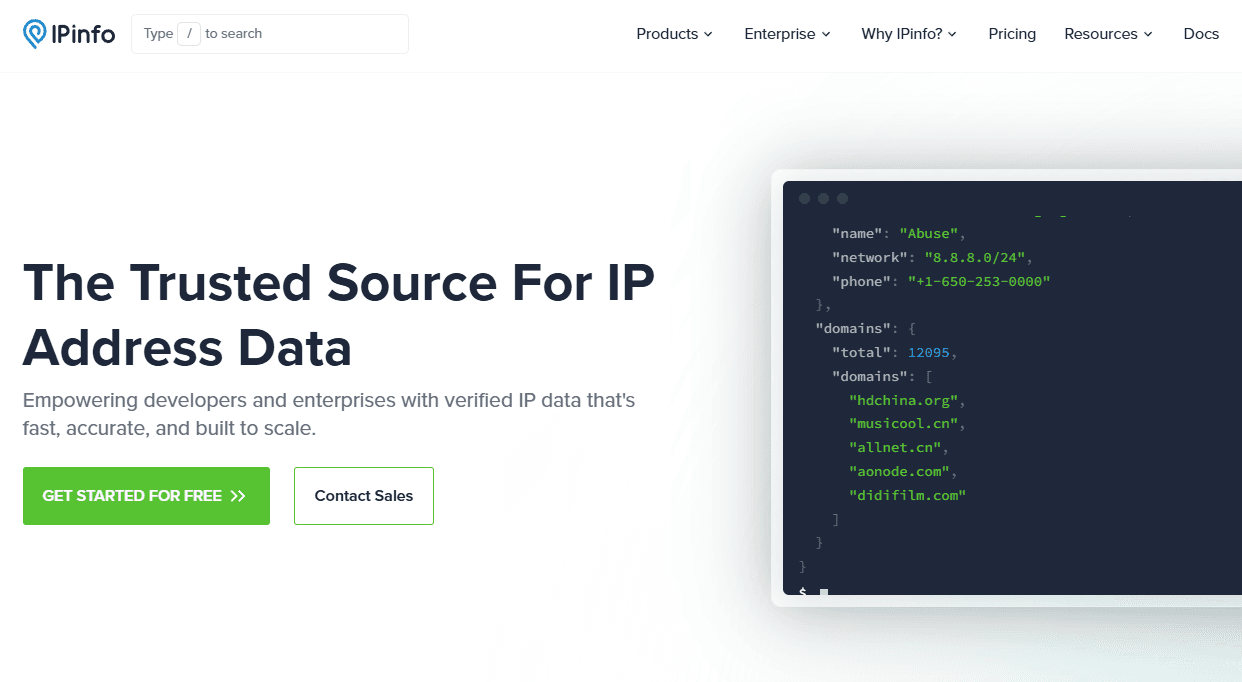
IPinfo’s edge is structured IP data and a solid API.
It serves IP geolocation, ASN, ISP and related network data, and lets you pipe query results straight into your own programs through an API. That’s much more convenient if you regularly look up large batches of IPs, organize the results or build network analysis features.
Unlike ToDetect, IPinfo is primarily an IP data service; browser fingerprinting and WebRTC checks aren’t where it focuses. Its web lookup works fine for casual users too, but if you only examine your browser environment once in a while, you probably don’t need the API.
The fields included in free and paid plans, along with call quotas, may change, so check the current details on IPinfo’s website.
5. Whoer: A Quick Check for Network Consistency
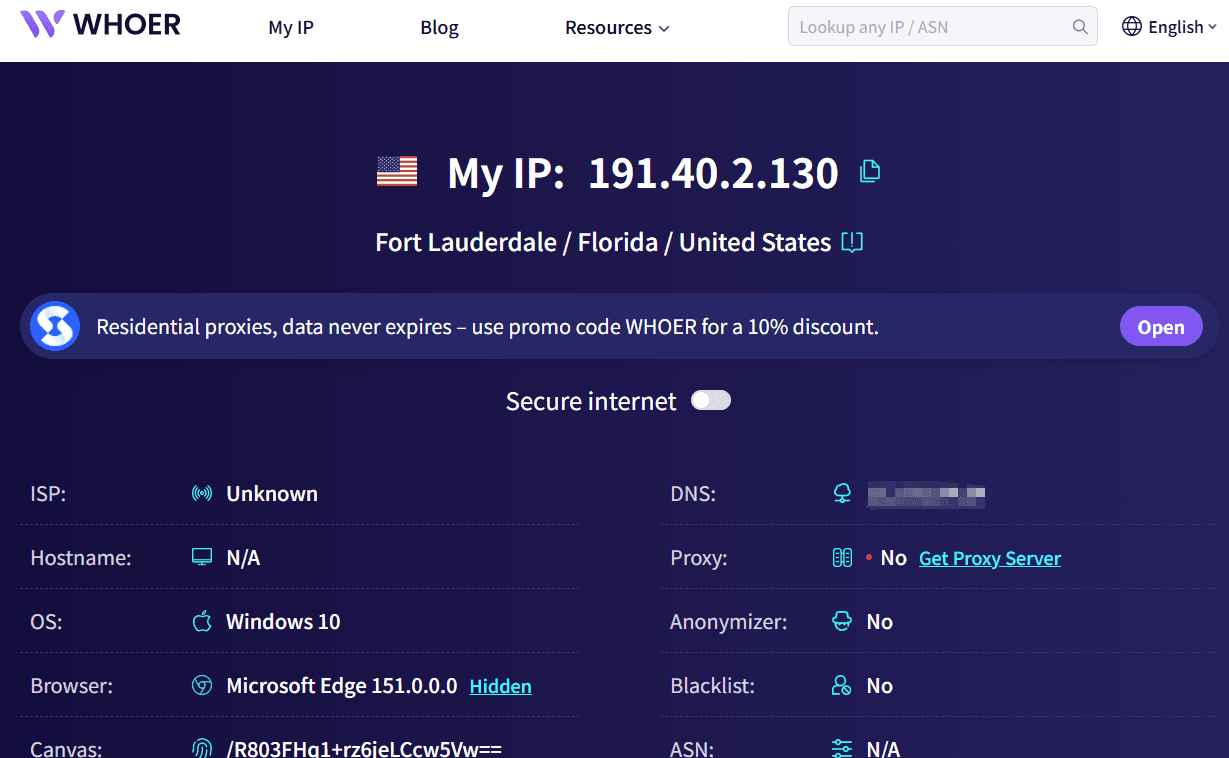
Whoer is one of the earlier online IP checkers to attract attention.
It displays your IP address, DNS, browser language, time zone and more, then uses an overall score to flag possible inconsistencies in your environment.
The appeal is that results are easy to read: you get a quick sense of your current network status without studying every individual parameter.
That said, the overall percentage is not a measure of IP purity, and it doesn’t map directly to how secure your network is. Because the scoring criteria aren’t fully disclosed, when your score comes out low it’s better to open the individual checks than to stare at the final number.
6. The Four IP Checker Tools Side by Side
| Comparison | ToDetect | Ping0 | IPinfo | Whoer |
|---|---|---|---|---|
| IP location | Yes | Yes | Yes | Yes |
| ASN data | Yes | Yes | Core feature | Basic lookup |
| IP quality analysis | Yes | Key feature | Partial data service | Overall assessment |
| DNS check | Yes | Not a focus | Not a focus | Yes |
| WebRTC check | Yes | Not a focus | Not a focus | Yes |
| Browser fingerprint | Key feature | Not a focus | Not a focus | Basic environment info |
| API integration | Not a primary focus | Depends on the service | Core strength | Not a primary focus |
| Best for | All-round environment checks | IP quality analysis | Development and data queries | Quick self-checks |
Note: the table reflects each tool’s primary focus. For specific fields, usage limits and service scope, refer to the official pages.
7. So Which IP Checker Should You Actually Pick?
If all you want to know is where your current IP is located, any of the four will do the job.
If you want IP details, DNS, WebRTC and browser fingerprint information together, start with ToDetect and save yourself from hopping between tabs.
If your priority is IP quality, network attributes and historical records, Ping0 offers more targeted angles to query.
If you need to pull IP data programmatically or run ongoing analysis, IPinfo’s API is the better fit. Whoer, meanwhile, works well as a secondary check for comparing results across different tools.
Online IP Check: Frequently Asked Questions
Why do different tools show different locations for the same IP?
Each provider draws on different data sources and refresh cycles. City-level results are especially likely to differ for subnets that changed hands recently. Cross-check the ASN, the ISP and more than one data source before drawing conclusions.
Is a lower IP purity score better?
Not necessarily. Scoring scales run in different directions—on some tools a high score means higher risk, on others it’s the reverse. Read the scoring notes before reading anything into the number.
Does it mean something is wrong if the DNS location differs from my IP location?
Not necessarily. DNS services may rely on off-site nodes or distributed infrastructure, so a location mismatch on its own doesn’t prove there’s a problem with your network.
Is it normal for my phone and computer to show different IPs?
Yes. When two devices go out through different network paths, their public IPs can differ; even on the same network, factors such as IPv4 versus IPv6 can produce different results.
The Bottom Line
There is no single “number one” IP checker. ToDetect is built for all-round inspection, Ping0 leans toward IP quality, IPinfo excels at data services and Whoer makes quick self-checks easy. Work out whether you need basic IP details, reputation history or a picture of your browser’s network environment—then choose the tool. That approach is usually far more effective than judging by scores alone.
Browser Fingerprint Detection Tool
Efficiently solve multi-account management, environment isolation, and account security