



 Resources
 Feature overview

 Ganesh
 2026-06-18 10:40
Many people have experienced situations where their account was working normally, but after switching proxy IPs, they immediately encounter abnormal login alerts, frequent verification requests, or even restricted access.
You might think this is due to operational mistakes, but the situation is not that simple. The real key factor is often something many people overlook: whether the IP itself is “clean” or not.
Today, we will explain why changing IPs often triggers anomalies, and how to proactively reduce risks through online IP lookup, IP detection, and proxy IP checking.

1. Why does changing IP easily trigger anomalies?
Many people think changing an IP is just switching an internet exit node, but in platform risk-control systems, an IP contains much more information:
Whether it is a residential IP or a data center IP, whether it is shared by multiple users (proxy characteristics), whether it has a history of violations, whether it frequently changes geographic regions in a short time, and whether it is listed in blacklists or high-risk IP databases.
Especially when using proxies or frequently switching networks, security mechanisms are easily triggered. So the key issue is not “whether you can change IP”, but whether the new IP is clean and risk-free.
2. Why you should perform an online IP lookup first?
Before or after switching IPs, performing an IP lookup or IP detection is essentially a background check for that IP.
A complete online IP lookup can show whether the IP location jumps abnormally, whether it belongs to a proxy range, whether it has a high-risk score, or whether it is labeled as a data center or proxy exit node.
Especially for users managing multi-account operations or cross-border e-commerce, this step is the first line of defense against account bans. Many account issues are not caused by operations, but by using high-risk proxy IPs without performing proper proxy IP checks.
3. The importance of proxy IP checking (often ignored)
If you are using proxy networks, you absolutely should not skip proxy IP checks. Proxy IPs come in different types:
• Data center proxies (higher risk, easily detected)
• Residential proxies (more stable)
• Rotating proxies (frequent IP changes)
• Public/free proxies (high risk, not recommended)
Using proxy IP checking tools allows you to determine whether an IP is a “clean route” and whether it has been heavily used.
In e-commerce, social media, and advertising environments, a “dirty IP” often leads not to delays, but to account bans or traffic throttling.
4. IP usage scenarios & risk control quick reference table
| Use Case | IP Requirements | Recommended IP Checks | Recommended Strategy | Risk Level |
|---|---|---|---|---|
| Cross-border e-commerce login | Stable, long-term consistent | IP history, location consistency | Fixed residential IP or high-quality proxy IP | High |
| Social media multi-account operations | Strong environment isolation | Shared proxy detection, data center IP check | One account per IP, avoid cross usage | High |
| Advertising accounts (Google/Meta) | High-trust residential IP | IP reputation score, blacklist status | Dedicated residential IP, avoid frequent switching | Very High |
| General browsing / data scraping | Short-term change allowed | Proxy detection, ban history | Rotating IP or lightweight proxy | Low |
| API calls / automation tasks | Stable but rotatable | Rate-limit detection | Distributed IP pool + rotation strategy | Medium |
| New account registration | Clean first-use IP | Freshness check, contamination check | New residential IP + IP lookup verification | High |
5. Practical use of ToDetect in IP detection
In practice, many users use ToDetect for comprehensive IP detection. Its advantage is that it not only checks basic IP information, but also combines risk scoring, proxy identification, and device environment analysis:
• Whether the IP is a proxy/data center IP
• Whether there is historical risk data
• Whether network environment consistency is abnormal
• Whether there is multi-account correlation risk
In short, it does not just “check IP”, but evaluates whether the IP is safe to use. For users who frequently switch network environments, this acts as a risk early-warning system.
6. How to properly use online IP lookup to avoid account anomalies
1. Check target IP before switching
Before switching networks or proxies, verify whether the IP is residential, data center, or high-risk.
2. Ensure IP location matches usage scenario
Check whether the IP region matches normal login behavior to avoid sudden cross-country access.
3. Always perform proxy IP checks before use
Determine whether the proxy is shared or already blacklisted.
4. Avoid public/free proxies
These are often heavily abused and flagged as high-risk.
5. Re-check IP after switching
Ensure the exit IP matches expectations and is not flagged as abnormal.
6. Combine tools like ToDetect for risk analysis
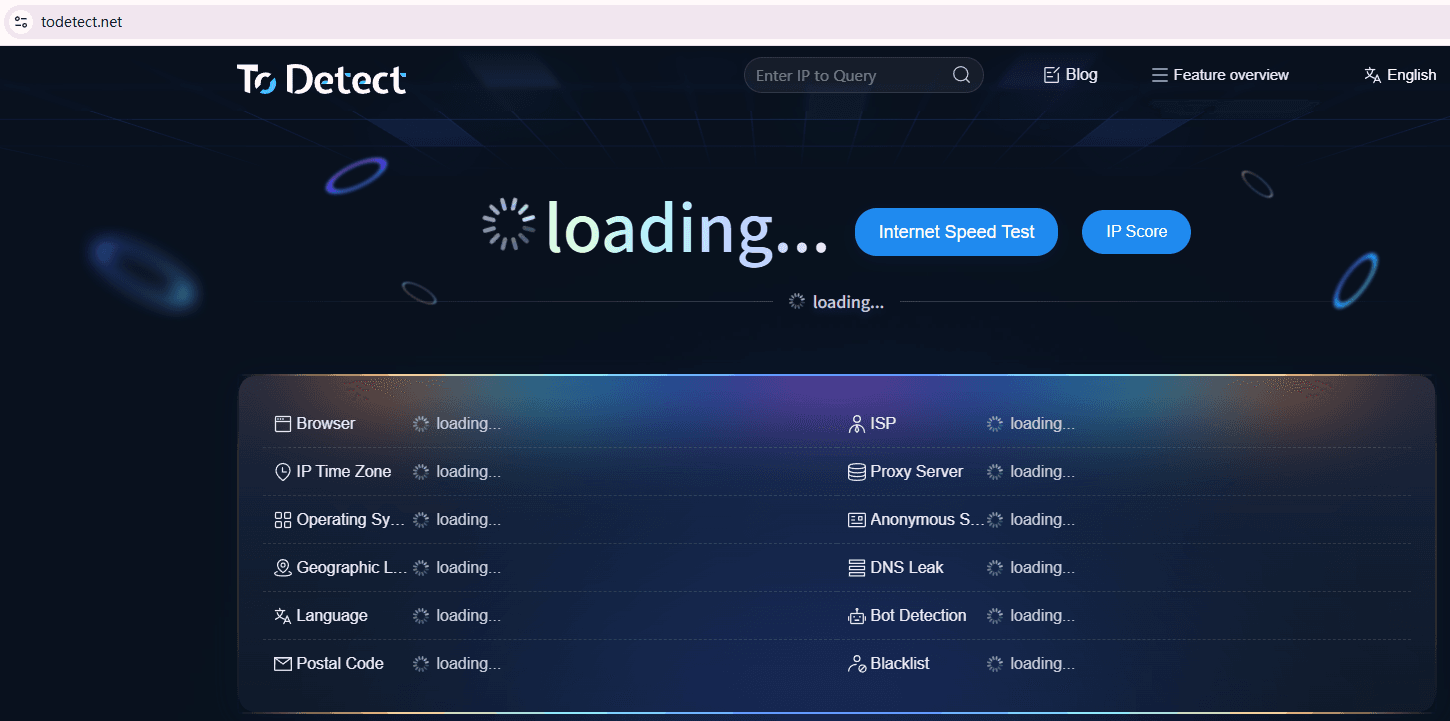
These tools help analyze IP risk, proxy characteristics, and environmental anomalies for more accurate decisions.
7. Control IP switching frequency
Frequent IP changes may trigger abnormal behavior detection systems.
8. Regularly check long-term IPs
Even stable IPs can become risky due to sharing or contamination.
7. FAQ about online IP lookup
Q1: Why do I get flagged immediately after changing IP?
Platforms evaluate not only IP but also its history and type. Always combine IP lookup + detection tools.
Q2: Why can others use the same proxy IP but I get restricted?
It depends on IP contamination level and reputation history.
Q3: IP lookup shows normal, but login still fails?
Some IPs appear normal publicly but are already high-risk in platform databases.
Q4: Does frequent IP switching affect account ranking?
Yes, frequent switching can significantly reduce account trust.
Conclusion: Don’t let IP become a risk factor
In today’s increasingly intelligent platforms, simply being “online” is not enough. What matters is whether the IP is trusted.
Develop a habit of checking IPs before and after switching, combined with tools like ToDetect, to significantly reduce account risk.
IPs are not forbidden to change—but they must be clean, controllable, and verifiable. Treat online IP lookup as a basic step, not a post-incident fix.
