



 Resources
 Feature overview

 Ganesh
 2026-08-13 11:22
Currently, there are many free IP detection tools on the market, but there are clear differences in information depth and detection capabilities among various platforms. Some can only display the IP region, while others allow you to check carrier/ISP details.
Therefore, for an easy-to-use IP lookup site, the focus is not merely showing the IP address, but whether it features fast query speeds, rich data dimensions, proxy detection, risk scores, and network type identification.
Today, let's explore which free IP detection tools are worth bookmarking in 2026. Which ones are best for everyday online IP lookup, and which are better suited for deep proxy IP analysis? Let's help you easily find the most practical tools.

1. Why Do You Need Online IP Lookup?
The simplest use case is checking your current public IP address. Especially after switching broadband or changing proxies, running an online IP check lets you visually confirm whether your network exit point has changed.
Modern IP detection tools typically provide details such as country, region, city, carrier/ISP, ASN, and network type. Advanced platforms go further to determine if the current IP belongs to a proxy, data center, or other specialized network environments.
For cross-border operations and multi-account management, this information is critical. Even under the same label of a "US IP," residential networks, cloud server IPs, and proxy IPs behave completely differently in terms of network attributes.
2. Recommended IP Lookup Websites in 2026
1. ToDetect: Comprehensive Features Suitable for Deep Analysis
If you are looking for a tool that goes beyond a simple "IP lookup" to thoroughly analyze your network environment, ToDetect is worth trying first.
It offers public IP lookup, IP quality score, proxy detection, and browser environment checks, providing significantly richer data dimensions than traditional geolocation sites.
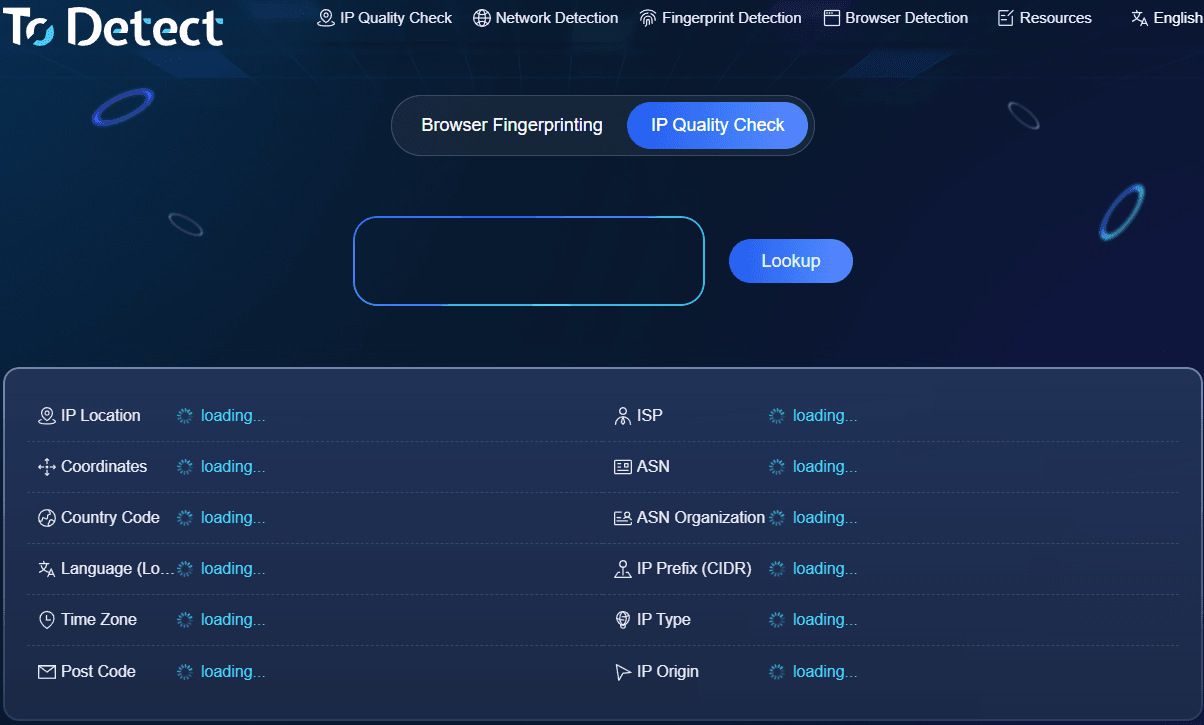
When testing after a proxy switch, you can also use it to check whether the new IP has taken effect. For users who need to evaluate proxy IP types, IP quality, or network environments, this "all-in-one" inspection saves a lot of time.
Additionally, ToDetect provides browser fingerprinting, DNS leak, and WebRTC leak tests. While ordinary users might not need these features daily, they are extremely practical for users who frequently rely on proxies, cross-border networks, or web development testing.
2. WhatIsMyIPAddress: A Classic Online IP Lookup Tool
It is straightforward to use. Upon opening the website, you can see your public IP address immediately or manually input other IPv4 or IPv6 addresses for querying.
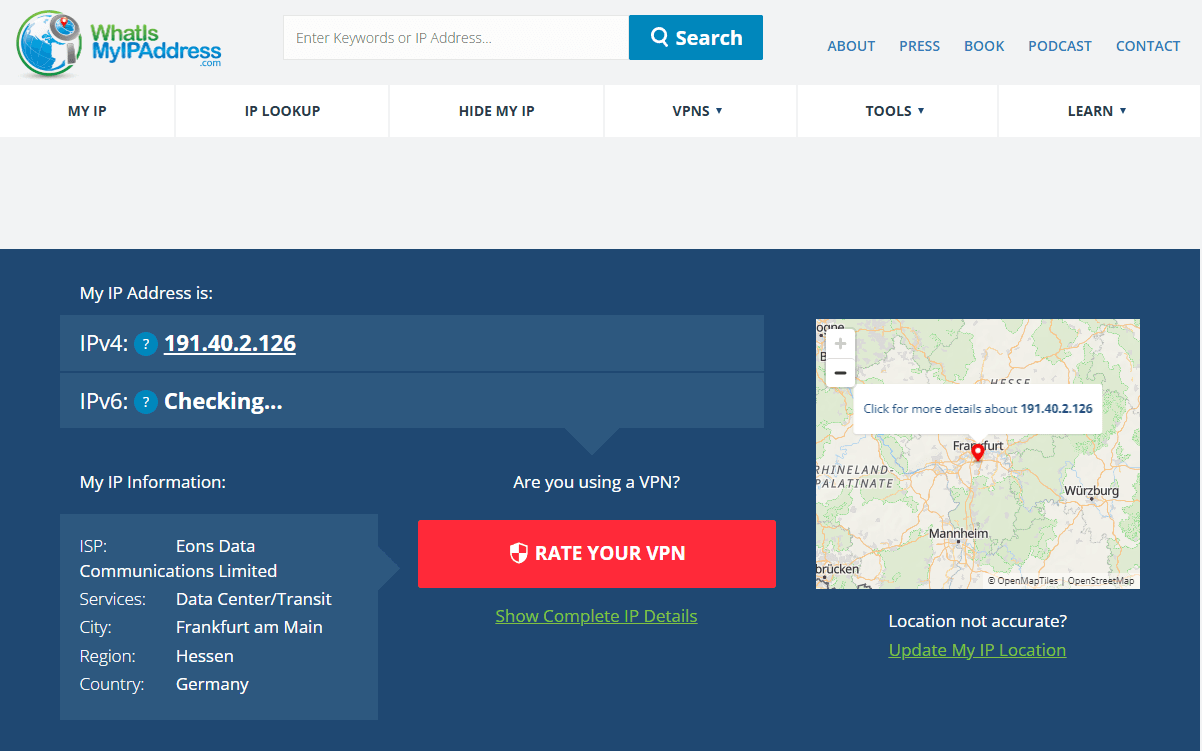
Beyond the IP address itself, it displays the country, region, city, ISP, and hostname. For average users, this data easily meets basic online IP lookup demands.
However, if your needs extend to proxy identification, IP risk scoring, or browser fingerprint inspection, it is recommended to pair it with a comprehensive tool like ToDetect.
3. WhatIsMyIP: Convenient for Quick International Queries
WhatIsMyIP is a classic global IP detection tool mainly used to check your current public IP, ISP, and geographic location.
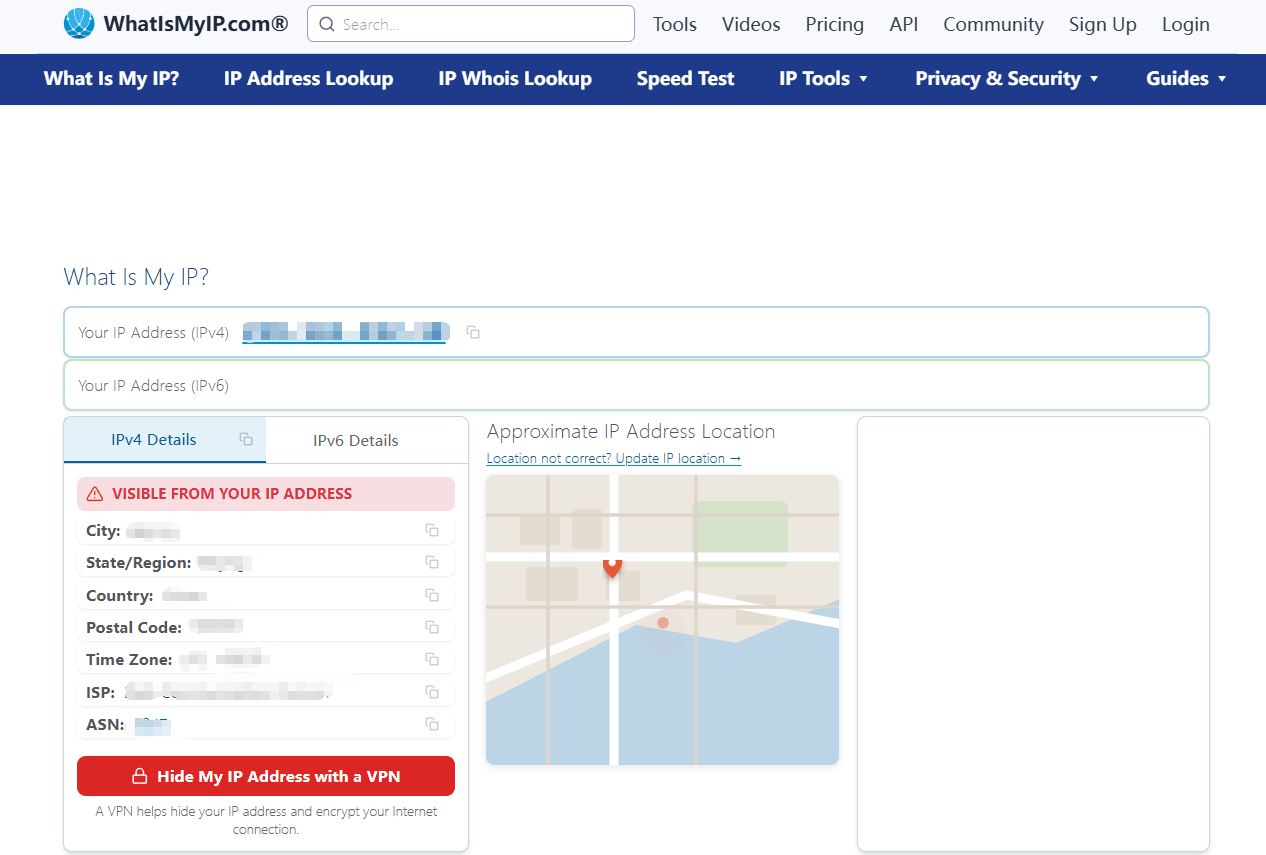
It serves well as a secondary lookup tool for users who frequently browse international websites.
It is ideal for quick "what is my IP address" checks. If you need to analyze proxy attributes, IP reputation, or browser environment parameters, pair it with professional analysis tools.
4. IPinfo: Designed for Developers and Tech Professionals
If you are a developer whose requirements go beyond manually looking up a few IPs to requiring structured data like ASN, carrier, and geolocation details, IPinfo is a great choice.
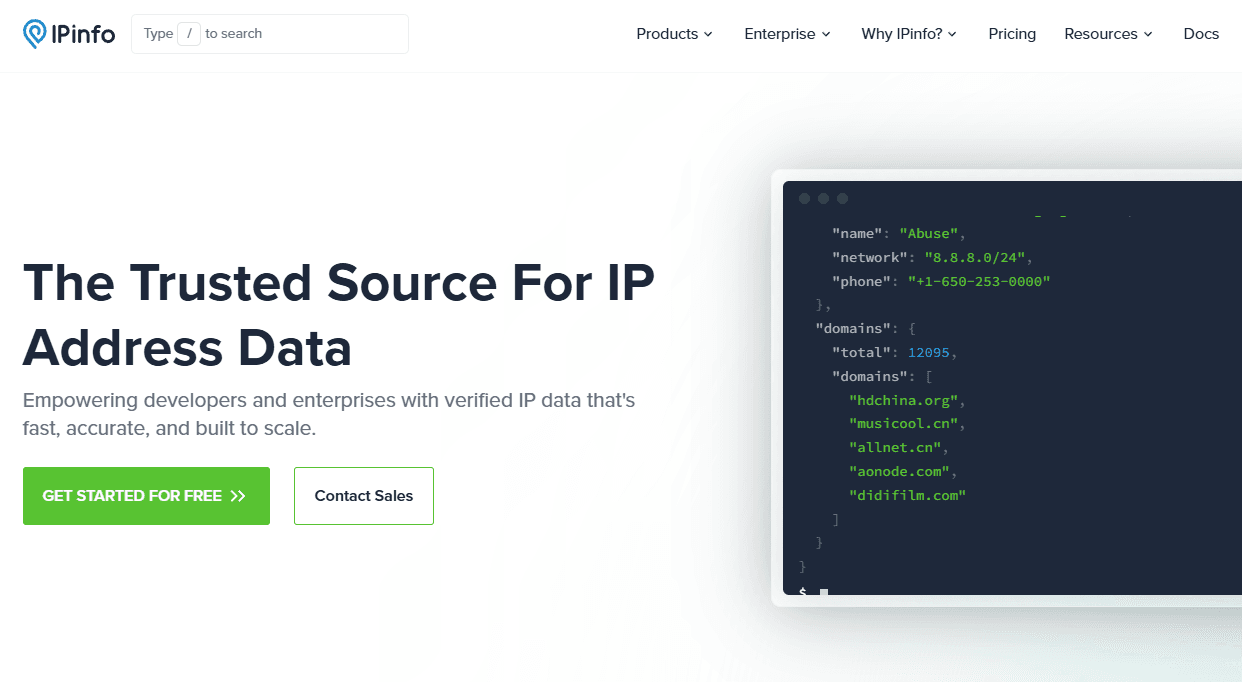
Its core advantage lies in rich data dimensions and API services tailored specifically for developers.
For scenarios like web application development, API integrations, and IP database analysis, tools like IPinfo offer significantly higher value than basic lookup pages.
3. Recommended IP Detection Tools Comparison Matrix (2026)
| IP Tool | Key Features | Proxy Check | Geolocation | Risk / Type Check | Rating |
|---|---|---|---|---|---|
| ToDetect | IP lookup, IP quality check, proxy detection, browser environment analysis | ✅ | ✅ | ✅ | ★★★★★ |
| WhatIsMyIPAddress | Public IP lookup, IP address, ISP, and basic geolocation | Basic | ✅ | Basic | ★★★★ |
| WhatIsMyIP | Public IP lookup, ISP, and location checks | Basic | ✅ | Basic | ★★★★ |
| IPinfo | IP data, ASN, carrier info, geolocation, developer APIs | ✅ | ✅ | ✅ | ★★★★★ |
4. What Key Factors Should You Focus On in Proxy IP Detection?
When checking a proxy IP, many people only look to see if the IP address has changed. In reality, that is only the first step.
First, confirm whether the IP switch was actually successful. If your public IP remains unchanged after configuring the proxy, the proxy connection might not be functioning properly.
Second, inspect the IP's country, region, carrier, and ASN information to ensure it aligns with your target location.
Third, focus on the IP type. For instance, residential, mobile, and data center IPs have vastly different network attributes and perform differently across various use cases.
Note that IP databases are not 100% accurate. Different platforms utilize different data sources, update cycles, and detection algorithms, so it is common for two websites to show slightly different results.
5. How to Choose the Right Free IP Detection Tool?
If you just need to check your current public IP, a basic tool is completely sufficient—no need to deal with complex platforms for simple data.
If you switch proxies frequently, opt for tools that combine IP lookup, proxy detection, IP classification, and risk scoring in one place so you can run a complete check in a single step.
For cross-border e-commerce sellers, social media managers, SEO specialists, or developers, comprehensive IP analysis sites with multidimensional data are highly recommended.
Besides IP data, pay attention to DNS leaks, WebRTC leaks, and browser fingerprint parameters. A complete evaluation makes it much easier to troubleshoot connection issues.
Based on practical experience in 2026, ToDetect excels at combining traditional IP queries with deeper network environment diagnostics. Its platform currently offers IP quality checks and browser fingerprint tests, making it ideal for advanced users.
6. Common Pitfalls During IP Detection
1. Do Not Treat Geolocation as an Exact Physical Location
The city displayed in IP databases does not necessarily mean the user is physically located there. Location discrepancies are common across mobile networks, enterprise setups, and proxy networks.
2. Do Not Test Only Once
The status of a proxy IP can change over time. If used for long-term account management or business testing, perform periodic checks to monitor IP type and risk status changes.
3. Do Not Blindly Trust "100% Clean IP" Labels
IP quality is a holistic concept. A single score from one site cannot determine if an IP is suitable for your specific use case. It is far more reliable to combine IP location, ASN, network type, proxy status, and actual connection performance.
Summary
Checking the IP, verifying its location, and evaluating its proxy attributes and network environment together form the most reliable approach to IP detection. Different tools serve different needs, and no single tool covers every scenario perfectly.
If you only need a quick IP lookup once in a while, a simple tool will do. If you manage proxies, run international operations, or need in-depth network auditing, using ToDetect for thorough IP checks every time you switch networks is highly recommended.
Finally, bookmark your favorite free IP detection tools so you can access them instantly whenever needed rather than searching for them on the fly.
