



 Resources
 Feature overview

 Ganesh
 2026-08-13 11:41
Nowadays, whether for daily web browsing, cross-border e-commerce, overseas business, or proxy IP usage, people care about whether the IP they are using is good, clean, and risk-free.
However, being able to "find an IP" does not mean "knowing its quality." Some IPs may look completely fine on the surface, but when actually used, they may cause frequent CAPTCHAs, access restrictions, and other issues.
There are many IP quality detection tools on the market today. Today, let's explore which online IP detection tool is more practical, whether free tools can meet daily needs, and which key metrics you should focus on when performing an IP quality check.

1. Why Perform an Online IP Quality Detection?
An IP address is just basic information; what truly affects the user experience is the network attributes behind the IP. Professional IP quality queries usually do not just look at the IP location, but comprehensively assess IP type, ASN, ISP, proxy attributes, risk scores, and certain blacklist information.
Some tools go further to test DNS, WebRTC, and browser environments to determine whether the current network environment suffers from leaks or inconsistency issues.
Therefore, if you just want to know "what is my IP", standard online IP lookup websites are sufficient; but if you want to know "whether this IP can be used stably in the long term", you should choose a more comprehensive IP quality detection tool.
2. What Are the Free IP Detection Tools Currently Available?
1. ToDetect: Best for Comprehensive IP Quality Detection
If you want to view a large amount of information at once, ToDetect is a tool worth trying first. It not only performs basic IP lookups but also provides IP quality scoring, proxy identification, and browser environment-related detection.
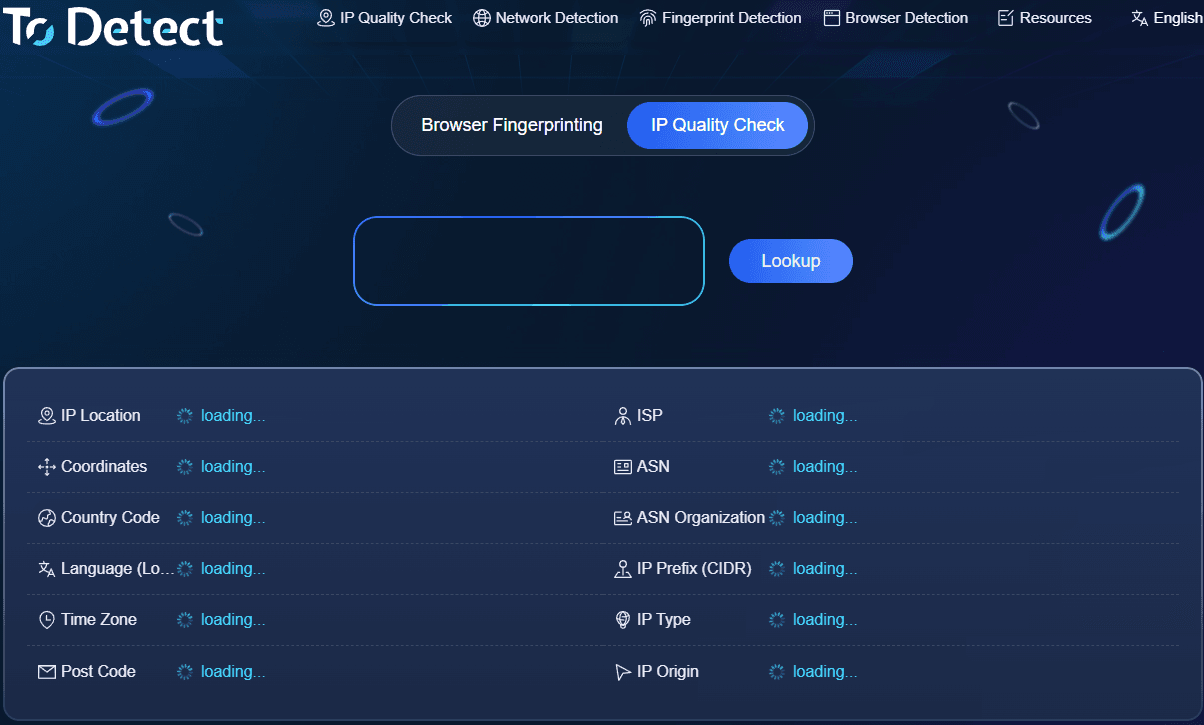
ToDetect is suitable for users who are not satisfied with just "IP address + geographic location." Upon opening the tool, you can check the quality score of the current IP, alongside IP type, network information, and environmental data such as DNS and WebRTC. Its official tool page explicitly provides IP quality detection and browser fingerprinting detection features.
If you regularly use proxy IPs or need to check overseas network environments, ToDetect's advantage lies in its concentrated information display, eliminating the need to switch back and forth between multiple websites. For beginners, this approach is also very easy to understand.
2. IPinfo: Best for Basic IP Information Queries
IPinfo leans more towards IP database and network information queries. If your main requirement is to view the country, region, ASN, ISP, and other details of an IP, it is very convenient.
This type of tool features highly professional information, but it is not specifically designed to determine "whether this IP is clean." Therefore, if you only need to run online IP lookups to check IP ownership and network operators, IPinfo is suitable; if you want to focus on assessing proxy attributes and risk, you will need to pair it with other IP detection tools.
3. IP2Location: Best for Checking IP Geographic & Network Info
IP2Location is another common IP query tool, suitable for users who need to check basic details such as IP geolocation and network type.
For average users, it serves more like an "IP data reference tool" rather than a pure IP risk detector. If you are doing website development, data analysis, or need to look up IP ownership info in bulk, you can use it as an auxiliary tool.
4. WHOER: Better Suited for Privacy and Network Environment Checks
WHOER's key feature is that besides querying IP information, it places significant focus on anonymity, network proxies, DNS, and other related details.
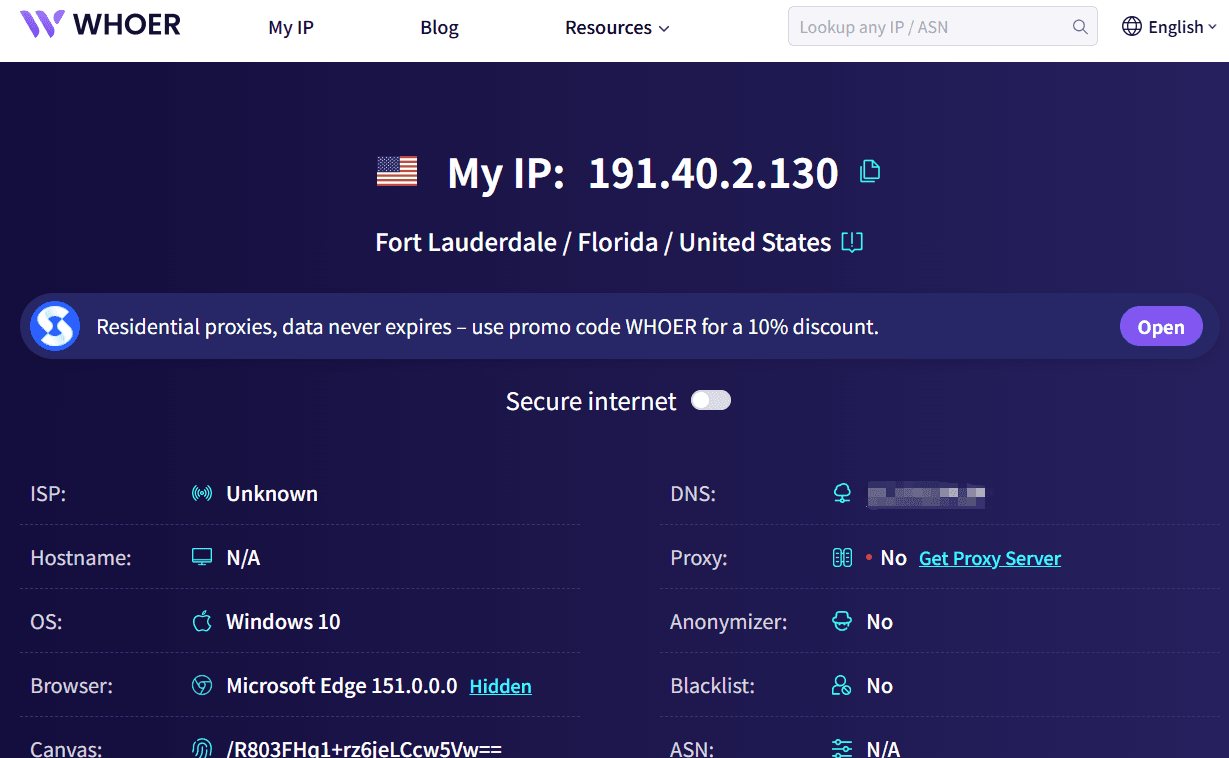
If your need is to check whether your current network environment has obvious information leaks, you can try tools like this. However, its focus differs from professional IP quality detection tools, so it is best chosen based on your specific requirements rather than simply looking at which site has the most features.
5. Scamalytics: Focused on IP Reputation and Risk Assessment
If you are particularly concerned about IP reputation and fraud risk indicators, Scamalytics is also a common choice. Its positioning is noticeably different from ordinary IP query tools, leaning heavily toward risk analysis.
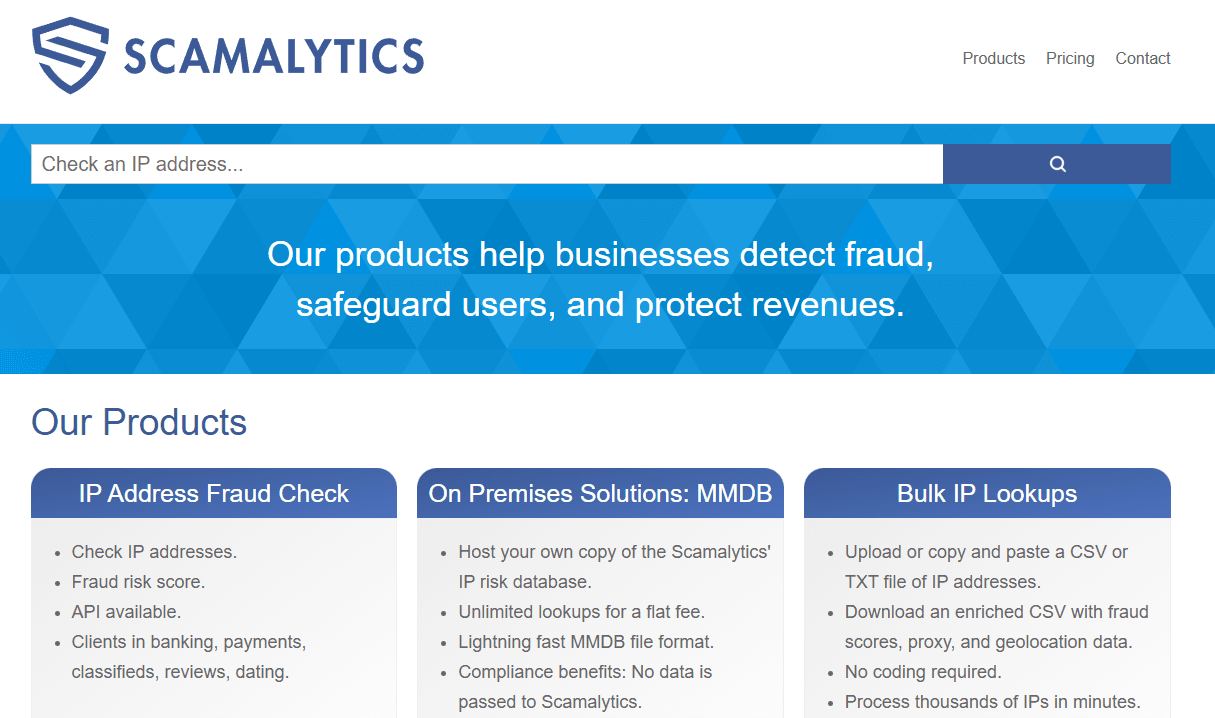
However, for ordinary users, some of the data and scores inside may seem overly technical. Therefore, if you just want to know where your current IP is located, there is no need to use such a complex tool; if your work involves e-commerce risk control, account security, and similar scenarios, it can serve as a valuable reference.
3. How to Choose Among Different IP Detection Tools? Comparison Table
| IP Detection Tool | ⭐ Core Advantage | 🔍 Main Inspection Content | 👤 Best Suited For | Recommendation Index |
|---|---|---|---|---|
| ToDetect | Comprehensive features, one-stop detection | IP quality, IP type, proxy, risk, DNS, WebRTC, browser environment | Cross-border e-commerce, overseas accounts, proxy IP users | ★★★★★ |
| IPinfo | Rich basic IP information | IP location, ASN, ISP, network type, proxy info | Developers, data analysts, general IP lookups | ★★★★☆ |
| IP2Location | Professional IP positioning & network data | Country/Region, city, ISP, network type, IP positioning | Enterprises, developers, data analysts | ★★★★☆ |
| Whoer | Convenient privacy & anonymity detection | IP lookup, degree of anonymity, DNS, WebRTC, etc. | Privacy-conscious users, proxy environment testers | ★★★★☆ |
| Scamalytics | Outstanding IP risk analysis | Fraud score, IP reputation, risk history, etc. | Risk management, e-commerce, security-related users | ★★★★☆ |
If you care about network privacy, in addition to online IP detection, you should also check whether your DNS and WebRTC are leaking. This is because sometimes the IP itself shows no obvious issues, but the browser environment exposes other network information, which can similarly impact actual performance.
4. Which Key Metrics to Focus on When Checking IP Quality?
When beginners perform IP quality checks, many fixate solely on the final "score." In reality, while scores are helpful references, you shouldn't rely on them alone.
First, look at the IP type. Residential IPs, mobile IPs, and data center IPs have different network attributes and distinct application scenarios. Next, check the ASN and ISP, which help you further determine what kind of network the IP belongs to.
Second is proxy identification. If a detection tool explicitly identifies the current IP as a Proxy or Hosting, you need to further verify whether it meets your specific requirements, especially for scenarios sensitive to network environments.
Then comes the risk history and reputation status. Whether an IP was heavily used in the past, exhibited abnormal behavior, or entered risk databases can all affect its actual performance.
Finally, don't forget to check DNS, WebRTC, and the browser environment. Many so-called "IP issues" today are not actually problems with the IP address itself, but rather inconsistencies across the broader network environment.
5. Criteria for Selecting Free IP Detection Tools
First, check if the features are complete. It should at least be able to query IP location, ISP, ASN, and network type; if it can also detect proxy risk and DNS/WebRTC leaks, its practical value will be significantly higher.
Second, check if the results are easy to understand. For everyday users, a mountain of technical parameters doesn't necessarily make a tool good. Being able to organize complex information into clear inspection results is far more important.
Third, check if it supports direct free detection. Often, we just want to quickly inspect an IP, and there's no need to purchase a service just for a quick quality query. Using free features for an initial evaluation before deciding whether deeper checks are needed is much more efficient.
Fourth, multi-dimensional detection capability is preferred. Today, evaluating whether an IP is suitable can no longer rely solely on country and city. It's best to holistically evaluate IP type, proxy attributes, risk scores, DNS, WebRTC, and other parameters together.
Overall Takeaway
Choosing an IP detection tool isn't simply about comparing "who has more features," but about whether it can solve your actual problem. After all, IP detection results are not a permanent, unchangeable "report card."
If you want a versatile, user-friendly tool, ToDetect is a great one to try first. It doesn't just focus on the IP address itself, but also helps you understand your current network environment across IP types, proxy attributes, DNS, WebRTC, and more.
Checking an IP is only the first step—determining whether the IP is suitable for your use case is the true value of online IP detection. Picking the right tool and understanding key indicators matter far more than blindly chasing a high-looking IP score.
