



 Resources
 Feature overview

 Ganesh
 2026-06-05 10:47
Have you ever done this? When you want to check your IP address, your first instinct is to open Baidu and type "What is my IP?". Then you wait a few seconds, click the first result, copy the IP address, and close the page.
In reality, this approach is not only cumbersome but also provides limited information. This is especially true for cross-border e-commerce sellers and social media operators.
Today, let's talk about why more and more users are turning to professional online IP lookup tools and what features a reliable IP detection website should offer.

1. Why Are More People Using Online IP Lookup Tools?
As cross-border e-commerce, social media operations, and cybersecurity needs continue to grow, IP addresses have become increasingly important. For example:
• Cross-border e-commerce sellers need to verify whether their current outbound IP is working properly;
• International marketers need to confirm that their proxy IP is active;
• Website administrators need to troubleshoot access restrictions;
• Developers need to identify the public IP address of their servers;
Compared with entering commands in a terminal or logging into a router's control panel, online IP lookup tools are much simpler and can provide results within seconds.
2. Searching "What Is My IP?" Is Not Always the Best Option
Many users simply type "What is my IP?" into Baidu or Bing. While search engines can display your current public IP address, they usually provide only the IP itself.
In real-world scenarios, users often need additional information such as public IP address, IP geolocation, ISP details, IPv4 and IPv6 status, browser information, and DNS data.
This information is essential for network diagnostics and environment verification, yet standard search results rarely provide a complete picture. As a result, professional IP lookup websites are gradually replacing traditional search methods.
3. Comparing Different Online IP Lookup Experiences
4. ToDetect Lets You Check Your IP Instantly
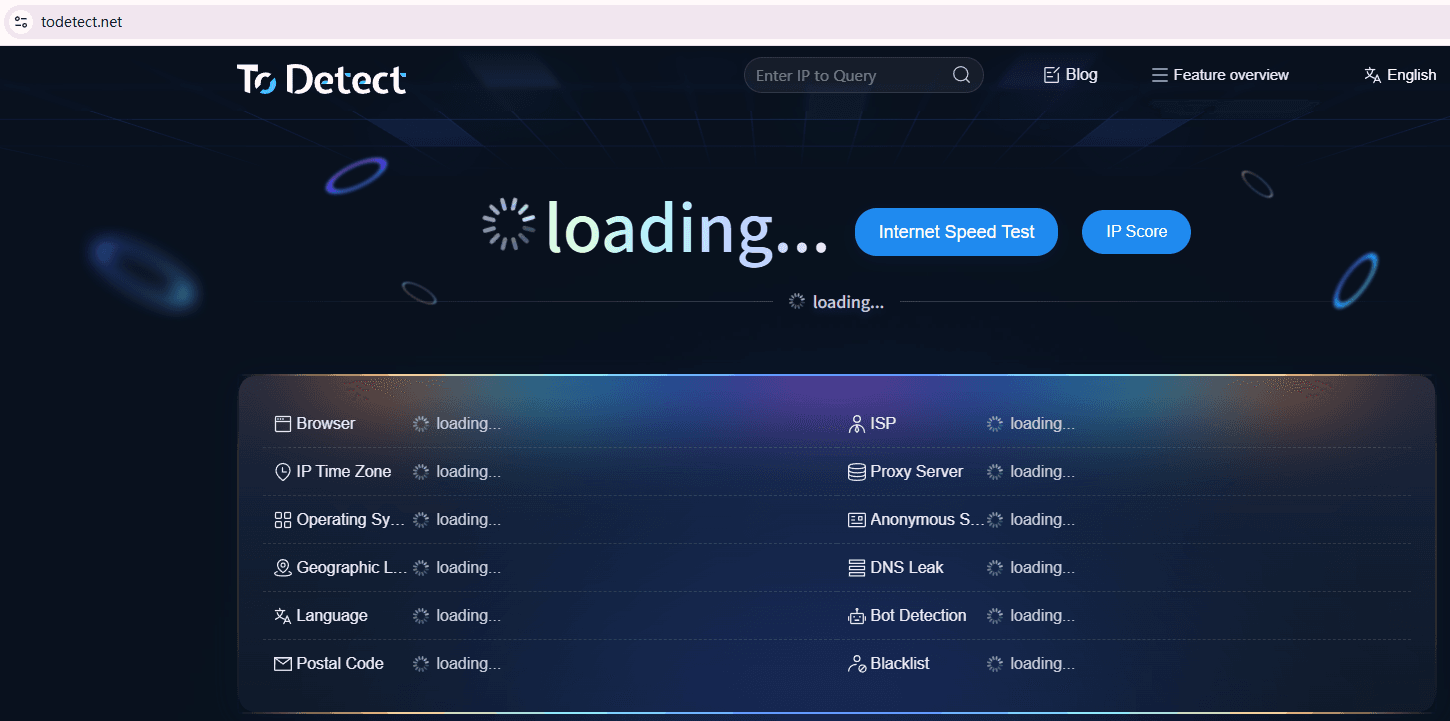
The biggest advantage of ToDetect is its simplicity. There is no need to register an account or install any software. Simply open the website and it automatically analyzes your current network environment.
Once loaded, the platform quickly displays your public IP address, country and region, ISP information, IPv4 status, IPv6 status, browser fingerprint data, and DNS-related network information.
This is especially useful for cross-border business professionals who frequently need to verify whether their proxy connection has been switched successfully. In most cases, the entire process takes only a few seconds.
5. What Features Should a Professional IP Lookup Website Have?
1. Fast and Accurate IP Detection
If a website takes more than a few seconds to load results, many users will simply leave. A quality IP lookup service should display results immediately after the page loads.
2. IPv4 and IPv6 Support
As IPv6 adoption increases, more networks support dual-stack connectivity. A professional IP lookup platform should display both IPv4 and IPv6 status information.
3. Detailed Geolocation Information
Users care about more than just the IP address itself. They often want to know the country, city, and ISP associated with the IP. This information is valuable for cross-border operations, advertising campaigns, and server management.
4. Proxy Detection Capabilities
For international business operators, simply knowing the IP address is not enough. They also need to determine whether the proxy is working correctly, whether DNS leaks exist, whether the real IP is exposed, and whether the browser environment is abnormal.
5. Cross-Device Compatibility
Professional IP lookup websites should support Windows PCs, Mac computers, Android devices, iPhones, and tablets, allowing users to perform IP checks from any device.
6. Online IP Lookup FAQ
1. Why do search engines and professional IP lookup websites show different results?
Different data sources are usually the reason. Search engines typically display only your public IP address, while professional tools combine ISP databases, geolocation databases, and network diagnostics to provide more comprehensive results.
2. Why does IP Detection still show my real location after enabling a proxy?
This is often caused by DNS leaks, WebRTC leaks, or incomplete proxy configuration. Even if your public IP has changed, browsers and operating systems may still expose real network information.
3. Is it normal for my IP address to change frequently?
For residential broadband users, dynamic IP addresses are completely normal. ISPs periodically assign new IP addresses. However, frequent changes between regions or countries may trigger security checks on some platforms.
4. Why are cross-border e-commerce sellers so concerned about IP detection?
Many e-commerce platforms use IP addresses to evaluate account login environments. If multiple accounts share the same IP address or if the IP location changes unexpectedly, it may increase account review risks.
5. How can I verify whether my proxy IP is actually working?
The easiest method is to use a professional IP lookup tool. If the displayed country, region, and ISP match the proxy endpoint and no DNS leaks or real IP exposure are detected, the proxy is likely functioning correctly.
Final Thoughts
Today's network environments are becoming increasingly complex. In many cases, users need much more than just an IP address—they need a complete picture of their network status, including proxy usage and DNS integrity.
The real strength of ToDetect is not simply IP lookup. It consolidates multiple network diagnostics into a single page, making it easy to understand your current network environment at a glance.
Whether you want to check your public IP address, perform advanced IP diagnostics, verify proxy configurations, or analyze IPv6 connectivity, everything can be completed in one place.
