



 Resources
 Feature overview

 Ganesh
 2026-08-19 10:56
When many people first encounter IP checking, their thought is very simple: open a website, take a look at "what is my current IP," and that's it. However, once you actually use a proxy or cross-border network, you'll realize that IP detection is far more complex than imagined.
When looking for a reliable IP detection website, the key is not how pretty the page looks, but whether it can present information such as IP address, geolocation, ISP, ASN, proxy attributes, and potential network leaks as completely as possible.
Below, I have picked 4 tools worth bookmarking and will talk about them in terms of detection capabilities, user experience, and target audience. There is no absolute "Number 1" here—it mainly depends on what you actually need to check.

1. ToDetect: Comprehensive features, suitable for deep IP detection
If you don't just query IP addresses but frequently need online IP detection and proxy IP checks, ToDetect is definitely worth adding to your bookmarks. Its distinguishing feature is clear: it doesn't just provide a simple IP address result, but analyzes both the network environment and the browser environment together.
Upon opening ToDetect, you can view your current IP information along with geolocation, ISP, ASN, and IP type data. Going a step further, it also provides browser fingerprinting, DNS leak, and WebRTC leak detection.
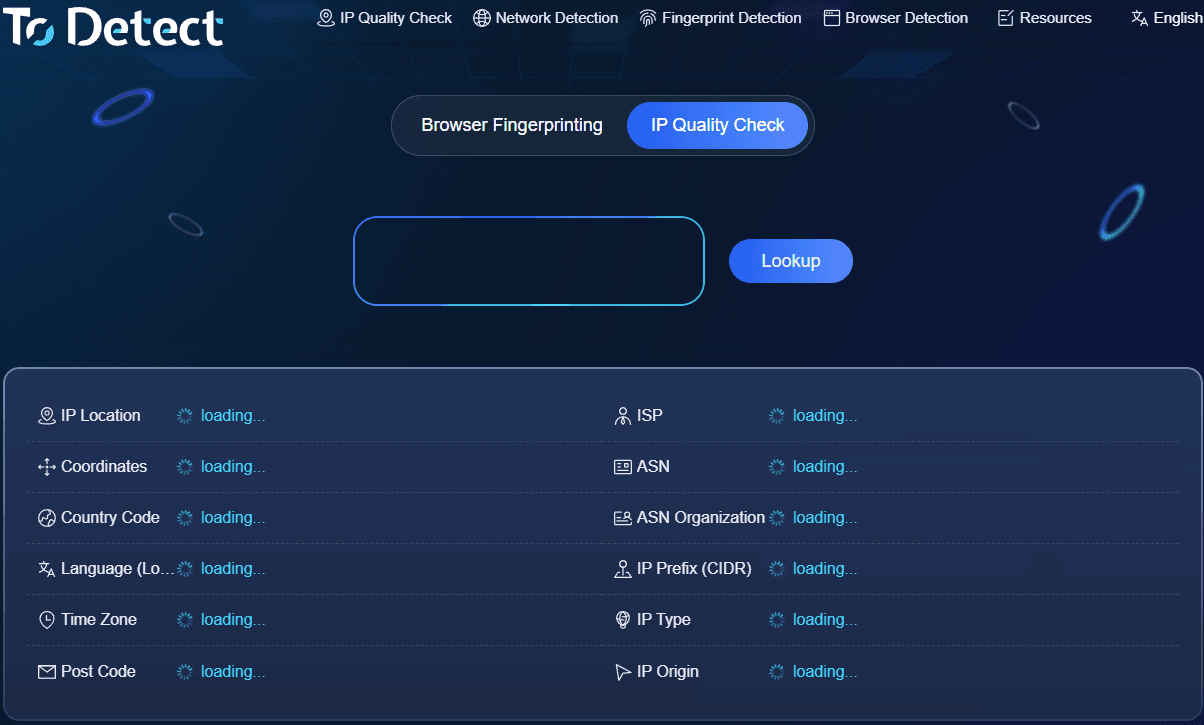
For users who want to verify whether "the proxy is actually working" or "the real IP is leaking," it is much more practical than simple IP lookup sites. Its official website currently lists IP quality detection, network detection, and browser fingerprinting as its main features.
In actual use, I recommend viewing ToDetect as a comprehensive online IP detection tool rather than a basic "what is my IP" site. In particular, it's best to run a check before using a proxy IP and another after switching proxies to compare the IP, location, ASN, and proxy status. If you engage in cross-border e-commerce, overseas social media management, or need to maintain multiple network environments, this method will save you a lot of effort.
2. IPinfo: Basic IP data query with rich data dimensions
The second recommendation is IPinfo. It is very professional regarding IP data, making it ideal for users who want a deeper understanding of "what network lies behind" a specific IP. Beyond IP address and geolocation, you can inspect ISP, ASN, as well as proxy, Tor, and residential proxy attributes.
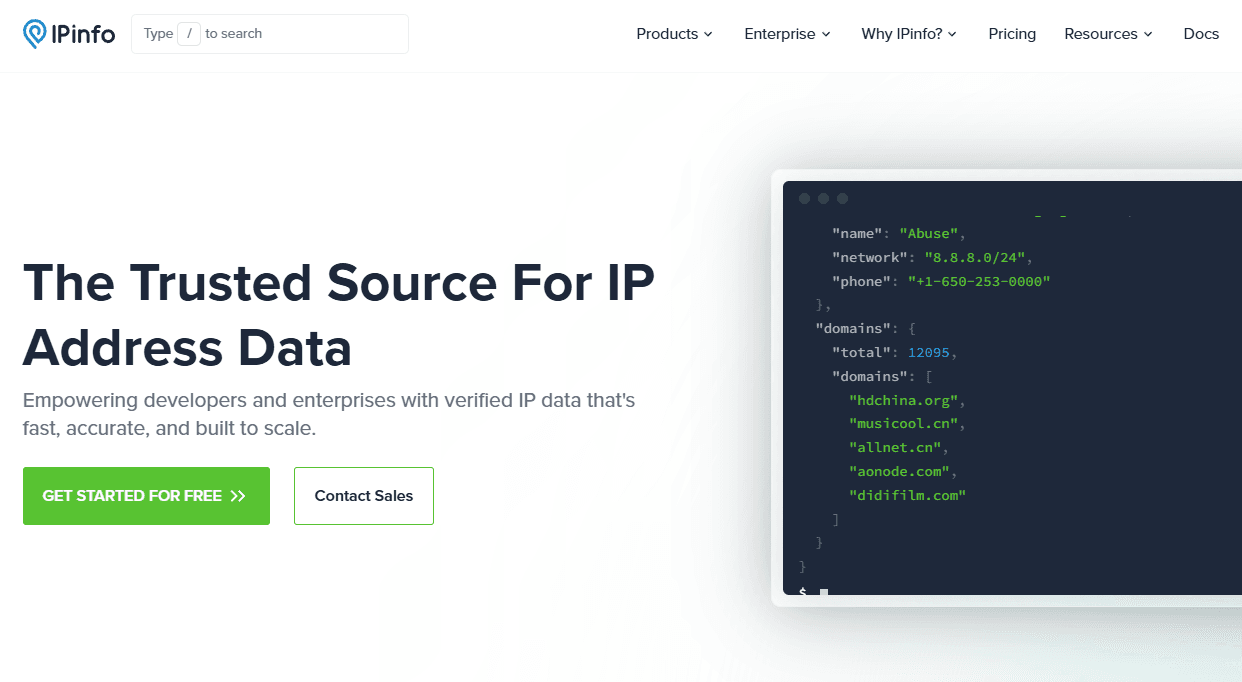
Official IPinfo data shows that it provides IP address-related data services capable of returning IP owner, geolocation, and anonymization type information, while also offering API and database services.
Its strength lies in its systematic information, especially when querying overseas IPs. However, if you simply want to know "what is my current public IP," using it might be overkill.
3. IPLeak: Focused on DNS and WebRTC leak checks
The third tool is IPLeak. The biggest difference between this site and the previous two is that it focuses more on network privacy and leak detection rather than just looking up IPs.
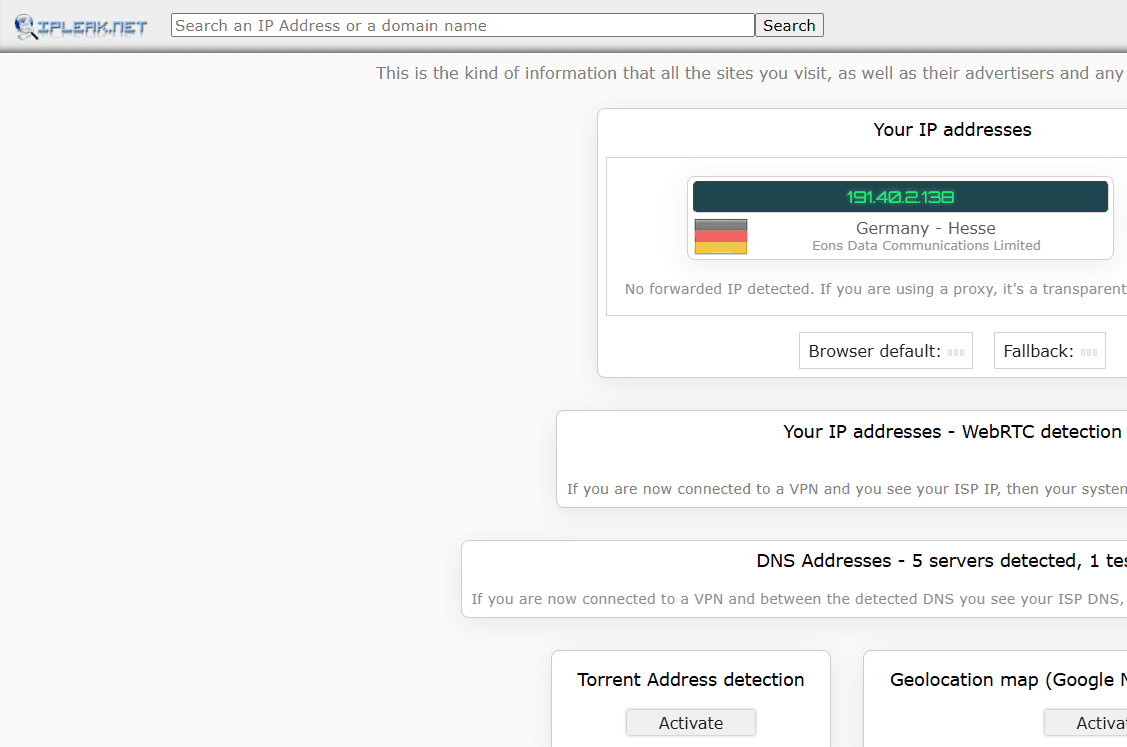
Many people assume that once the displayed IP on a webpage changes after using a proxy, the environment has been fully switched. That is not necessarily true. Sometimes, browser WebRTC and DNS requests may still expose your original network information.
Therefore, if your goal is "proxy IP detection," it is recommended not only to check the proxy exit IP but also to inspect DNS and WebRTC. Performing a full check after switching proxy servers or browser environments is much safer.
Granted, IPLeak's page contains a lot of information, which may feel overwhelming to beginners at first. But if you truly care about online IP detection, DNS leak testing, and WebRTC leak testing, spending a few minutes to familiarize yourself with it is very worthwhile.
4. IPIP: Ideal for basic IP lookup and technical verification
The fourth one to check out is IPIP. It leans heavily toward IP address databases and network information queries, making it convenient for developers, DevOps engineers, and anyone needing to verify IP ownership data.
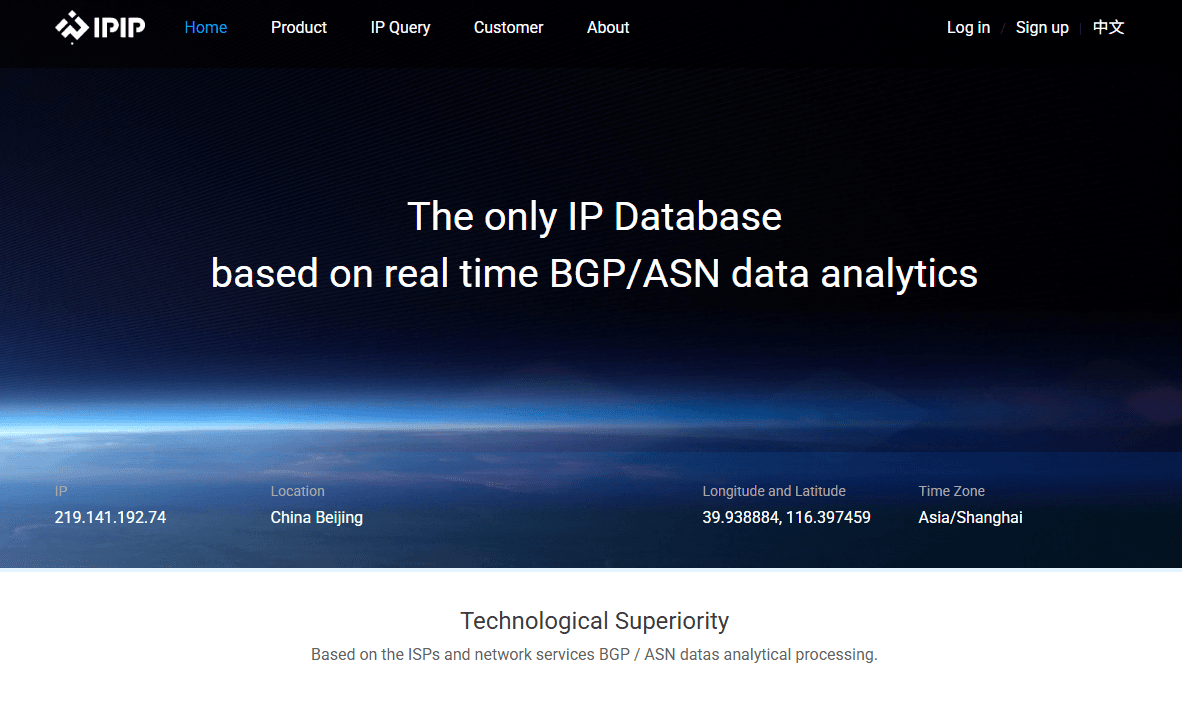
Its advantage isn't fancy visuals, but straightforward query logic. If you want to verify which country, region, or carrier an IP belongs to, or need basic IPv4/IPv6 details, this type of tool is more than sufficient.
5. How to choose among the four IP detection sites? It depends on your needs
| Rank | IP Detection Site | Rating | Key Features | Target Audience |
|---|---|---|---|---|
| ⭐ No. 1 | ToDetect | ⭐⭐⭐⭐⭐ | IP lookup, proxy IP detection, DNS/WebRTC leak checks, browser environment testing, highly comprehensive features | Cross-border e-commerce, overseas social media, proxy users, general users |
| No. 2 | IPinfo | ⭐⭐⭐⭐½ | Rich information on IP location, ASN, carrier/ISP, and IP types | Developers, technical staff, overseas IP lookup users |
| No. 3 | IPLeak | ⭐⭐⭐⭐ | Outstanding detection for IP, DNS, and WebRTC leaks | Proxy users, privacy-conscious users |
| No. 4 | IPIP | ⭐⭐⭐⭐ | IP geolocation, ISP, and basic network information lookup | General users, developers, IP data verification |
Summary
There is no need to blindly chase the title of "most authoritative" when selecting an IP detection website, as data sources, update frequencies, and detection methodologies differ across platforms. In actual practice, you should choose according to your specific needs.
If you just want to quickly check your public IP, a simple online IP lookup tool is enough. If you need to judge whether a proxy IP is functioning properly, prioritizing ToDetect to check for DNS and WebRTC leaks is recommended.
If you frequently run into questions like "what to do if IP detection is inaccurate," "how to test if a proxy IP is working," or "what information online IP detection can reveal," consider bookmarking these 4 websites.
